

Zoho Flow
Developer :Zoho
Learn more
Why Integrate Mailercloud with Zoho Flow?

Automate Lead Management

Improve Customer Engagement

Streamline Data Management

Synchronize data, automate tasks, and optimize your email campaigns


Key Features
Automated Workflows: Design workflows to trigger email campaigns when a new lead is added, a deal is closed, or a form is submitted.
Conditional Logic: Set up conditional workflows to send targeted emails based on customer behavior or data.
Predefined Templates: Access ready-made templates for common workflows to get started quickly.
Error Handling: Manage errors with ease using Zoho Flow's built-in debugging tools.
Popular Use Cases
Welcome Email Automation: Automatically send a welcome email to new leads added to your CRM.
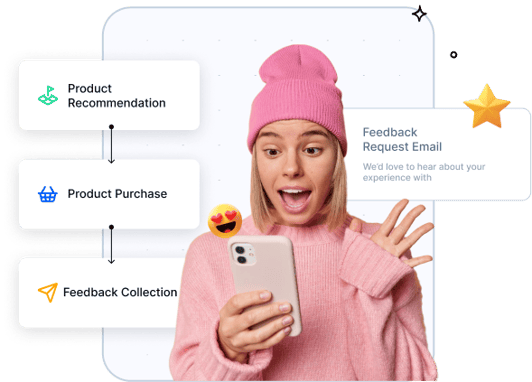
Customer Feedback Requests: Trigger feedback request emails after a deal is marked as won.
Event Registrations: Sync event registrants to Mailercloud and send them automated follow-up emails.
How to Get Started
- Sign Up: Ensure you have active accounts with Mailercloud and Zoho Flow.
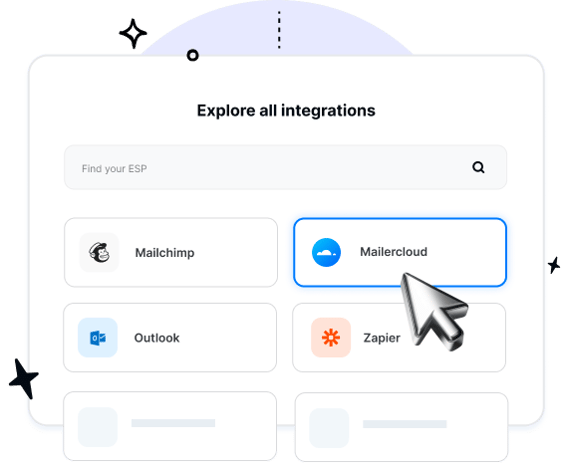
- Connect Mailercloud: Log in to Zoho Flow, search for Mailercloud, and connect your account.
- Create a Flow: Use the drag-and-drop builder to design your workflow. Select triggers and actions based on your use case.
- Test and Publish: Test your workflow to ensure it functions as expected, then publish it.
Get Started with Zoho flow and Mailercloud
Integrating Mailercloud with Zoho Flow is simple and can transform the way you manage your email marketing campaigns. Visit Mailercloud Integrations to learn more and start building your automated workflows today.