Last updated: October 2026 | Pricing checked on October 15, 2026 | 10 min read
Picking newsletter software used to be simple: you chose Mailchimp. Now there are platforms built for very different kinds of newsletters. Some are made for writers who want paid subscriptions. Some are for creators who sell products. Others are for businesses that send a monthly update to customers.
We compared eight email newsletter platforms on what matters for a newsletter: the writing and design experience, list growth tools, ways to earn money, free plans and price at 1,000, 5,000 and 10,000 subscribers. Prices come from each vendor’s pricing page on October 15, 2026.
Our pick for businesses that send a regular newsletter is Mailercloud. It’s free for 1,000 subscribers and $10/month for 5,000 with unlimited sends. If you’re a writer building a paid newsletter, beehiiv, Kit or Substack fit better, and we explain why.
Quick Answer: Mailercloud is the best email newsletter software for businesses in 2026: free for 1,000 subscribers and $10/month for 5,000 with unlimited sends. beehiiv is best for newsletter businesses (ad network, 0% fee on paid subscriptions), Kit for creators selling products (free up to 10,000 subscribers), and Substack for writers who want a free start (it takes 10% of paid revenue).
Table of Contents
What Kind of Newsletter Are You Running?
Start here, because it decides the shortlist:
- A business newsletter (product news, tips, offers for customers). You need a good editor, segmentation, automation and low cost per subscriber. → Mailercloud, MailerLite, EmailOctopus, Mailchimp.
- A creator newsletter that sells products (courses, templates, coaching). You need built-in selling and automations. → Kit.
- A media-style newsletter (the newsletter is the product, funded by ads or paid subscriptions). You need growth tools, a website and monetisation. → beehiiv, Substack.
Sidenote: Whatever you choose, list quality matters more than the tool. Gmail and Yahoo now require bulk senders to authenticate their domain, keep spam complaints low and offer one-click unsubscribe. See Google’s sender guidelines and Yahoo’s best practices.
How We Compared
- Editor and templates: how quickly can you build a good-looking issue?
- Growth: signup forms, landing pages, referrals and recommendations.
- Monetisation: paid subscriptions, ads and product sales.
- Free plan limits.
- Price at 1,000, 5,000 and 10,000 subscribers, monthly billing where shown.
Email Newsletter Software at a Glance
| Platform | Best For | Free Plan | Price at 5,000 | Price at 10,000 |
|---|---|---|---|---|
| MailercloudOur Pick | Business newsletters | 1,000 subs | $10/mo | $50/mo |
| beehiiv | Newsletter businesses | 2,500 subs | Lite from $49 (yearly) | Scales |
| Kit | Creators selling products | 10,000 subs | $89/mo | $139/mo |
| Substack | Free paid newsletters | Free | 10% of paid revenue | 10% of paid revenue |
| MailerLite | Design for small teams | 250 subs | $49/mo | $89/mo |
| EmailOctopus | Simple, low cost | 2,500 subs | $31.50/mo | $44.50/mo |
| Mailchimp | Integrations | 250 contacts | $75/mo | $110/mo |
| Sender | Big free plan | 2,500 subs | Low-cost | Low-cost |
1. Mailercloud — Best Newsletter Software for Businesses
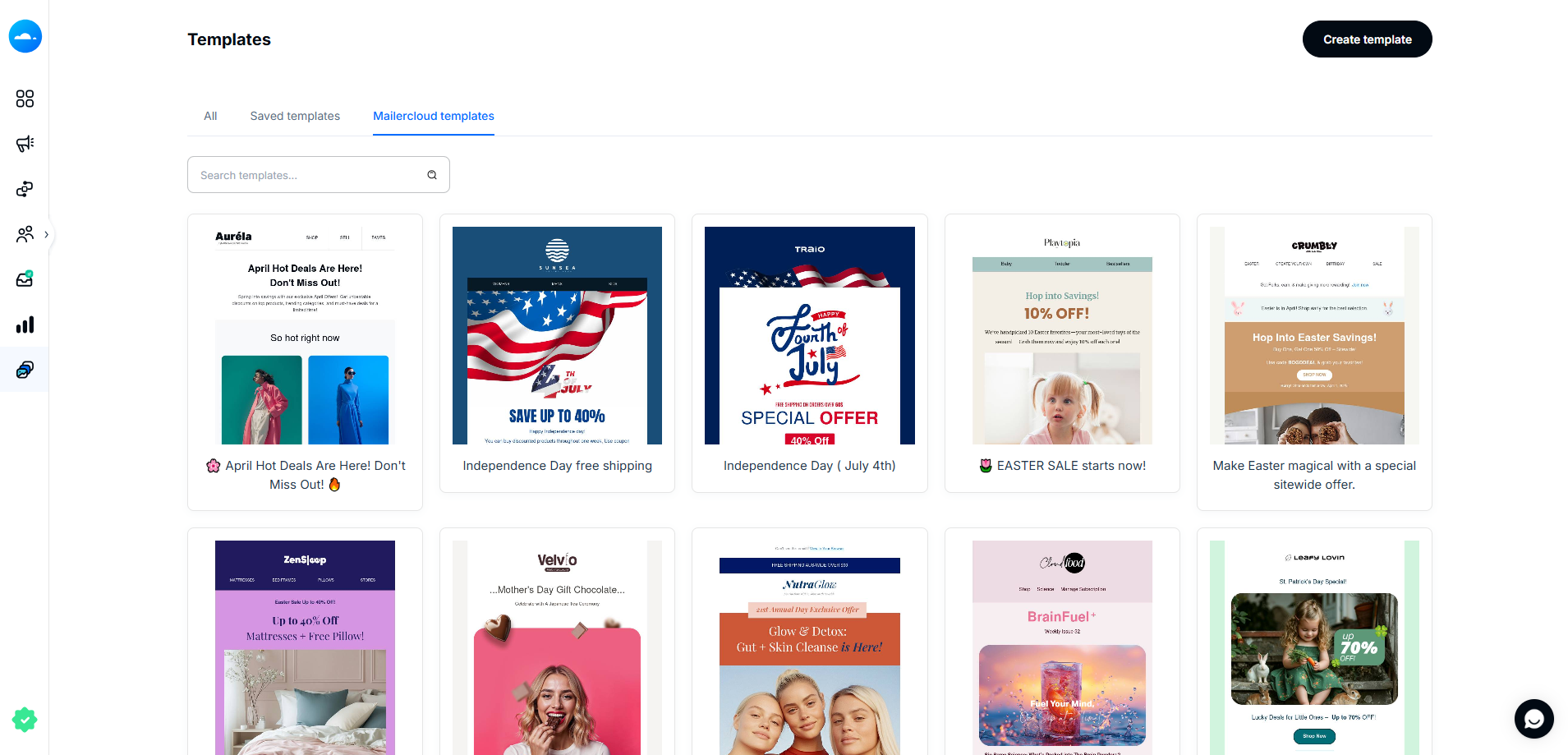
Mailercloud is the best email newsletter software for businesses in 2026. It’s free for 1,000 subscribers and 12,000 emails a month, then $10/month for 5,000 subscribers with unlimited sends. Kit Creator costs $89 at that size and MailerLite $49.
The drag-and-drop builder and template gallery make it quick to build a branded issue, and the custom HTML editor is there if you have your own design. Signup forms grow the list, a welcome automation greets new subscribers, and segmentation lets you send each topic to the readers who want it. The Inbox Tracker shows whether each issue lands in the inbox, Promotions or spam.
Mailercloud isn’t built for paid newsletters. There’s no paywall, ad network or hosted newsletter website. If your newsletter is the product you sell, look at beehiiv or Substack.
Key features
- Free plan: 1,000 subscribers, 12,000 emails a month
- Premium: unlimited sends from $10/month (5,000 subscribers)
- Drag-and-drop builder, template gallery and custom HTML editor
- Signup forms, welcome automation and segmentation
- A/B testing and AI subject lines on Premium
- Inbox Tracker and built-in email verifier
✅Mailercloud Pros:
- Free for 1,000 subscribers; $10/month for 5,000 with unlimited sends
- Drag-and-drop builder, template gallery and custom HTML editor
- Signup forms, welcome automation and topic segmentation
- Inbox Tracker shows inbox vs Promotions vs spam for each issue
- A/B testing and AI subject lines on Premium
- 30% off on annual billing
❌Mailercloud Cons:
- No paywall or paid-subscription features
- No ad network or hosted newsletter website
- Smaller integration library than Mailchimp
💰Pricing: Free for 1,000 subscribers; Premium from $10/month for 5,000 (30% off annually).
Pricing: Free for 1,000 subscribers; Premium from $10/month for 5,000, 30% off annually.
Best for: Businesses sending a regular customer newsletter on a budget.
Try Mailercloud free — build and send your newsletter to 1,000 subscribers free, then $10/month for 5,000.
2. beehiiv — Best for Newsletter Businesses
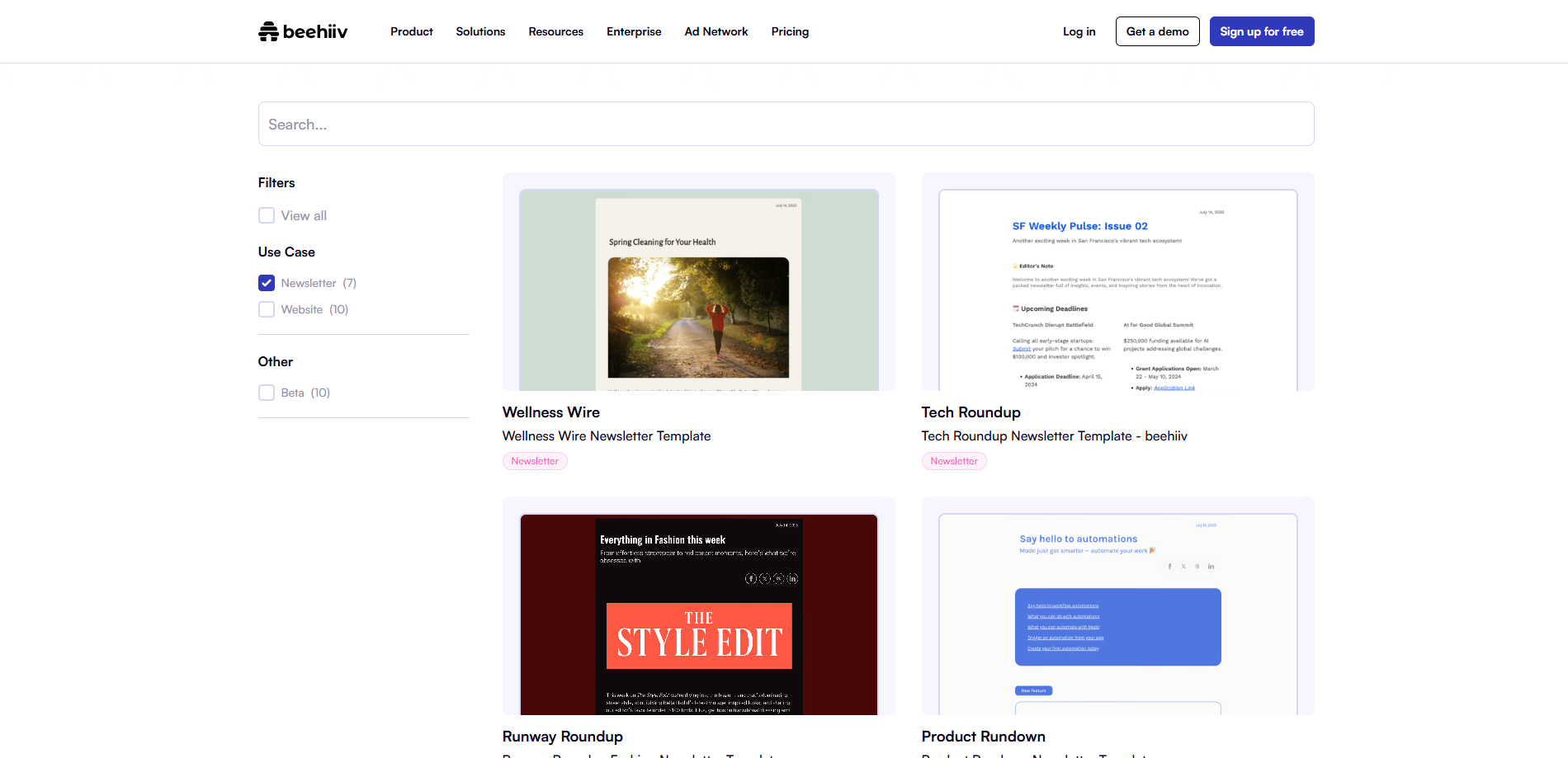
beehiiv is built for people whose newsletter is the business. It includes a hosted newsletter website, a recommendation network to grow your list, paid subscriptions and an ad network that pays you to run sponsor placements.
The free plan covers up to 2,500 subscribers. beehiiv recently renamed its plans: Lite costs $49/month and Pro $95/month on yearly billing at 1,000 subscribers, with up to 20% saved compared with monthly billing. beehiiv takes 0% of paid subscription revenue (Stripe’s processing fees still apply).
✅beehiiv Pros:
- Built for growing and monetising a newsletter
- Ad network and recommendation network
- 0% platform fee on paid subscriptions
- Free up to 2,500 subscribers
❌beehiiv Cons:
- Paid plans start at $49/month (yearly billing)
- Less suited to business campaigns and automation
- Branding removal needs Pro
💰Pricing: Free up to 2,500 subscribers; Lite from $49/month; Pro from $95/month (yearly billing, 1,000 subscribers).
Best for: Writers and media brands growing an independent newsletter. Compare it with Substack in our beehiiv vs Substack guide.
3. Kit — Best for Creators Who Sell Products
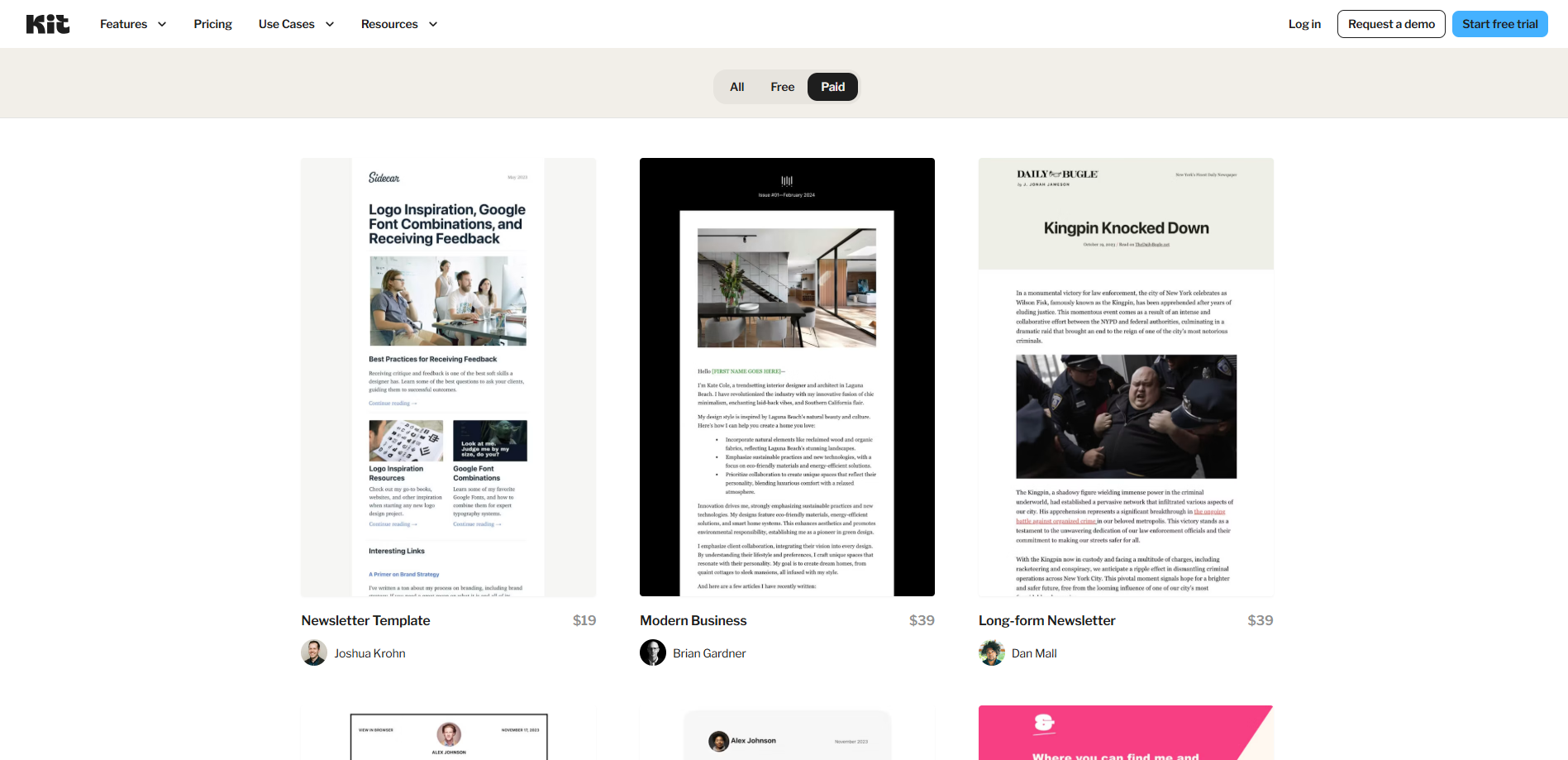
Kit (formerly ConvertKit) is built for creators. You can sell digital products, paid newsletters and subscriptions on every plan, and the Recommendations network helps other creators send subscribers your way. If you’re weighing creator tools, see our Kit alternatives.
The free plan covers up to 10,000 subscribers with unlimited broadcasts but no automations. Creator, which adds visual automations and sequences, costs $39/month at 1,000 subscribers, $89 at 5,000 and $139 at 10,000 on monthly billing. Kit charges 3.5% + 30¢ per sale.
✅Kit Pros:
- Free for up to 10,000 subscribers (broadcasts)
- Built-in selling on every plan
- Strong creator automations on Creator
❌Kit Cons:
- No automations on the free plan
- Expensive at scale: $139/month at 10,000
- Simpler, text-led email design
💰Pricing: Free up to 10,000 subscribers; Creator $39 at 1,000, $89 at 5,000, $139 at 10,000.
Best for: Creators selling courses, templates or coaching. See MailerLite vs Kit for a head-to-head comparison.
4. Substack — Best Free Option for Paid Writing
Substack is free to use. Instead of charging a subscription, it takes 10% of paid subscription revenue, plus payment processing fees. You get a publication website, comments, podcasts and video, and the Substack app helps readers discover new newsletters.
The trade-off is control. Design options are limited, there’s little segmentation or automation, and your brand lives inside Substack’s network.
✅Substack Pros:
- Free to start, with no monthly fee
- Built-in discovery through the Substack app and network
- Simple to publish posts, podcasts and video
❌Substack Cons:
- Takes 10% of paid subscription revenue
- Very limited design, segmentation and automation
- Less control over your brand
💰Pricing: Free; 10% of paid subscription revenue plus processing fees.
Best for: Writers who want to launch a paid newsletter with zero setup cost. See our Substack alternatives if you want more control.
5. MailerLite — Best Design for Small Teams
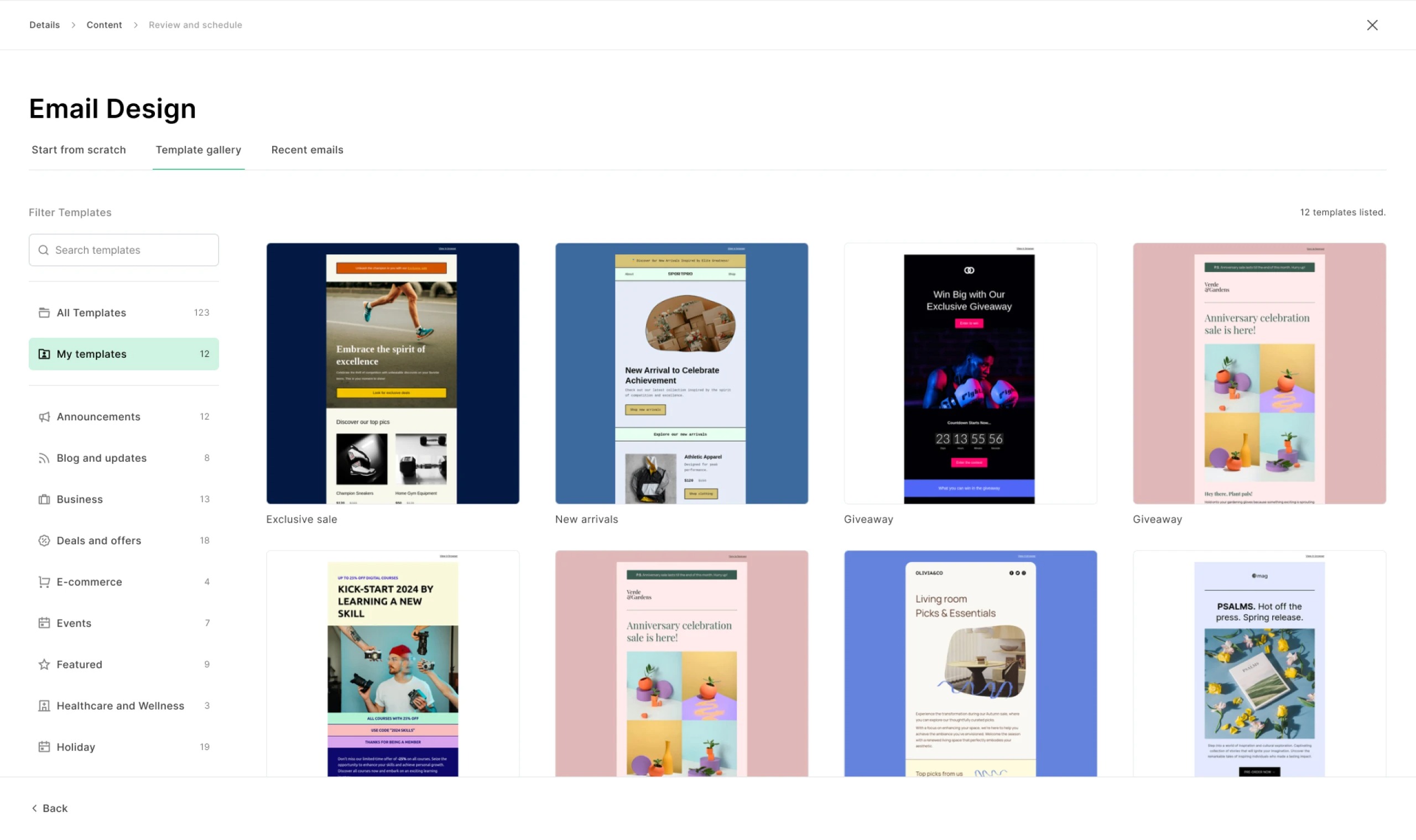
MailerLite has one of the cleanest editors in the category, plus landing pages, a website builder, popups and a blog feature. It renamed its plans this year to Comfort and Power. For other options, see our MailerLite alternatives.
On monthly billing, Comfort costs $19 at 1,000 subscribers, $49 at 5,000 and $89 at 10,000. The free plan covers 250 subscribers and 2,500 emails a month.
✅MailerLite Pros:
- Clean editor and attractive templates
- Landing pages, website builder and popups included
- Good automation for the price
❌MailerLite Cons:
- Free plan limited to 250 subscribers
- Comfort caps sends at 10x your subscriber count
💰Pricing: Free (250 subscribers); Comfort $19 at 1,000, $49 at 5,000, $89 at 10,000.
Best for: Small teams who care about design.
6. EmailOctopus — Best Simple, Low-Cost Newsletter Tool
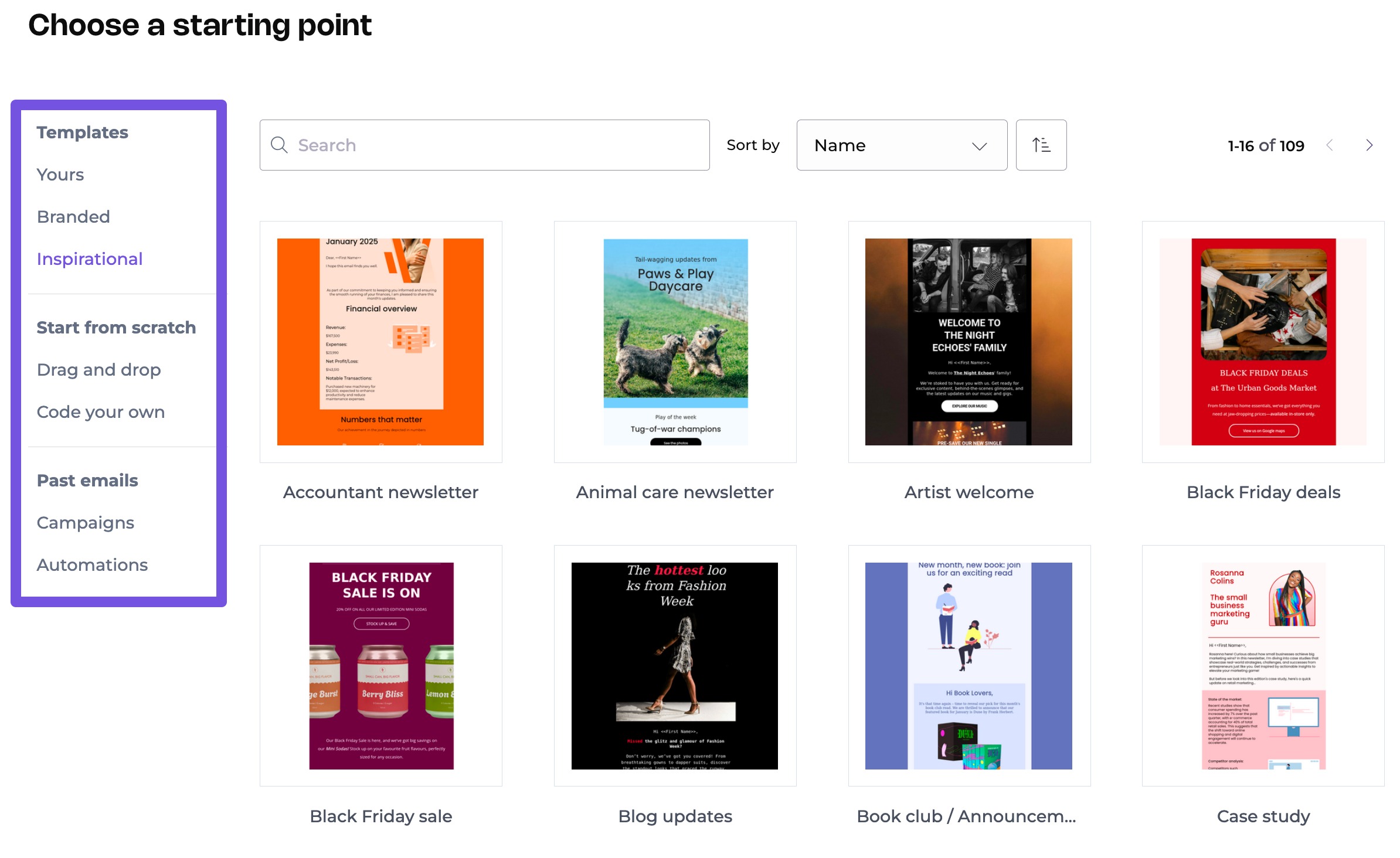
EmailOctopus is simple and cheap. The free plan covers 2,500 subscribers and 10,000 emails a month, and Pro costs $13.50 at 1,000 subscribers, $31.50 at 5,000 and $44.50 at 10,000 on monthly billing.
You get a clean editor, templates, forms and landing pages. Automation is limited to simple sequences, and free-plan emails carry EmailOctopus branding.
✅EmailOctopus Pros:
- Large free plan: 2,500 subscribers
- Low price at 10,000 subscribers ($44.50)
- Easy to learn
❌EmailOctopus Cons:
- Basic automation
- Branding on the free plan
💰Pricing: Free (2,500 subscribers); Pro $13.50 at 1,000, $31.50 at 5,000, $44.50 at 10,000.
Best for: Simple newsletters where cost matters most. See more options in our cheap email marketing comparison.
7. Mailchimp — Best for Integrations
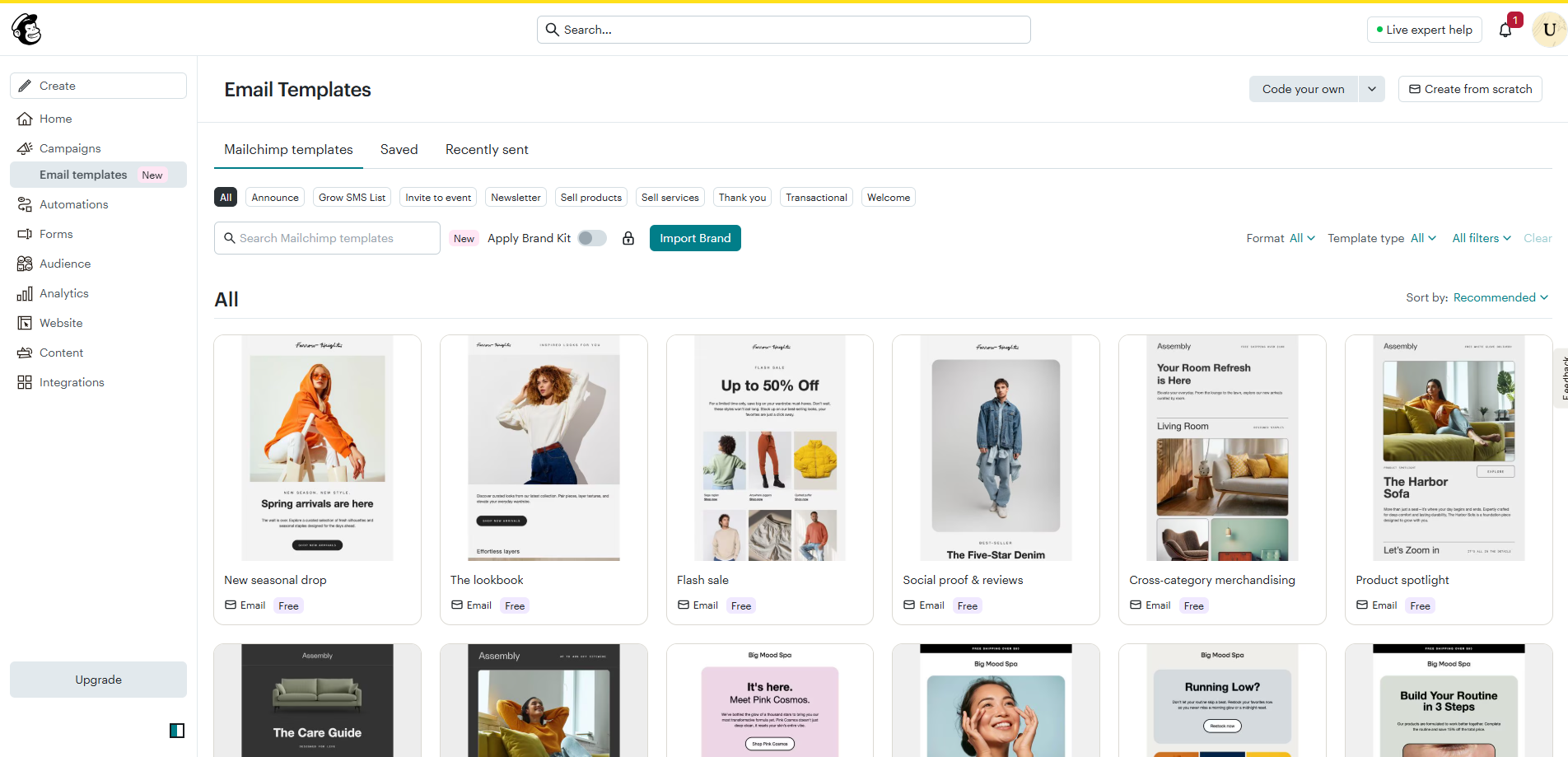
Mailchimp is the most familiar newsletter tool, with 300+ integrations, good templates and solid reporting. It’s also expensive as your list grows. See how it compares with a creator platform in beehiiv vs Mailchimp.
The free plan now covers just 250 contacts and 500 emails a month. On monthly billing, Essentials costs $26.50 at 1,500 contacts, $75 at 5,000 and $110 at 10,000. Unsubscribed contacts count towards your limit unless you archive them.
✅Mailchimp Pros:
- 300+ integrations
- Familiar, well-documented platform
- Good templates and reporting
❌Mailchimp Cons:
- Free plan limited to 250 contacts
- $75/month at 5,000 contacts on Essentials
- Unsubscribed contacts count towards your bill
💰Pricing: Free (250 contacts); Essentials $26.50 at 1,500, $75 at 5,000, $110 at 10,000.
Best for: Newsletters that need to connect to many other tools. Read our Mailchimp review for more.
8. Sender — Best Large Free Plan
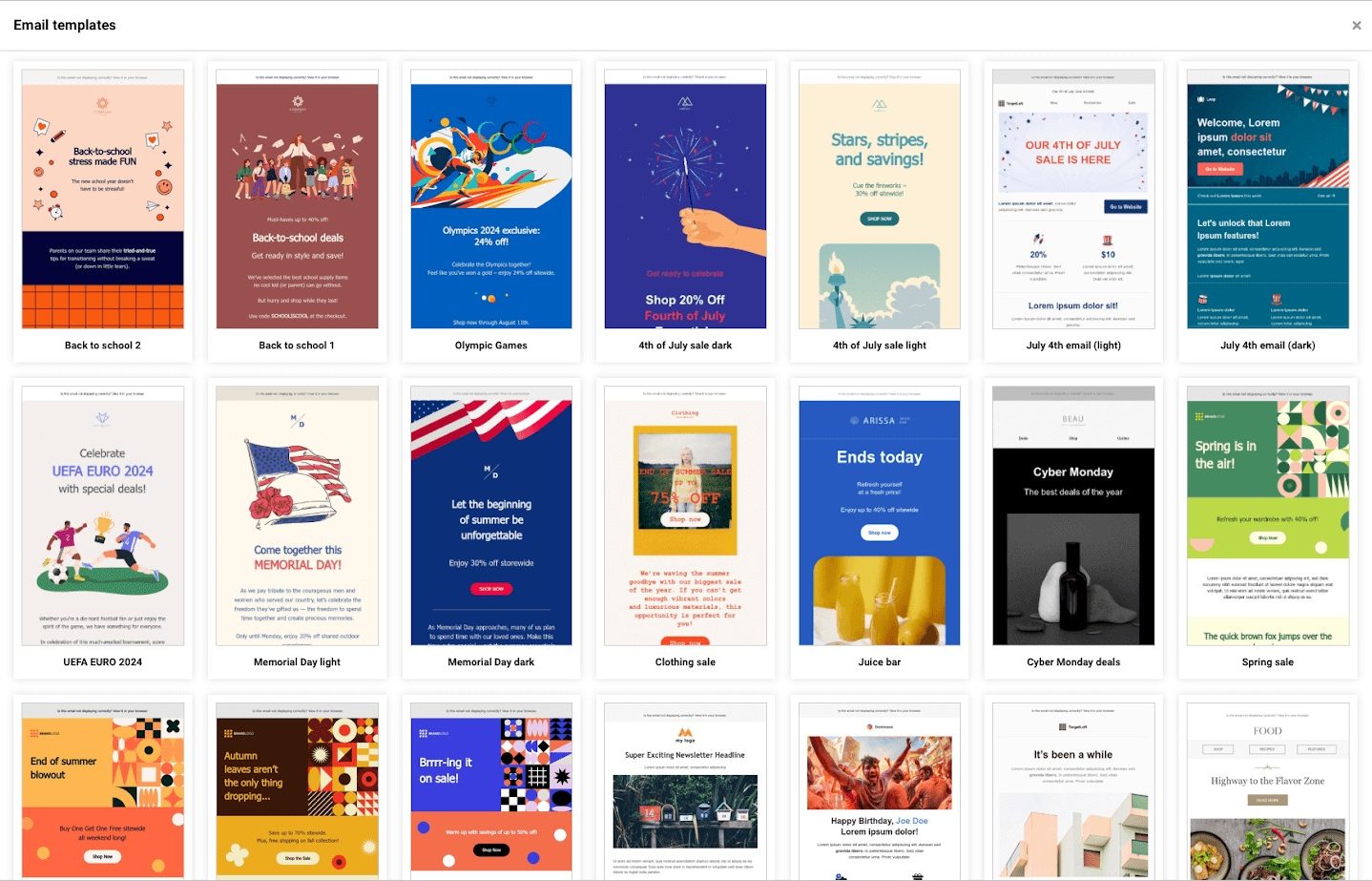
Sender’s free plan includes 2,500 subscribers and 15,000 emails a month, with a drag-and-drop builder, popups and automation. Standard starts at $9/month on annual billing and adds SMS and A/B testing.
✅Sender Pros:
- Free plan: 2,500 subscribers, 15,000 emails a month
- Popups and automation on the free plan
❌Sender Cons:
- Smaller integration library
- First-year discounts make long-term cost harder to compare
💰Pricing: Free (2,500 subscribers); Standard from $9/month (annual billing).
Best for: New newsletters that want to stay free for as long as possible.
Price Comparison at 1,000, 5,000 and 10,000 Subscribers
Monthly billing unless noted, from each vendor’s pricing page on October 15, 2026.
| Platform | Free plan | 1,000 | 5,000 | 10,000 |
|---|---|---|---|---|
| Mailercloud | 1,000 subscribers | Free | $10 | $50 |
| EmailOctopus | 2,500 subscribers | $13.50 | $31.50 | $44.50 |
| MailerLite (Comfort) | 250 subscribers | $19 | $49 | $89 |
| Kit (Creator) | 10,000 (broadcasts) | $39 | $89 | $139 |
| Mailchimp (Essentials) | 250 contacts | $26.50 (1,500) | $75 | $110 |
| beehiiv (Lite) | 2,500 subscribers | $49 (yearly) | Scales | Scales |
| Substack | Free | 10% of paid revenue | 10% of paid revenue | 10% of paid revenue |
The Mailercloud View: Five Habits of Newsletters People Open
- Pick one promise and keep it. “One useful marketing idea every Tuesday” beats “news and updates”. Our newsletter name ideas can help you frame it.
- Send on a schedule. Readers open what they expect.
- Keep the design simple. One column, clear headings and one main call to action. See our newsletter design ideas.
- Measure clicks, not just opens. Apple’s Mail Privacy Protection inflates open rates, so clicks are the better signal.
- Make leaving easy. A visible unsubscribe link and one-click unsubscribe protect your sender reputation. Every issue also needs a postal address under the CAN-SPAM Act, and EU subscribers need clear consent under GDPR.
For more ideas, read our tips for creating a newsletter people love to read.
Frequently Asked Questions
What is the best email newsletter software?
Mailercloud is the best email newsletter software for businesses in 2026: free for 1,000 subscribers and $10/month for 5,000 with unlimited sends. beehiiv is best for newsletter businesses, Kit for creators selling products and Substack for writers who want a free start with paid subscriptions.
What is the best free newsletter platform?
Kit (10,000 subscribers, broadcasts only), beehiiv (2,500), Sender (2,500), EmailOctopus (2,500) and Mailercloud (1,000 subscribers, 12,000 emails a month) all have useful free plans. Substack is free but takes 10% of paid subscription revenue.
Which newsletter platform is best for paid subscriptions?
beehiiv and Substack are built for paid newsletters. beehiiv takes 0% of subscription revenue on paid plans; Substack is free but takes 10%. Kit also supports paid newsletters on every plan.
Is Substack better than beehiiv?
Substack is simpler and free to start; beehiiv gives you more control, growth tools and monetisation. See our full beehiiv vs Substack comparison.
How much does newsletter software cost?
From free to about $50–$140 a month at 10,000 subscribers. At 5,000 subscribers, prices range from $10 (Mailercloud) to $89 (Kit Creator) on monthly billing.
Can I move my newsletter to a new platform?
Yes. Export your subscribers as a CSV, including tags and consent dates, and import them into the new tool. Import unsubscribes as suppressed contacts and send a short “we’ve moved” note to keep engagement high.
Final Verdict
The best email newsletter software depends on what your newsletter is for. Mailercloud is the best value for business newsletters: free for 1,000 subscribers and $10/month for 5,000, with automation, segmentation and inbox tracking. Choose beehiiv or Substack if the newsletter is your product, Kit if you sell to your readers, and EmailOctopus or MailerLite for simple, design-friendly sending.
Send your newsletter to 5,000 readers for $10 — try Mailercloud free
★★★★★ 4.5/5 on G2, Capterra & Trustpilot · Trusted by 35,000+ businesses
Free for 1,000 subscribers · No credit card · Unlimited sends on Premium

As a Marketing Director, I develop and implement marketing strategies, conduct market research, and manage a team of marketing professionals. With a successful track record of launching campaigns that drive revenue growth, I bring my marketing expertise to blog writing, creating engaging content that promotes the brand and its products/services.