Last updated: September 2026 | Pricing checked on September 28, 2026 | 9 min read
Flodesk built its following on two promises: beautiful emails and one flat price, however big your list got. The first is still true. The second isn’t. Flodesk now prices by subscriber count. Pro is $28/month at 1,000 subscribers, $59 at 5,000 and $79 at 10,000 on monthly billing, and the cheaper Lite plan limits you to one workflow. If you joined for the flat price, your bill has probably started climbing.
We compared eight Flodesk alternatives on three things Flodesk users care about: design quality, automation and segmentation depth, and price at 1,000, 5,000 and 10,000 subscribers. Our pick for most small businesses and creators is Mailercloud. It’s free for 1,000 contacts, then $10/month for 5,000 with unlimited sends, and has a drag-and-drop builder, template gallery and visual automation. If you sell products or paid newsletters straight from your emails, Kit and beehiiv are closer to Flodesk’s checkout, and we say where each one wins.
Quick Answer: Mailercloud is the best Flodesk alternative in 2026. It’s free for 1,000 contacts and $10/month for 5,000 with unlimited sends (Flodesk Pro: $59 at 5,000), with a drag-and-drop builder, template gallery and visual automation. The other top alternatives are MailerLite, Kit, Mailchimp, beehiiv, Brevo, Sender and EmailOctopus. Kit and beehiiv are best for selling from your emails, and MailerLite is closest to Flodesk’s minimal design feel.
Table of Contents
Why People Switch From Flodesk
- Price now scales with your list. The flat-price model is gone. At 10,000 subscribers, Pro is $79/month ($72 billed annually), and Everything is $137.
- Automation is limited on Lite. Lite includes one workflow. Unlimited workflows need Pro.
- Segmentation and reporting are basic. Fine for a newsletter; thin once you want behaviour-based segments or campaign comparisons.
- Few native integrations. Beyond Shopify and Instagram, most connections go through Zapier.
- No free sending. Flodesk’s free plan covers forms, landing pages and link-in-bio, but you can’t send email on it.
In our Flodesk vs Mailchimp comparison, Flodesk won clearly on design and ease of use. It lost on automation, segmentation, reporting and integrations. The alternatives below try to keep the first two and fix the rest.
How We Chose These Alternatives
- Design. Can you make emails that look as good as Flodesk’s without coding?
- Automation and segmentation. Workflows, triggers and segments at the entry price.
- Price at 1,000, 5,000 and 10,000 subscribers, taken from each vendor’s pricing page.
- Selling. Checkout, paid subscriptions or product delivery, for creators who use Flodesk Checkout.
- Free plan. Can you actually send email on it?
Flodesk Alternatives at a Glance
| Alternative | Best For | Free Plan | Price at 5,000 | Automation | Standout |
|---|---|---|---|---|---|
| Mailercloud#1 Pick | Lower bill + real automation | 1,000 contacts | $10/mo | Visual builder | Template gallerySegmentation |
| MailerLite | Minimal design feel | 250 subs | $50/mo | 50 automations | Landing pages |
| Kit | Creators selling products | 10,000 subs | Creator: scales | Visual builder | CommerceCreator Network |
| Mailchimp | Integrations | 250 contacts | Scales | Customer journeys | 300+ integrationsA/B tests |
| beehiiv | Newsletter businesses | 2,500 subs | Scales from $49 | Scale plan | ReferralsAd network |
| Brevo | Email + SMS | 300/day | ~$9 (by emails) | Standard+ | SMSCRM |
| Sender | Big free plan | 2,500 subs | Low-cost | Included | Popups |
| EmailOctopus | Simple newsletters | 2,500 subs | Pro from $9 (annual) | Basic | Low cost |
1. Mailercloud — Best Overall Flodesk Alternative
Mailercloud is the best Flodesk alternative in 2026 for small businesses and creators who want good-looking emails, real automation and a much lower bill. The drag-and-drop builder and template gallery produce clean, mobile-first designs. The visual automation builder runs welcome series, nurture sequences and re-engagement. Premium includes 25 advanced automations, where Flodesk Lite allows one workflow. Segmentation goes beyond tags to behaviour and engagement.
The price difference is the headline. Mailercloud is free for 1,000 contacts and 12,000 emails a month. Premium is $10/month for 5,000 contacts with unlimited sends, against $59 on Flodesk Pro. At 10,000 contacts it’s $50 against $79.
It’s not a like-for-like swap. Flodesk’s templates are more “boutique”. Mailercloud’s are clean and professional rather than editorial. Mailercloud has no built-in checkout, so you’d sell through Shopify, WooCommerce or a payment link.
Key features
- Drag-and-drop builder, template gallery and custom HTML editor
- Visual automation builder (25 advanced automations on Premium)
- Behaviour and engagement segmentation
- A/B testing, AI subject lines and AMP email on Premium
- Signup form builder, Inbox Tracker and built-in email verifier
- Native Shopify, WooCommerce and Magento integrations
✅Mailercloud Pros:
- $10/month for 5,000 contacts with unlimited sends (Flodesk Pro: $59); $50 at 10,000 (Flodesk Pro: $79)
- Free plan that actually sends: 1,000 contacts, 12,000 emails a month
- Drag-and-drop builder and template gallery for clean, mobile-first designs
- Visual automation builder: 25 advanced automations on Premium
- Behaviour and engagement segmentation, A/B testing, AI subject lines on Premium
- Inbox Tracker and a built-in email verifier for deliverability
❌Mailercloud Cons:
- Templates are clean rather than Flodesk-level “boutique”
- No built-in checkout; sell through Shopify, WooCommerce or payment links
- Smaller integration library than Mailchimp
💰Pricing: Free for 1,000 contacts; Premium from $10/month for 5,000 contacts (30% off annually).
Pricing: Free for 1,000 contacts; Premium from $10/month for 5,000 contacts, unlimited sends, 30% off annually.
Best for: Small businesses, coaches and service brands paying Flodesk for sends and wanting stronger automation.
Try Mailercloud free — drag-and-drop builder, visual automation and 1,000 contacts free. No credit card.
2. MailerLite — Best for Design-Minded Users on a Budget
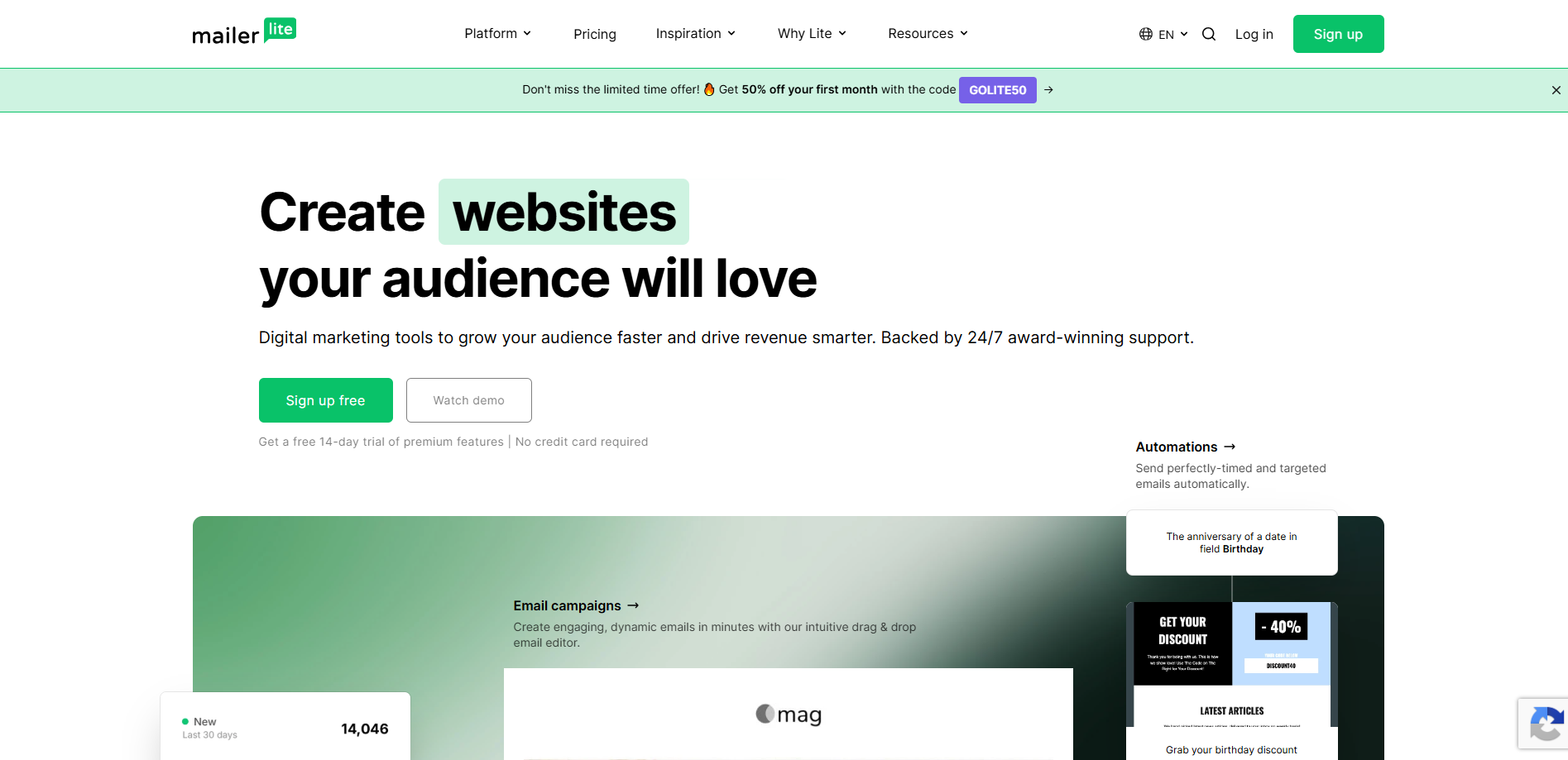
MailerLite is the closest in feel to Flodesk. Its editor is clean and minimal, the templates are attractive, and it adds a landing page builder, a full website builder, signup forms and popups. If you like how Flodesk “gets out of the way”, MailerLite will feel familiar within an afternoon.
Where it pulls ahead is depth. The Growing Business plan includes 50 automations with a visual workflow builder, segmentation on behaviour and fields, A/B testing, an AI writing assistant, and a large library of native integrations (Shopify, WooCommerce, WordPress and more). Flodesk leans on Zapier for most of that.
The saving over Flodesk is smaller than you might expect. MailerLite costs $20/month at 1,000 subscribers, $50 at 5,000 and $80 at 10,000 on monthly billing, only a little below Flodesk Pro. And the free plan has shrunk to 250 subscribers and 2,500 emails a month.
Key features
- Minimal drag-and-drop editor and polished templates
- Landing pages, website builder, forms and popups
- 50 automations with a visual builder on Growing Business
- Native integrations with Shopify, WooCommerce, WordPress and more
✅MailerLite Pros:
- Closest to Flodesk’s clean, minimal feel
- Landing pages and a website builder included
- Much deeper automation and segmentation than Flodesk Lite
- Large native integration library
❌MailerLite Cons:
- $50/month at 5,000 subscribers, only $9 below Flodesk Pro
- Free plan limited to 250 subscribers
💰Pricing: Growing Business from $12/month (500 subscribers); $20 at 1,000; $50 at 5,000; $80 at 10,000 (10% off annually).
Best for: Users who want Flodesk’s simplicity with deeper features.
3. Kit (ConvertKit) — Best for Creators Selling Products
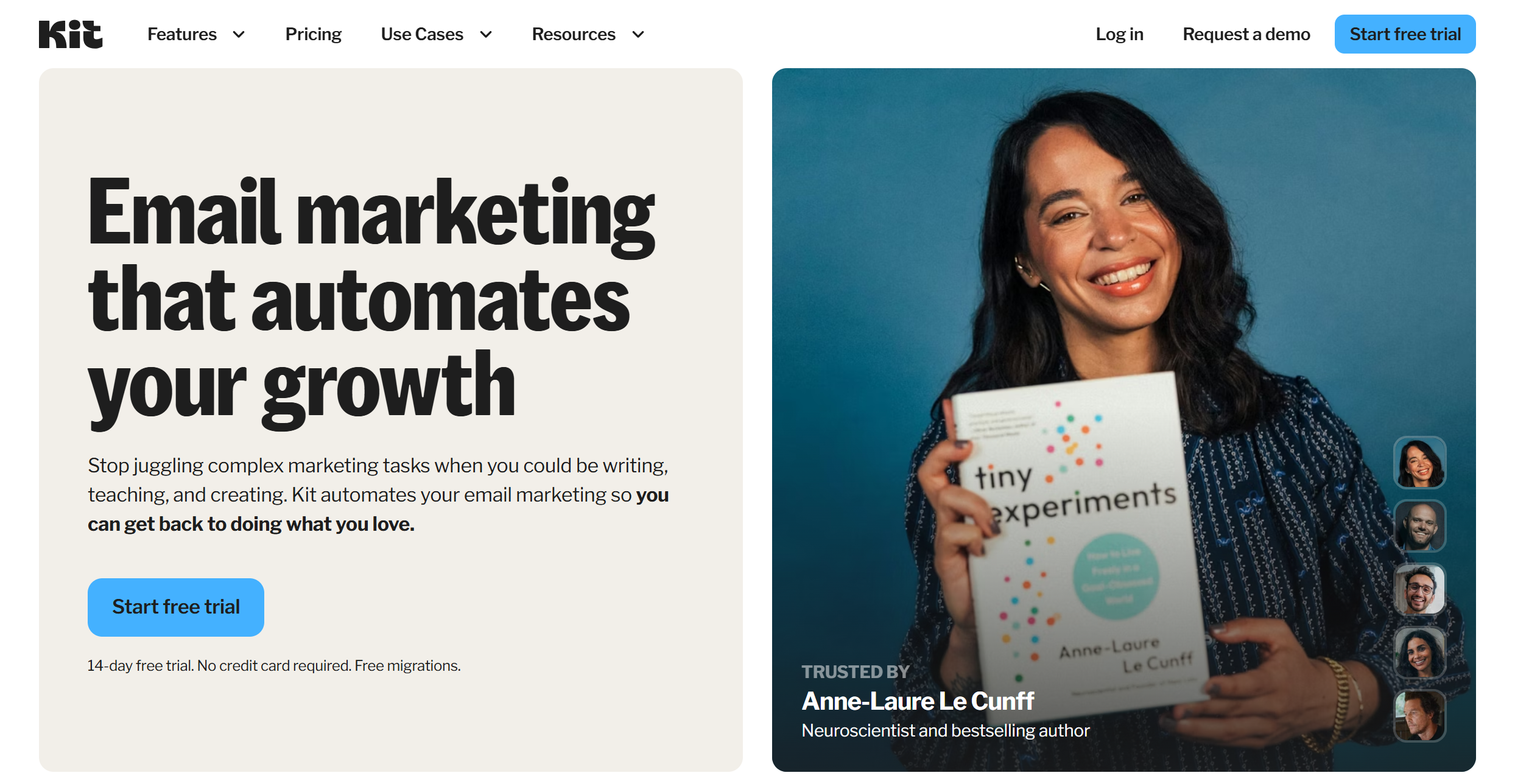
Kit (formerly ConvertKit) is built for creators whose email list is their business. It has digital product and subscription sales, paid newsletters, tip jars, and the Creator Network, which recommends your newsletter to other creators’ audiences and grows your list. For Flodesk users who rely on Flodesk Checkout, Kit is the most complete replacement.
Automation is a real strength. Visual automations branch on tags, purchases and link clicks, and sequences are easy to build. The free Newsletter plan covers up to 10,000 subscribers for broadcasts, very generous for growing lists.
The emails themselves look plainer than Flodesk’s. That’s deliberate; Kit favours simple, text-led designs. And paid plans are expensive: Creator starts at $33/month at 1,000 subscribers, and Creator Pro at $66.
Key features
- Digital products, paid newsletters and subscriptions
- Creator Network recommendations for list growth
- Visual automations and sequences
- Free plan up to 10,000 subscribers (broadcasts)
✅Kit Pros:
- Best built-in commerce for creators, replacing Flodesk Checkout
- Creator Network helps grow your list
- Free up to 10,000 subscribers for broadcasts
- Strong visual automations
❌Kit Cons:
- Paid plans are pricey: $33/month at 1,000 subscribers
- Templates are simple by design, far less “designed” than Flodesk
💰Pricing: Free up to 10,000 subscribers; Creator from $33/month; Creator Pro from $66/month (at 1,000 subscribers).
Best for: Creators whose email list is their shop. See our Kit alternatives if price is the issue.
4. Mailchimp — Best for Integrations
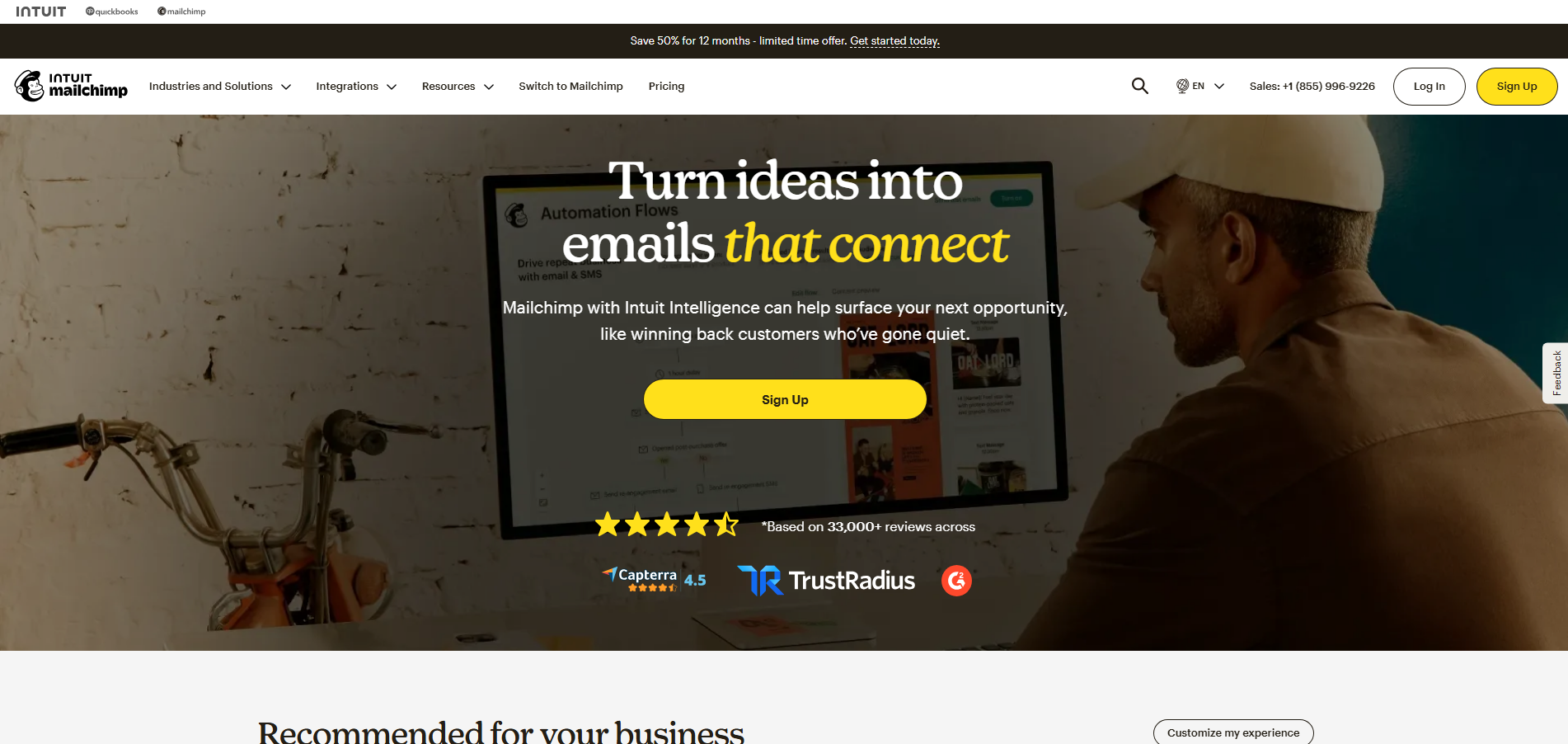
Mailchimp is the default most businesses know. It won most of the functional rounds in our Flodesk comparison: automation (Customer Journeys), segmentation, A/B and multivariate testing (up to 8 combinations on Premium), reporting, and the widest integration ecosystem in email marketing at 300+ native connections. If your booking tool, store or CRM connects to only one email platform, it’s usually Mailchimp.
The editor is capable, with plenty of templates, though busier than Flodesk’s. The real cost is price growth. Mailchimp’s plans start at $13/month (Essentials) or $20 (Standard) at 500 contacts but climb steeply as your audience grows. Unsubscribed contacts count towards your bill unless you archive them. The free plan covers only 250 contacts.
Key features
- 300+ native integrations
- Customer Journeys automation builder (Standard and above)
- A/B and multivariate testing
- Detailed reporting and predictive segments on higher plans
✅Mailchimp Pros:
- Widest integration ecosystem in the category
- Strong automation, testing and reporting
- Familiar, well-documented platform
❌Mailchimp Cons:
- Price climbs steeply with list size
- Free plan limited to 250 contacts
- Busier editor than Flodesk
💰Pricing: Free up to 250 contacts; Essentials from $13/month; Standard from $20/month (both at 500 contacts).
Best for: Businesses whose other tools already connect to Mailchimp.
5. beehiiv — Best for Newsletter Businesses
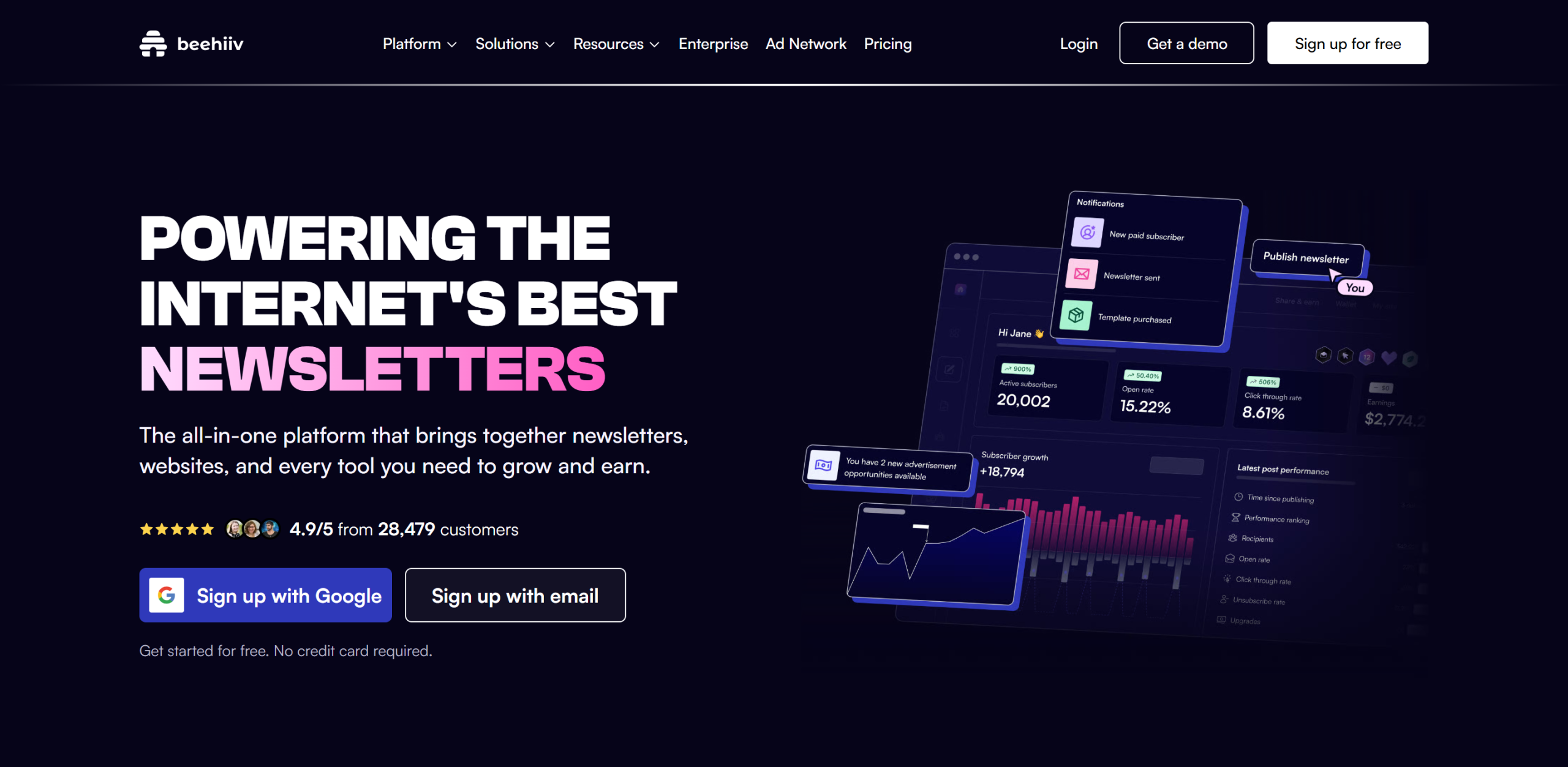
If you mostly use Flodesk to send a newsletter, beehiiv is built for exactly that. It includes a referral programme (rewards for subscribers who share), the beehiiv Ad Network (brands pay to sponsor your newsletter), paid subscriptions with 0% platform fees, and a hosted website with SEO-friendly archive pages. Few platforms give a newsletter as many ways to grow and earn.
The editor is modern and fast, though more template-bound than Flodesk’s free-form designs. Automations cover welcome and nurture sequences. The free Launch plan covers up to 2,500 subscribers.
The growth features cost money. On beehiiv’s pricing page, Scale is $49/month at 1,000 subscribers ($43 billed annually) and $109 at 10,000. Branding removal and dynamic content need Max.
Key features
- Referral programme and Ad Network
- Paid subscriptions with 0% platform fees
- Hosted website with SEO-friendly archives
- Free plan up to 2,500 subscribers
✅beehiiv Pros:
- Best growth and monetisation tools for newsletters
- 0% fee on paid subscriptions
- Free up to 2,500 subscribers
❌beehiiv Cons:
- Scale costs $49/month at 1,000 subscribers, more than Flodesk Pro
- Less design freedom than Flodesk
💰Pricing: Free up to 2,500 subscribers; Scale from $49/month ($43 annually), $109 at 10,000.
Best for: Writers turning a newsletter into a business. See beehiiv vs Mailchimp for how it compares with an all-rounder.
6. Brevo — Best for Email Plus SMS
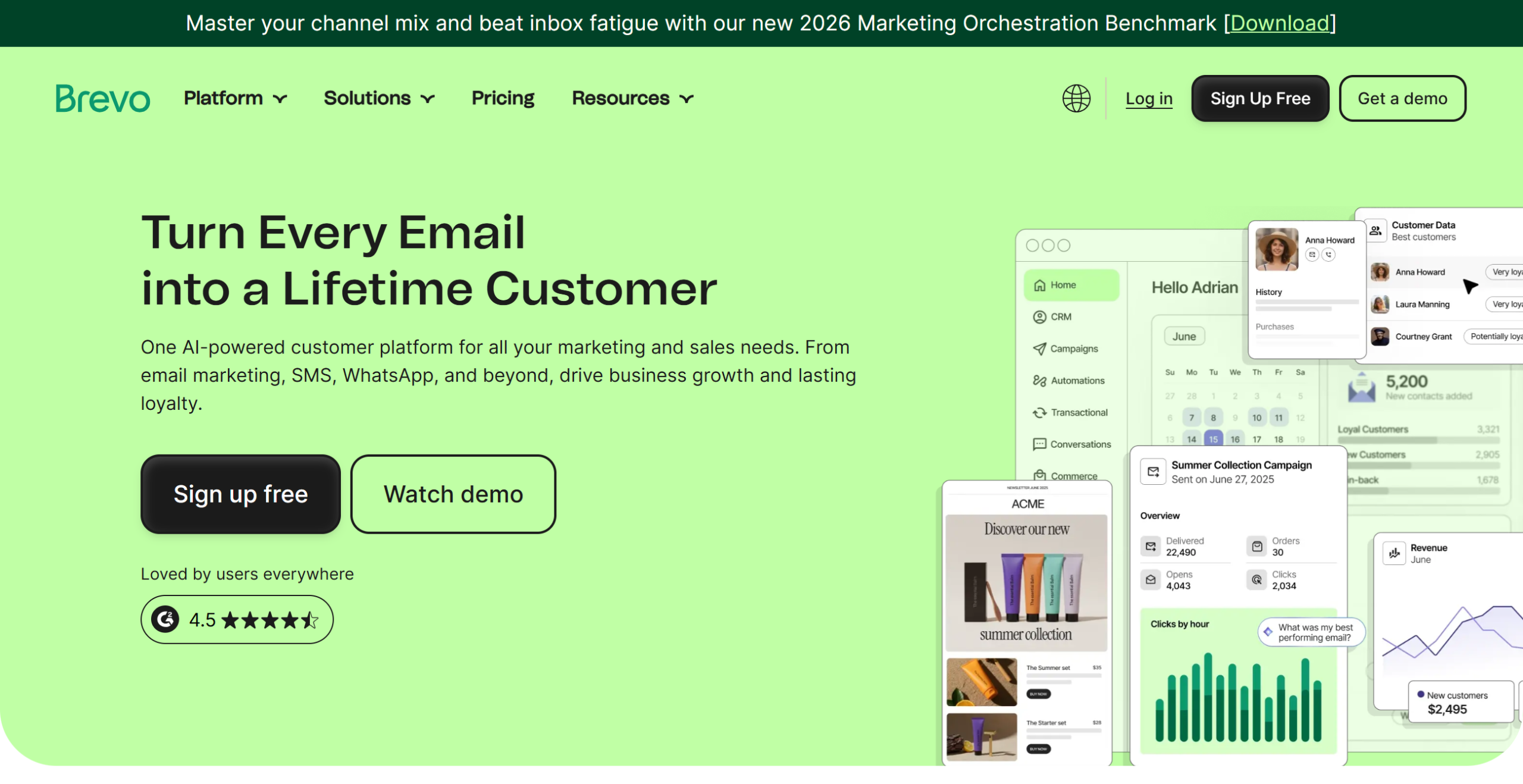
Brevo (formerly Sendinblue) charges by emails sent rather than by contacts, and adds SMS, WhatsApp, live chat and a sales CRM. That suits service businesses, such as salons, studios, coaches and clinics, that send appointment reminders by text and marketing by email and want both in one tool.
Contacts are unlimited on every Brevo plan, so a big list you mail monthly stays cheap: Starter begins around $9/month for 5,000 emails. The editor is functional rather than beautiful; it won’t match Flodesk’s design polish. The free plan allows 300 emails a day. Advanced automation and A/B testing sit on higher tiers.
Key features
- Email, SMS and WhatsApp in one account
- Unlimited contacts; pay by email volume
- Built-in CRM and live chat
- Free plan: 300 emails a day
✅Brevo Pros:
- Email and SMS together, useful for appointment-based businesses
- Unlimited contacts on every plan
- Built-in CRM
❌Brevo Cons:
- Free plan capped at 300 emails a day
- Editor is functional rather than beautiful
💰Pricing: Free with 300 emails/day; Starter from around $9/month for 5,000 emails.
Best for: Service businesses that want email and SMS in one tool.
7. Sender — Best Free Plan for Growing Lists
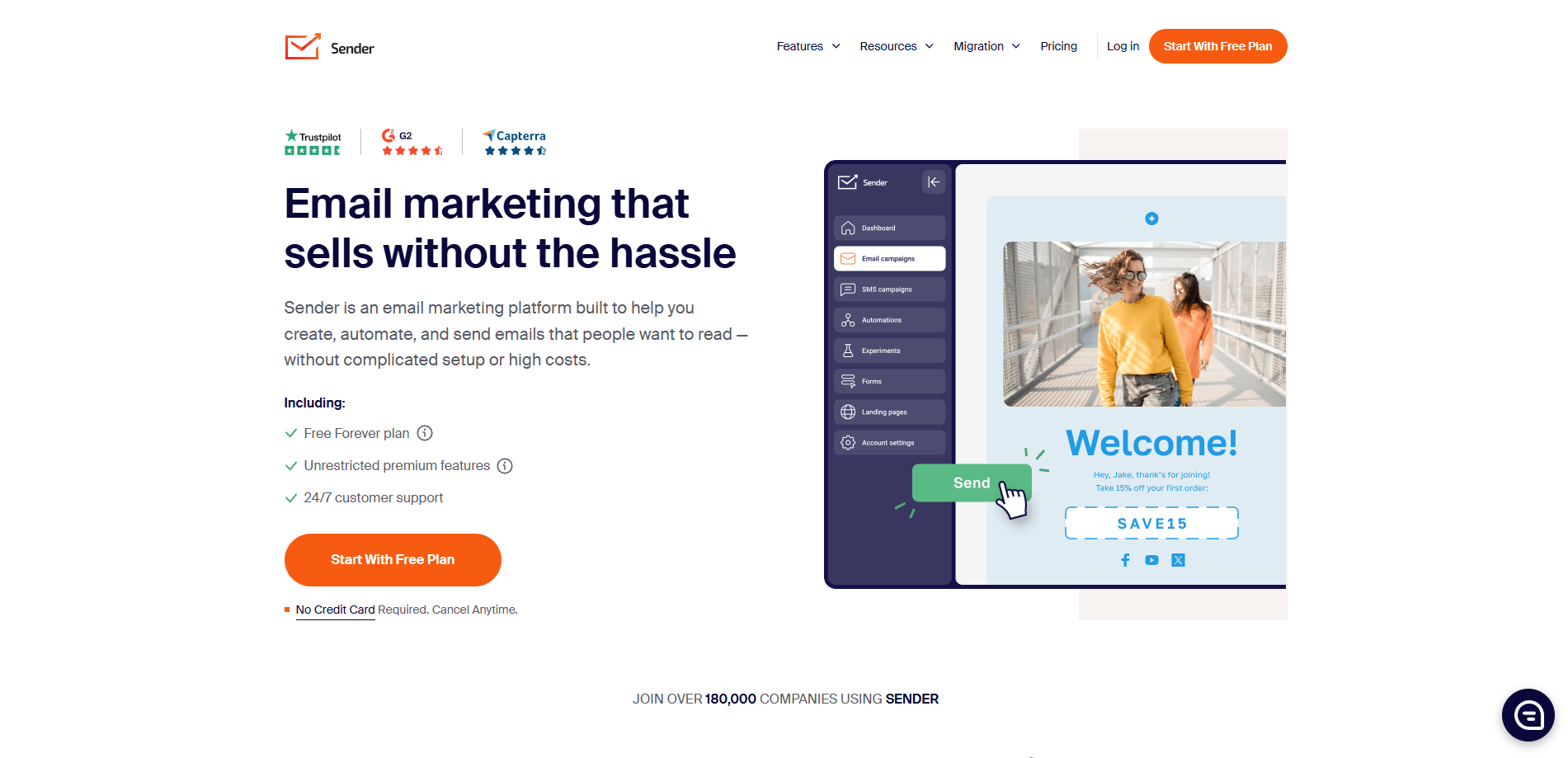
Sender has one of the most generous free plans in email marketing: 2,500 subscribers and 15,000 emails a month, with no credit card. Even on free you get a drag-and-drop builder with good-looking templates, popups and signup forms, and automation. That makes it a strong landing spot for small Flodesk users who want to stop paying for now.
Paid plans are low-cost and add SMS on Standard and above, plus a dedicated IP on large Professional plans. The trade-off is scale and ecosystem. Sender is a smaller company with fewer integrations than MailerLite or Mailchimp, and less third-party support content.
Key features
- Free plan: 2,500 subscribers, 15,000 emails a month
- Drag-and-drop builder, popups and forms on every plan
- Automation and segmentation
- SMS on paid plans
✅Sender Pros:
- One of the largest free plans available
- Popups and forms included free
- Low-cost paid plans with SMS
❌Sender Cons:
- Smaller company with fewer integrations
- Less design polish than Flodesk
💰Pricing: Free up to 2,500 subscribers and 15,000 emails; paid plans scale with list size (30% off annually).
Best for: New lists that want to send free for as long as possible.
8. EmailOctopus — Best Simple, Low-Cost Newsletter Tool
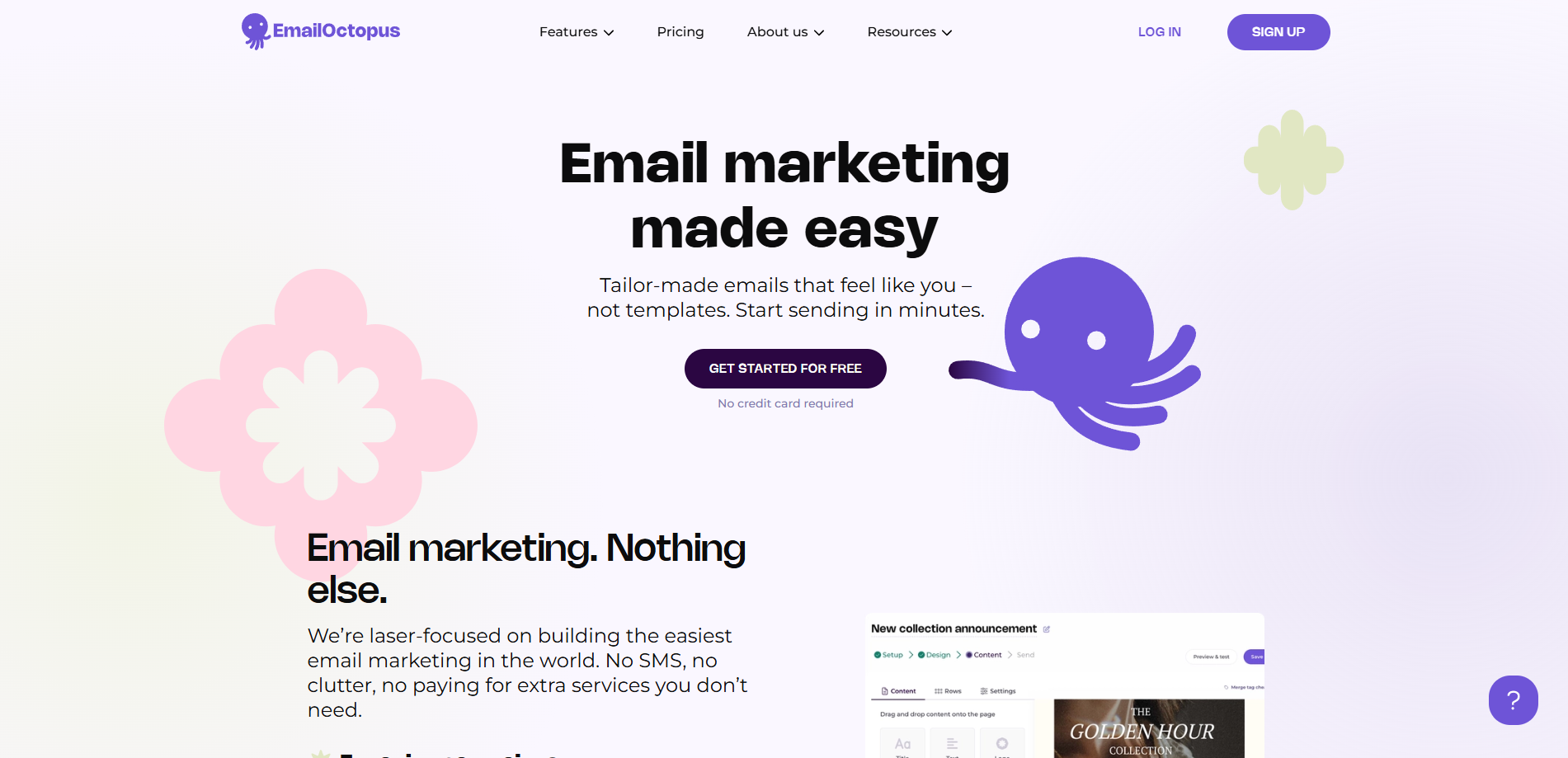
EmailOctopus is a minimal, affordable newsletter tool. It shares Flodesk’s simplicity, but not its design flair or its price. The free plan covers 2,500 subscribers and 10,000 emails a month, and Pro starts at $9/month billed yearly. You get a clean editor, templates, forms, landing pages and simple automation sequences.
On free, emails carry EmailOctopus branding, reports are kept for 30 days, and you’re limited to one landing page, one form and one user. Automations are simple sequences rather than branching workflows.
Key features
- Free plan: 2,500 subscribers, 10,000 emails a month
- Clean editor, templates, forms and landing pages
- Simple automation sequences
- Pro from $9/month billed yearly
✅EmailOctopus Pros:
- Large free plan and very low paid pricing
- Simple, clean editor
❌EmailOctopus Cons:
- Free plan shows EmailOctopus branding
- Basic automation; limited reporting history on free
💰Pricing: Free up to 2,500 subscribers; Pro from $9/month billed yearly.
Best for: Simple newsletters where price matters most.
What You’ll Pay at 1,000, 5,000 and 10,000 Subscribers
Monthly billing, from each vendor’s pricing page.
| Platform | 1,000 | 5,000 | 10,000 |
|---|---|---|---|
| Flodesk Pro (for reference) | $28 | $59 | $79 |
| Flodesk Lite (1 workflow) | $25 | $52 | $72 |
| Mailercloud | Free | $10 | $50 |
| MailerLite | $20 | $50 | $80 |
| beehiiv Scale | $49 | Scales | $109 |
| Kit | Free (broadcasts) | Free (broadcasts) | Free (broadcasts) |
| Kit Creator | $33 | Scales | Scales |
At 5,000 subscribers Mailercloud costs $49 a month less than Flodesk Pro, $588 a year, with unlimited workflows included.
The Mailercloud View: Keep the Look, Fix the Plumbing
Most people leaving Flodesk don’t want uglier emails. They want the business behind the emails to work harder. We’d suggest a simple test before you switch. Rebuild your two best-performing Flodesk emails in the new tool’s editor. If they look 90% as good, move. The automation, segmentation and savings will outweigh the last 10% of polish. Save your brand fonts, colours and a header image as a reusable template on day one, so every campaign starts on-brand.
Then put the savings to work. Build the three automations Flodesk Lite wouldn’t let you run together: a welcome series, a post-purchase or post-enquiry follow-up, and a 90-day re-engagement flow. Pair them with a signup form that promises something specific rather than “join my newsletter”.
How to Move From Flodesk
- Export subscribers from Flodesk (Audience → export) with segments as columns, and export unsubscribes separately so you stay compliant with CAN-SPAM. If you have EU subscribers, keep your consent records too (GDPR Article 7).
- Clean the list before your first send so old or mistyped addresses don’t hurt your new sender reputation. Google’s sender guidelines explain why bounce and spam rates matter, and Yahoo’s best practices and Microsoft’s Outlook.com requirements say the same.
- Rebuild your templates and save a branded master template. Authenticate your domain with SPF, DKIM and DMARC, and keep a one-click unsubscribe in every email.
- Recreate workflows from your Flodesk workflow list; add the branches you couldn’t build before.
- Reconnect forms on your website and link-in-bio page, then point any Flodesk checkout links to your new store or payment page.
Frequently Asked Questions
What is the best alternative to Flodesk?
Mailercloud is the best Flodesk alternative in 2026 for small businesses and creators. It’s free for 1,000 contacts, $10/month for 5,000 with unlimited sends (Flodesk Pro: $59), and has a drag-and-drop builder, templates and visual automation. Kit is best for creators selling products, beehiiv for newsletter businesses and MailerLite for a similar minimal design feel.
Is Flodesk still flat-rate pricing?
No. Flodesk now prices by active subscriber count. Pro costs $28/month at 1,000 subscribers, $59 at 5,000 and $79 at 10,000 on monthly billing, and Lite is capped at 25,000 subscribers.
Is there a free alternative to Flodesk?
Yes. Mailercloud (1,000 contacts, 12,000 emails a month), Sender (2,500 subscribers), EmailOctopus (2,500), beehiiv (2,500) and Kit (10,000, broadcasts only) all let you send on a free plan. Flodesk’s free plan doesn’t include email sending.
What is cheaper than Flodesk?
Mailercloud is the cheapest full-featured Flodesk alternative at $10/month for 5,000 contacts, against $59 on Flodesk Pro. Sender and EmailOctopus are also cheaper, with simpler features.
Which Flodesk alternative has the best-looking templates?
MailerLite and Mailercloud come closest to Flodesk’s clean, minimal style with drag-and-drop editors and template galleries. No mainstream tool fully matches Flodesk’s editorial look. Saving a branded master template gets you most of the way there.
Can I sell products without Flodesk Checkout?
Yes. Kit and beehiiv have built-in selling, and Mailercloud works alongside Shopify, WooCommerce or any payment link. Mailercloud itself doesn’t include a checkout.
Final Verdict
Flodesk is still the prettiest way to send email. It’s no longer the cheapest, and its automation hasn’t kept up with its prices. Mailercloud keeps the design side good enough for most brands, adds the automation and segmentation Flodesk lacks, and costs $10/month where Flodesk charges $59. Pick Kit or beehiiv if selling from your emails matters most, and MailerLite if you want the closest match to Flodesk’s minimal feel. Torn between those two? Kit vs MailerLite compares them feature by feature.
Keep your emails beautiful and pay less — try Mailercloud free
★★★★★ 4.5/5 on G2, Capterra & Trustpilot · Trusted by 35,000+ businesses
Free for 1,000 contacts · No credit card · $10/month for 5,000

As a Marketing Director, I develop and implement marketing strategies, conduct market research, and manage a team of marketing professionals. With a successful track record of launching campaigns that drive revenue growth, I bring my marketing expertise to blog writing, creating engaging content that promotes the brand and its products/services.