
Last updated: September 2026
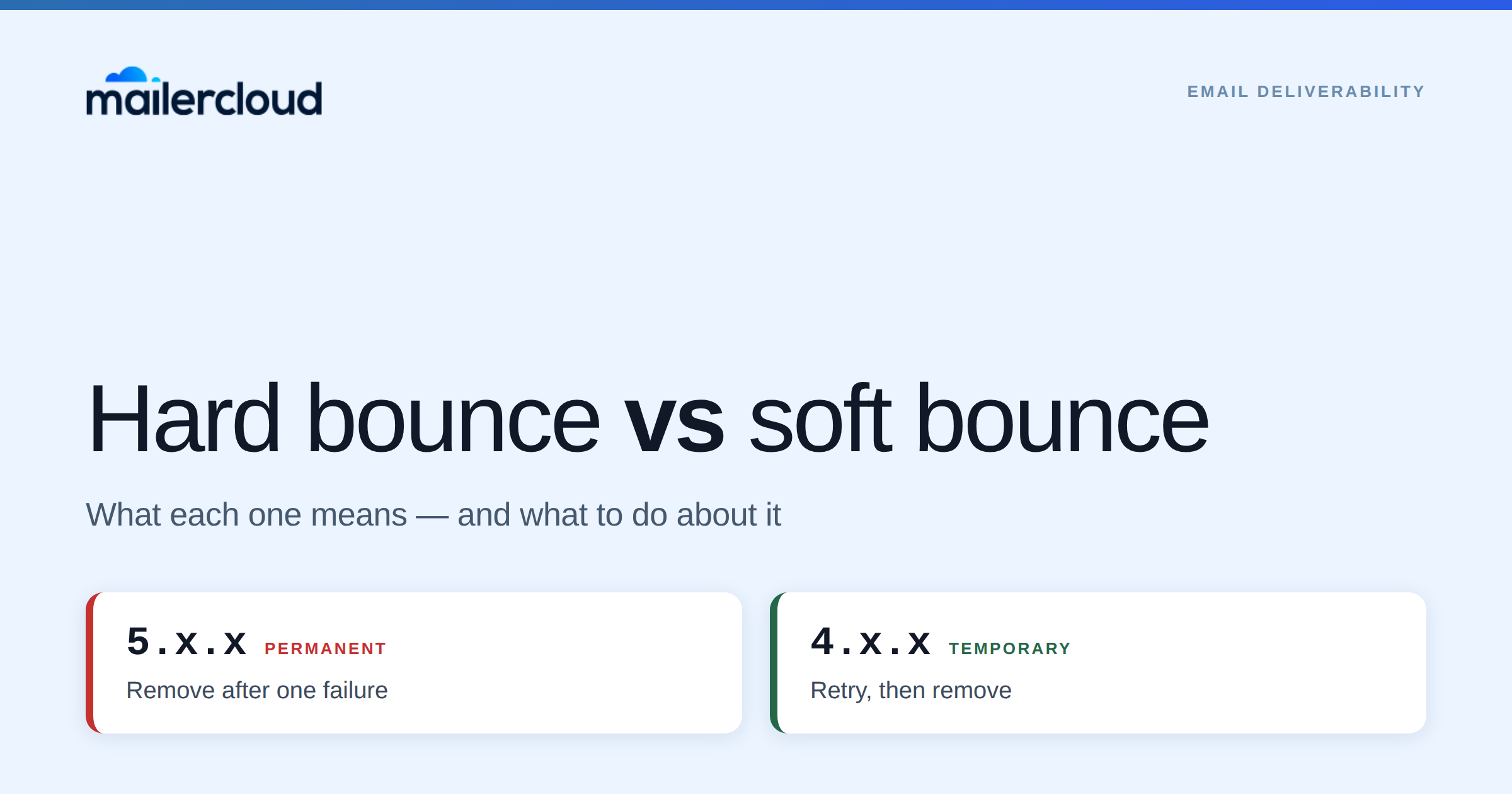
A hard bounce is permanent: the address doesn’t exist, so it will never accept mail. A soft bounce is temporary: the address is real, but the mailbox was full or the server was busy at the moment you sent.
That single distinction decides what you do next. Hard bounces come off your list immediately. Soft bounces get retried, then removed if they keep failing. Getting this backwards is one of the fastest ways to damage a sending reputation you spent months building. The simplest way to prevent hard bounces is to run new and old lists through one of the best email verification services before you send.
Quick Answer: A hard bounce is a permanent delivery failure — the address or domain does not exist, or the server has permanently refused your mail (SMTP code 5.x.x). A soft bounce is temporary — a full mailbox, a server that is down, or throttling (SMTP code 4.x.x). Remove hard bounces after one failure; retry soft bounces for a few sending cycles, then remove them too. Keep total bounces under 2% and hard bounces under 1%. Mailercloud suppresses hard-bounced addresses automatically so they cannot be mailed again.
Table of Contents
Hard bounce vs soft bounce at a glance
| Hard bounce | Soft bounce | |
|---|---|---|
| What it means | Permanent failure. The address will never accept mail. | Temporary failure. The address is real but could not receive mail right now. |
| SMTP code | 5.x.x — e.g. 550 5.1.1 |
4.x.x — e.g. 452 4.2.2 |
| Typical causes | Address does not exist, domain expired, permanent block, DMARC reject | Mailbox full, server down, message too large, throttling, greylisting |
| What to do | Remove after one failure. Never retry. | Retry a few cycles, then remove if it keeps failing. |
| Reputation impact | High — signals you are mailing unverified addresses | Lower, but repeated soft bounces to the same address compound |
| Keep it under | 1% | 2% total bounces |
What causes a hard bounce
A hard bounce means the receiving server has made a permanent decision. Retrying changes nothing.
- The address doesn’t exist. Someone mistyped it at signup, or the mailbox was deleted. This is the most common cause by a wide margin. The standard code is 550 5.1.1 — bad destination mailbox address.
- The domain doesn’t exist or no longer accepts mail. The company folded, or the domain expired. Usually 550 5.1.2.
- The receiving server has blocked you permanently. Gmail returns 550 5.7.26 when a message fails both SPF and DKIM, and 550 5.7.27 for an SPF failure specifically. Outlook uses 550 5.7.515 for senders who don’t meet its requirements.
- A DMARC policy rejected the message. 550 5.7.509 means your sending domain didn’t pass DMARC and the policy is set to reject.
The last two categories are worth separating in your head, because they aren’t really about the recipient at all. An address that hard bounces with 5.7.x is usually a valid address rejecting you — that’s an authentication problem to fix, not a contact to delete. Our guide to SMTP 5.7.x bounce codes breaks down which is which.
What causes a soft bounce
A soft bounce is the receiving server saying “not right now.” The address is usually fine.
- The mailbox is full. 452 4.2.2 — the recipient hasn’t cleared their inbox and is over quota.
- The server is down or unreachable. 421 4.3.2 or 451 4.4.1. Common with self-hosted business mail.
- The message is too large. Some servers cap attachment or total message size and defer anything over it.
- You’re being throttled. Gmail returns 421 4.7.0 when it decides you’re sending too fast or your reputation is wobbling. This is the most useful bounce you’ll ever receive, because it arrives before a block. Our post on Gmail 421 deferrals covers how to back off and re-ramp.
- Greylisting. Some servers reject an unfamiliar sender’s first attempt on purpose and accept the retry. This resolves itself.
The pattern to notice: the 4.x.x prefix means temporary and the 5.x.x prefix means permanent. That first digit tells you which category you’re in before you read anything else.
What to do about each
Hard bounces: remove immediately, after one failure. There is no second attempt worth making. Most platforms handle this for you — Mailercloud removes hard-bounced subscribers from your active list automatically to protect sender reputation (Mailercloud bounce documentation, accessed 7 September 2026). If you export a list and re-import it elsewhere, that suppression doesn’t travel with it — which is how clean lists quietly become dirty ones.
Soft bounces: retry, then convert. Give a soft bounce a few sending cycles to resolve. If it keeps failing, treat it as permanent. Platforms differ a lot on where they draw that line, and it’s worth knowing your own:
- Mailercloud converts after 3 consecutive soft bounces, or soft bounces on three separate days, and removes the address from the active list.
- Mailchimp allows 7 soft bounces for an address with no subscriber activity, or up to 15 for a contact who has engaged before, then reclassifies it as a hard bounce.
Neither is wrong — the tighter threshold protects reputation faster, the looser one keeps more recoverable addresses. What matters is knowing which your platform uses, because it changes how quickly a soft bounce problem becomes list attrition.
Treat 5.7.x hard bounces as an alert, not a cleanup task. If a batch of valid addresses starts hard bouncing on authentication codes, deleting those contacts hides the problem instead of fixing it. Check SPF, DKIM and DMARC first.
What is an acceptable bounce rate?
Under 2% total bounces is the working threshold for a healthy list. Between 2% and 5% is worth investigating. Above 5% you’re at real risk of deliverability damage, and some providers will act before you notice.
Hard bounces specifically should sit under 1%. They carry more weight than soft bounces because they signal list quality rather than temporary conditions, and mailbox providers read them as evidence you’re mailing addresses you never verified.
One related number is published rather than estimated, and it’s worth knowing: Google states that bulk senders with a user-reported spam rate above 0.3% become ineligible for mitigation. That’s a different metric from bounce rate, but it comes from the same root cause — mailing people who didn’t ask, or no longer exist.
How to keep both bounce types low
Verify addresses before you send. Most hard bounces are typos and dead mailboxes that verification catches in advance. Running a list through an email verifier before a large campaign is the single highest-return thing on this list.
Use double opt-in. It confirms the address is real and monitored at the moment of signup, which is when a typo is cheapest to catch.
Authenticate your domain. SPF, DKIM and DMARC alignment prevents the 5.7.x rejections above. Gmail and Yahoo have required authentication from bulk senders since 2024, and Outlook applied its own threshold in 2025.
Send from your own domain, not a free one. Mail sent from a generic free address fails DMARC alignment at most large providers.
Send consistently. Long gaps mean addresses go stale between campaigns, and a sudden large send to a cold list produces both bounces and throttling at once.
Clean on a schedule, not after a problem. Re-verify inactive segments periodically rather than waiting for a bounce spike to force it.
Frequently asked questions
What is the difference between a hard bounce and a soft bounce?
A hard bounce is a permanent delivery failure — the address or domain doesn’t exist, or the server has permanently refused your mail. A soft bounce is a temporary failure, usually a full mailbox, a server that’s down, or throttling. Hard bounces are identified by a 5.x.x SMTP code and soft bounces by a 4.x.x code.
Should I remove hard bounces from my email list?
Yes, immediately, after a single failure. Mailercloud removes hard-bounced subscribers from your active list automatically, so they can’t be mailed again from the same account. The exception worth checking first is a hard bounce carrying a 5.7.x authentication code — that usually means a valid address is rejecting your domain, and the fix is SPF, DKIM and DMARC rather than deletion.
What is an acceptable hard bounce rate?
Under 1% for hard bounces specifically, and under 2% for total bounces. Between 2% and 5% total signals a list quality problem worth investigating, and above 5% risks deliverability damage across your whole programme.
How many times should I retry a soft bounce?
Mailercloud converts an address after 3 consecutive soft bounces, or soft bounces on three separate days, and removes it from the active list at that point. Mailchimp is more permissive, allowing 7 soft bounces for an unengaged address and up to 15 for a contact with prior activity. Either approach works — what matters is knowing which threshold your platform applies, because it decides how fast a soft bounce becomes list attrition.
Do soft bounces hurt sender reputation?
Less than hard bounces, but repeated soft bounces to the same address start to look like list neglect to mailbox providers. A soft bounce that never resolves is a hard bounce that hasn’t been recognised yet.
Can email verification prevent bounces?
It prevents most hard bounces, which are the ones that damage reputation. Verification checks whether an address exists and whether the domain accepts mail before you send. It can’t prevent soft bounces, because a full mailbox or a server outage is a condition on the recipient’s side at the moment of delivery. Bulk tools run these checks for you; this comparison of email verifiers that cost less than ZeroBounce is a good place to start.
What to do next
Bounces are a symptom. The two things that actually move the number are verifying addresses before you send and authenticating your sending domain.
- SMTP 5.7.x bounce codes explained — what each permanent rejection actually means
- Gmail 421 deferrals — how to respond to throttling before it becomes a block
- Gmail and Yahoo sender requirements — the authentication rules behind most 5.7.x hard bounces
- SPF, DKIM and DMARC implementation guide — how to set authentication up properly

As a Marketing Director, I develop and implement marketing strategies, conduct market research, and manage a team of marketing professionals. With a successful track record of launching campaigns that drive revenue growth, I bring my marketing expertise to blog writing, creating engaging content that promotes the brand and its products/services.