
Last updated: June 2026 | Pricing verified on June 10, 2026 | 16 min read
SendGrid quietly killed its forever-free plan in 2025. The old 100-emails-a-day free tier is gone, replaced by a 60-day trial that forces you onto a paid plan — and the entry-level Essentials plan now starts at $19.95/month. Add the recurring complaints about slow support, shared-IP deliverability dips, and surprise account suspensions, and it’s no surprise developers and marketers are searching for a way out. Reddit threads with titles like “SendGrid is over, what to use instead?” tell the whole story.
We compared 12 SendGrid alternatives across five criteria: pricing, deliverability, API and SMTP quality, ease of use, and support. The short version? Mailercloud is the best SendGrid alternative in 2026 for teams that want transactional email and marketing in one place — it starts at $7/month, keeps a real free plan (1,000 contacts, 12,000 emails/month), and includes Inbox Tracker so you can actually see where your mail lands. For pure high-volume developer sending, Amazon SES, Postmark, and Mailgun are also strong picks.
Here’s the full breakdown.
Quick Answer: Mailercloud is the best SendGrid alternative in 2026 — starting at $7/month with a real free plan (1,000 contacts, 12,000 emails/month) that SendGrid scrapped when it killed its free tier. It combines a transactional email API and SMTP relay with marketing automation and Inbox Tracker deliverability. The other top 11 alternatives include Brevo, Mailgun, Postmark, Amazon SES, Mailjet, MailerSend, SMTP2GO, Mailtrap, ZeptoMail, Resend, and Elastic Email. For pure high-volume developer sending, Amazon SES, Postmark, and Mailgun are the strongest picks.
Table of Contents
Why People Are Leaving SendGrid in 2026
SendGrid built its name as the default email API for developers. But several changes under Twilio’s ownership have pushed users to look elsewhere:
- The free plan is gone. SendGrid replaced its permanent free tier (100 emails/day) with a 60-day trial in 2025. Once the trial ends, you pay or you stop sending. This single change triggered most of the 2026 migration wave.
- Entry pricing jumped. The Essentials plan now starts at $19.95/month for up to 50,000 emails — up from $14.95 after a roughly 10% price increase. Pro starts at $89.95/month.
- Add-ons cost extra. Dedicated IPs, advanced analytics, and email validation are billed on top of the base plan, so the sticker price rarely matches the real bill.
- Support is hard to reach. Free and entry-tier users report slow ticket responses and no live chat. Phone and priority support sit behind higher plans.
- Deliverability complaints on shared IPs. Multiple users on G2 and Reddit report inbox placement issues on shared IP pools, especially for newer accounts.
- Account suspensions without warning. Developers frequently cite abrupt compliance suspensions that pause sending — a serious risk for transactional mail that powers password resets and receipts.
If any of these sound familiar, the alternatives below address them directly.
How We Ranked These Alternatives
We evaluated each platform against five criteria, weighted by what matters most to teams switching from SendGrid:
- Pricing transparency and value — what you actually pay at 10K, 50K, and 100K emails, including add-on fees
- Deliverability and inbox placement — infrastructure quality, IP reputation, authentication support
- API and SMTP quality — documentation, libraries, webhooks, and SMTP relay reliability
- Ease of use — how fast a SendGrid user can migrate and get productive
- Support and onboarding — response times, availability, and channel options
We cross-referenced reviews from G2, Capterra, and Reddit, verified pricing on each platform’s official site, and tested core sending features where possible.
Developer-First vs All-in-One: Which SendGrid Alternative Do You Need?
SendGrid sat in an awkward middle: too technical for most marketers, less specialized than pure developer APIs. So before you pick a replacement, decide which side you’re really on.
You need a developer-first API if your email is triggered by code — password resets, receipts, alerts, notifications — and engineers own the integration. Here you want fast deliverability, clean documentation, webhooks, and per-email pricing. Mailgun, Postmark, Amazon SES, Resend, and ZeptoMail are built for this.
You need an all-in-one platform if the same team sends transactional and marketing email, or if non-developers manage campaigns and templates. Here you want an API plus a dashboard, automation, segmentation, and deliverability you can see without reading logs. Mailercloud, Brevo, and Mailjet fit this.
Most teams underestimate how often both needs collide — a SaaS sends receipts (transactional) and onboarding sequences (marketing). That overlap is exactly why we rank Mailercloud first: it covers both jobs in one tool, so you’re not paying for and maintaining two services. If you’re certain you only ever need raw sending, skip straight to Amazon SES or Postmark.
At-a-Glance Comparison
| Tool | Best For | Free Plan | Starting Price | Standout Feature |
|---|---|---|---|---|
| Mailercloud#1 Pick | Transactional + marketing | Yes 12,000 emails/mo |
$7/mo | Inbox TrackerEmail API |
| Brevo | Email + SMS + transactional | Yes 300 emails/day |
$9/mo | Multi-channel |
| Mailgun | Developer API at scale | No Trial only |
$1/1K | $1 per 1K Flex |
| Postmark | Fast transactional | No Trial only |
$15/mo | Speed + inbox |
| Amazon SES | Lowest cost at volume | No Limited |
$0.10/1K | Cheapest at scale |
| Mailjet | Collaborative teams | Yes 6,000 emails/mo |
$17/mo | Template collab |
| MailerSend | Transactional + templates | Yes 500 emails/mo |
$7/mo | Template builder |
| SMTP2GO | Simple SMTP relay | Yes 1,000 emails/mo |
$10/mo | SMTP relay |
| Mailtrap | Testing + sending | Yes 4,000 emails/mo |
$0.10/1K | Email sandbox |
| ZeptoMail | Ultra-cheap transactional | No No free tier |
$2.50/10K | Lowest credits |
| Resend | Modern developer API | Yes 3,000 emails/mo |
$20/mo | React Email |
| Elastic Email | Budget API + marketing | No Trial only |
$15/mo | Budget combo |
1. Mailercloud — Best Overall SendGrid Alternative

Mailercloud covers the gap SendGrid leaves for most teams: it handles transactional email through an API and SMTP relay, and gives you a full marketing platform — automation, segmentation, and campaigns — without forcing you to bolt on a second tool. Where SendGrid removed its free plan, Mailercloud keeps a real one: 1,000 contacts and 12,000 emails/month, no credit card, no time limit.
The standout difference is Inbox Tracker. It shows exactly where your emails land across Gmail, Outlook, Yahoo, and other major ISPs in real time. SendGrid leaves you guessing whether your password resets and receipts hit the inbox or the spam folder. With Mailercloud, you see placement before it costs you a conversion. Mailercloud senders on the Standard plan averaged 94.3% inbox placement across Gmail, Outlook, and Yahoo — measured via Inbox Tracker across the user base in Q1 2026.
Pricing is the other win. Mailercloud starts at $7/month with no send-volume auto-upgrades and no surprise add-on fees — compared to SendGrid’s $19.95/month Essentials plan with billed extras for dedicated IPs and validation.
Key Features
- Free plan: 1,000 contacts, 12,000 emails/month — no credit card, no time limit
- Email API and SMTP relay for transactional sending
- Inbox Tracker: real-time inbox vs. spam placement across 15+ ISPs
- Webhooks for delivery, open, click, and bounce events
- AMP for Email support for interactive inbox experiences
- Visual automation builder with conditional branching and triggers
- Drag-and-drop email editor with 100+ responsive templates
- Advanced segmentation by behavior, demographics, and engagement
- Dedicated IP pools available on higher plans
- SPF, DKIM, and DMARC alignment built in
- Real-time campaign analytics with geo and device breakdown
- 24/7 live chat and email support on every plan, including free
✓Pros:
- Free plan: 1,000 contacts and 12,000 emails/month — SendGrid removed its free tier
- Starts at $7/month — well below SendGrid’s $19.95/month Essentials plan
- Email API and SMTP relay plus full marketing automation in one tool
- Inbox Tracker shows exactly where mail lands across 15+ ISPs
- Webhooks for delivery, open, click, and bounce events
- AMP for Email support for interactive inbox experiences
- SPF, DKIM, and DMARC alignment built in; dedicated IPs on higher plans
- 24/7 live chat and email support on every plan, including free
✗Cons:
- Smaller third-party integration library than SendGrid
- Native SMS marketing is still in development (roadmap item)
- Not built for hundreds of millions of purely transactional sends — SES is cheaper at that scale
💰Pricing: Free plan available (1,000 contacts, 12,000 emails/month). Paid plans start at $7/month with no transaction fees.
Pricing: Free plan available (1,000 contacts, 12,000 emails/month). Paid plans start at $7/month. No transaction fees.
Best For: Teams that want transactional email and marketing in one platform, with real deliverability visibility and a free plan SendGrid no longer offers.
Verdict: Mailercloud gives you transactional sending, marketing automation, and Inbox Tracker deliverability — at $7/month with a free tier SendGrid scrapped. If you want one tool instead of stitching an API to a separate marketing platform, this is the most logical switch. Start your free Mailercloud account (no credit card needed) →
2. Brevo — Best for Email + SMS + Transactional in One
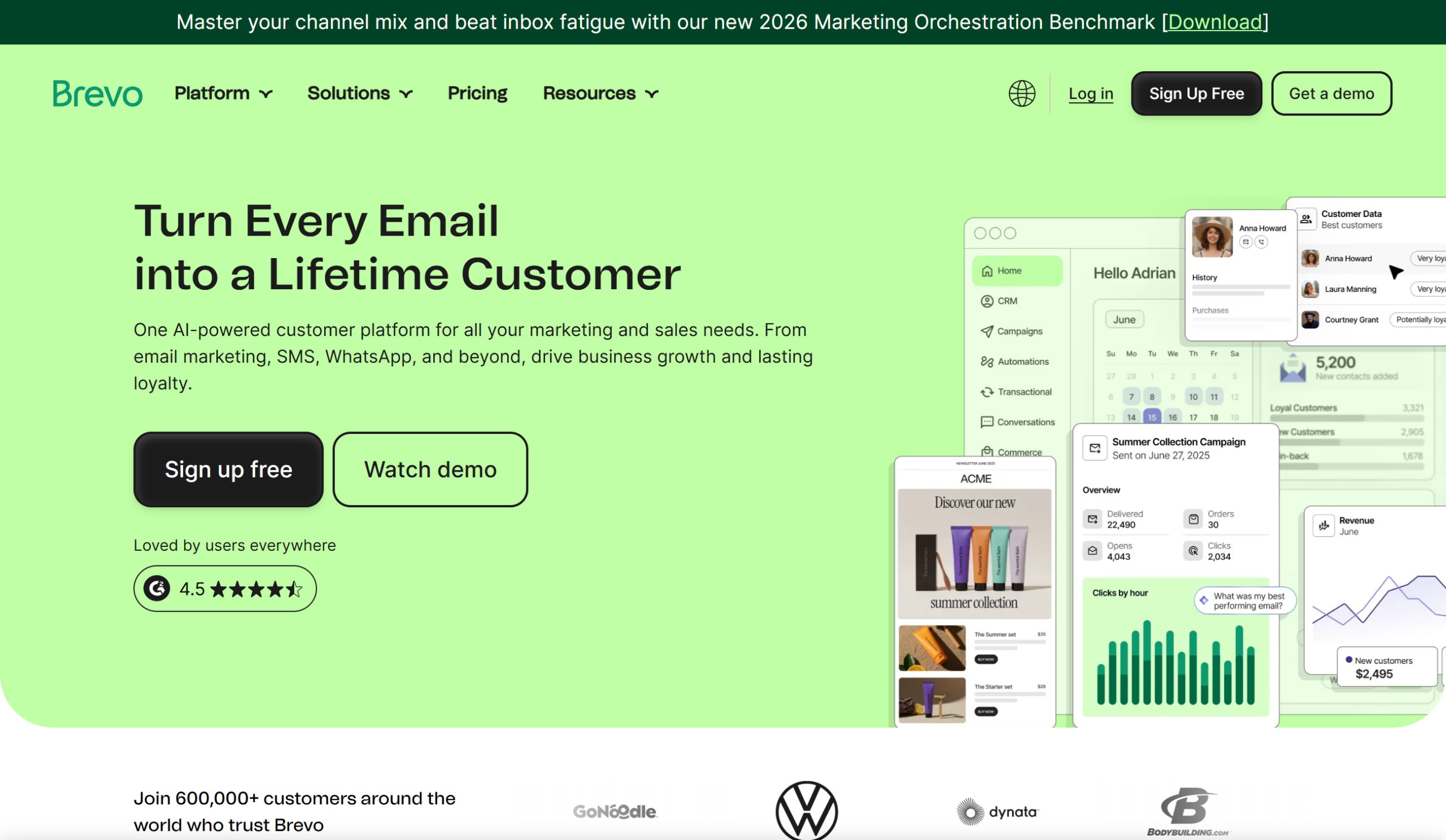
Brevo (formerly Sendinblue) bundles a transactional email API with marketing email, SMS, and WhatsApp under one roof. Its free plan still allows 300 emails/day (about 9,000/month) with no contact cap — a genuine free tier that SendGrid no longer matches. For teams that need both transactional and promotional mail without two contracts, Brevo consolidates well.
Key Features
- Transactional email API plus SMTP relay
- Free plan: 300 emails/day, unlimited contacts
- Email + SMS + WhatsApp in one platform
- Built-in CRM and marketing automation
- Real-time logs, webhooks, and deliverability reporting
✓Pros:
- Transactional email API plus SMTP relay
- Free plan: 300 emails/day with unlimited contacts
- Email + SMS + WhatsApp in one platform
- Built-in CRM and marketing automation
- Real-time logs, webhooks, and deliverability reporting
✗Cons:
- Free plan capped at 300 emails/day, not per month
- Deliverability can be inconsistent on shared IPs
- Advanced automation locked behind higher tiers
💰Pricing: Free plan (300 emails/day). Paid plans start at $9/month for 5,000 emails.
Pricing: Free plan (300 emails/day). Paid plans start at $9/month for 5,000 emails. (Brevo Pricing, accessed June 2026)
Best For: Businesses that want transactional email plus SMS and marketing in a single tool without paying per contact.
3. Mailgun — Best for Developers Sending at Scale
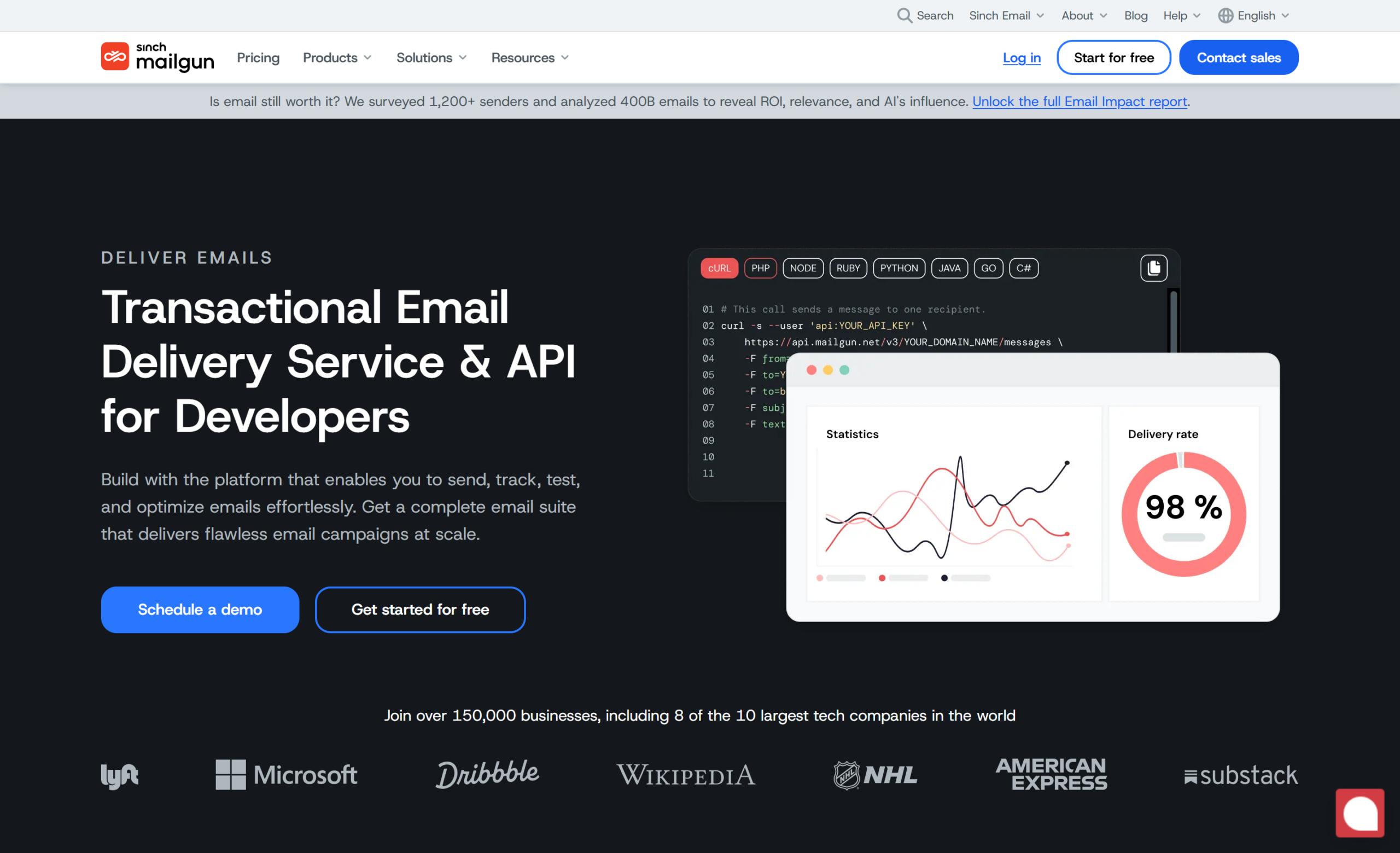
Mailgun is a developer-first email API built for high volume. Its documentation, libraries, and routing rules are strong, and the pay-as-you-go Flex plan charges $1.00 per 1,000 emails with no monthly minimum. For teams that outgrew SendGrid but still want a pure sending API, Mailgun is the closest like-for-like swap.
Key Features
- Flexible email API and SMTP with detailed routing
- Inbound email parsing and routing rules
- Email validation and deliverability analytics
- Pay-as-you-go or volume plans
- Strong libraries for most major languages
✓Pros:
- Developer-first email API built for high volume
- Pay-as-you-go Flex plan from $1.00 per 1,000 emails
- Inbound email parsing and detailed routing rules
- Email validation and deliverability analytics
- Strong libraries for most major languages
✗Cons:
- No permanent free plan — trial only
- Validation and dedicated IPs cost extra
- Geared to developers; no real marketing features
💰Pricing: Flex from $1.00 per 1,000 emails. Growth plan starts at $35/month for 50,000 emails.
Pricing: Flex plan from $1.00 per 1,000 emails. Growth plan starts at $35/month for 50,000 emails. (Mailgun Pricing, accessed June 2026)
Best For: Engineering teams that want a dedicated, scalable sending API with deep routing control.
4. Postmark — Best for Fast Transactional Deliverability

Postmark is laser-focused on transactional email — receipts, password resets, notifications — and it’s known for speed and inbox placement. It keeps marketing (bulk) and transactional streams separate on different infrastructure, which protects deliverability for your critical mail. The trade-off: it’s purpose-built for transactional, so it’s less suited to large marketing campaigns.
Key Features
- Separate servers for transactional and broadcast streams
- Fast, reliable delivery with detailed delivery analytics
- 45-day searchable message history
- Templates with API-driven sending
- Webhooks for opens, clicks, bounces, and spam complaints
✓Pros:
- Separate infrastructure for transactional and broadcast streams
- Known for fast delivery and strong inbox placement
- 45-day searchable message history
- Clean API with templates and webhooks
- Responsive, well-regarded support
✗Cons:
- Built for transactional — not ideal for large marketing campaigns
- No permanent free plan
- Higher overage rates than Mailgun at scale
💰Pricing: Starts at $15/month for 10,000 emails; pay-as-you-go from $1.00 per 1,000.
Pricing: Starts at $15/month for 10,000 emails; pay-as-you-go from $1.00 per 1,000. (Postmark Pricing, accessed June 2026)
Best For: Product and SaaS teams that need fast, reliable transactional email and will keep marketing mail elsewhere.
5. Amazon SES — Best for the Lowest Cost at Volume
Amazon SES is the cheapest way to send email at scale — $0.10 per 1,000 emails, or $1 for every 10,000. There’s no polished marketing dashboard and no hand-holding: SES is raw infrastructure you wire into your own stack. If you have engineering resources and high volume, nothing beats it on price.
Key Features
- $0.10 per 1,000 emails base sending rate
- Deep integration with the AWS ecosystem
- Dedicated and managed IP options
- Configuration sets for event tracking
- Virtually unlimited scale
✓Pros:
- $0.10 per 1,000 emails — the cheapest at scale
- Deep integration with the AWS ecosystem
- Dedicated and managed IP options
- Configuration sets for event tracking
- Virtually unlimited scale
✗Cons:
- Raw infrastructure — no dashboard or templates out of the box
- Requires engineering resources to set up and maintain
- Deliverability tooling and support are bare-bones
💰Pricing: $0.10 per 1,000 emails. Dedicated IPs from $24.95/month.
Pricing: $0.10 per 1,000 emails. Dedicated IPs from $24.95/month. (Amazon SES Pricing, accessed June 2026)
Best For: Engineering-heavy teams sending high volume who can build their own tooling around a bare API.
6. Mailjet — Best for Collaborative Marketing + Transactional Teams
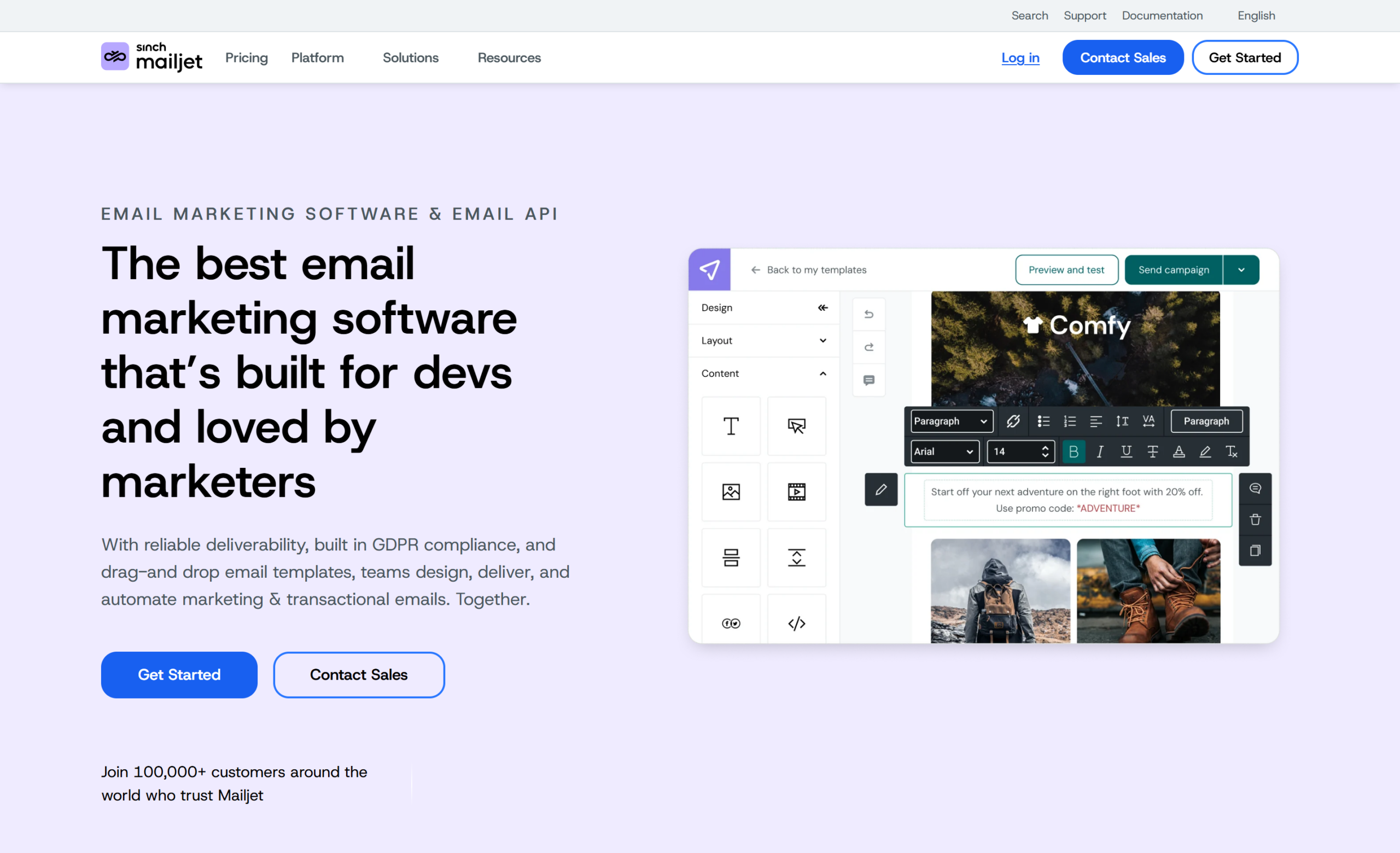
Mailjet pairs a transactional API with a collaborative email editor that lets marketing and dev teams work on templates together. It supports both SMTP relay and API sending, with a free tier of 6,000 emails/month (200/day). It sits between a pure developer tool and a full marketing platform.
Key Features
- Transactional API plus SMTP relay
- Real-time collaboration on email templates
- Free plan: 6,000 emails/month (200/day cap)
- Segmentation and basic marketing automation
- Sub-account management for agencies
✓Pros:
- Transactional API plus SMTP relay
- Real-time collaboration on email templates
- Free plan: 6,000 emails/month (200/day cap)
- Segmentation and basic marketing automation
- Sub-account management for agencies
✗Cons:
- Free plan limited to 200 emails/day
- Deliverability can lag the transactional specialists
- Advanced features require higher tiers
💰Pricing: Free plan (6,000 emails/month). Essential plan starts at $17/month for 15,000 emails.
Pricing: Free plan (6,000 emails/month). Essential plan starts at $17/month for 15,000 emails. (Mailjet Pricing, accessed June 2026)
Best For: Teams where marketers and developers collaborate on transactional templates and want both API and SMTP.
7. MailerSend — Best Transactional Tool with Templates
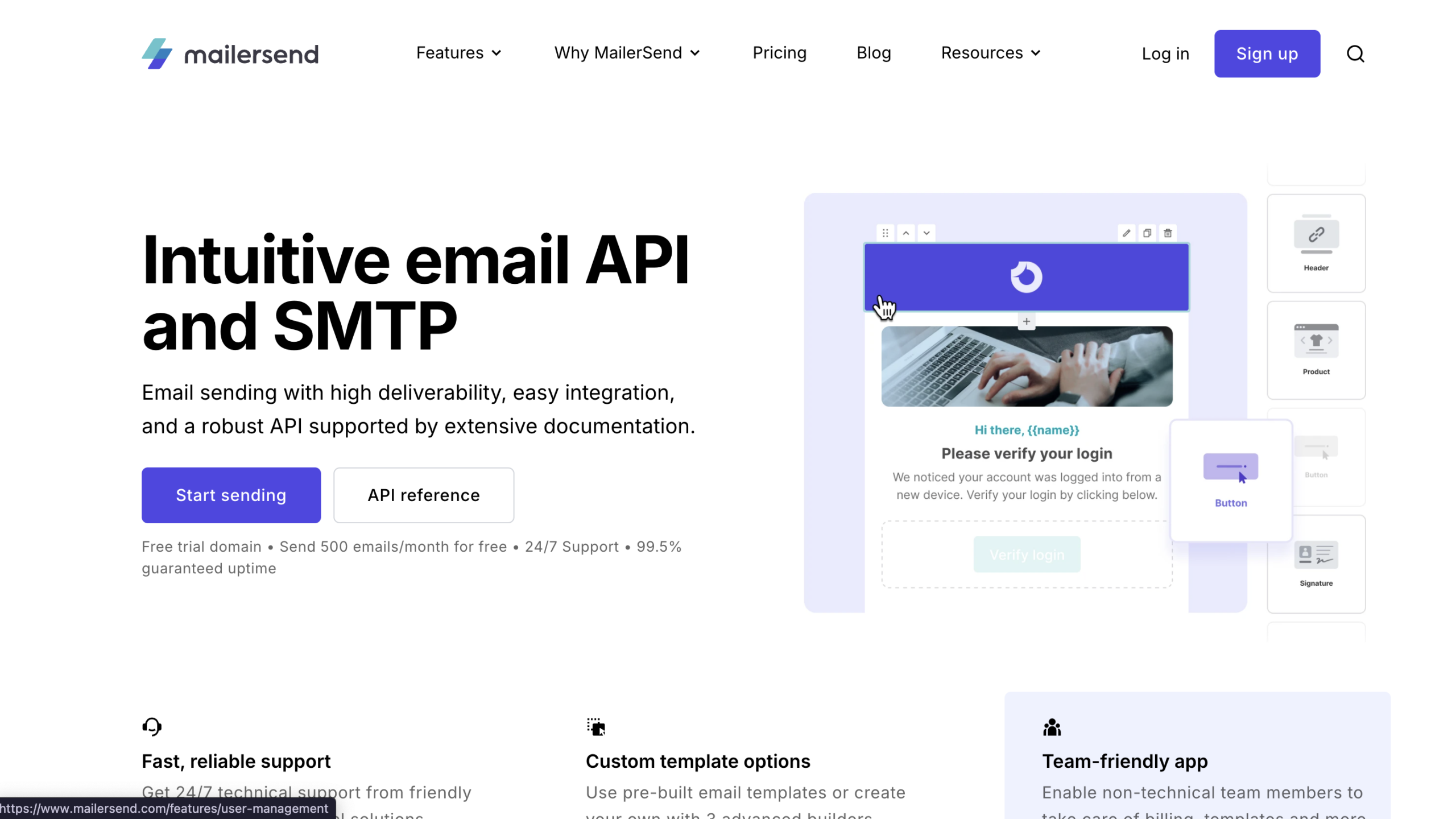
MailerSend, built by the MailerLite team, is a transactional-focused service with a clean drag-and-drop template builder and a developer-friendly API. It’s a popular SendGrid swap for teams that want approachable transactional tooling. Note that MailerSend cut its free plan from 3,000 to 500 emails/month in October 2025.
Key Features
- Transactional email API and SMTP
- Drag-and-drop template builder
- Inbound routing and webhooks
- Email verification add-on
- SMS and Slack notifications
✓Pros:
- Transactional email API and SMTP
- Drag-and-drop template builder
- Inbound routing and webhooks
- Email verification add-on
- SMS and Slack notifications
✗Cons:
- Free plan cut from 3,000 to 500 emails/month in October 2025
- Marketing features are limited
- Verification billed separately
💰Pricing: Free plan (500 emails/month). Hobby plan starts at $7/month for 5,000 emails.
Pricing: Free plan (500 emails/month). Hobby plan starts at $7/month for 5,000 emails. (MailerSend Pricing, accessed June 2026)
Best For: Teams that want simple, well-designed transactional email with a usable template editor.
8. SMTP2GO — Best for a Simple SMTP Relay
SMTP2GO does one thing well: reliable SMTP relay with solid deliverability and easy setup. If you just need to point your app’s SMTP at a service that won’t get blocked, it’s a low-friction choice. The free tier covers 1,000 emails/month.
Key Features
- Plug-and-play SMTP relay
- Real-time reporting and bounce tracking
- Free plan: 1,000 emails/month
- Global server infrastructure for redundancy
- Spam and blacklist monitoring
✓Pros:
- Plug-and-play SMTP relay with easy setup
- Free plan: 1,000 emails/month
- Real-time reporting and bounce tracking
- Global server infrastructure for redundancy
- Spam and blacklist monitoring
✗Cons:
- Primarily an SMTP relay — lighter API features
- No marketing campaign tools
- Free tier is modest at 1,000 emails/month
💰Pricing: Free plan (1,000 emails/month). Paid plans start at $10/month for 10,000 emails.
Pricing: Free plan (1,000 emails/month). Paid plans start at $10/month for 10,000 emails. (SMTP2GO Pricing, accessed June 2026)
Best For: Teams that want a dependable SMTP relay without a full API integration project.
9. Mailtrap — Best for Testing Plus Sending
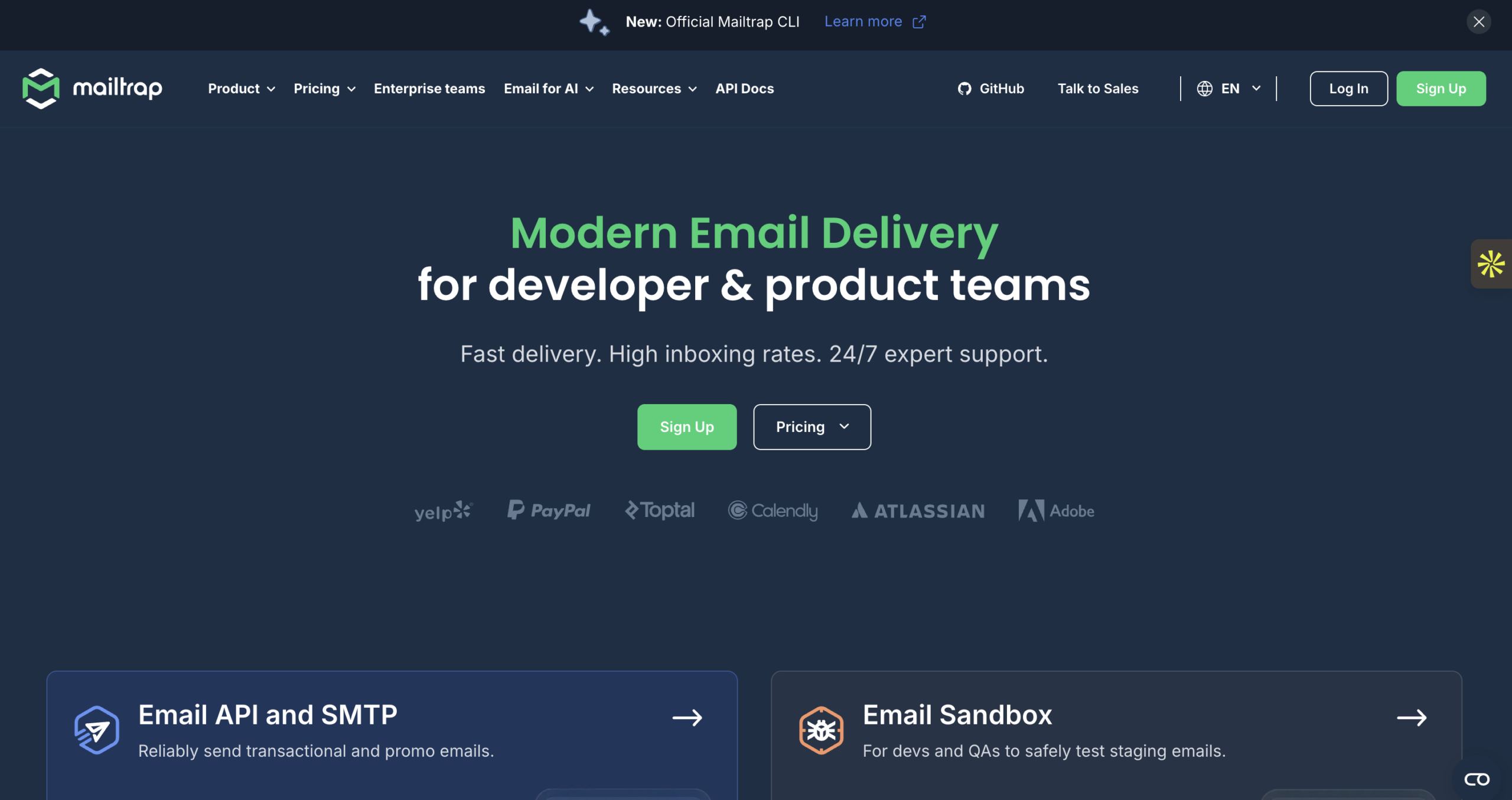
Mailtrap started as an email sandbox for testing and now offers production sending too. The combination is useful: you can safely test transactional emails in staging, then send them in production from the same platform. Its free tier includes 4,000 emails/month.
Key Features
- Email sandbox for safe staging tests
- Production sending API and SMTP
- Free plan: 4,000 emails/month
- Deliverability and spam-score checks
- Detailed logs and analytics
✓Pros:
- Email sandbox for safe staging tests
- Production sending API and SMTP
- Free plan: 4,000 emails/month
- Deliverability and spam-score checks
- Detailed logs and analytics
✗Cons:
- Best known for testing — sending is newer
- No marketing automation
- Higher tiers needed for serious volume
💰Pricing: Free plan (testing + 4,000 emails/month). Production sending from $0.10 per 1,000.
Pricing: Free plan (testing + 4,000 emails/month). Production sending from $0.10 per 1,000. (Mailtrap Pricing, accessed June 2026)
Best For: Dev teams that want to test transactional email in staging and send from the same tool.
10. ZeptoMail — Best for Ultra-Cheap Transactional Sending
ZeptoMail, from Zoho, is purpose-built for transactional email at a rock-bottom price — around $2.50 per 10,000 emails on a prepaid credit model. There’s no free tier, but the per-email cost is among the lowest of any plug-and-play service. It keeps transactional and marketing strictly separate.
Key Features
- Transactional-only, no marketing clutter
- Prepaid credit pricing (~$2.50 per 10,000 emails)
- API and SMTP sending
- Template management and webhooks
- Tight integration with the Zoho ecosystem
✓Pros:
- Transactional-only — no marketing clutter
- Prepaid credits around $2.50 per 10,000 emails
- API and SMTP sending
- Template management and webhooks
- Tight integration with the Zoho ecosystem
✗Cons:
- No free tier — prepaid credits only
- Strictly transactional, no campaigns
- Best value inside the Zoho stack
💰Pricing: No free tier. Credits start around $2.50 per 10,000 emails.
Pricing: No free tier. Credits start around $2.50 per 10,000 emails. (ZeptoMail Pricing, accessed June 2026)
Best For: Cost-conscious teams sending purely transactional email who don’t need a free plan.
11. Resend — Best Developer-First Modern API
Resend is the newest name on this list and has won over developers with clean documentation, a modern API, and React Email for building templates in code. Its free tier covers 3,000 emails/month. It’s young, so the feature set is leaner than Mailgun’s or SendGrid’s, but the developer experience is excellent.
Key Features
- Modern, well-documented email API
- React Email for code-based templates
- Free plan: 3,000 emails/month
- Webhooks and real-time logs
- Simple, fast onboarding for developers
✓Pros:
- Modern, well-documented email API
- React Email for code-based templates
- Free plan: 3,000 emails/month
- Webhooks and real-time logs
- Fast onboarding for developers
✗Cons:
- Young product — leaner feature set than Mailgun
- No marketing platform
- Smaller track record on deliverability at scale
💰Pricing: Free plan (3,000 emails/month). Paid plans start at $20/month for 50,000 emails.
Pricing: Free plan (3,000 emails/month). Paid plans start at $20/month for 50,000 emails. (Resend Pricing, accessed June 2026)
Best For: Developer teams that prize a clean modern API and code-based templates over a marketing dashboard.
12. Elastic Email — Best Budget API + Marketing Combo
Elastic Email offers transactional sending via API and SMTP plus a light marketing suite, all at a low price. Its pay-as-you-go API rates start around $0.10 per 1,000 emails, making it a budget-friendly SendGrid swap for teams that want both sending and basic campaigns.
Key Features
- Email API and SMTP relay
- Pay-as-you-go from ~$0.10 per 1,000 emails
- Basic marketing campaigns and contact management
- Email templates and landing pages
- Real-time delivery analytics
✓Pros:
- Email API and SMTP relay
- Pay-as-you-go from ~$0.10 per 1,000 emails
- Basic marketing campaigns and contact management
- Email templates and landing pages
- Real-time delivery analytics
✗Cons:
- Deliverability reputation is more mixed than the specialists
- Interface feels dated in places
- Support is slower on lower tiers
💰Pricing: Pay-as-you-go from ~$0.10 per 1,000 emails; marketing plans from $15/month.
Pricing: Pay-as-you-go from ~$0.10 per 1,000 emails; marketing plans from $15/month. (Elastic Email Pricing, accessed June 2026)
Best For: Budget-focused teams that want transactional sending plus light marketing in one inexpensive tool.
Free SendGrid Alternatives Worth Trying
SendGrid removed its free tier — but several alternatives still offer genuinely useful free plans:
| Platform | Free Emails/Month | API + SMTP? | Standout Free Feature |
|---|---|---|---|
| Mailercloud | 12,000 (1,000 contacts) | Yes | Inbox Tracker + marketing included |
| Brevo | ~9,000 (300/day) | Yes | SMS + CRM included |
| Mailjet | 6,000 (200/day) | Yes | Team template collaboration |
| Mailtrap | 4,000 | Yes | Testing sandbox + sending |
| Resend | 3,000 | Yes | Modern developer API |
| SMTP2GO | 1,000 | Yes | Plug-and-play SMTP relay |
Mailercloud’s free plan offers the most monthly sends of the group — 12,000 emails — and it’s the only one that includes Inbox Tracker deliverability data and full marketing automation at no cost.
How to Choose the Right SendGrid Alternative
The best choice depends on what you’re sending and who’s building it:
- Transactional + marketing in one tool → Mailercloud
- Email + SMS + transactional → Brevo
- Pure developer API at scale → Mailgun or Amazon SES
- Fastest transactional deliverability → Postmark
- Lowest cost at high volume → Amazon SES or ZeptoMail
- Simple SMTP relay → SMTP2GO
- Testing plus production sending → Mailtrap
- Modern developer experience → Resend
- Budget API + light marketing → Elastic Email or Mailjet
If you’re not sure where to start, Mailercloud is the safest switch from SendGrid for most teams — it replaces both the transactional API you lost and the free plan SendGrid took away, while adding Inbox Tracker so you can finally see where your mail lands.
Frequently Asked Questions
What is the best alternative to SendGrid?
Mailercloud is the best SendGrid alternative in 2026 for most teams. It offers a transactional email API and SMTP relay plus full marketing automation, a free plan with 1,000 contacts and 12,000 emails/month, and Inbox Tracker for real-time deliverability — all starting at $7/month. For pure high-volume developer sending, Amazon SES, Postmark, and Mailgun are also excellent.
Is there a free alternative to SendGrid?
Mailercloud offers a free-forever plan with 12,000 emails/month and 1,000 contacts — including its API, SMTP relay, and Inbox Tracker. Since SendGrid removed its permanent free tier in 2025, Brevo (300 emails/day), Mailjet (6,000/month), and Resend (3,000/month) are other strong free options.
Why did SendGrid remove its free plan?
SendGrid replaced its forever-free tier with a 60-day trial in 2025 under Twilio’s ownership. After the trial, users must move to the Essentials plan starting at $19.95/month. This is the single biggest reason teams are switching — and why alternatives like Mailercloud, which kept a real free plan, are gaining SendGrid users.
What is the cheapest SendGrid alternative?
Amazon SES is the cheapest at scale at $0.10 per 1,000 emails, and ZeptoMail is close at about $2.50 per 10,000. For teams that want a free plan plus marketing included rather than raw infrastructure, Mailercloud at $7/month delivers the best overall value with Inbox Tracker and automation built in.
Is SendGrid good for transactional email?
SendGrid still sends reliable transactional email, but its value dropped in 2026 after removing the free tier and raising prices. Alternatives like Postmark (fast transactional deliverability) and Mailercloud (transactional + marketing with Inbox Tracker) now offer better value for most teams, especially smaller ones hit hardest by SendGrid’s pricing changes.
Can I migrate from SendGrid easily?
Mailercloud supports CSV contact import and standard SMTP/API setup, so most teams migrate from SendGrid in under a day. You swap your SMTP credentials or API keys, point your app at the new endpoint, and re-authenticate your sending domain with SPF, DKIM, and DMARC. Mailercloud’s 24/7 support team helps with the switch, even on the free plan.
Is SendGrid better than Mailgun?
Both are capable developer APIs, but Mailgun’s pay-as-you-go Flex plan ($1 per 1,000 emails) is friendlier to small senders than SendGrid’s $19.95/month minimum. If you want more than a sending API — marketing, automation, and deliverability tracking — Mailercloud covers both in one platform at $7/month.
Final Verdict: Why Mailercloud is the Best SendGrid Alternative
SendGrid still works as a sending API. But after killing its free plan and raising prices, it’s lost the value edge for most teams — especially smaller ones. Here’s why Mailercloud is the better choice in 2026:
- A real free plan: 12,000 emails/month and 1,000 contacts — something SendGrid no longer offers
- Lower starting price: $7/month vs. SendGrid’s $19.95/month Essentials plan
- Transactional and marketing in one tool: API and SMTP plus automation, segmentation, and campaigns
- Inbox Tracker: See exactly where your transactional and marketing mail lands across Gmail, Outlook, and Yahoo
- No surprise add-on fees: Dedicated IPs and analytics aren’t billed as separate line items at every tier
- 24/7 live chat support on every plan, including free
Mailercloud isn’t the right pick for everyone. If you’re sending hundreds of millions of purely transactional emails and have the engineering team to manage raw infrastructure, Amazon SES will be cheaper. Mailercloud’s integration library is also smaller than SendGrid’s, and native SMS is still in development. But for the core job — sending transactional and marketing email that reaches the inbox, with visibility SendGrid never gave you — Mailercloud does it better, at a lower price, with a free plan SendGrid scrapped.
Start your free Mailercloud account (no credit card needed) →

As a Marketing Director, I develop and implement marketing strategies, conduct market research, and manage a team of marketing professionals. With a successful track record of launching campaigns that drive revenue growth, I bring my marketing expertise to blog writing, creating engaging content that promotes the brand and its products/services.