
Last updated: September 2026 | Pricing verified on September 13, 2026 | 16 min read
Substack takes 10% of every paid subscription. Add Stripe’s 2.9% + $0.30 per charge and roughly 13% of your revenue is gone before it reaches you — on a $10/month subscriber, you keep about $8.36. Then there’s the $50 fee just to use your own domain, an editor with no automation, no A/B testing, and almost no segmentation. And since Substack raised $100 million in June 2025 and announced it would push harder into advertising and social features, a lot of writers have started asking whether a “newsletter platform” that now looks like a social network is still the right home for their list.
We compared 12 Substack alternatives on pricing, fees, deliverability, automation, and how easy it is to take your subscribers with you. The short version: Mailercloud is the best Substack alternative in 2026 for writers who want to own their audience, pay a flat price instead of a revenue cut, and get real email marketing features — a free plan for 1,000 contacts, paid plans from $10/month, and Inbox Tracker so you can see whether your issues land in the inbox or the Promotions tab. If your priority is built-in paid subscriptions with a 0% platform fee, beehiiv and Ghost are the strongest picks.
Here’s the full breakdown.
Quick Answer: Mailercloud is the best Substack alternative in 2026 — free for up to 1,000 contacts, then a flat $10/month with no 10% revenue share, plus automation, A/B testing, and Inbox Tracker to see where your newsletter actually lands. The other top alternatives are beehiiv, Ghost, Kit, MailerLite, Buttondown, Brevo, Mailchimp, Flodesk, Patreon, GetResponse, and Medium. For paid newsletters with billing built in and a 0% platform fee, beehiiv and Ghost are the strongest picks.
Table of Contents
Why People Are Leaving Substack in 2026
Substack made it easy to start a newsletter. That simplicity is also why writers outgrow it. These are the six complaints that come up most often on Reddit, in creator forums, and in the “why I left” posts that now fill the platform itself:
- The 10% revenue share never goes away. Substack charges 10% of paid subscription revenue on top of Stripe’s 2.9% + $0.30 per transaction. A writer earning $5,000/month in subscriptions pays Substack around $500/month — every month — for a service beehiiv and Ghost provide for a flat $49 or $29.
- Your own domain costs $50. Substack charges a one-time $50 fee to unlock custom domain support. Most email platforms, including free plans on beehiiv and Mailercloud, include it.
- No automation, no A/B testing, minimal segmentation. You can’t build a welcome sequence, test two subject lines, or send a different email to readers who haven’t opened in 60 days. Substack is a broadcast tool, not a marketing tool.
- Design is locked down. Every Substack looks like a Substack. There’s no drag-and-drop builder, no template library, and limited control over layout and branding.
- The platform’s priorities have shifted. After the June 2025 raise at a $1.1 billion valuation, Substack announced expanded advertising and heavier investment in social features (Notes, video, livestreams, and in January 2026 a Substack TV app). Writers who signed up for a newsletter tool are now competing for attention inside a feed.
- Content moderation controversy pushed big names out. In January 2024, Platformer (Casey Newton), Molly White, and Ryan Broderick left after Substack declined to remove newsletters publishing extremist content. That exodus didn’t end the platform, but it made “where would I go instead?” a permanent question.
If two or more of these apply to you, the alternatives below solve them directly.
How We Ranked These Alternatives
We evaluated each platform on five criteria, weighted for what matters when you’re moving a newsletter off Substack:
- Pricing and fees — the real monthly cost at 1,000 and 10,000 subscribers, including any revenue cut on paid subscriptions
- Deliverability — infrastructure, authentication support, and whether you can see where your emails land
- Automation and segmentation — welcome sequences, tagging, behavioural triggers, A/B testing
- Ownership and portability — custom domain, subscriber export, and whether you’re locked to a platform’s network
- Ease of migration — how quickly a Substack writer can import their list and archive and get sending
We verified every price on the official pricing pages on September 13, 2026, and cross-checked feature claims against G2 reviews and Reddit threads in r/Substack and r/Newsletters.
Newsletter Tool or Email Marketing Platform: Which Substack Alternative Do You Need?
Substack blends three things: a publishing tool, an email sender, and a payment processor. Most alternatives specialise in one or two of those, so decide which you actually need before you pick.
You need a newsletter-first platform if paid subscriptions are your main revenue and you want subscription billing built in. beehiiv, Ghost, Kit, and Buttondown do this with a 0% to 3.5% platform fee instead of Substack’s 10%.
You need an email marketing platform if your newsletter is part of a business — you sell a product, run a service, or want automation, segmentation, and deliverability tools that go beyond “send an issue on Tuesday”. Mailercloud, MailerLite, Brevo, Mailchimp, Flodesk, and GetResponse are built for this.
You need a membership or publishing network if what you liked about Substack was the reader discovery and the paywall, not the email. Patreon and Medium fit here, with the trade-off that you don’t own the email list.
We rank Mailercloud first because most writers leaving Substack aren’t leaving to find a slightly different Substack. They’re leaving because they want to run their newsletter like a business — with a flat price, automation, and a list they control — and Mailercloud gives them that at $10/month without taking a cut of what they earn.
At-a-Glance Comparison
| Tool | Best For | Free Plan | Starting Price | Fee on Paid Subs | Standout Feature |
|---|---|---|---|---|---|
| Mailercloud#1 Pick | Best overall value & ownership | ✓ Yes 1,000 contacts |
$10/mo | 0% | Inbox TrackerAutomationAMP Emails |
| beehiiv | Paid newsletters, 0% fee | ✓ Yes 2,500 subs |
$49/mo | 0% | Referral programAd network |
| Ghost | Own website + memberships | ✗ Trial Self-host free |
$18/mo | 0% | Open sourceCustom themes |
| Kit | Creators selling products | ✓ Yes 10,000 subs |
$33/mo | 3.5% + 30¢ | Creator NetworkCommerce |
| MailerLite | Budget email + paid subs | ✓ Yes 250 subs |
$12/mo | 0% | Paid newslettersWebsite builder |
| Buttondown | Minimalist writers | ✓ Yes 100 subs |
Usage-based | 0% (+$9 add-on) | MarkdownActive-only billing |
| Brevo | Email + SMS + CRM | ✓ Yes 300/day |
$9/mo | n/a | SMS & WhatsAppBuilt-in CRM |
| Mailchimp | Integrations & brand | ✓ Yes 250 contacts |
$13/mo | n/a | 300+ integrationsJourney builder |
| Flodesk | Design-led newsletters | ✗ Forms only — |
$25/mo flat | 0% | Flat pricingCheckout |
| Patreon | Memberships with perks | ✓ Free to start — |
10% of earnings | 10% | TiersCommunity |
| GetResponse | Courses + webinars + email | ✗ Trial — |
$19/mo | 0% (Creator plan) | WebinarsPremium newsletters |
| Medium | Reach without a list | ✓ Yes Unlimited |
$5/mo (Partner) | Rev share pool | Built-in readersPartner Program |
Pricing verified September 13, 2026 on each platform’s official pricing page. Starting prices are monthly billing at the lowest paid tier; beehiiv and Kit starting prices are the first plan that includes automations or paid subscriptions.
1. Mailercloud — Best Overall Substack Alternative
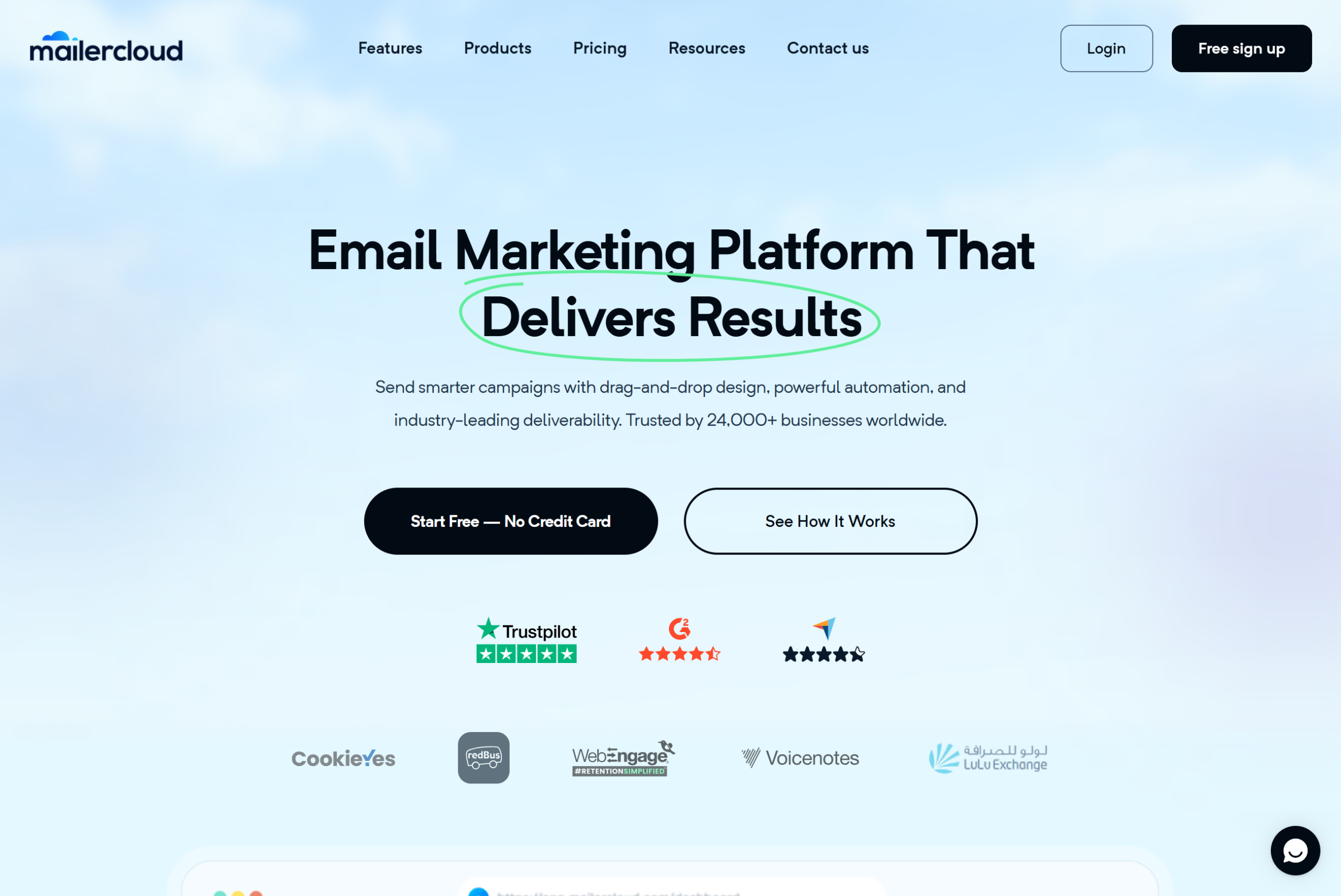
Mailercloud is the best Substack alternative in 2026 for writers who want to own their audience and stop paying a percentage of their income for the privilege of sending email. It’s a full email marketing platform: a free plan for up to 1,000 contacts and 12,000 emails a month, then $10/month for 5,000 contacts with unlimited sends. That’s a flat fee. Whether you earn $0 or $50,000 a month from your newsletter, Mailercloud’s price doesn’t change.
The feature Substack writers notice first is Inbox Tracker. Substack tells you an email was “delivered”; Mailercloud shows you whether it landed in the inbox, the Promotions tab, or spam across Gmail, Outlook, and Yahoo. Mailercloud senders on paid plans averaged 94.3% inbox placement across those three providers in Q1 2026, measured through Inbox Tracker across the user base. For a newsletter that lives or dies on open rates, that visibility matters more than any editor feature.
The second difference is everything Substack doesn’t do. Mailercloud includes a visual automation builder (welcome sequences, re-engagement flows, branching on clicks), tagging and segmentation, A/B testing on subject lines and content, a drag-and-drop email builder with 100+ templates, a landing page and signup form builder, and AMP for Email support for interactive issues (polls, carousels, and forms that work inside the inbox). Custom sending domains are included on every plan, with no $50 unlock fee.
One honest limitation: Mailercloud doesn’t process paid subscriptions itself. If you charge readers, you pair it with Stripe payment links, Gumroad, or Lemon Squeezy and keep 100% of the revenue minus the processor’s fee — which is still cheaper than Substack’s 10% plus Stripe, but it’s one more tool to connect. Mailercloud’s integration library is also smaller than Mailchimp’s, and native SMS is still in development.
Key Features
- Free plan: 1,000 contacts, 12,000 emails/month, no credit card, no time limit
- Paid plans from $10/month for 5,000 contacts with unlimited emails (30% off billed annually)
- Inbox Tracker shows placement across Gmail, Outlook, and Yahoo
- Visual automation builder with triggers, delays, and branching
- A/B testing for subject lines and content
- AMP for Email support for interactive newsletters
- Drag-and-drop builder with 100+ responsive templates
- Built-in landing page and signup form builder
- Advanced segmentation and contact tagging
- Custom sending domain with SPF, DKIM, and DMARC guidance
- CSV import for Substack subscriber exports
- 24/7 live chat and email support on every plan, including free
✅Mailercloud Pros:
- Free plan: 1,000 contacts and 12,000 emails/month — Substack-style $0 start with no revenue share
- Flat pricing from $10/month for 5,000 contacts with unlimited sends; your income stays yours
- Inbox Tracker shows whether each issue lands in the inbox, Promotions, or spam across Gmail, Outlook, and Yahoo
- Visual automation builder for welcome sequences, re-engagement flows, and branching
- A/B testing on subject lines and content — Substack has neither
- AMP for Email for interactive newsletters (polls, carousels, forms in the inbox)
- Drag-and-drop builder with 100+ templates instead of Substack’s one fixed look
- Custom sending domain included on every plan — no $50 unlock fee
- Advanced segmentation and tagging, with CSV import for Substack exports
- 24/7 live chat and email support on every plan, including free
❌Mailercloud Cons:
- No built-in paid-subscription billing — pair with Stripe payment links, Gumroad, or Lemon Squeezy
- Smaller third-party integration library than Mailchimp or HubSpot
- Native SMS marketing still in development
💰Pricing: Free plan for up to 1,000 contacts and 12,000 emails/month. Premium from $10/month (5,000 contacts, unlimited sends; 30% off annually). No revenue share.
Pricing: Free for up to 1,000 contacts. Premium starts at $10/month for 5,000 contacts and unlimited sends. No revenue share.
Best for: Writers and small publishers who want a flat-price platform with automation, deliverability monitoring, and a list they fully own.
Verdict: If you’re leaving Substack because of the 10% cut, the locked-down design, or the lack of automation, Mailercloud fixes all three for $10/month. Start your free Mailercloud account →
2. beehiiv — Best Substack Alternative for Paid Newsletters
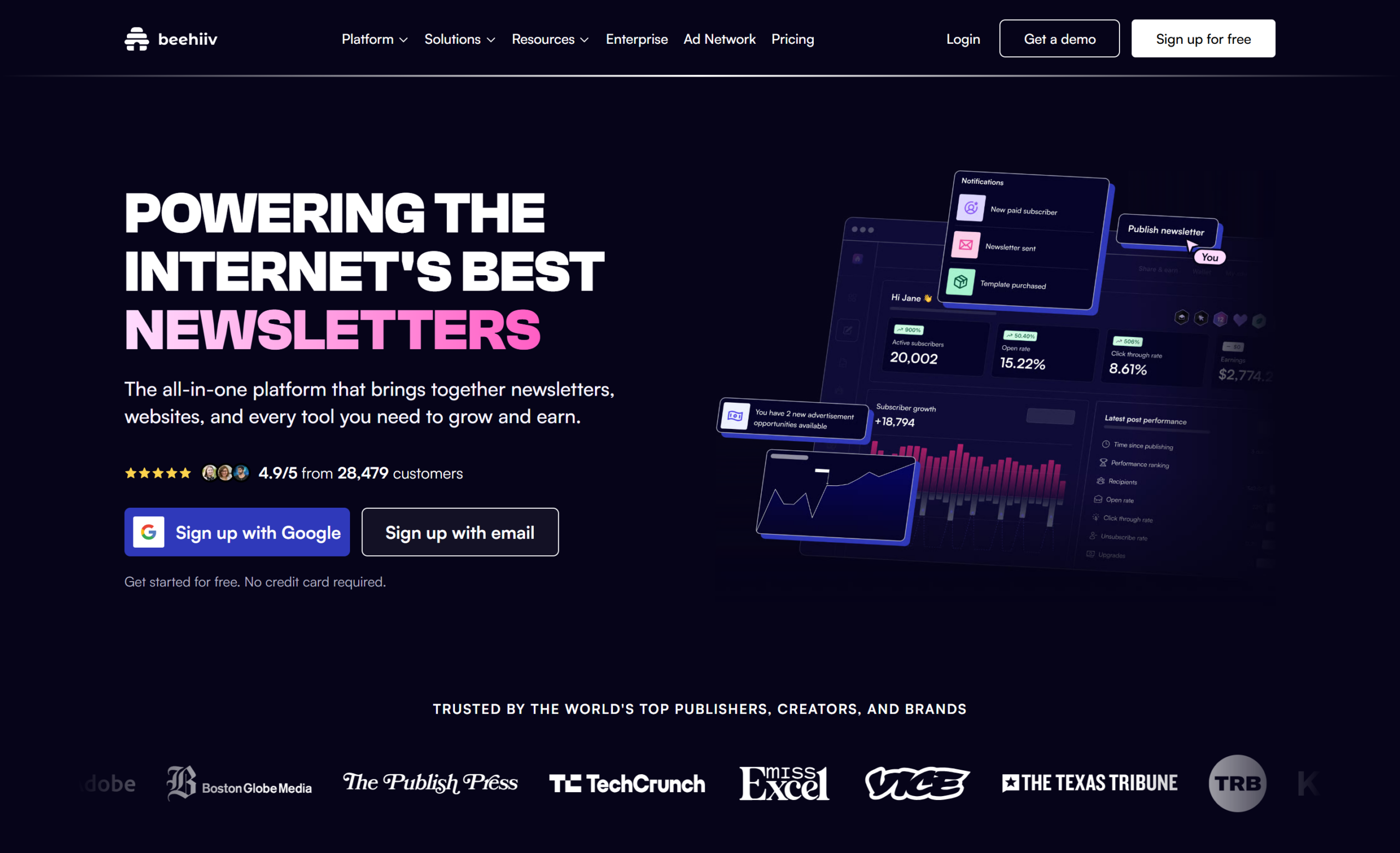
beehiiv is the platform most Substack writers move to when they want the same “newsletter plus website plus paywall” model without the revenue share. Built by former Morning Brew staff, it charges 0% on paid subscriptions (you pay only Stripe’s fees), includes a custom domain on the free plan, and has a recommendation network and referral program that replace what you lose by leaving Substack’s discovery features.
The free Launch plan covers up to 2,500 subscribers with unlimited sends, but it excludes automations and all monetisation. To charge readers or build a welcome sequence you need Scale, which starts at $49/month for 1,000 subscribers ($43/month billed annually) and rises with list size to $109/month at 10,000. That’s a big jump from $0, but for a paid newsletter earning more than $490/month it’s already cheaper than Substack’s 10%. Reviewers on G2 consistently praise the editor and analytics; the recurring complaint is that support on the free plan is limited to documentation.
Key Features
- Free plan for up to 2,500 subscribers with custom domain
- 0% platform fee on paid subscriptions (Scale plan and up)
- Built-in referral program, recommendation network, and ad network
- Website and archive hosting with SEO-friendly pages
- Email automations, surveys, and polls on Scale (from $49/month)
✅beehiiv Pros:
- 0% platform fee on paid subscriptions (Scale and up) vs Substack’s 10%
- Free Launch plan covers 2,500 subscribers with a custom domain included
- Referral program, recommendation network, and ad network built in
- Modern editor with website and archive hosting
- Surveys, polls, and email automations on Scale
❌beehiiv Cons:
- Automations and all monetisation locked behind Scale, from $49/month at 1,000 subscribers
- Free plan support is documentation only
- Branding removal requires Max, from $109/month
💰Pricing: Free up to 2,500 subscribers. Scale from $49/month at 1,000 subscribers ($43 billed annually), $109/month at 10,000; Max from $109/month.
Pricing: Free up to 2,500 subscribers. Scale from $49/month at 1,000 subscribers ($43/month billed annually), $109/month at 10,000. Max from $109/month adds branding removal and dynamic content.
Best for: Writers running a paid newsletter who want Substack’s model with a 0% take rate and a modern editor.
3. Ghost — Best for Writers Who Want Their Own Website
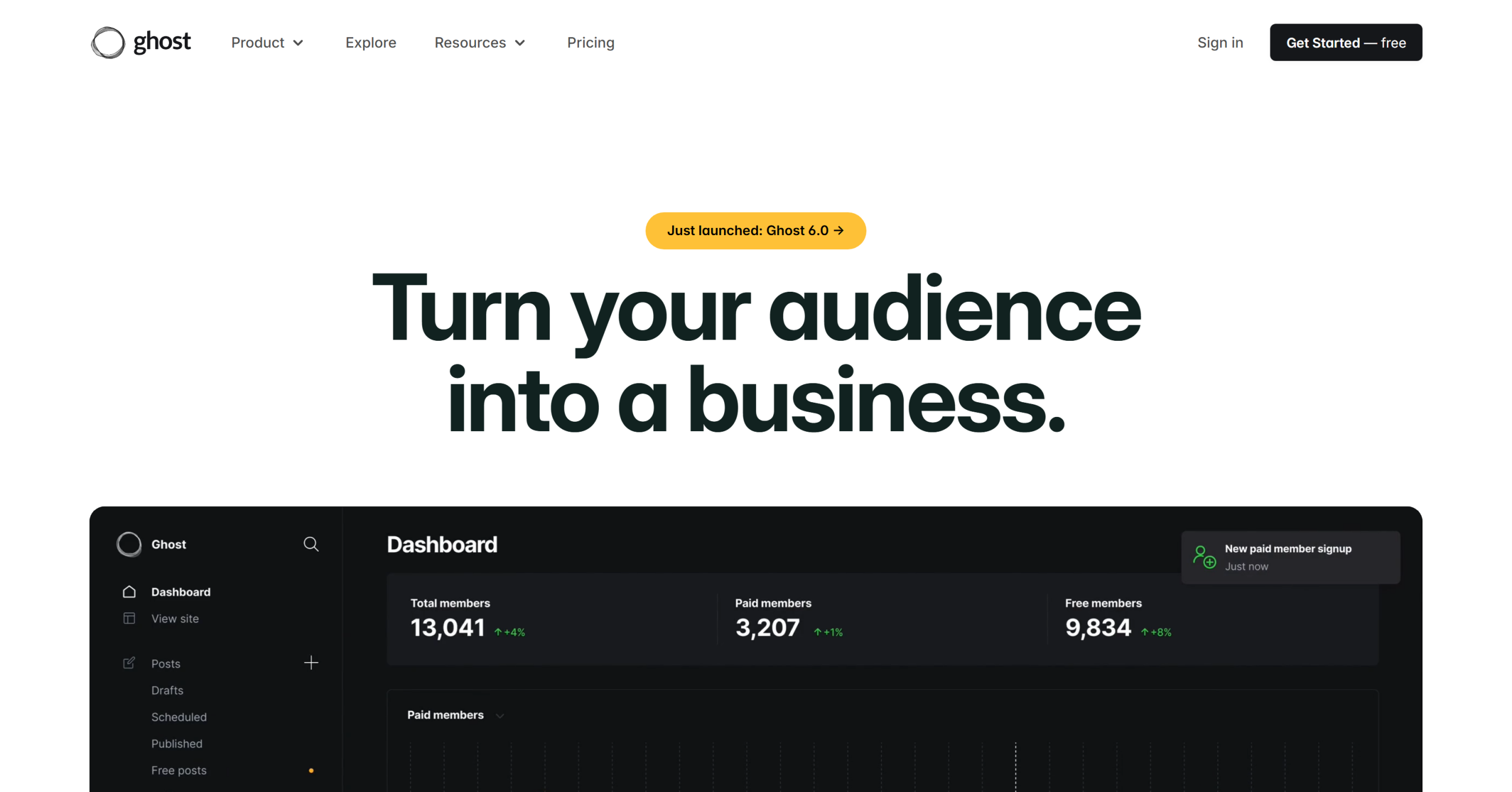
Ghost is open-source publishing software with built-in memberships and newsletters. Unlike Substack, your site is genuinely yours: custom domain, custom theme, full SEO control, and 0% platform fee on paid memberships. You can self-host it for free if you’re comfortable managing a server, or use Ghost(Pro) managed hosting. The same trade-off applies to self-hosted email tools; our hosted alternatives to Sendy guide shows what running your own sender really costs.
The trade-off is cost at the entry level. Ghost(Pro) Starter is $18/month billed annually (around $22 monthly) for up to 1,000 members, and paid memberships require the Publisher plan at $29/month. Ghost also has no free hosted tier and lighter automation than a dedicated email platform — it sends newsletters well, but it won’t run a behavioural drip campaign. It’s the right pick if your Substack was really a blog with an email list attached.
Key Features
- Open-source; self-hosting is free
- 0% transaction fee on paid memberships
- Full website, theme, and SEO control on a custom domain
- Native newsletter sending with member segmentation by tier
- Ghost(Pro) managed hosting from $18/month
✅Ghost Pros:
- Open source — self-hosting is free
- 0% transaction fee on paid memberships
- Full website, theme, and SEO control on your own domain
- Member tiers with native newsletter sending
- Clean, fast publishing editor
❌Ghost Cons:
- No free hosted plan; Ghost(Pro) starts at $18/month billed annually
- Paid memberships need the Publisher plan at $29/month
- Lighter automation than a dedicated email marketing platform
💰Pricing: Self-hosted is free. Ghost(Pro) Starter from $18/month (annual); Publisher from $29/month; Business from $199/month.
Pricing: Self-hosted is free. Ghost(Pro) Starter from $18/month billed annually; Publisher (paid memberships) from $29/month; Business from $199/month for 10,000 members.
Best for: Writers who want a real website with a paywall and are happy to trade Substack’s discovery for full ownership.
4. Kit (formerly ConvertKit) — Best for Creators Selling Products
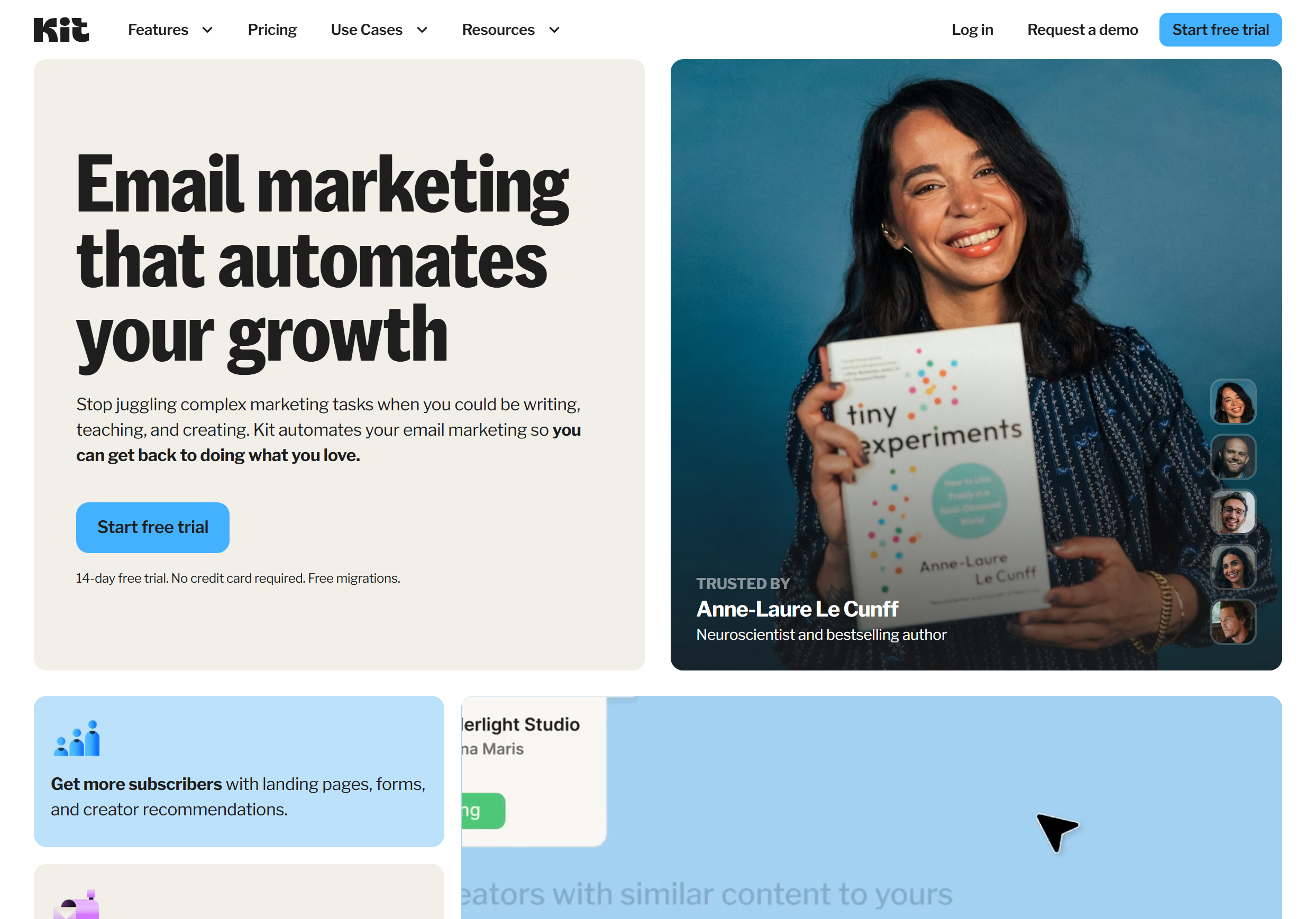
Kit is built for creators who monetise in more ways than one — paid newsletters, digital products, courses, and sponsorships. (If Kit’s paid tiers put you off, we’ve compared the best Kit alternatives separately.) Its free Newsletter plan is unusually generous at up to 10,000 subscribers with landing pages, forms, tagging, and product sales included, which makes it the most practical free landing spot for a large Substack list.
The catch is that automation is paywalled. Visual automations, sequences, and A/B testing only arrive on the Creator plan at $33/month for 1,000 subscribers, and pricing climbs steeply with list size. Kit also charges 3.5% + $0.30 on paid newsletter and product sales — a third of Substack’s cut, but not zero. Reviews on G2 rate the automation builder highly and flag the plain-text-leaning editor as limiting for design-heavy newsletters.
Key Features
- Free plan up to 10,000 subscribers (broadcasts, forms, landing pages, tagging)
- Paid newsletters and digital product sales with 3.5% + $0.30 fee
- Visual automations and sequences on Creator ($33/month at 1,000 subscribers)
- Creator Network for cross-recommendations
- Kit Commerce for tip jars, products, and paid recommendations
✅Kit (formerly ConvertKit) Pros:
- Free plan up to 10,000 subscribers — the largest free tier on this list
- Paid newsletters and digital products with a 3.5% + $0.30 fee (vs Substack’s 10%)
- Strong visual automation builder on paid plans
- Creator Network for cross-promotion
- Landing pages, forms, and tagging on every plan
❌Kit (formerly ConvertKit) Cons:
- Automations, sequences, and A/B testing only on Creator ($33/month at 1,000 subscribers)
- Pricing climbs steeply as the list grows
- Text-first editor limits design-heavy newsletters
💰Pricing: Free up to 10,000 subscribers (broadcasts only). Creator from $33/month; Creator Pro from $66/month, both at 1,000 subscribers.
Pricing: Free up to 10,000 subscribers. Creator from $33/month; Creator Pro from $66/month (both at 1,000 subscribers).
Best for: Creators with a large free list who sell products alongside the newsletter.
5. MailerLite — Best Budget Email Platform With Paid Newsletters
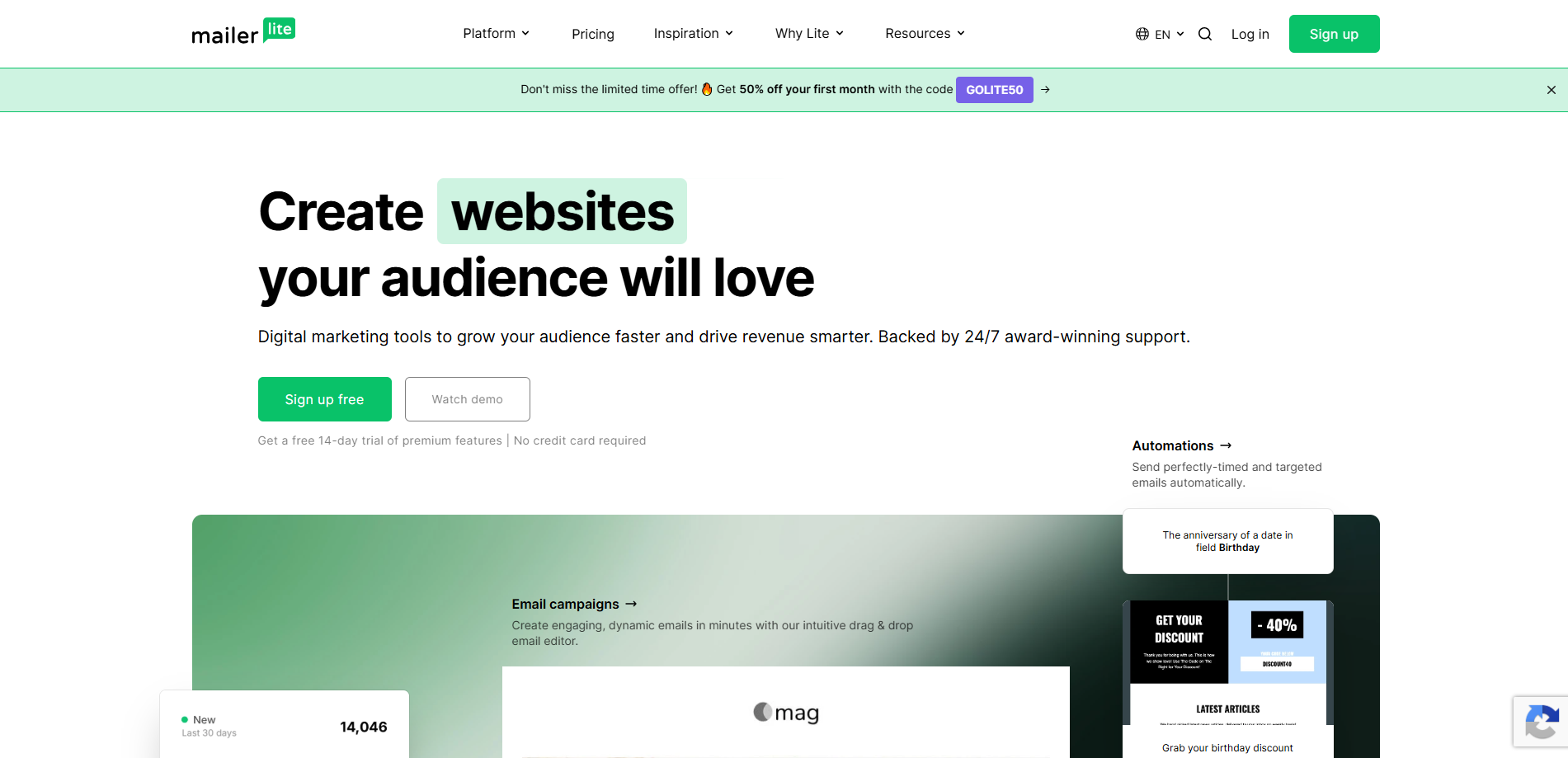
MailerLite is one of the few general email platforms that supports paid newsletter subscriptions natively, through Stripe, on its paid plans. It pairs a clean drag-and-drop editor with automation, a website builder, and landing pages, and it’s consistently rated among the easiest email tools to learn. If you send a business newsletter rather than a paid one, see our guide to the best email newsletter software.
The 2026 pricing change hurt the free plan: it now covers 250 subscribers and 2,500 emails a month, down from 500 and 12,000 — one reason we keep a list of MailerLite alternatives for writers who outgrow it. The Comfort plan starts at $12/month for 500 subscribers and includes unlimited templates and the AI writing assistant. It’s a fair price, but Mailercloud’s free plan covers four times as many contacts, and its $10 Premium plan covers 5,000 contacts — ten times MailerLite’s entry tier.
Key Features
- Paid newsletter subscriptions via Stripe on paid plans
- Drag-and-drop editor, website and landing page builder
- Automation with 3 workflows on free, unlimited on Power
- Free plan: 250 subscribers, 2,500 emails/month
- Comfort plan from $12/month
✅MailerLite Pros:
- Paid newsletter subscriptions via Stripe on paid plans
- One of the easiest editors to learn, with website and landing page builders
- Automation included (3 workflows on free, unlimited on Power)
- Comfort plan from $12/month
- Good deliverability track record in independent tests
❌MailerLite Cons:
- Free plan cut to 250 subscribers and 2,500 emails/month in 2026
- Paid subscriptions and templates not available on the free plan
- Entry plan covers only 500 subscribers
💰Pricing: Free up to 250 subscribers. Comfort from $12/month ($10.80 annually); Power from $25/month.
Pricing: Free up to 250 subscribers. Comfort from $12/month ($10.80 annually); Power from $25/month.
Best for: Solo writers who want built-in paid subscriptions inside a simple email platform.
6. Buttondown — Best Minimalist Substack Alternative
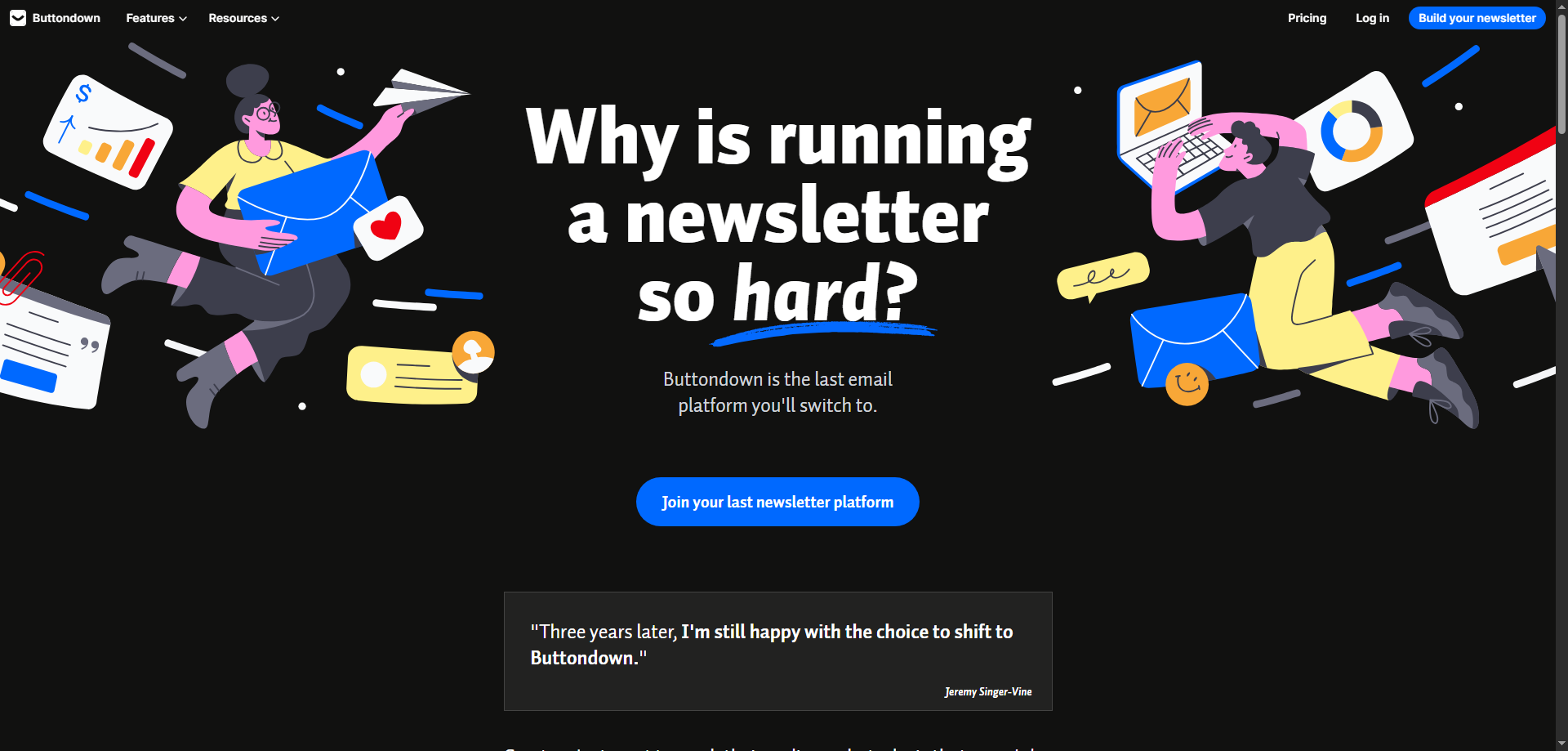
Buttondown is the writer’s-writer newsletter tool: markdown editor, no clutter, and pricing based only on active subscribers. It’s built by a small team, supports custom domains and hosted archives on the free tier, and has a loyal following among developers and independent writers who find Substack’s app and Notes distracting.
The pricing model is à la carte. The free plan covers 100 subscribers, and features like paid subscriptions ($9/month), tagging and segmentation ($9/month), and automations ($29/month) are add-ons. That keeps costs low if you need one thing, but it adds up fast if you need several — and there’s no visual email builder at all.
Key Features
- Markdown-first editor with hosted archives
- Free up to 100 subscribers, custom domain included
- Paid subscriptions add-on at $9/month
- Pay only for active subscribers, not stored contacts
- 50% discount for registered nonprofits
✅Buttondown Pros:
- Markdown-first editor with zero clutter
- Free up to 100 subscribers with custom domain and hosted archive
- Pay only for active subscribers
- Paid subscriptions add-on for $9/month
- 50% discount for registered nonprofits
❌Buttondown Cons:
- Free plan is tiny at 100 subscribers
- Segmentation, automations, and paid subscriptions are separate paid add-ons
- No visual email builder
💰Pricing: Free up to 100 subscribers. Paid plans scale by active subscribers; features are $9–$79/month add-ons.
Pricing: Free up to 100 subscribers. Paid plans scale by active subscribers, with features as $9–$79/month add-ons.
Best for: Writers who want plain-text simplicity and are happy to compose in markdown.
7. Brevo — Best for Email Plus SMS
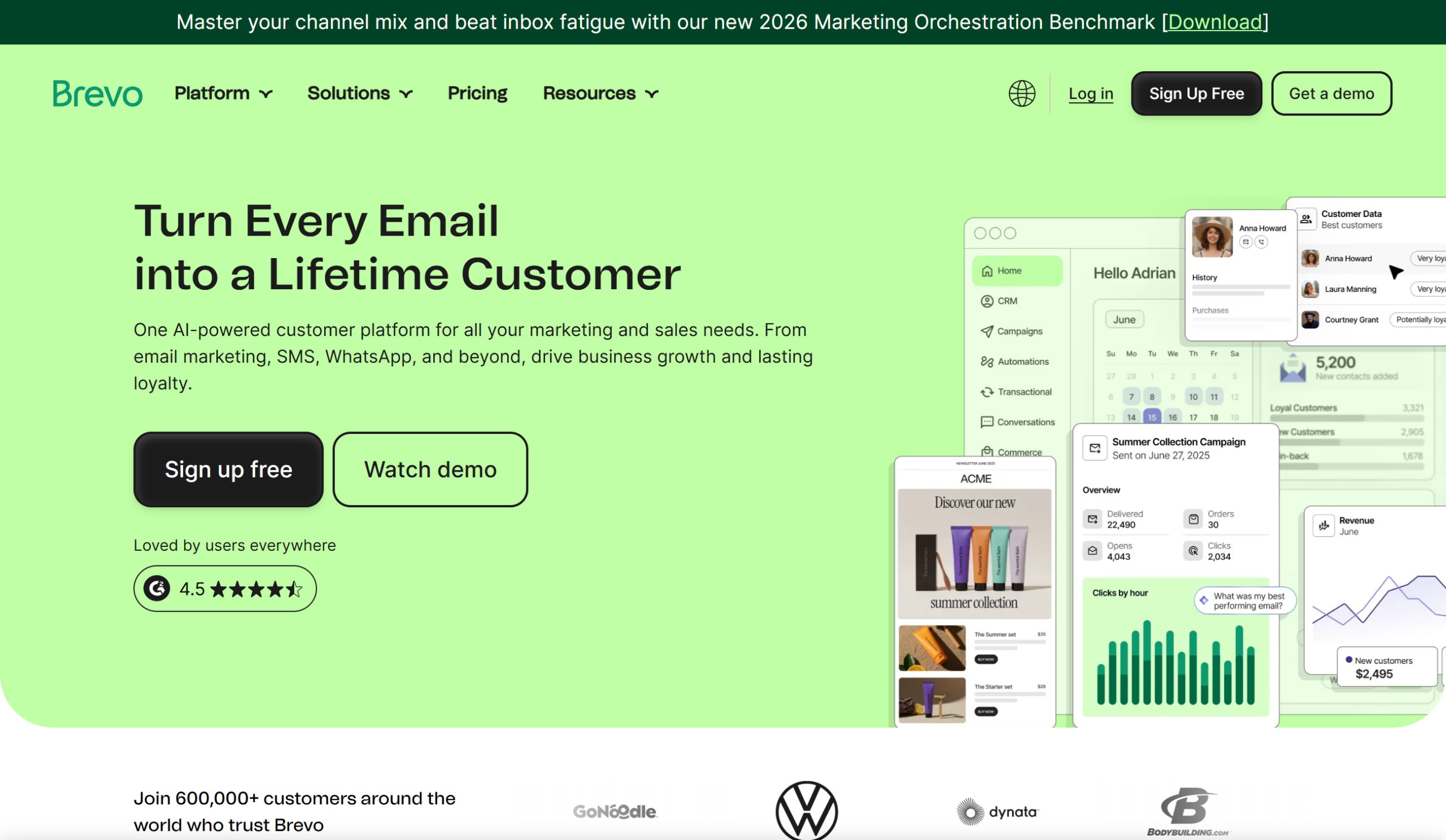
Brevo (formerly Sendinblue) is a full marketing suite: email, SMS, WhatsApp, a CRM, and transactional email in one account. Its pricing is based on email volume rather than contacts, so a large but low-frequency newsletter list can be cheap to run.
For a Substack writer the main draw is unlimited contacts on every plan. The main drawback is the free plan’s 300-emails-per-day cap, which means a 2,000-subscriber newsletter can’t go out in one send (a limit that pushes many users toward Brevo alternatives). The Starter plan (from around $9/month for 5,000 emails) removes the daily limit, but automation and A/B testing don’t arrive until Standard. Brevo has no built-in paid subscription feature.
Key Features
- Unlimited contacts on every plan; pricing by email volume
- Email, SMS, WhatsApp, and transactional email in one platform
- Built-in CRM and deal pipeline
- Marketing automation and A/B testing on Standard plan
- Free plan: 300 emails/day
✅Brevo Pros:
- Unlimited contacts on every plan; you pay by email volume
- Email, SMS, WhatsApp, and transactional email in one account
- Built-in CRM and deal pipeline
- Marketing automation and A/B testing on Standard
- Free plan with no contact limit
❌Brevo Cons:
- Free plan capped at 300 emails/day — a full send to a 2,000-subscriber list is impossible
- Automation and A/B testing not on the Starter plan
- No built-in paid newsletter feature
💰Pricing: Free with 300 emails/day. Starter from around $9/month for 5,000 emails/month.
Pricing: Free with 300 emails/day. Starter from around $9/month for 5,000 emails/month.
Best for: Writers who also need SMS or a lightweight CRM alongside the newsletter.
8. Mailchimp — Best for Brand Recognition and Integrations
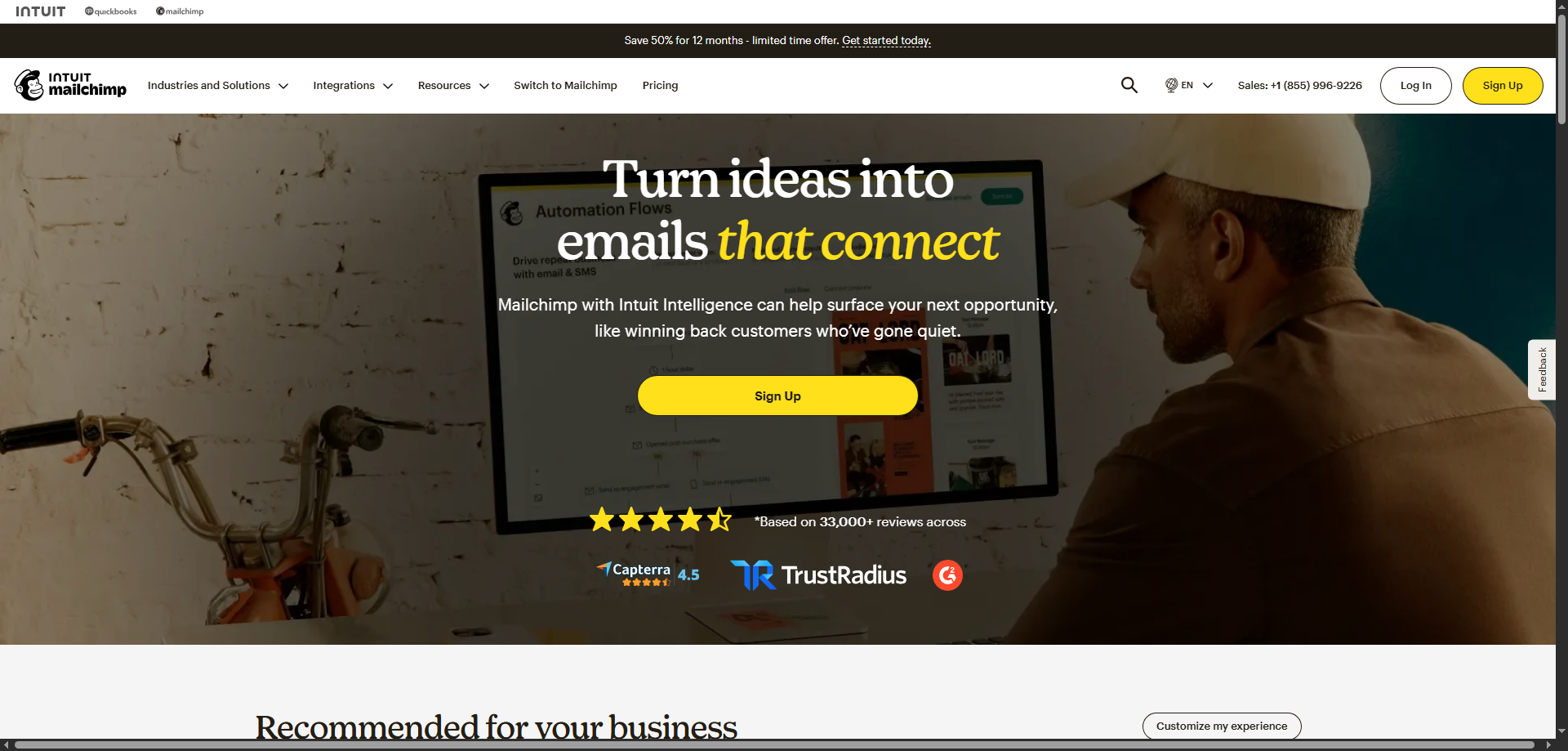
Mailchimp is the platform most people have heard of, and its 300+ integrations mean it connects to almost anything — Shopify, WordPress, Canva, Zapier. If your newsletter feeds a larger business with a store or CRM, that ecosystem is real value.
It’s also the most expensive option here for what a newsletter writer needs. The free plan now covers just 250 contacts and 500 sends a month, and Essentials starts at $13/month for 500 contacts with a send cap of 10× your contact count. Mailchimp also bills for unsubscribed and inactive contacts unless you archive them, a long-standing complaint in G2 reviews. There’s no paid-newsletter feature; you’d sell subscriptions elsewhere.
Key Features
- 300+ integrations and a large template library
- Customer journey builder on Standard ($20/month) and up
- Free plan: 250 contacts, 500 emails/month
- Generative AI content and send-time optimisation
- Reporting and benchmarking by industry
✅Mailchimp Pros:
- 300+ integrations — Shopify, WordPress, Canva, Zapier
- Large template library and generative AI content
- Customer journey builder on Standard and up
- Industry benchmarking in reports
- Widely known; easy to find help and freelancers
❌Mailchimp Cons:
- Free plan now covers only 250 contacts and 500 emails/month
- Essentials at $13/month for 500 contacts with a 10× send cap
- Bills for unsubscribed and inactive contacts unless archived
- No paid newsletter feature
💰Pricing: Free up to 250 contacts. Essentials from $13/month; Standard from $20/month (both at 500 contacts).
Pricing: Free up to 250 contacts. Essentials from $13/month; Standard from $20/month (both at 500 contacts).
Best for: Newsletters that sit inside a business already running on Mailchimp’s integrations.
9. Flodesk — Best for Design-Led Newsletters
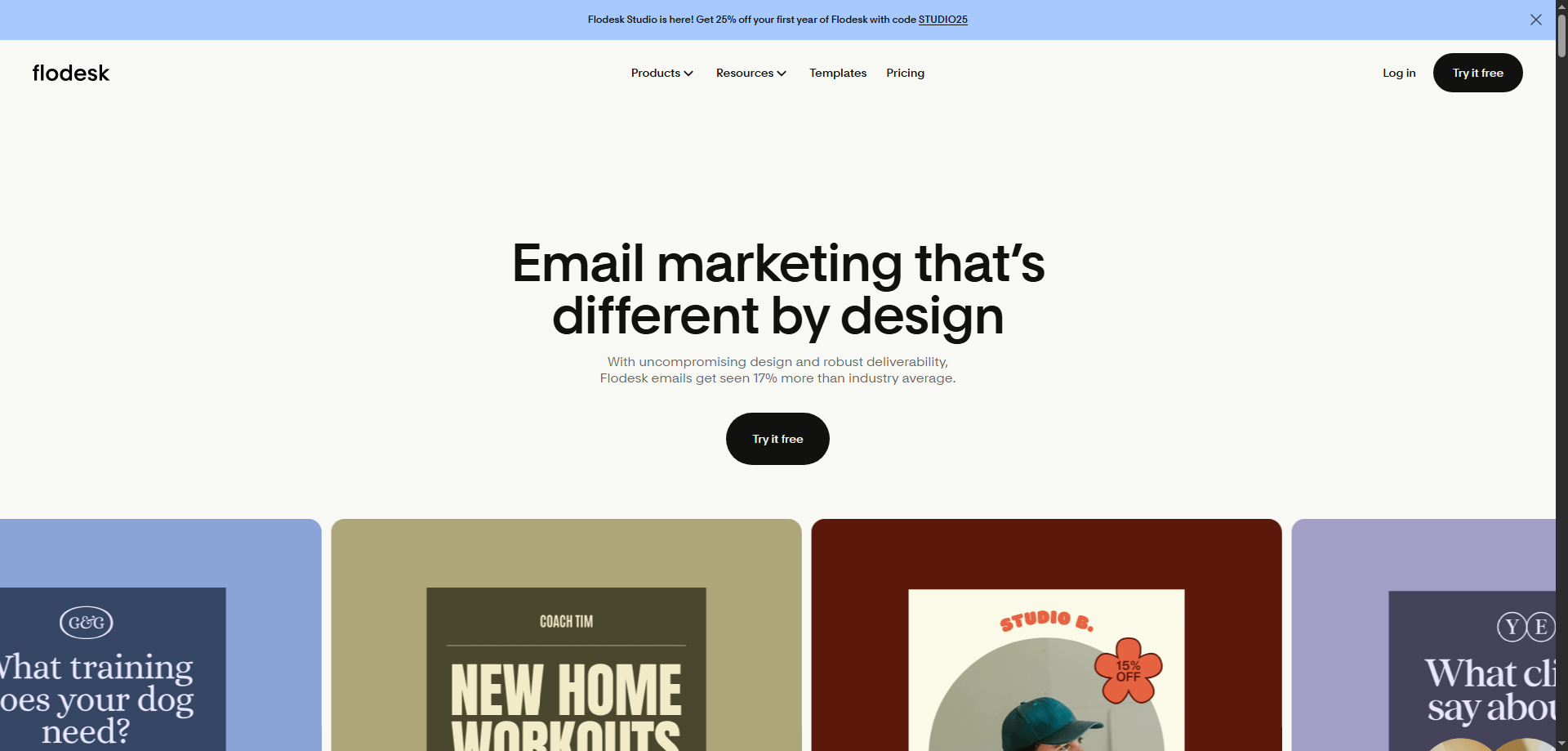
Flodesk is the opposite of Substack’s one-look-fits-all approach. Its templates and editor are built for visually distinctive emails, and its flat pricing is easy to understand: $25/month ($19 annually) for the Lite plan covers up to 25,000 subscribers with unlimited sends.
That flat fee is a bargain for large lists and expensive for small ones — a 300-subscriber newsletter pays the same as a 20,000-subscriber one. Flodesk has no free sending plan (the free tier is forms and landing pages only), and its Checkout feature for selling products and subscriptions sits on the Pro plan at $28/month with no platform fee beyond Stripe’s. For more tools in this style, see our Flodesk alternatives guide.
Key Features
- Design-first templates and editor
- Flat pricing: Lite $25/month up to 25,000 subscribers
- Checkout with payment plans and subscriptions on Pro ($28/month)
- Unlimited sends on every paid plan
- Workflows: one on Lite, unlimited on Pro
✅Flodesk Pros:
- Design-first templates and editor
- Flat price: Lite at $25/month covers up to 25,000 subscribers
- Unlimited sends on every paid plan
- Checkout for products and subscriptions with no platform fee beyond Stripe
- Simple, predictable billing
❌Flodesk Cons:
- No free sending plan — the free tier is forms and landing pages only
- Flat fee is expensive for small lists
- Only one workflow on Lite; unlimited needs Pro at $28/month
💰Pricing: Lite from $25/month ($19 annually); Pro from $28/month; Everything from $54/month. No free sending plan.
Pricing: Lite from $25/month ($19 annually); Pro from $28/month; Everything from $54/month. No free sending plan.
Best for: Writers whose brand depends on how the email looks, with lists large enough to justify a flat fee.
10. Patreon — Best for Membership Beyond the Newsletter

Patreon isn’t an email platform, but it’s the most common answer to “Is Patreon or Substack better?” and for some creators it’s the right one. Patreon is built for tiered memberships with perks — early access, community, exclusive posts, podcasts, and video — and it has a mobile app and discovery features that rival Substack’s.
The fee structure is close to Substack’s: Patreon takes 10% of earnings on its current plan (plus payment processing and payout fees), so you won’t save money by switching. What you gain is flexibility in what you sell. What you lose is the newsletter itself — Patreon’s email tools are basic, and you’ll still want a separate email platform like Mailercloud to reach your free audience.
Key Features
- Tiered memberships with perks, community, and merch
- Podcast, video, and livestream hosting
- Mobile app with creator discovery
- 10% platform fee on the current creator plan plus processing
- Integrations with Discord, WordPress, and Zapier
✅Patreon Pros:
- Tiered memberships with perks, community, and merch
- Podcast, video, and livestream hosting
- Mobile app with creator discovery
- Free to start; pay only when you earn
- Integrations with Discord, WordPress, and Zapier
❌Patreon Cons:
- 10% platform fee plus processing and payout fees — no cheaper than Substack
- Basic email tools; you still need a newsletter platform for free readers
- Built for memberships, not written newsletters
💰Pricing: Free to start. 10% of earnings plus payment processing, currency conversion, and payout fees.
Pricing: Free to start; 10% of earnings plus payment processing and payout fees.
Best for: Creators whose paid offering is a membership with perks, not primarily a newsletter.
11. GetResponse — Best All-in-One With Premium Newsletters
GetResponse bundles email marketing, automation, landing pages, webinars, and — on its Creator plan — premium newsletter subscriptions and course hosting. For a writer who also teaches or runs webinars, it’s one tool instead of three. See our full GetResponse review for 2026 pricing.
Entry pricing is the sticking point. The Starter plan is $19/month ($15.58 annually) and doesn’t include premium newsletters; those require the Creator plan at $69/month ($56.58 annually). There’s a free trial but no free plan. At the low end that’s seven times Mailercloud’s $10 Premium plan for a writer who mainly needs email.
Key Features
- Premium newsletter subscriptions and courses on Creator plan
- Webinars, landing pages, and marketing automation
- AI email generator and campaign builder
- Unlimited monthly sends on all plans
- 24/7 support with phone on higher tiers
✅GetResponse Pros:
- Premium newsletter subscriptions and courses on the Creator plan
- Webinars, landing pages, and marketing automation in one account
- Unlimited monthly sends on all plans
- AI campaign and email generator
- 24/7 support
❌GetResponse Cons:
- No free plan — trial only
- Starter at $19/month excludes premium newsletters
- Premium newsletters require Creator at $69/month
💰Pricing: Starter from $19/month ($15.58 annually); Creator from $69/month ($56.58 annually). Free trial, no free plan.
Pricing: Starter from $19/month ($15.58 annually); Creator from $69/month ($56.58 annually). Free trial, no free plan.
Best for: Writers who also sell courses or run webinars and want everything in one account.
12. Medium — Best for Reach Without Running a List
Medium is where writers go when they want readers without managing a newsletter at all. Publishing is free, the built-in audience is large, and the Partner Program pays writers from the $5/month membership pool based on how much time paying members spend reading their stories.
It’s the least “Substack-like” option here in the ways that matter. You don’t own an email list — Medium can email your followers when you publish, but you can’t export them or send them anything yourself. Joining the Partner Program requires a paid Medium membership, and earnings depend on Medium’s algorithm and Boost program. Treat it as a distribution channel that feeds a newsletter you run elsewhere, not a replacement.
Key Features
- Free to publish with built-in reader network
- Partner Program pays from member reading time
- Publications for group and brand writing
- Import tool for existing posts
- Follower notifications on new stories
✅Medium Pros:
- Free to publish with a large built-in readership
- Partner Program pays from member reading time
- Publications for group and brand writing
- Import tool for existing posts
- Zero setup or sending infrastructure to manage
❌Medium Cons:
- You don’t own or export an email list
- Partner Program requires a $5/month Medium membership
- Earnings depend on Medium’s algorithm and Boost program
💰Pricing: Free to publish. Partner Program requires a $5/month membership.
Pricing: Free to publish. Partner Program requires a $5/month Medium membership.
Best for: Writers who want discovery and don’t want to own or run an email list.
Free Substack Alternatives Worth Trying
Substack is free until you charge readers. These alternatives are free with no revenue share at all, so they’re worth trying before you commit:
| Platform | Free plan limit | What’s included | What’s missing |
|---|---|---|---|
| Mailercloud | 1,000 contacts, 12,000 emails/month | Automation builder, segmentation, templates, landing pages, custom domain, 24/7 chat | Paid subscription billing (use Stripe links) |
| Kit | 10,000 subscribers | Broadcasts, forms, landing pages, tagging, product sales | Automations and A/B testing |
| beehiiv | 2,500 subscribers | Website, custom domain, referral program, analytics | Automations and all monetisation |
| MailerLite | 250 subscribers, 2,500 emails/month | Editor, 3 automations, 1 landing page | Paid subscriptions, templates |
| Buttondown | 100 subscribers | Markdown editor, archives, custom domain | Every feature is a paid add-on |
| Brevo | Unlimited contacts, 300 emails/day | Email editor, CRM, transactional email | Daily cap makes full sends impossible |
Kit’s 10,000-subscriber free tier is the most generous by headcount, but it’s a broadcast-only plan. Mailercloud’s free plan is the most complete: it’s the only one on the list that includes an automation builder, segmentation, and a custom sending domain at $0.
How to Choose the Right Substack Alternative
Pick based on the one thing Substack got wrong for you:
- Best overall value and ownership → Mailercloud
- Paid newsletter with 0% platform fee → beehiiv or Ghost
- Large free list with product sales → Kit
- Paid subscriptions inside a simple email tool → MailerLite
- Plain-text, no-frills writing → Buttondown
- Email plus SMS or CRM → Brevo
- Design-led brand newsletters → Flodesk
- Membership with perks, not just a newsletter → Patreon
- Courses and webinars alongside email → GetResponse
- Reach without owning a list → Medium
If you’re unsure, start with Mailercloud’s free plan. Import your Substack CSV export, send one issue, and check Inbox Tracker. You’ll know within a week whether your emails were reaching readers on Substack or quietly landing in Promotions.
How to Migrate From Substack Without Losing Subscribers
Substack lets you export your subscriber list and your posts, so moving is simpler than most writers expect. The steps that protect your open rates:
- Export from Substack. In your publication settings, export your subscriber list (CSV with emails, subscription status, and signup dates) and your post archive.
- Set up your sending domain first. Add SPF, DKIM, and DMARC records for your domain on the new platform before you import anyone. Sending from a fresh, unauthenticated domain is the fastest way to land in spam, and it’s worth reading up on email deliverability before you move a large list.
- Import paid and free subscribers separately. Tag them on import so you can keep the paywall promise to paying readers.
- Warm up, don’t blast. Send your first issue from the new platform to your most engaged segment (opened in the last 30 days), then widen over two or three sends.
- Tell readers to expect a new sender. One short note from Substack before you switch — “our next issue comes from [email protected]; add it to your contacts” — cuts the drop-off noticeably.
- Redirect your archive. If you own your domain, point old post URLs to the new archive so search traffic and shared links survive.
On Mailercloud, steps 2 through 5 are covered by the domain authentication guide, CSV import with tagging, segmentation, and Inbox Tracker — so you can watch placement improve as the warm-up progresses.
Frequently Asked Questions
What is the best alternative to Substack?
Mailercloud is the best Substack alternative in 2026 for writers who want to own their list and pay a flat price instead of a 10% revenue share. It includes a free plan for 1,000 contacts, paid plans from $10/month, automation, A/B testing, and Inbox Tracker for deliverability visibility. For paid newsletters with built-in billing and a 0% platform fee, beehiiv and Ghost are the strongest alternatives.
Is there a free alternative to Substack?
Mailercloud offers the most complete free Substack alternative, with 1,000 contacts, 12,000 emails a month, an automation builder, segmentation, and a custom sending domain at no cost. Kit allows up to 10,000 free subscribers but limits you to broadcasts, and beehiiv covers 2,500 subscribers free without automations or monetisation.
Why is everyone leaving Substack?
Writers are leaving Substack for platforms like Mailercloud and beehiiv because of the 10% revenue share, the $50 custom domain fee, the lack of automation and A/B testing, and a product direction that has shifted toward advertising and social features since the company’s $100 million raise in June 2025. The January 2024 departure of Platformer and other high-profile newsletters over content moderation also made switching mainstream.
Is Patreon or Substack better?
Neither beats a dedicated email platform like Mailercloud for running a newsletter, but between the two, Substack is better for written newsletters and Patreon is better for tiered memberships with perks like podcasts, video, and community. Both take roughly 10% of your earnings plus payment processing, so neither saves you money over the other.
Which is better, Substack or beehiiv?
beehiiv is better than Substack for paid newsletters because it charges 0% on subscriptions (Scale plan, from $49/month) versus Substack’s 10%, and it includes a custom domain, referral program, and automations. Substack is better only if you want zero monthly cost and rely on its Notes and Recommendations network for discovery. Writers who want automation and deliverability tools beyond both should look at Mailercloud.
What is the cheapest Substack alternative?
Mailercloud is the cheapest full-featured Substack alternative, free for up to 1,000 contacts and $10/month for 5,000 contacts with unlimited sends and no revenue share. Buttondown is free up to 100 subscribers, and Kit is free up to 10,000 subscribers for broadcasts only. For a paid newsletter earning over $490/month, beehiiv’s $49 Scale plan is cheaper than Substack’s 10% cut.
Can I migrate from Substack easily?
Yes — Substack lets you export subscribers and posts, and platforms like Mailercloud import the CSV in minutes. The steps that matter are authenticating your sending domain first, importing paid and free subscribers with separate tags, and warming up by sending to your most engaged readers first. Expect a small drop in open rates for the first two or three issues while inbox providers learn the new sender.
Does Substack own my email list?
No — you can export your Substack subscriber list at any time, which is why moving to Mailercloud or another platform is straightforward. What you can’t take is Substack’s network: recommendations, Notes followers, and app readers who subscribed through discovery features stay on Substack. That’s the strongest argument for building your list on a platform where the email address is the relationship.
Final Verdict: Why Mailercloud is the Best Substack Alternative
Substack is a good place to start a newsletter and an expensive place to grow one. Once you’re charging readers, the 10% share costs more every month, and the missing automation, testing, and design control cap what the newsletter can become. Here’s why Mailercloud is the better home in 2026:
- Flat pricing, no revenue share: Free for 1,000 contacts, $10/month for 5,000. Your income is yours.
- Inbox Tracker: See whether each issue lands in the inbox, Promotions, or spam across Gmail, Outlook, and Yahoo — visibility Substack never gives you.
- Real automation: Welcome sequences, re-engagement flows, and branching workflows, not just scheduled broadcasts.
- A/B testing and segmentation: Test subject lines and send different content to different readers.
- Your domain, included: No $50 fee. Custom sending domain on every plan.
- 24/7 live chat support on every plan, including free.
Mailercloud isn’t the answer for everyone. If your revenue is entirely paid subscriptions and you want billing built in, beehiiv or Ghost will suit you better. Mailercloud’s integration library is smaller than Mailchimp’s, and native SMS is still in development. But for the core job — sending a newsletter that reaches the inbox, growing a list you own, and paying a price that doesn’t rise with your success — Mailercloud does it better than Substack, and it does it for free until you pass 1,000 contacts.
Own your list & keep 100% of what you earn
Get started →Free for 1,000 contacts · No credit card · No revenue share

As a Marketing Director, I develop and implement marketing strategies, conduct market research, and manage a team of marketing professionals. With a successful track record of launching campaigns that drive revenue growth, I bring my marketing expertise to blog writing, creating engaging content that promotes the brand and its products/services.