Last updated: September 2026 | Pricing verified on September 13, 2026 | 15 min read
AWeber’s grandfathered pricing ended on December 15, 2024, and long-time customers were moved from the old Pro plan to the new Plus plan at 50–150% higher rates: $19 became $30 at 500 subscribers, $49 became $90 at 5,000, and $69 became $135 at 10,000. If you’re reading this, there’s a fair chance one of those numbers was on your last invoice. Add a Lite plan that caps you at three automations and three landing pages, an ecommerce fee of up to 1% on sales, and an interface that still feels like the mid-2010s, and the question stops being whether to look at alternatives and becomes which one.
We compared 12 AWeber alternatives on pricing, automation depth, deliverability, ease of use, and support, and verified every price on the official pricing pages on September 13, 2026. The short version: Mailercloud is the best AWeber alternative in 2026 — a free plan for 1,000 contacts and 12,000 emails a month (double AWeber’s 500), then $10/month for 5,000 contacts with unlimited automations, A/B testing, and Inbox Tracker to show you where your emails actually land. AWeber Plus at 5,000 subscribers is $90. If you have a specific need (SMS, ecommerce, a CRM), one of the other 11 will suit you better, and we say which.
Quick Answer: Mailercloud is the best AWeber alternative in 2026 — free for 1,000 contacts (AWeber: 500), then $10/month for 5,000 contacts with unlimited automations, A/B testing, and Inbox Tracker, against AWeber Plus at $90. The other top alternatives are Brevo, MailerLite, GetResponse, Mailchimp, ActiveCampaign, Kit, Omnisend, HubSpot, Moosend, EngageBay, and Constant Contact. Pick Brevo for SMS, ActiveCampaign for deep automation, Omnisend for ecommerce.
Table of Contents
Why People Are Leaving AWeber in 2026
AWeber was one of the first email marketing tools many small businesses used, which is exactly why so many were on legacy pricing when it ended. These are the reasons that come up most often in reviews and forums:
- The 2024 price increase. Grandfathered customers were moved to Plus pricing on December 15, 2024, with increases of 50–150%. At 10,000 subscribers the bill went from $69 to $135 a month. New customers pay the same: Plus is $30 at 500 subscribers, $45 at 1,000, and $135 at 10,000.
- Lite is a limited plan, not a cheap one. Lite ($15 at 500 subscribers, $100 at 10,000) allows three automations, three landing pages, three users, and one custom segment. Anything beyond that means Plus.
- Ecommerce transaction fees. AWeber charges 0.6% on Plus and 1% on Lite on top of payment-processor fees when you sell through its checkout. Most alternatives charge nothing.
- Send caps tied to list size. Monthly sends are capped at 10–12× your subscriber count depending on plan, so a 1,000-contact list on Lite gets about 10,000 emails a month.
- The free plan is small. 500 subscribers and 3,000 emails a month, with AWeber branding. Mailercloud, Kit, and beehiiv all offer larger free tiers.
- Automation hasn’t kept pace. AWeber’s campaigns are linear sequences with tagging; there’s no visual branching builder to match ActiveCampaign, Brevo, or Mailercloud.
If any of these describe your last renewal, the options below solve them.
How We Ranked These Alternatives
We scored each platform on five criteria, weighted for someone migrating an established list:
- Pricing and value — the real monthly cost at 1,000, 5,000, and 10,000 contacts, plus any fees
- Automation and segmentation — visual builders, branching, tagging, and behavioural triggers
- Deliverability — infrastructure, authentication support, and whether you can see inbox placement
- Ease of use — how quickly an AWeber user can import, rebuild templates, and send
- Support — channels and hours on entry plans (AWeber’s 24/7 support is one thing it does well, so alternatives have to match it)
We cross-checked features against G2 and Capterra reviews and verified pricing on each platform’s official page.
At-a-Glance Comparison
| Tool | Best For | Free Plan | Starting Price | Standout Feature |
|---|---|---|---|---|
| Mailercloud#1 Pick | Best overall value | ✓ Yes 1,000 contacts | $10/mo | Inbox TrackerAMP EmailsUnlimited automation |
| Brevo | Email + SMS + CRM | ✓ Yes 300/day | ~$9/mo | SMS & WhatsAppBuilt-in CRM |
| MailerLite | Simplest switch | ✓ Yes 250 subs | $12/mo | Clean UIWebsite builder |
| GetResponse | Webinars & funnels | ✗ Trial 30 days | $19/mo | WebinarsFunnels |
| Mailchimp | Integrations | ✓ Yes 250 contacts | $13/mo | 300+ integrationsJourney builder |
| ActiveCampaign | Advanced automation + CRM | ✗ Trial 14 days | $19/mo | Branching automationSales CRM |
| Kit | Creators | ✓ Yes 10,000 subs | $33/mo | Creator NetworkCommerce |
| Omnisend | Ecommerce | ✓ Yes 250 contacts | $11.20/mo | Cart flowsSMS + push |
| HubSpot | Marketing + CRM | ✓ Yes 2,000 emails/mo | $20/mo | Free CRMLead scoring |
| Moosend | Cheapest full automation | ✗ Trial 30 days | $7/mo (annual) | Unlimited emailsAutomation recipes |
| EngageBay | All-in-one for small teams | ✓ Yes 250 contacts | $14.99/user | CRM + helpdeskLive chat |
| Constant Contact | Events & nonprofits | ✗ Trial Free trial | $12/mo | Event toolsPhone support |
Pricing verified September 13, 2026 on each platform’s official pricing page, monthly billing unless noted. AWeber for reference: free to 500 subscribers, Lite from $15/month, Plus from $30/month.
1. Mailercloud — Best Overall AWeber Alternative
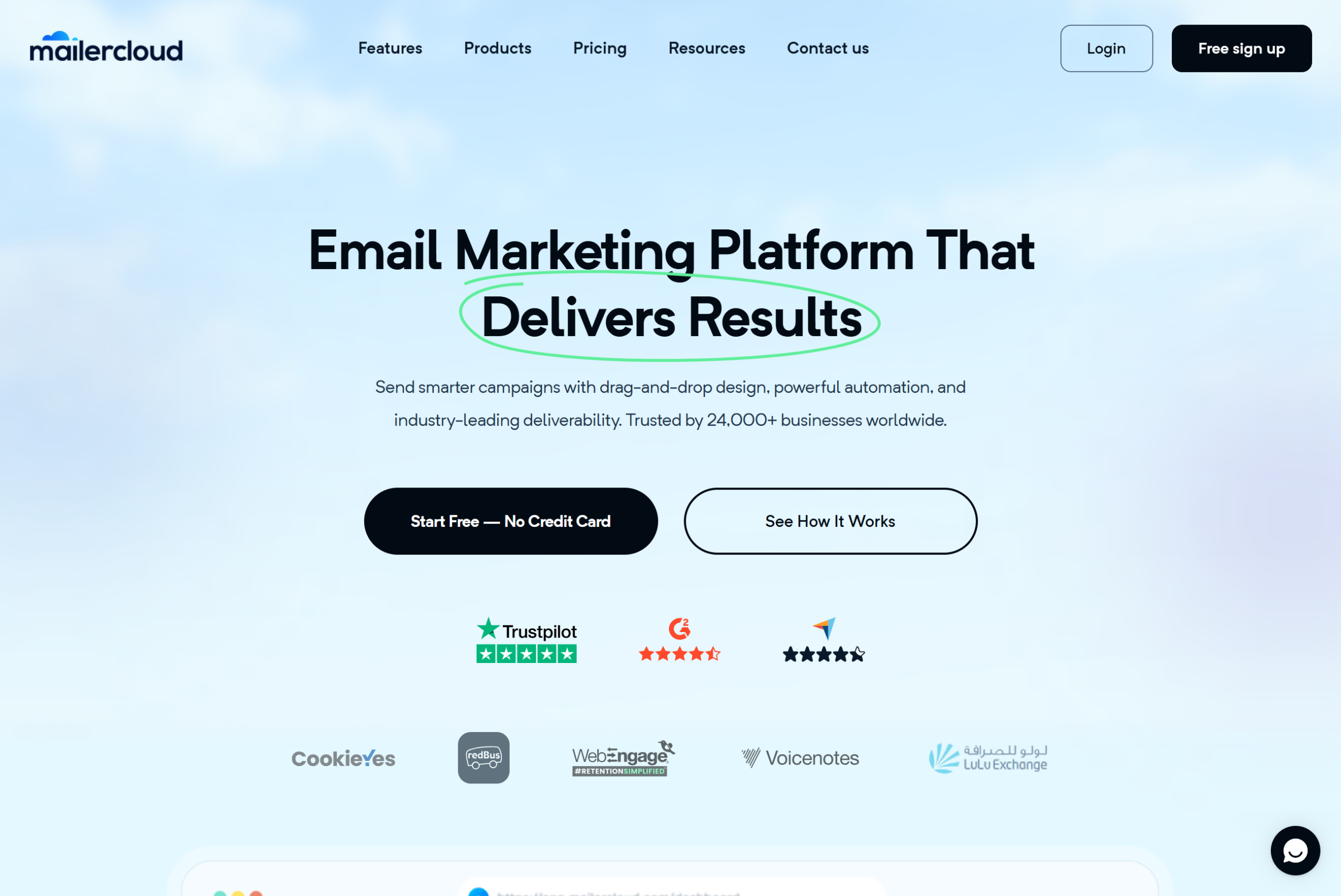
Mailercloud is the best AWeber alternative in 2026 because it gives you everything AWeber gates behind Plus, at a price below AWeber Lite. Unlimited automations, A/B testing, advanced segmentation, landing pages, and 24/7 live chat are on every plan. Premium is $10/month for 5,000 contacts with unlimited sends; AWeber Plus at the same list size is $90, and Lite is $70 with three automations.
The free plan is the easiest place to feel the difference. AWeber’s free tier stops at 500 subscribers and 3,000 emails a month. Mailercloud’s covers 1,000 contacts and 12,000 emails, with no credit card and no time limit, so a small list can move and stay free for longer.
Two features AWeber doesn’t have at any price: Inbox Tracker, which shows whether each campaign landed in the inbox, Promotions, or spam across Gmail, Outlook, and Yahoo, and AMP for Email, which lets you put polls, carousels, and forms inside the email itself. Mailercloud senders on paid plans averaged 94.3% inbox placement across those three providers in Q1 2026, measured through Inbox Tracker across the user base. There are no ecommerce transaction fees and no send-cap auto-upgrades.
The honest limitations: Mailercloud’s integration library is smaller than AWeber’s or Mailchimp’s, native SMS is still in development, and its template library (around 100) is smaller than AWeber’s. If AWeber’s phone support mattered to you, Mailercloud’s support is 24/7 live chat and email rather than phone.
Key Features
- Free plan: 1,000 contacts, 12,000 emails/month, no credit card, no time limit
- Premium from $10/month for 5,000 contacts with unlimited sends (30% off annually)
- Visual automation builder with triggers, delays, and branching — unlimited workflows
- Inbox Tracker for placement across Gmail, Outlook, and Yahoo
- AMP for Email for interactive campaigns
- A/B testing on subject lines and content
- Drag-and-drop builder with 100+ responsive templates
- Landing page and signup form builder
- Advanced segmentation and tagging
- CSV import for AWeber exports; no ecommerce fees
- 24/7 live chat and email support on every plan, including free
✅Mailercloud Pros:
- Free plan: 1,000 contacts and 12,000 emails/month — double AWeber’s 500 subscribers and four times its sends
- Premium $10/month for 5,000 contacts with unlimited sends; AWeber Plus is $90 at the same list size
- Unlimited visual automations on every paid plan — no three-workflow cap like AWeber Lite
- Inbox Tracker shows where campaigns land across Gmail, Outlook, and Yahoo
- AMP for Email for polls, carousels, and forms inside the email
- A/B testing, advanced segmentation, and landing pages included
- No ecommerce transaction fees and no send-cap auto-upgrades
- Drag-and-drop builder with 100+ responsive templates
- CSV import for AWeber lists, tags, and custom fields
- 24/7 live chat and email support on every plan, including free
❌Mailercloud Cons:
- Smaller third-party integration library than AWeber or Mailchimp
- Native SMS marketing still in development
- Template library (~100) smaller than AWeber’s; no phone support
💰Pricing: Free for up to 1,000 contacts and 12,000 emails/month. Premium from $10/month (5,000 contacts, unlimited sends; 30% off annually). No transaction fees.
Pricing: Free for up to 1,000 contacts. Premium from $10/month for 5,000 contacts, unlimited emails. No transaction fees. (See the full Mailercloud vs AWeber comparison.)
Best for: Small businesses and creators who want AWeber’s simplicity with modern automation and deliverability visibility, at a fraction of the price.
Verdict: If the December 2024 price increase is why you’re here, Mailercloud is the direct answer: more than AWeber Plus offers, for less than AWeber Lite costs. Start your free Mailercloud account →
2. Brevo — Best for Email + SMS + CRM
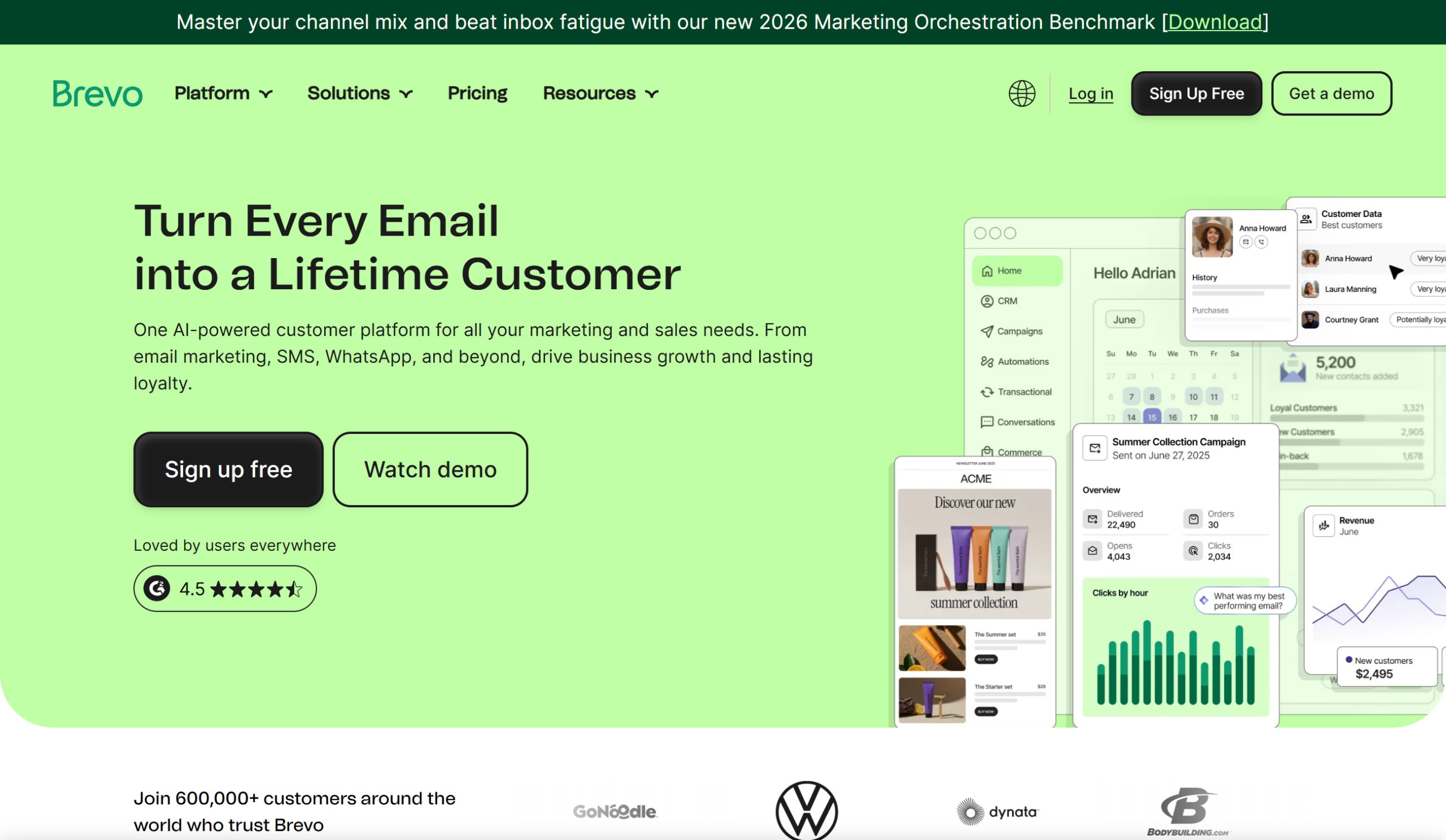
Brevo (formerly Sendinblue) is the AWeber alternative to pick if you want SMS, WhatsApp, and a CRM alongside email. Pricing is by email volume rather than contacts, so a large list you email infrequently is cheap to hold, and unlimited contacts are included on every plan. See our Brevo review for a closer look.
The trade-off is the free plan’s 300-emails-per-day cap, which makes a single full send to a 1,000-contact list impossible, and the fact that automation and A/B testing don’t arrive until the Standard plan. Starter is from around $9/month for 5,000 emails. If you’re leaving AWeber for its lack of SMS, Brevo is the natural landing spot; see our full Brevo alternatives roundup if it doesn’t fit.
Key Features
- Unlimited contacts; pricing by email volume
- Email, SMS, WhatsApp, and transactional email
- Built-in CRM and deal pipeline
- Marketing automation and A/B testing on Standard
- Free plan: 300 emails/day
✅Brevo Pros:
- Unlimited contacts on every plan; pay by email volume
- Email, SMS, WhatsApp, and transactional email in one account
- Built-in CRM and deal pipeline
- Marketing automation and A/B testing on Standard
- Free plan with no contact limit
❌Brevo Cons:
- Free plan capped at 300 emails/day
- Automation and A/B testing not on Starter
- Marketing and transactional sends share one allowance
💰Pricing: Free with 300 emails/day. Starter from around $9/month for 5,000 emails/month.
Pricing: Free with 300 emails/day. Starter from around $9/month for 5,000 emails.
Best for: Businesses that want email and SMS in one account with a lightweight CRM.
3. MailerLite — Best for Simplicity
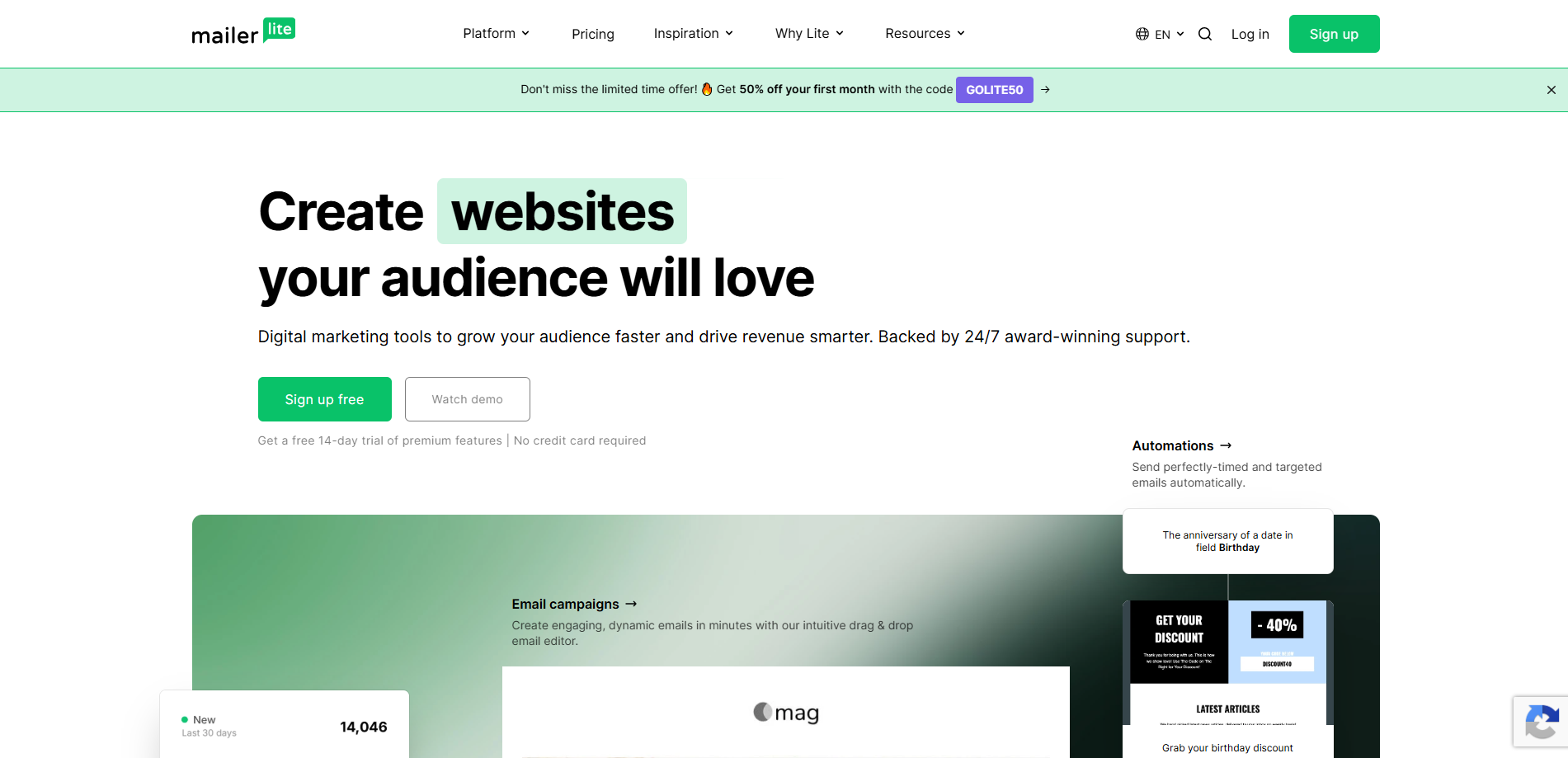
The closest thing to AWeber’s ease of use with a modern interface, MailerLite pairs a clean drag-and-drop editor with a website and landing-page builder and automation that’s easy to learn. It also supports paid newsletter subscriptions through Stripe on paid plans.
The 2026 plan changes cut the free tier to 250 subscribers and 2,500 emails a month (from 500 and 12,000), which now makes it smaller than AWeber’s. Comfort starts at $12/month for 500 subscribers. MailerLite lacks Inbox Tracker-style placement reporting and AMP support; our best MailerLite alternatives post covers where it falls short.
Key Features
- Drag-and-drop editor, website and landing page builders
- Automation (3 workflows on free, unlimited on Power)
- Paid newsletter subscriptions via Stripe
- Free plan: 250 subscribers, 2,500 emails/month
- Comfort from $12/month
✅MailerLite Pros:
- One of the easiest editors to learn
- Website and landing page builders included
- Automation (3 workflows free, unlimited on Power)
- Paid newsletter subscriptions via Stripe
- Comfort from $12/month
❌MailerLite Cons:
- Free plan cut to 250 subscribers / 2,500 emails in 2026 — smaller than AWeber’s
- No inbox placement reporting or AMP
- Templates not on the free plan
💰Pricing: Free up to 250 subscribers. Comfort from $12/month ($10.80 annually); Power from $25/month.
Pricing: Free up to 250 subscribers. Comfort from $12/month ($10.80 annually); Power from $25/month.
Best for: Solo users and small teams who want the simplest possible switch from AWeber.
4. GetResponse — Best for Webinars and Funnels
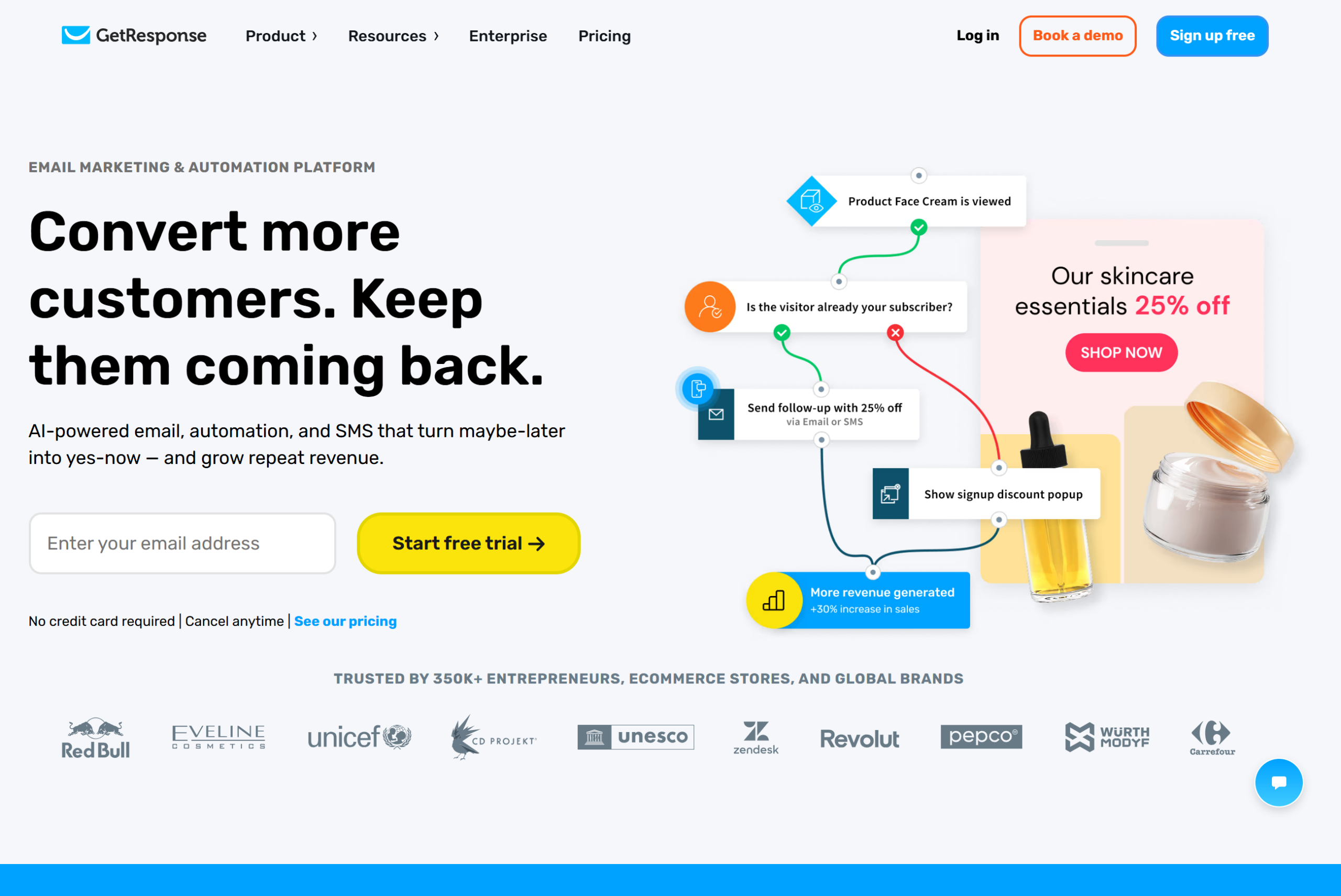
GetResponse bundles email with webinars, conversion funnels, landing pages, and (on the Creator plan) courses and premium newsletters. If your AWeber account fed a webinar funnel, GetResponse consolidates the stack. Our GetResponse review covers each plan in detail.
Entry pricing is higher: Starter is $19/month ($15.58 annually) and there’s a free trial but no free plan. Webinars and premium newsletters need Marketer ($59) or Creator ($69). At 5,000 contacts it’s competitive with AWeber Plus; below that, Mailercloud is far cheaper. See GetResponse alternatives for the full picture.
Key Features
- Email, automation, landing pages, and webinars in one account
- Conversion funnels and ecommerce tools
- Premium newsletters and courses on Creator
- AI campaign generator
- 24/7 support
✅GetResponse Pros:
- Email, automation, landing pages, and webinars in one platform
- Conversion funnels and ecommerce tools
- Premium newsletters and courses on Creator
- AI campaign generator
- 24/7 support
❌GetResponse Cons:
- No free plan — trial only
- Starter $19/month excludes webinars and premium newsletters
- Price climbs quickly across tiers
💰Pricing: Starter from $19/month ($15.58 annually); Marketer $59; Creator $69. Free trial, no free plan.
Pricing: Starter from $19/month ($15.58 annually); Marketer $59; Creator $69. Free trial, no free plan.
Best for: Marketers who run webinars or funnels alongside email.
5. Mailchimp — Best for Integrations
With the broadest integration library in the category (300+, covering Shopify, WordPress, Canva, and Zapier), Mailchimp is also the most recognised name. Its journey builder and reporting are strong on Standard and above.
It’s also expensive for what an AWeber refugee typically needs. The free plan now covers 250 contacts and 500 sends a month, Essentials is $13/month for 500 contacts with a 10× send cap, and Mailchimp bills for unsubscribed and inactive contacts unless you archive them, the most common complaint on G2. Compare it against AWeber directly in our AWeber vs Mailchimp post, or see Mailchimp alternatives if it’s not the fit.
Key Features
- 300+ integrations
- Customer journey builder on Standard ($20/month) and up
- Large template library and generative AI content
- Industry benchmarking in reports
- Free plan: 250 contacts, 500 emails/month
✅Mailchimp Pros:
- 300+ integrations
- Customer journey builder on Standard and up
- Large template library and AI content
- Industry benchmarking in reports
- Best-known brand in the category
❌Mailchimp Cons:
- Free plan now 250 contacts / 500 emails per month
- Essentials $13 for 500 contacts with a 10× send cap
- Bills for unsubscribed and inactive contacts unless archived
- Email support only for the first 30 days on free
💰Pricing: Free up to 250 contacts. Essentials from $13/month; Standard from $20/month (both at 500 contacts).
Pricing: Free up to 250 contacts. Essentials from $13/month; Standard from $20/month (both at 500 contacts).
Best for: Businesses whose stack already depends on a Mailchimp integration.
6. ActiveCampaign — Best for Advanced Automation and CRM

The automation leader, ActiveCampaign offers a visual builder with conditional branching, lead scoring, site tracking, predictive sending, and a built-in sales CRM. If AWeber’s linear campaigns were the reason you outgrew it, this is the deepest replacement.
It’s also the most complex, and there’s no free plan, only a 14-day trial. Starter begins at $19/month, and the automation depth most people buy it for is on Plus and Pro. Our ActiveCampaign alternatives post covers the cheaper options if you don’t need all of it.
Key Features
- Visual automation builder with conditional branching and goals
- Lead scoring, site tracking, and predictive sending
- Built-in sales CRM with pipelines
- 900+ integrations
- 14-day trial; no free plan
✅ActiveCampaign Pros:
- Deepest automation builder in the category — branching, goals, split paths
- Lead scoring, site tracking, predictive sending
- Built-in sales CRM with pipelines
- 900+ integrations
- Free migration and onboarding
❌ActiveCampaign Cons:
- No free plan — 14-day trial only
- Starter from $19/month; the automation depth is on Plus and Pro
- Steeper learning curve than AWeber
💰Pricing: Starter from $19/month; Plus and Pro higher. 14-day trial, no free plan.
Pricing: Starter from $19/month; Plus and Pro higher. 14-day trial, no free plan.
Best for: Teams that need CRM-grade automation and will pay for it.
7. Kit (formerly ConvertKit) — Best for Creators
Kit is built for creators who sell: paid newsletters, digital products, tip jars, and a Creator Network for cross-promotion. Its free Newsletter plan covers up to 10,000 subscribers with landing pages, forms, and tagging, by far the largest free tier on this list. We cover it in depth in our Kit review.
Automation is the paywall: sequences, visual automations, and A/B testing need Creator at $33/month for 1,000 subscribers, and Kit charges 3.5% + $0.30 on product and paid-newsletter sales. See Kit alternatives if the creator focus is too narrow.
Key Features
- Free plan up to 10,000 subscribers (broadcasts, forms, landing pages)
- Paid newsletters and digital products (3.5% + $0.30 fee)
- Visual automations on Creator ($33/month at 1,000 subscribers)
- Creator Network for recommendations
- Text-first editor
✅Kit (formerly ConvertKit) Pros:
- Free plan up to 10,000 subscribers — largest on this list
- Paid newsletters and digital products (3.5% + $0.30 fee)
- Visual automations and sequences on Creator
- Creator Network for cross-promotion
- Landing pages, forms, and tagging on every plan
❌Kit (formerly ConvertKit) Cons:
- Automations and A/B testing only on Creator ($33/month at 1,000 subscribers)
- Pricing climbs steeply with list size
- Text-first editor limits design
💰Pricing: Free up to 10,000 subscribers (broadcasts only). Creator from $33/month; Creator Pro from $66/month.
Pricing: Free up to 10,000 subscribers. Creator from $33/month; Creator Pro from $66/month.
Best for: Writers and creators selling products or subscriptions to their list.
8. Omnisend — Best for Ecommerce
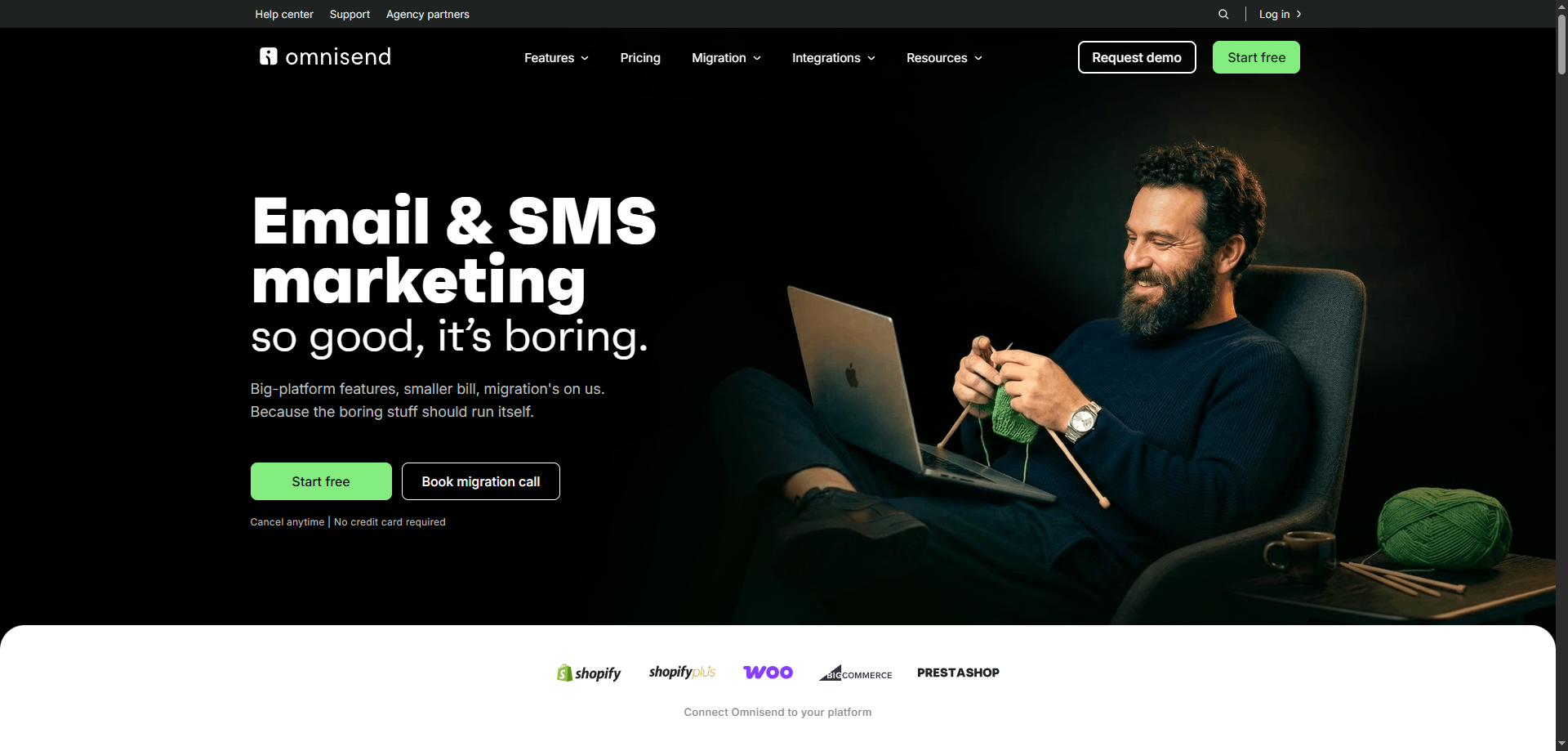
Built for Shopify, WooCommerce, and BigCommerce stores, Omnisend ships pre-built abandoned-cart, browse-abandonment, and post-purchase flows, product pickers in the editor, and SMS and push in the same workflows. If AWeber’s ecommerce features (and its transaction fee) were the pain, Omnisend is the specialist.
Pricing scales with contacts: Standard is $11.20/month at 500 contacts and around $16.80 at 1,000, with a 12× send cap; Pro removes the cap and adds SMS credits. The free plan covers 250 contacts and 500 emails. Non-ecommerce businesses will find much of it irrelevant; see Omnisend alternatives.
Key Features
- Pre-built ecommerce automations (cart, browse, post-purchase)
- Email, SMS, and push in one workflow
- Deep Shopify, WooCommerce, and BigCommerce integrations
- Product recommendations and dynamic discount codes
- Free plan: 250 contacts, 500 emails/month
✅Omnisend Pros:
- Pre-built ecommerce flows: cart, browse, post-purchase
- Email, SMS, and push in one workflow
- Deep Shopify, WooCommerce, and BigCommerce integrations
- Product picker and dynamic discount codes
- Free plan: 250 contacts
❌Omnisend Cons:
- Built for ecommerce — little value for service businesses
- Standard plan has a 12× send cap
- Free plan capped at 500 emails/month
💰Pricing: Free up to 250 contacts. Standard from $11.20/month at 500 contacts; Pro from $41.30/month.
Pricing: Free up to 250 contacts. Standard from $11.20/month at 500 contacts; Pro from $41.30/month.
Best for: Online stores that want ecommerce automations out of the box.
9. HubSpot — Best for Marketing + CRM at Scale
hubspot
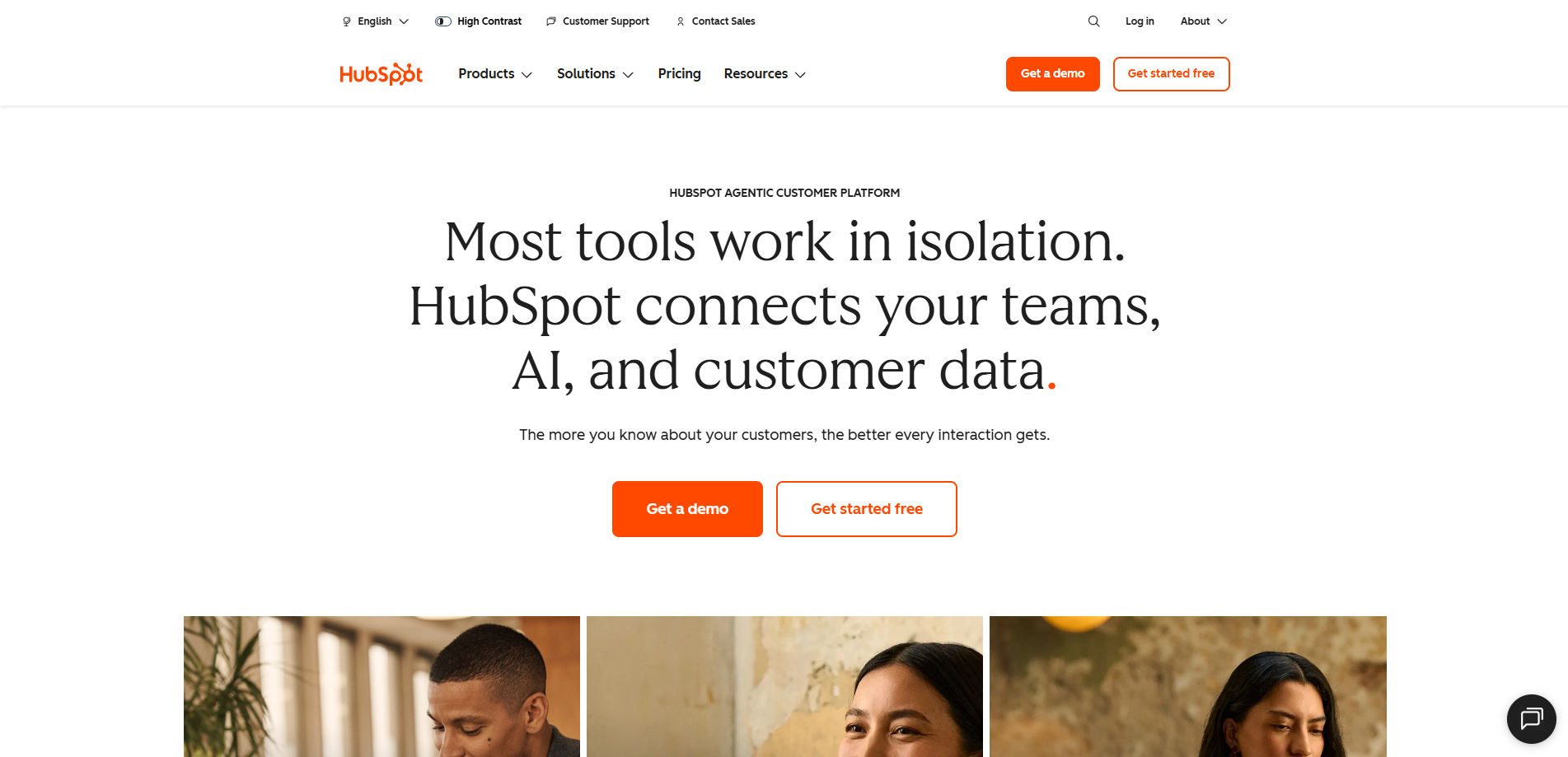
Sitting on top of the best-known free CRM, HubSpot Marketing Hub keeps email, forms, landing pages, ads, and contact records in one system. For a business that wants sales and marketing on one platform, nothing else here matches the integration.
For pure email it’s overkill and priced like it: Starter is from $20/month per seat for 1,000 marketing contacts, and Professional jumps to $800/month plus a $3,000 onboarding fee. The free tools allow 2,000 branded sends a month. See HubSpot alternatives for the email-only options.
Key Features
- Free CRM with email, forms, and landing pages built in
- Marketing contacts model (pay only for contacts you market to)
- Workflows and lead scoring on Professional
- 1,500+ integrations
- Free tools: 2,000 emails/month with HubSpot branding
✅HubSpot Pros:
- Free CRM with email, forms, and landing pages
- Marketing contacts model — pay only for contacts you market to
- Workflows and lead scoring on Professional
- 1,500+ integrations
- Free tools: 2,000 emails/month
❌HubSpot Cons:
- Marketing Hub Starter from $20/month per seat; Professional $800/month plus $3,000 onboarding
- Overkill for pure email
- HubSpot branding on free sends
💰Pricing: Free tools available. Marketing Hub Starter from $20/month per seat; Professional from $800/month.
Pricing: Free tools available. Marketing Hub Starter from $20/month per seat; Professional from $800/month.
Best for: Companies that want marketing email inside a full CRM and can budget for it.
10. Moosend — Best Budget Alternative With Full Automation
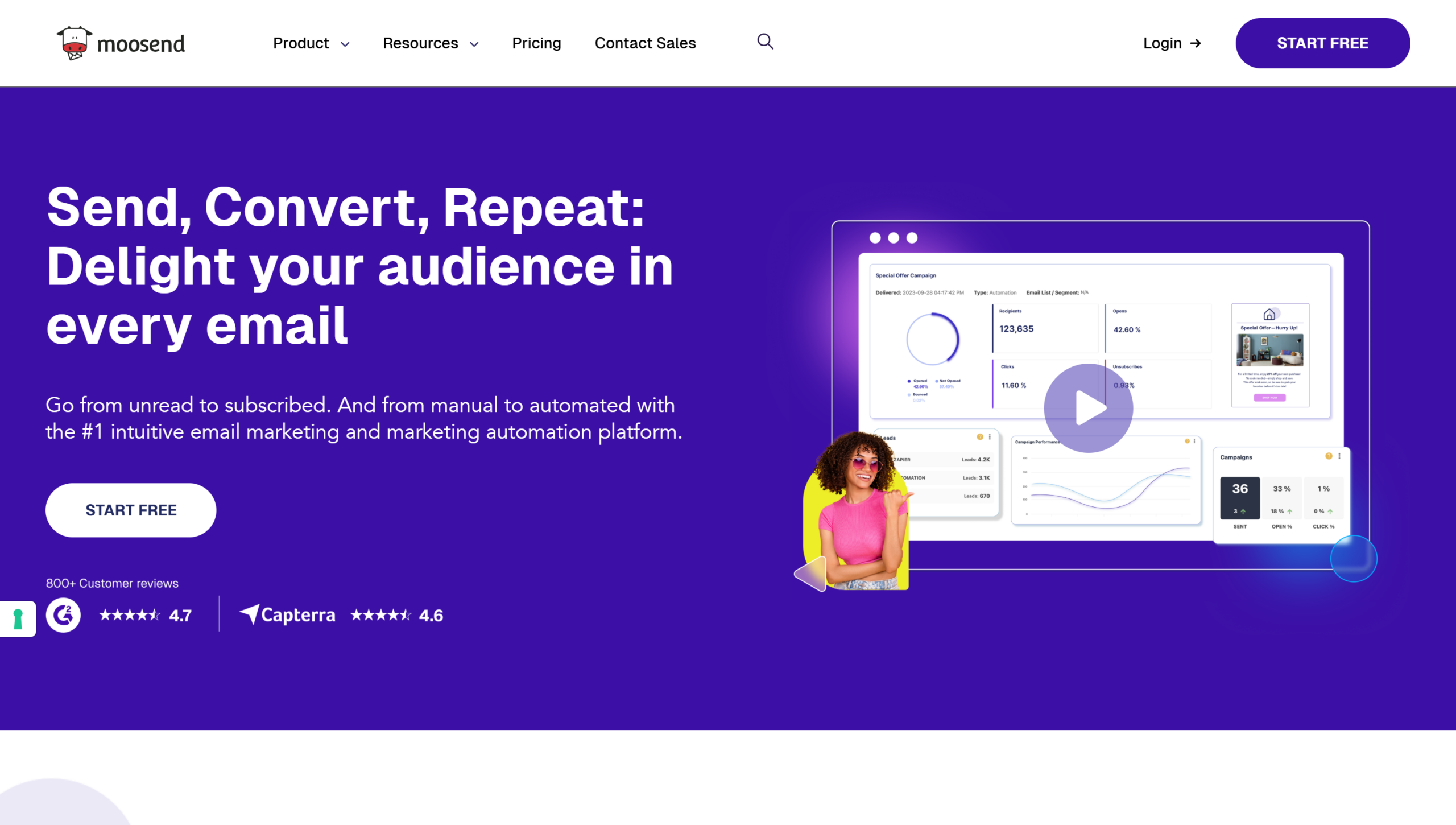
Moosend is one of the cheapest full-featured platforms: Pro starts at $7/month billed annually for 500 subscribers ($13 at 1,000, $38 at 5,000, $70 at 10,000), with unlimited emails, a visual automation builder, landing pages, and A/B testing all included. At 10,000 subscribers that’s roughly half AWeber Plus.
There’s no free plan, only a 30-day trial, and transactional email, dedicated IPs, and more than five team members require Moosend+ or Enterprise. See Mailercloud vs Moosend for how the two budget options compare.
Key Features
- Unlimited emails on every plan
- Visual automation builder with pre-built recipes
- Landing pages, forms, and A/B testing on Pro
- 30-day free trial
- Pro from $7/month (annual) at 500 subscribers
✅Moosend Pros:
- Unlimited emails on every plan
- Visual automation builder with recipes
- Landing pages, forms, and A/B testing on Pro
- 30-day free trial
- Pro from $7/month (annual) at 500 subscribers
❌Moosend Cons:
- No free plan
- Transactional email, dedicated IPs, and 6+ team members need Moosend+ or Enterprise
- Smaller template library and integration set
💰Pricing: Pro from $7/month billed annually at 500 subscribers ($13 at 1,000; $38 at 5,000; $70 at 10,000). No free plan.
Pricing: Pro from $7/month billed annually (500 subscribers); $38 at 5,000; $70 at 10,000. No free plan.
Best for: Budget-conscious senders who want automation without a free plan requirement.
11. EngageBay — Best All-in-One for Small Teams
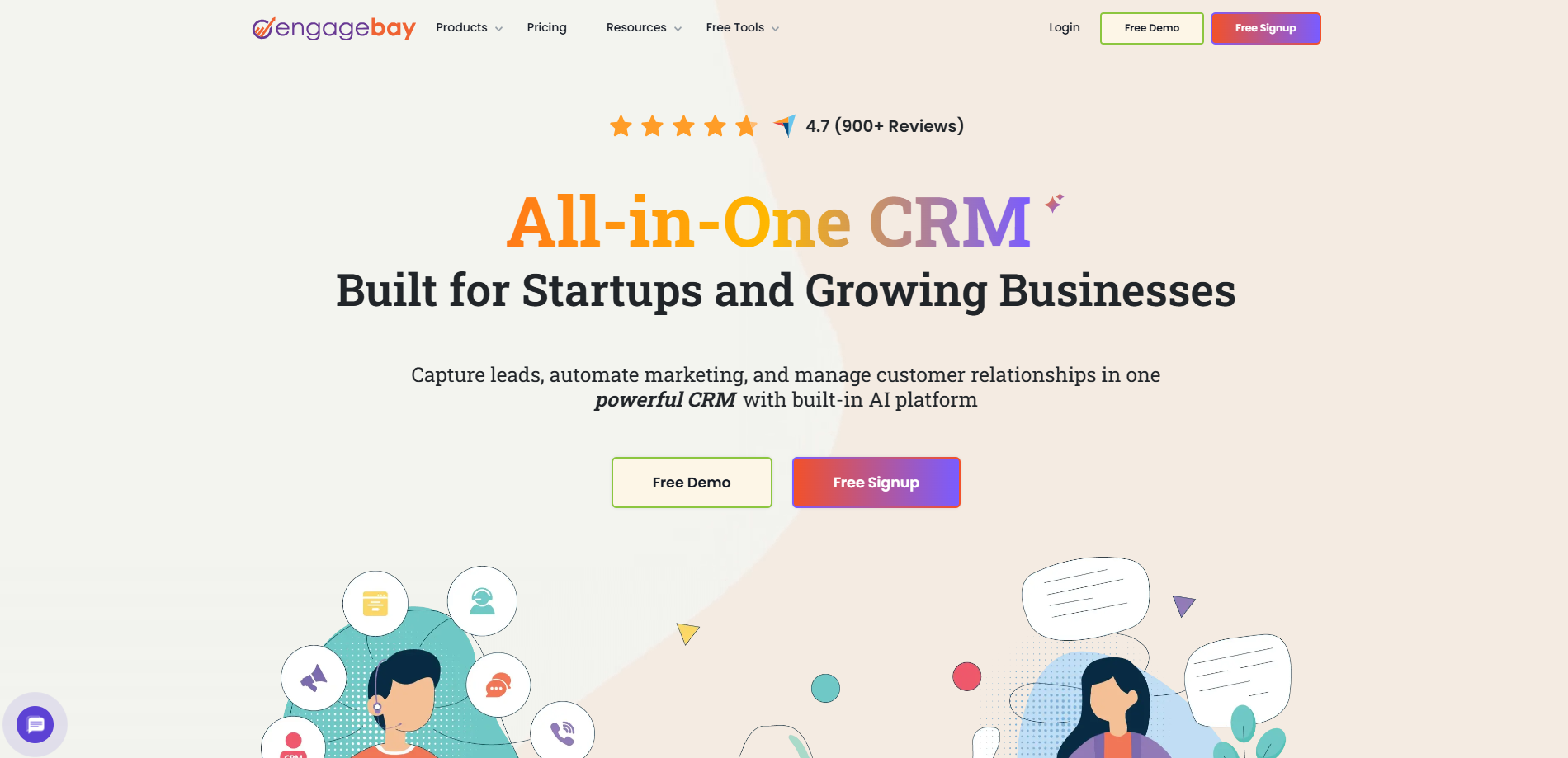
Bundling marketing, a CRM, a helpdesk, and live chat into one low-cost suite, EngageBay covers a lot for the price. The free plan covers 250 contacts across all of it, and Basic is $14.99 per user per month for 500 contacts with email templates, lead scoring, and SMS.
It’s priced per user and per contact, so it climbs with team size, and marketing automation doesn’t arrive until Growth at $64.99 per user. The email editor is functional rather than polished. It suits a small business that wants CRM and support tools without paying HubSpot prices.
Key Features
- Marketing, CRM, helpdesk, and live chat in one suite
- Free plan: 250 contacts, up to 15 users
- Lead scoring and SMS on Basic
- Marketing automation on Growth
- Free migration service
✅EngageBay Pros:
- Marketing, CRM, helpdesk, and live chat in one suite
- Free plan: 250 contacts, up to 15 users
- Lead scoring and SMS on Basic
- Free migration service
- Low entry price
❌EngageBay Cons:
- Priced per user and per contact — climbs with team size
- Marketing automation only on Growth ($64.99/user)
- Email editor is functional rather than polished
💰Pricing: Free up to 250 contacts. Basic $14.99/user/month for 500 contacts; Growth $64.99/user/month for 5,000.
Pricing: Free up to 250 contacts. Basic $14.99/user/month for 500 contacts; Growth $64.99/user/month for 5,000.
Best for: Small teams that want an inexpensive CRM and support desk with email included.
12. Constant Contact — Best for Events and Nonprofits
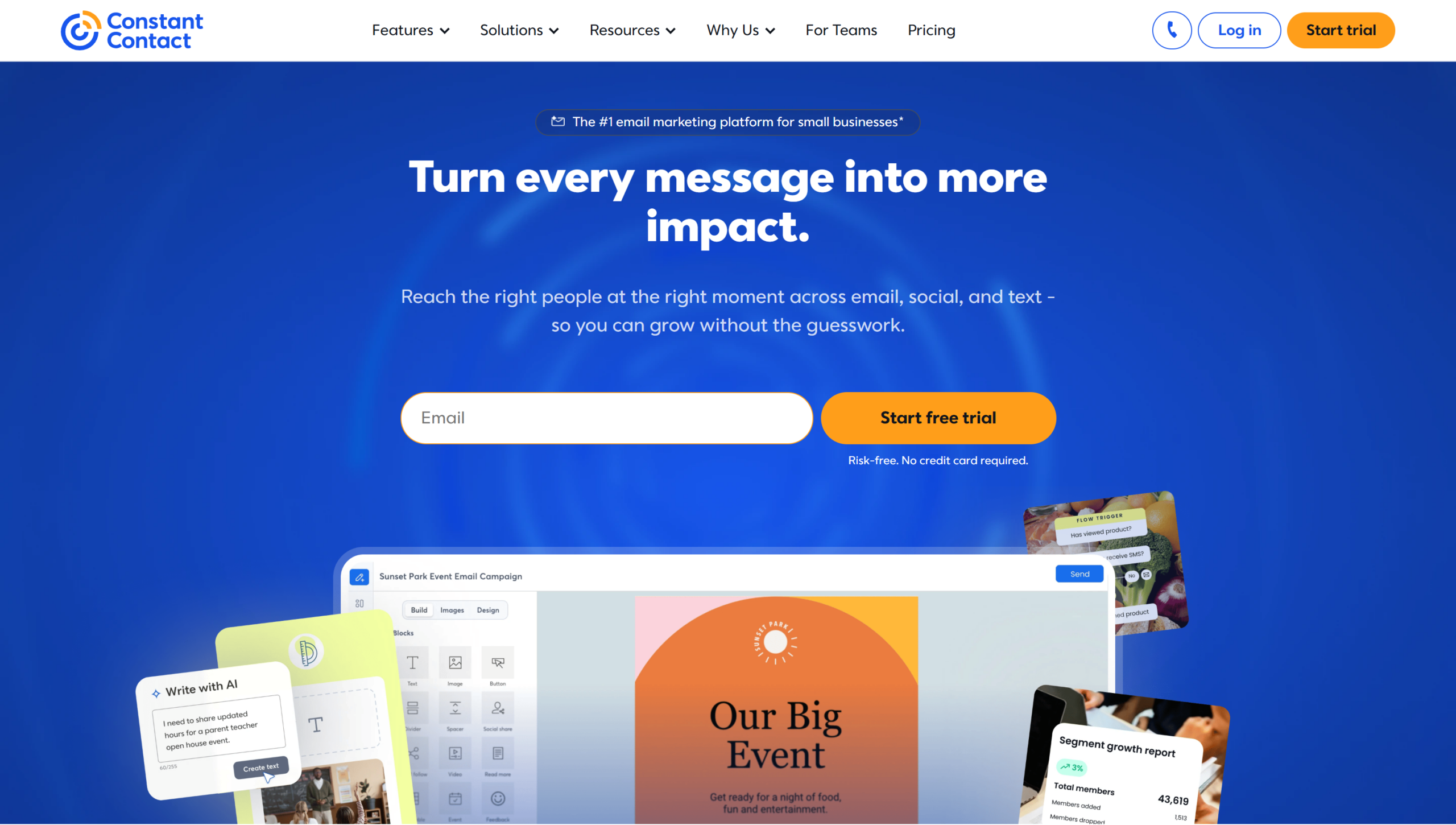
Constant Contact is AWeber’s closest contemporary and the most familiar alternative for its typical customer: simple campaigns, strong deliverability, event registration and ticketing, and phone support on every plan. Nonprofits get up to 30% off annual plans.
It shares AWeber’s weaknesses, too: no free plan (a trial only), Lite from $12/month with automation limited to a few templates, and real multi-step automation only on Premium at $80/month. For a like-for-like replacement it’s fine; for a better one, see Constant Contact alternatives.
Key Features
- Event management with registration and ticketing
- Phone, chat, and email support on every plan
- Consistently strong deliverability
- 30% nonprofit discount on annual plans
- Free trial; no free plan
✅Constant Contact Pros:
- Event registration and ticketing built in
- Phone, chat, and email support on every plan
- Consistently strong deliverability
- 30% nonprofit discount on annual plans
- Familiar to AWeber users
❌Constant Contact Cons:
- No free plan — trial only
- Lite automation limited to templates; real workflows on Premium ($80/month)
- Send caps tied to contact count with overage fees
💰Pricing: Lite from $12/month ($10.20 annually); Standard from $35/month; Premium from $80/month. No free plan.
Pricing: Lite from $12/month ($10.20 annually); Standard from $35/month; Premium from $80/month. No free plan.
Best for: Nonprofits and event-driven organisations that value phone support.
Free AWeber Alternatives Worth Trying
AWeber’s free plan covers 500 subscribers and 3,000 emails a month. These alternatives give you more at $0:
| Platform | Free plan | What’s included | What’s missing |
|---|---|---|---|
| Mailercloud | 1,000 contacts, 12,000 emails/month | Automation builder, segmentation, templates, landing pages, 24/7 chat | AMP and advanced automations need Premium |
| Kit | 10,000 subscribers | Broadcasts, forms, landing pages, tagging | Automations and A/B testing |
| Brevo | Unlimited contacts, 300 emails/day | Editor, CRM, transactional email | Daily cap; automation on Standard |
| MailerLite | 250 subscribers, 2,500 emails/month | Editor, 3 automations, 1 landing page | Now smaller than AWeber’s free tier |
| Mailchimp | 250 contacts, 500 emails/month | Editor, 1 audience | Automation; 30 days of support |
| Omnisend | 250 contacts, 500 emails/month | Ecommerce flows, SMS credits | Small contact limit |
| EngageBay | 250 contacts, 15 users | CRM, helpdesk, email | Automation on Growth |
Kit wins on headcount, but only for broadcasts. Mailercloud’s free plan is the most complete: twice AWeber’s subscriber limit, four times the sends, and an automation builder AWeber gates behind Lite.
How to Choose the Right AWeber Alternative
- Best overall value → Mailercloud
- Email + SMS + CRM → Brevo
- Simplest switch → MailerLite
- Webinars and funnels → GetResponse
- Widest integrations → Mailchimp
- Deepest automation and CRM → ActiveCampaign
- Creators selling products → Kit
- Ecommerce stores → Omnisend
- Marketing inside a CRM → HubSpot
- Cheapest full automation → Moosend
- All-in-one for small teams → EngageBay
- Events and nonprofits → Constant Contact
If you’re unsure, start with Mailercloud’s free plan: import your AWeber export, rebuild one campaign, and check Inbox Tracker. You’ll know within a send whether your emails have been reaching the inbox.
How to Migrate From AWeber
AWeber makes exporting easy, and most lists under 10,000 contacts move in an afternoon:
- Export from AWeber. Subscribers → Manage Subscribers → Export CSV, per list. Export your custom fields and tags in the same file.
- Set up the new domain first. Authenticate SPF, DKIM, and DMARC on the new platform before importing anyone (our SPF, DKIM and DMARC guide walks through it). Sending from an unauthenticated domain is the fastest way to land in spam.
- Import with tags intact. Map AWeber lists and tags to segments so your automations still target the right people.
- Rebuild templates and automations. AWeber’s sequences don’t export; recreate your welcome sequence and top two or three campaigns in the new visual builder.
- Warm up. Send the first campaign to your most engaged segment (opened in the last 30 days), then widen over two or three sends.
- Update forms. Replace AWeber signup forms on your site so new subscribers land in the new platform.
On Mailercloud, steps 2 to 5 are covered by guided domain authentication, CSV import with tagging, the automation builder, and Inbox Tracker to watch placement as you warm up.
Frequently Asked Questions
What is the best alternative to AWeber?
Mailercloud is the best AWeber alternative in 2026, with a free plan for 1,000 contacts (double AWeber’s 500), paid plans from $10/month for 5,000 contacts against AWeber Plus at $90, unlimited automations, A/B testing, and Inbox Tracker for deliverability visibility. Brevo is the pick for email plus SMS, ActiveCampaign for advanced automation, and Omnisend for ecommerce.
Is there a free alternative to AWeber?
Mailercloud offers the most complete free AWeber alternative: 1,000 contacts and 12,000 emails a month with an automation builder, segmentation, and landing pages, against AWeber’s 500 subscribers and 3,000 emails. Kit allows 10,000 free subscribers for broadcasts only, and Brevo has no contact limit but caps sends at 300 a day.
Why did AWeber raise its prices?
AWeber ended grandfathered pricing on December 15, 2024, moving legacy Pro customers to the Plus plan at 50–150% higher rates, for example $19 to $30 at 500 subscribers and $69 to $135 at 10,000. AWeber framed it as aligning long-time customers with current pricing; many of them moved to alternatives like Mailercloud instead.
Is AWeber better than Mailchimp?
AWeber and Mailchimp are close on features, but Mailercloud beats both on price: Mailchimp’s free plan is 250 contacts to AWeber’s 500, and Mailchimp Essentials at $13 for 500 contacts is cheaper than AWeber Plus at $30 but bills for unsubscribed contacts. AWeber has phone support and no contact-count tricks; Mailchimp has far more integrations. See our full AWeber vs Mailchimp comparison.
What is the cheapest alternative to AWeber?
Mailercloud is the cheapest full-featured AWeber alternative, free for 1,000 contacts and $10/month for 5,000. Moosend is close at $7/month billed annually for 500 subscribers but has no free plan. Both are well under half of AWeber Plus at every list size. If you’re considering self-hosting to save money, see our Sendy alternatives guide.
Can I migrate from AWeber easily?
Yes — AWeber exports subscribers, tags, and custom fields as CSV, and Mailercloud and the other platforms here import them in minutes. The steps that protect your open rates are authenticating your new sending domain first, importing tags so segments still work, and warming up by sending to your most engaged contacts before the full list.
Does AWeber have a free plan?
Yes. AWeber’s free plan covers up to 500 subscribers and 3,000 emails a month with AWeber branding, landing pages, forms, and basic automations. It’s smaller than Mailercloud’s free plan (1,000 contacts, 12,000 emails) and Kit’s (10,000 subscribers).
Final Verdict: Why Mailercloud is the Best AWeber Alternative
AWeber is still a dependable tool with good support. But after the December 2024 increase, its pricing no longer matches what it offers, and its automation hasn’t kept up. Here’s why Mailercloud is the better home in 2026:
- A free plan twice the size: 1,000 contacts and 12,000 emails a month, against AWeber’s 500 and 3,000
- $10 vs $90: Premium for 5,000 contacts with unlimited sends, against AWeber Plus at the same list size
- Unlimited automations on every paid plan: No three-workflow cap, no forced upgrade
- Inbox Tracker and AMP for Email: Features AWeber doesn’t have at any price
- No ecommerce fees, no send-cap upgrades
- 24/7 live chat support on every plan, including free
Mailercloud isn’t the right pick for everyone: its integration library is smaller than Mailchimp’s, SMS is still in development, and it doesn’t offer phone support. But for the core job of sending email that reaches the inbox, with automation that goes beyond linear sequences and a price that didn’t double last December, Mailercloud is the alternative AWeber customers have been looking for.
Leave the price hike behind & keep every feature
Get started →Free for 1,000 contacts · No credit card

As a Marketing Director, I develop and implement marketing strategies, conduct market research, and manage a team of marketing professionals. With a successful track record of launching campaigns that drive revenue growth, I bring my marketing expertise to blog writing, creating engaging content that promotes the brand and its products/services.