Last updated: September 2026 | Pricing checked on September 30, 2026 | 9 min read
Keap (formerly Infusionsoft) is a capable all-in-one tool. It combines a CRM, email and text marketing, automation, appointments, invoices and payments in one account. The problem is the entry price. Keap starts at $299/month with two users, extra users cost $39 each, and new accounts go through paid onboarding. Many small businesses end up paying for a full sales suite when what they use most is email.
We compared seven Keap alternatives. First, we asked the question that decides everything: do you actually use Keap’s CRM and sales pipeline, or mostly its email and automation? If it’s mostly email, you can cut your bill by 90% or more. If you need the CRM, there are still cheaper, more flexible options.
Our pick for small businesses that mainly send email is Mailercloud. It’s free for 1,000 contacts and $10/month for 5,000. To be clear, Mailercloud is not a CRM. If you need pipelines and deals, ActiveCampaign and HubSpot are the closest replacements, and we cover both. (If you’re weighing HubSpot against a pure email tool, see HubSpot vs Mailchimp.)
Quick Answer: Mailercloud is the best Keap alternative for small businesses that mainly use Keap for email: free for 1,000 contacts and $10/month for 5,000, against Keap’s $299/month. It isn’t a CRM, so if you need pipelines choose ActiveCampaign (Keap-style automation from $15/month) or HubSpot (free CRM). Ontraport ($83/month) is the closest all-in-one match, and GoHighLevel ($97/month) suits agencies.
Table of Contents
Why People Leave Keap
- High entry price. Keap starts at $299/month, before extra users. That’s hard to justify for a solo business or a team of three.
- Paid users and onboarding. Two users are included; each extra user costs $39/month. Keap also requires paid implementation for new customers.
- Contracts. Keap lists a $299 early termination fee if you cancel a committed plan early.
- Limited free trial. The trial caps you at 25 emails, which isn’t enough to test real campaigns.
- More tool than you need. Invoices, quotes, appointments and a sales pipeline are great if you use them. Many businesses pay for them and send only newsletters and a welcome series.
Sidenote: Before you switch, export a list of the Keap features you used in the last 90 days. If the list is just “email campaigns, tags and automations”, you need an email marketing platform, not an all-in-one CRM.
How We Chose These Alternatives
- Monthly price for a small team, taken from each vendor’s pricing page.
- CRM depth: contact records, deals, pipelines and tasks.
- Email and automation: builder, triggers, segmentation.
- Extras Keap users rely on: appointments, payments, text messages.
- Contract and onboarding terms.
Keap Alternatives at a Glance
| Alternative | Best For | Starting Price | CRM Pipeline | Standout |
|---|---|---|---|---|
| MailercloudOur Pick | Email-first businesses | Free; $10 for 5K | No | Automation + segmentation |
| ActiveCampaign | Automation + CRM | $15/mo | Via integrations | Advanced automation |
| HubSpot | Free CRM | Free | Yes | Contacts, deals, tasks |
| Ontraport | All-in-one match | $83/mo | Yes | Payments, memberships |
| GoHighLevel | Agencies | $97/mo | Yes | Sub-accounts |
| Brevo | Email + SMS on a budget | Free; $9 | Add-on | Unlimited contacts |
| Kit | Creators selling products | Free; $39 | No | Digital products |
1. Mailercloud — Best Keap Alternative for Email Marketing
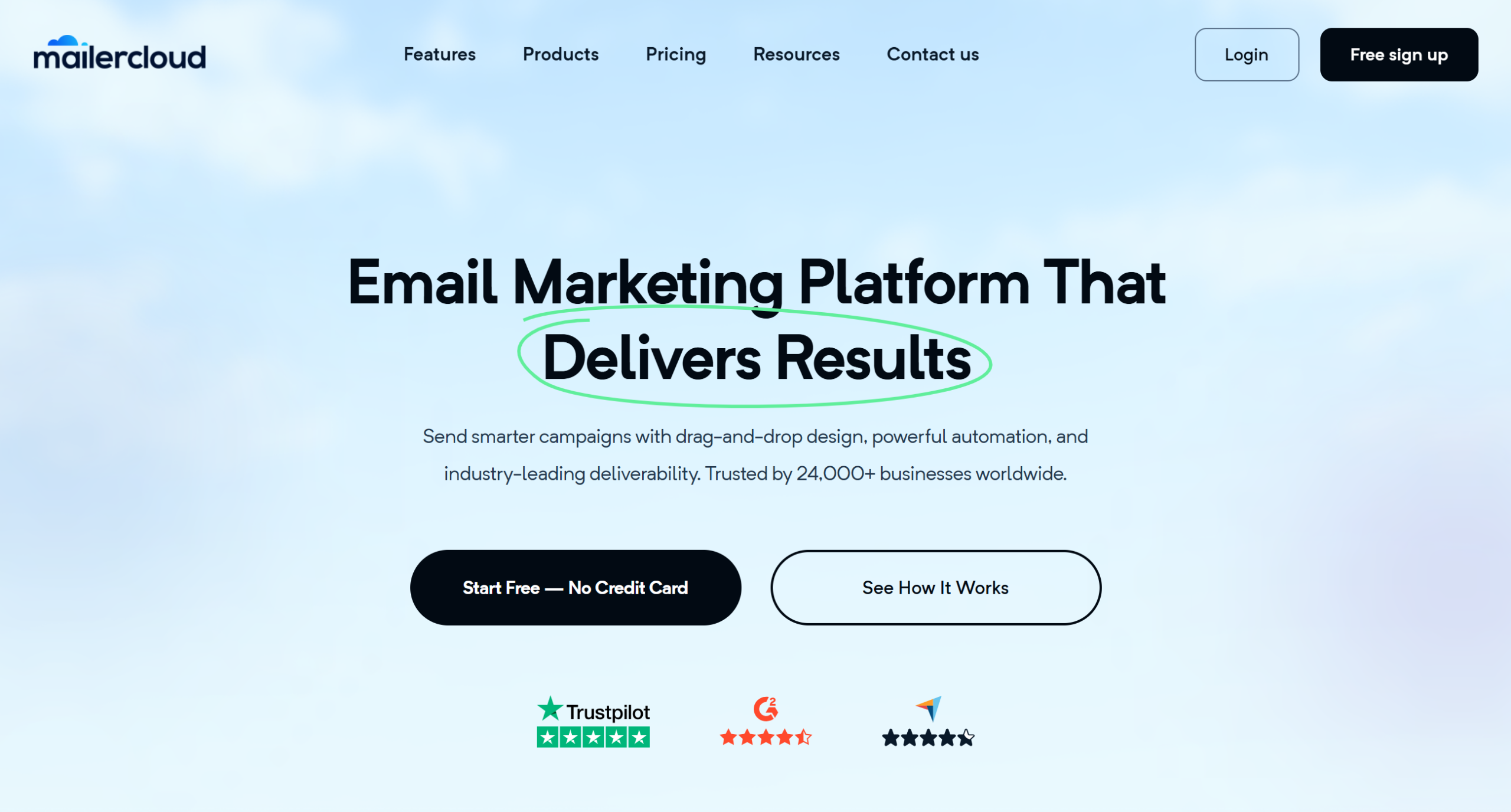
Mailercloud is the best Keap alternative in 2026 for small businesses that mainly use Keap for email campaigns and automation. It’s free for 1,000 contacts and 12,000 emails a month. Premium costs $10/month for 5,000 contacts with unlimited sends, and $50 at 10,000. Keap starts at $299.
You keep the parts of Keap most small businesses use every week. There’s a drag-and-drop builder, visual automation for welcome, nurture and re-engagement flows, tag- and behaviour-based segmentation, and signup forms. There are no contracts and no onboarding fees.
Be clear about what you give up. Mailercloud has no CRM pipeline, no invoices or payments, no appointment booking and no SMS. If your team closes deals inside Keap, pair Mailercloud with a separate CRM, or pick ActiveCampaign or HubSpot below.
Key features
- Free plan: 1,000 contacts, 12,000 emails a month
- Visual automation builder (25 advanced automations on Premium)
- Tag, field and behaviour-based segmentation
- A/B testing and AI subject lines on Premium
- Signup forms, Inbox Tracker and built-in email verifier
- Shopify, WooCommerce and Magento integrations; API and Zapier for everything else
✅Mailercloud Pros:
- Free for 1,000 contacts; $10/month for 5,000 (Keap starts at $299)
- No contracts, no onboarding fees, no termination fees
- Visual automation for welcome, nurture and re-engagement flows
- Tag, field and behaviour-based segmentation
- A/B testing and AI subject lines on Premium
- Inbox Tracker and built-in email verifier
❌Mailercloud Cons:
- Not a CRM: no pipeline, deals or tasks
- No invoices, payments or appointment booking
- No SMS
💰Pricing: Free for 1,000 contacts; Premium from $10/month for 5,000 contacts (30% off annually).
Pricing: Free for 1,000 contacts; Premium from $10/month for 5,000 contacts. 30% off on annual billing. No contracts or setup fees.
Best for: Coaches, consultants and service businesses who use Keap mainly for email.
Try Mailercloud free — the email and automation side of Keap, free for 1,000 contacts and $10/month for 5,000.
2. ActiveCampaign — Best for Automation Plus CRM

ActiveCampaign is the closest like-for-like replacement for Keap’s automation. Its automation builder is one of the most flexible in the category, with branching on tags, site visits, purchases, deal stages and custom events. Many Keap users move here when they want the same “if this, then that” power at a lower price.
Pricing is by contacts. At 1,000 contacts on annual billing, Starter costs $15/month, Plus $49, Pro $79 and Enterprise $145. Plus is the tier most Keap users need: it adds landing pages, CRM integrations and more users.
ActiveCampaign’s CRM is lighter than Keap’s, and there’s no built-in invoicing or appointment booking. You connect those through integrations. Prices also rise quickly as your list grows.
Key features
- Advanced visual automation with branching and goals
- Email, landing pages and forms
- CRM integrations (Freshsales, Pipedrive, Zoho, Salesforce on higher tiers)
- 1,000+ integrations and API
✅ActiveCampaign Pros:
- Best-in-class automation, close to Keap’s campaign builder
- Much lower entry price than Keap
- Huge integration library
❌ActiveCampaign Cons:
- No built-in invoices or appointment booking
- Price climbs fast as your contact list grows
- Advanced features split across Plus, Pro and Enterprise
💰Pricing: At 1,000 contacts (annual billing): Starter $15/month, Plus $49, Pro $79, Enterprise $145.
Best for: Businesses that live in automation and want Keap-level workflows for less. Compare it further in ActiveCampaign vs HubSpot.
3. HubSpot — Best Free CRM to Replace Keap’s Contact Records
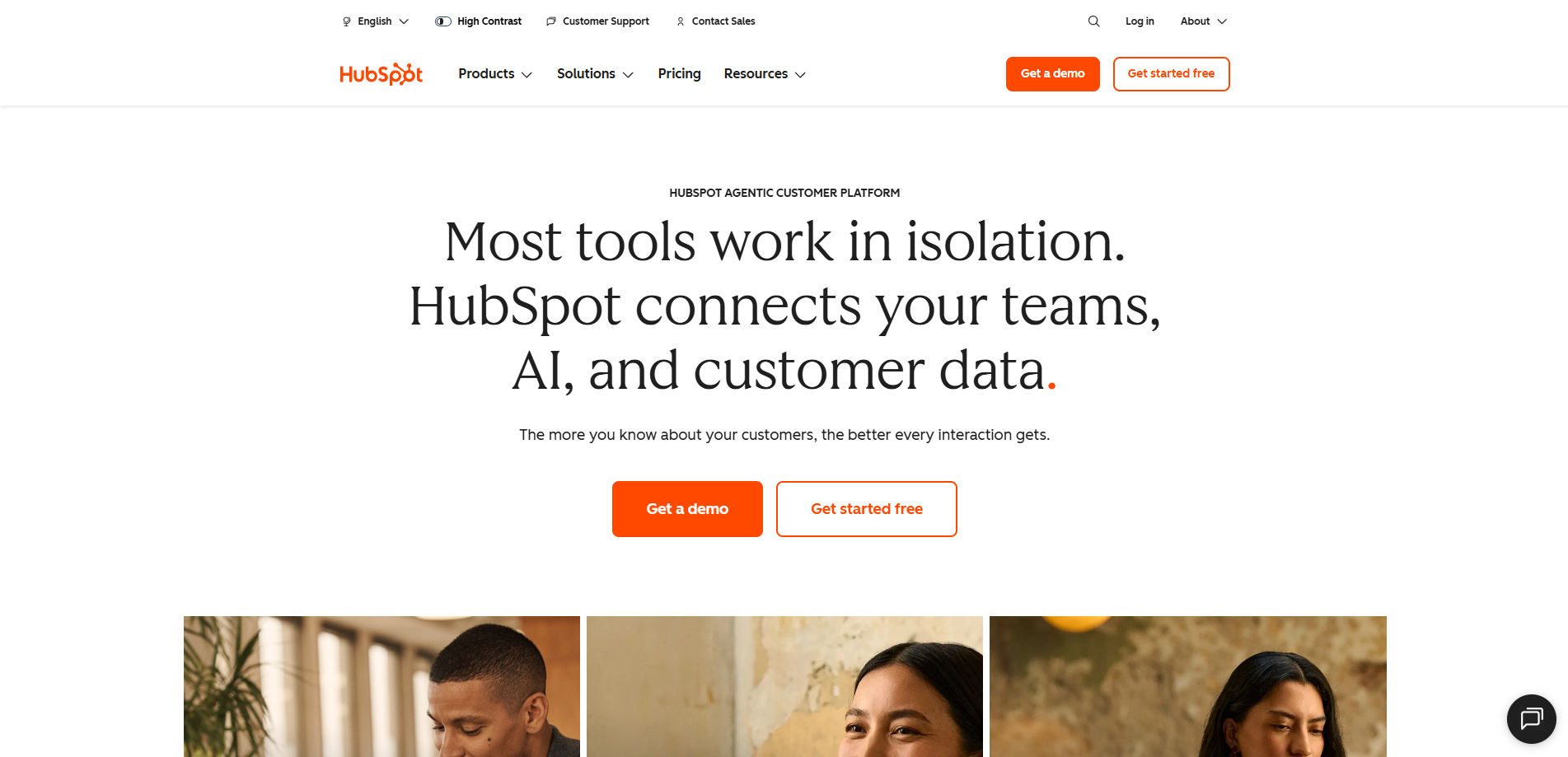
HubSpot’s free CRM is the easiest way to keep contact records, deals and tasks without paying Keap prices. The free tools include contact management, deal pipelines, forms, basic email marketing and live chat for up to 2 users.
When you need more, Starter costs around $15 per seat per month on annual billing ($20 monthly). It removes HubSpot branding and adds simple automation. The jump to Marketing Hub Professional is steep. It starts around $800/month with three seats, and HubSpot adds a required one-time onboarding fee.
For many ex-Keap users, a good setup is HubSpot’s free CRM for sales, plus a low-cost email tool for campaigns.
Key features
- Free CRM with contacts, deals, pipelines and tasks
- Forms, live chat and basic email on the free plan
- Starter adds simple automation and removes branding
- Large app marketplace
✅HubSpot Pros:
- Free CRM is genuinely useful for small teams
- Easy to use, with lots of training content
- Scales into a full sales and marketing suite
❌HubSpot Cons:
- Marketing automation jumps to Professional pricing
- Professional requires a paid onboarding fee
- Seat-based pricing adds up as the team grows
💰Pricing: Free CRM; Starter from about $15/seat/month (annual); Professional from about $800/month.
Best for: Teams that need a CRM for sales but want to start free. See our HubSpot alternatives for more options.
4. Ontraport — Best All-in-One Keap Replacement
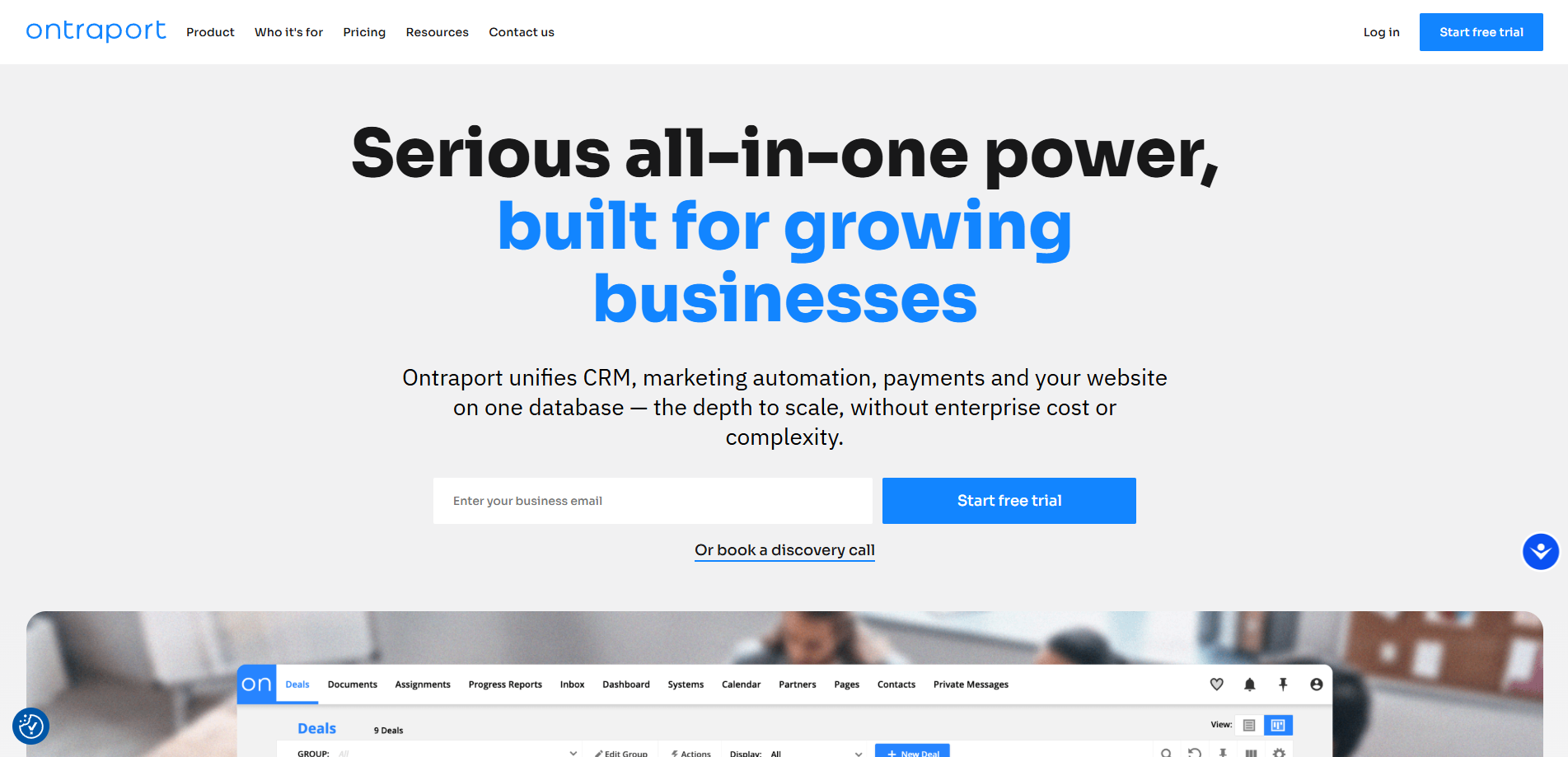
Ontraport is the most similar product to Keap. It targets the same audience of coaches, course creators and service businesses. It combines a CRM, marketing automation, email and SMS, payments, membership sites and landing pages.
On annual billing, Plus starts at $83/month, Pro at $124 and Enterprise at $249. That’s still well below Keap’s $299. Pro is $149 on monthly billing. There’s a 14-day free trial with no credit card, and an optional paid setup service ($897).
Ontraport is powerful but complex, like Keap. If complexity was your reason for leaving Keap, look at a simpler tool.
Key features
- CRM with pipelines, tasks and custom objects
- Visual campaign builder with email and SMS
- Payments, memberships and landing pages
- 14-day free trial
✅Ontraport Pros:
- Closest feature match to Keap, including payments and memberships
- Starts at $83/month, well below Keap
- Custom objects for complex businesses
❌Ontraport Cons:
- Steep learning curve, like Keap
- Contact-based pricing rises with your list
- Paid setup service is extra
💰Pricing: Plus from $83/month, Pro $124, Enterprise $249 (annual billing); 14-day free trial.
Best for: Keap power users who want the same all-in-one approach for less.
5. GoHighLevel — Best for Agencies
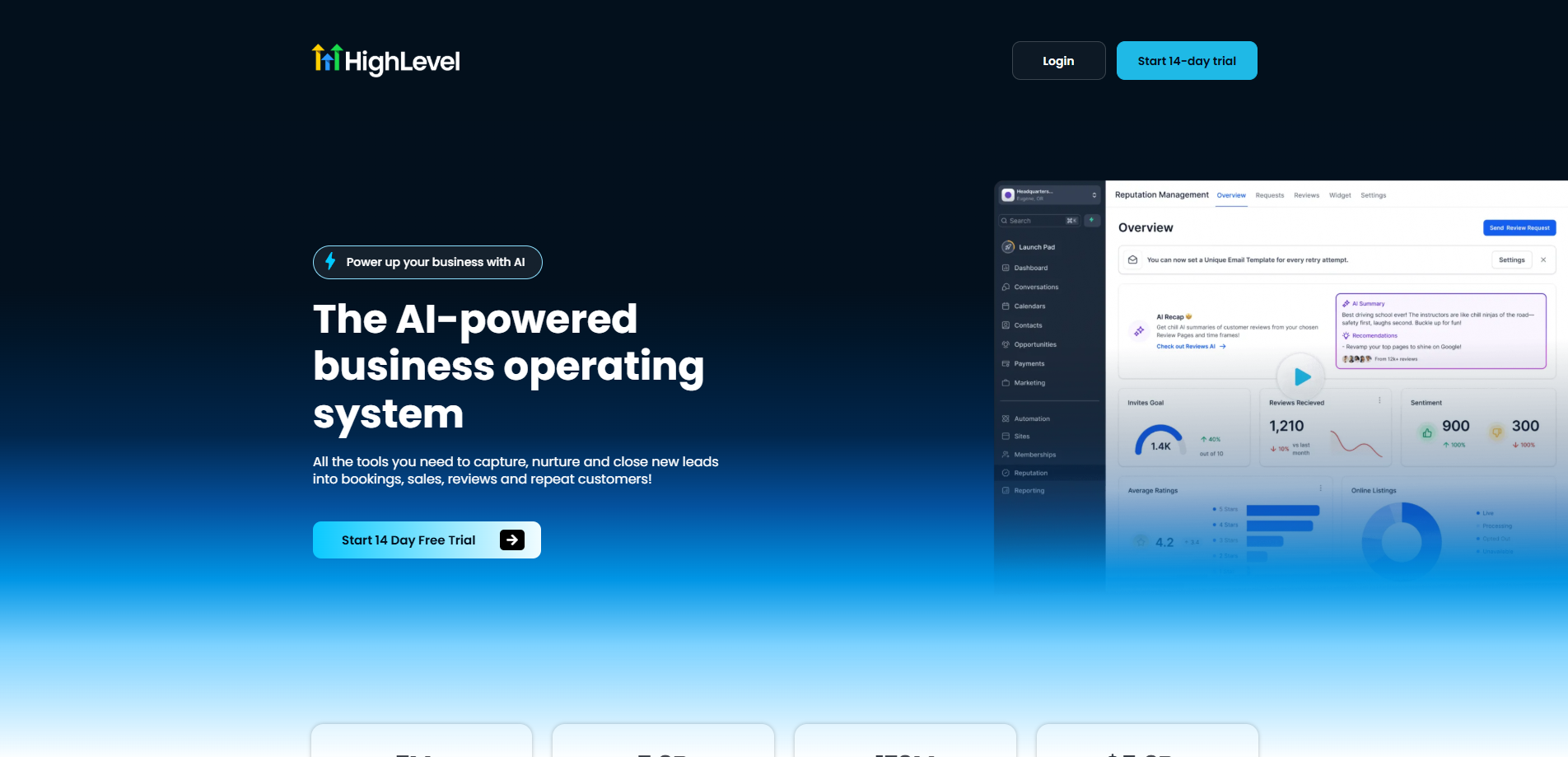
GoHighLevel (HighLevel) is built for marketing agencies. It includes a CRM, funnels and websites, email and SMS, appointment booking, reputation management and “sub-accounts” for each client.
Agency Starter costs $97/month and includes three sub-accounts. Agency Unlimited costs $297/month for unlimited sub-accounts, and the Pro plan at $497/month adds “SaaS mode”, so you can resell the software under your own brand.
For a single small business, GoHighLevel is often more than you need. SMS, email sending and phone calls are billed on usage, so your real monthly cost is higher than the plan price.
Key features
- CRM, pipelines and appointment booking
- Funnels, websites and forms
- Email, SMS and phone in one inbox
- Sub-accounts and white-label options for agencies
✅GoHighLevel Pros:
- Replaces many tools at once for agencies
- Unlimited sub-accounts on Agency Unlimited
- Built-in booking and SMS
❌GoHighLevel Cons:
- Built for agencies; heavy for one business
- Usage-based charges for email, SMS and calls
- Busy interface with a learning curve
💰Pricing: Agency Starter $97/month; Agency Unlimited $297; Pro $497.
Best for: Agencies managing several client businesses.
6. Brevo — Best Budget CRM Plus Email and SMS
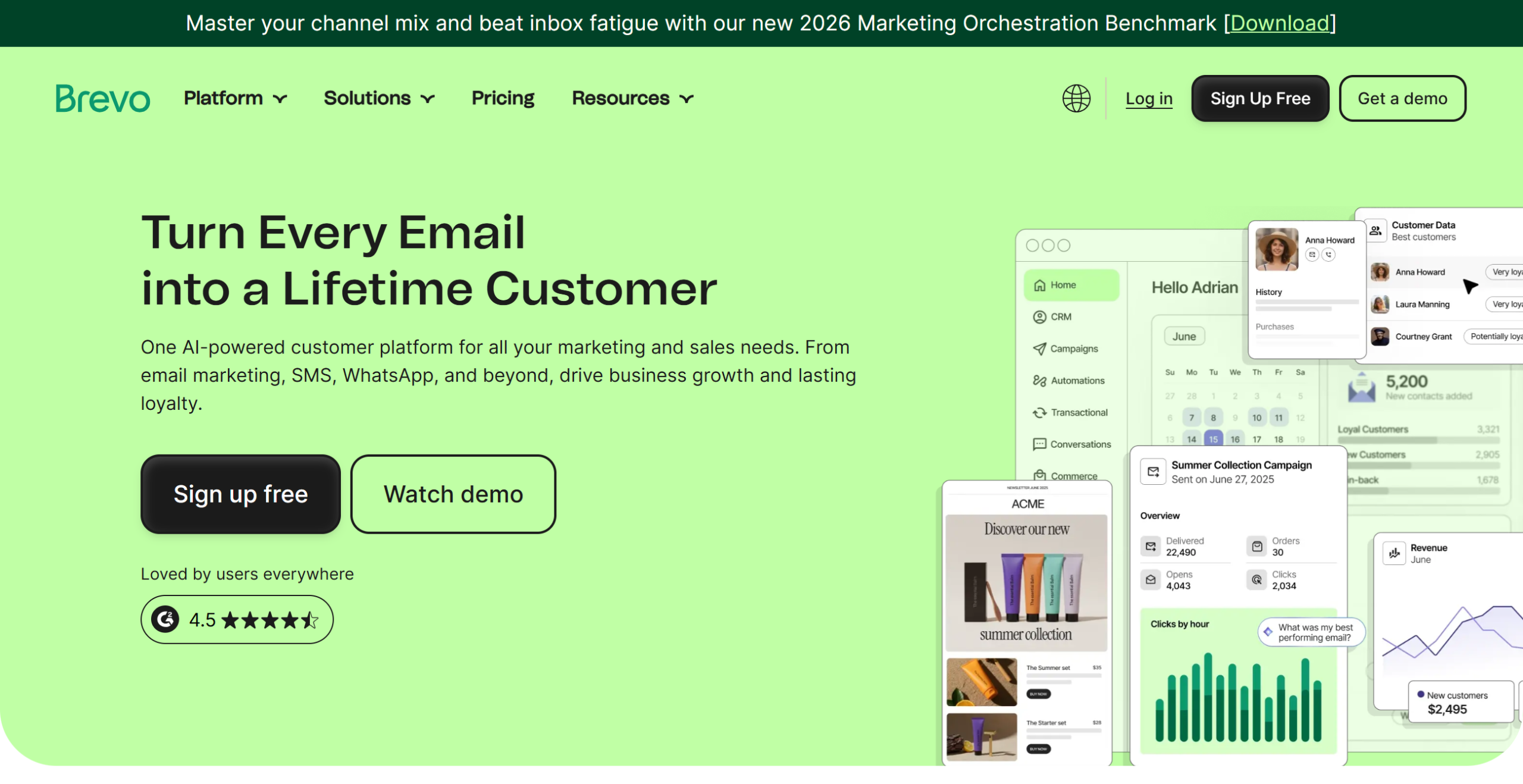
Brevo combines email, SMS and WhatsApp marketing with a free built-in CRM. It prices by emails sent, not contacts, and every plan allows unlimited contacts.
The free plan allows 300 emails a day. Starter costs $9/month for 5,000 emails, and Standard costs $18/month and adds marketing automation and A/B testing. For a proper sales pipeline, the Sales Essentials add-on costs $31/month.
Brevo is the cheapest way to keep email, text messages and a simple CRM together. It isn’t as deep as Keap for payments or appointments.
Key features
- Email, SMS and WhatsApp in one account
- Free CRM; Sales Essentials add-on for pipelines
- Unlimited contacts on every plan
- Marketing automation on Standard
✅Brevo Pros:
- Email, SMS and CRM for far less than Keap
- Unlimited contacts on every plan
- Free plan to test with
❌Brevo Cons:
- Automation and A/B testing need Standard ($18/month)
- Sales pipeline is a paid add-on
- Price rises with sending volume
💰Pricing: Free with 300 emails/day; Starter from $9/month; Standard from $18/month; Sales Essentials +$31/month.
Best for: Small businesses that want email and SMS with a light CRM. See our Brevo alternatives for comparisons.
7. Kit — Best for Creators Selling Digital Products
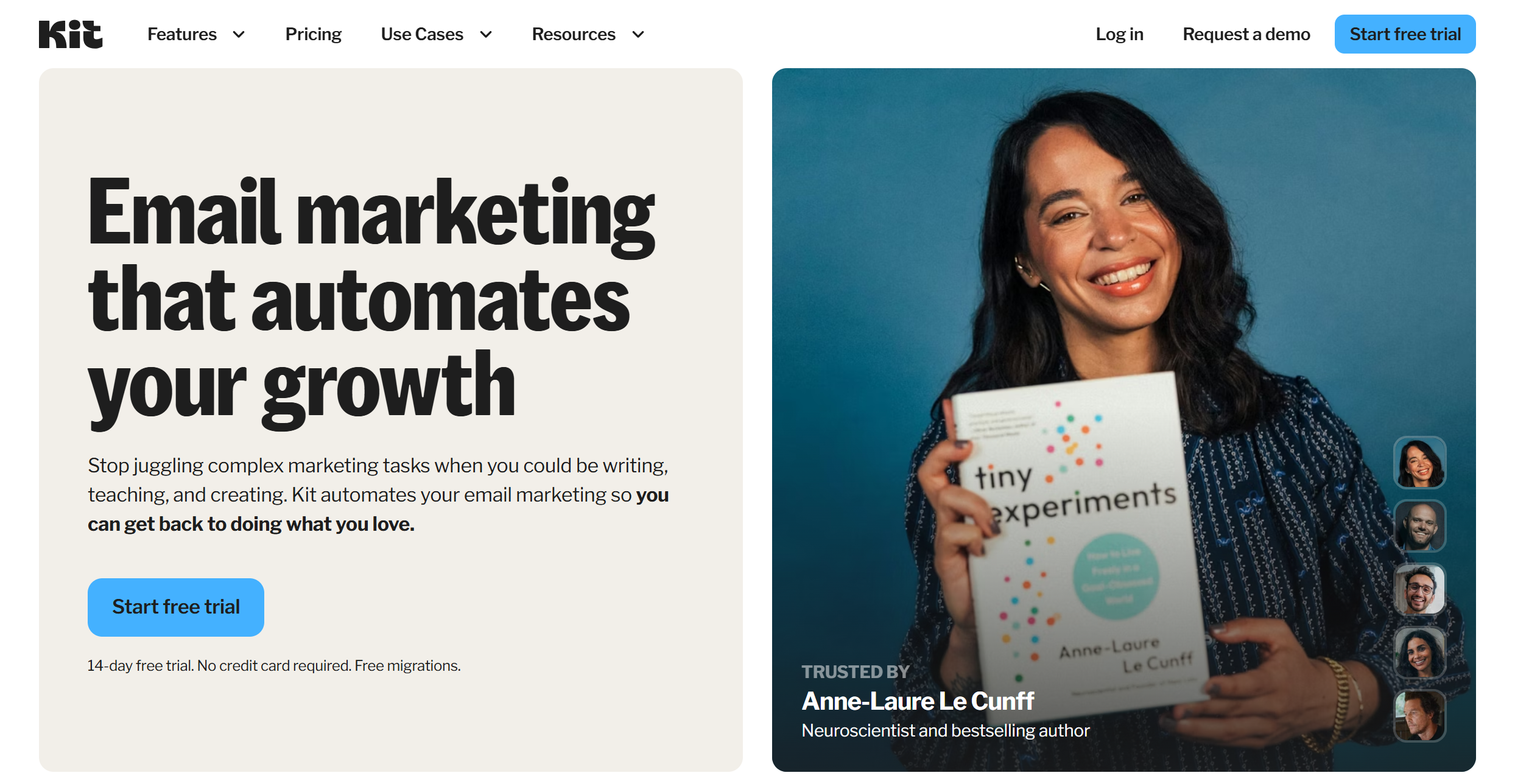
If you used Keap to sell courses or digital products with email follow-ups, Kit (formerly ConvertKit) is a simpler alternative. It includes digital product and subscription sales, landing pages, forms and visual automations.
The free plan covers up to 10,000 subscribers for broadcasts. Creator, which adds automations and sequences, costs $39/month at 1,000 subscribers on monthly billing. Kit takes 3.5% + 30¢ per sale.
Kit has no CRM pipeline, invoices or appointments. It’s built for creators, not sales teams.
✅Kit Pros:
- Built-in selling for digital products and subscriptions
- Free plan up to 10,000 subscribers
- Strong visual automations on Creator
❌Kit Cons:
- No CRM pipeline, invoices or appointment booking
- Creator is $39/month at 1,000 subscribers and rises fast
💰Pricing: Free up to 10,000 subscribers; Creator from $39/month (1,000 subscribers, monthly billing).
Best for: Course creators and coaches who sell online and don’t need a sales pipeline.
Keap vs the Alternatives: What You’ll Pay
Starting prices from each vendor’s pricing page on September 30, 2026.
| Tool | Starting price | CRM pipeline | Built-in payments | Free plan or trial |
|---|---|---|---|---|
| Keap (for reference) | $299/month | Yes | Yes | Trial (25 emails) |
| Mailercloud | Free; $10 for 5,000 contacts | No | No | Free plan |
| ActiveCampaign | $15/month (Starter) | Integrations | No | Trial |
| HubSpot | Free CRM; Starter ~$15/seat | Yes | Limited | Free plan |
| Ontraport | $83/month | Yes | Yes | 14-day trial |
| GoHighLevel | $97/month | Yes | Yes | Trial |
| Brevo | Free; $9/month | Yes (add-on) | No | Free plan |
| Kit | Free; $39/month | No | Yes | Free plan |
At $299/month, Keap costs $3,588 a year before extra users. Mailercloud Premium at 5,000 contacts costs $120 a year. Even with a free HubSpot CRM alongside it, you save more than $3,400.
The Mailercloud View: Split Your Stack If You Only Use Half of Keap
Most Keap customers we talk to fall into one of two groups.
Group 1: email-first businesses. They send newsletters, a welcome series, a few launch sequences and tag contacts by interest. For them, an email platform like Mailercloud covers almost everything. Add a free booking link and a payment link, and they’ve replaced Keap for a fraction of the cost.
Group 2: sales-led businesses. They move deals through a pipeline, send quotes and assign tasks. For them, the better setup is a CRM (HubSpot’s free tier, or ActiveCampaign) connected to their email tool. Keep sales in the CRM and campaigns in the email platform.
Whichever group you’re in, check your email authentication when you move. Gmail and Yahoo now require SPF, DKIM and DMARC for bulk senders, and Yahoo’s sender guidelines add a spam-rate threshold. Set these up on your new platform before your first campaign; dmarc.org explains how a DMARC policy works.
How to Move From Keap
- Export contacts with tags. In Keap, export contacts with their tags, custom fields and opt-in status. Export unsubscribes separately so you never email them again.
- List your live automations. Write down each campaign’s trigger, delays and emails before you cancel.
- Check your contract. Note your renewal date and any early termination fee.
- Clean the list. Verify addresses before your first send. A high bounce rate on a new platform hurts your sender reputation, which you can watch in Google Postmaster Tools.
- Rebuild automations and forms. Start with the welcome series and your highest-revenue sequence.
- Keep consent records. Carry over opt-in dates and sources. You’ll need them under GDPR if you email EU contacts, and every campaign still needs an unsubscribe link and postal address under CAN-SPAM.
Frequently Asked Questions
What is the best alternative to Keap?
Mailercloud is the best Keap alternative for small businesses that mainly use Keap for email marketing. It’s free for 1,000 contacts and $10/month for 5,000. If you need a CRM pipeline, ActiveCampaign or HubSpot are the closest replacements, and Ontraport is the closest all-in-one match.
How much does Keap cost?
Keap starts at $299/month with two users. Extra users cost $39/month each, new accounts require paid onboarding, and Keap lists a $299 early termination fee on committed plans.
Is there a free alternative to Keap?
Yes. HubSpot has a free CRM, and Mailercloud has a free email marketing plan for 1,000 contacts and 12,000 emails a month. Brevo and Kit also have free plans.
What is cheaper than Keap with a CRM?
HubSpot’s free CRM, ActiveCampaign (from $15/month) and Brevo (from $9/month plus a $31 Sales add-on) all cost far less than Keap. Ontraport starts at $83/month if you want an all-in-one tool.
Is Mailercloud a CRM?
No. Mailercloud is an email marketing platform, not a CRM. It has contact management, tags, segmentation and automation, but no sales pipeline, invoices or appointments. Many businesses connect it to a free CRM like HubSpot.
Can I import my Keap contacts and tags?
Yes. Export contacts with tags and custom fields from Keap as a CSV and import them into the new platform. Map Keap tags to tags or segments, and import unsubscribes as suppressed contacts.
Final Verdict
Keap is a strong all-in-one tool, but $299/month is a lot to pay if you mostly send email. Mailercloud is the best Keap alternative for email-first small businesses: free for 1,000 contacts, $10/month for 5,000, with automation and segmentation built in. Choose ActiveCampaign for Keap-style automation with a CRM, HubSpot for a free CRM, Ontraport for the closest all-in-one match and GoHighLevel if you’re an agency.
For more ways to cut costs, see our guide to email marketing for small business.
Stop paying $299 a month for email — try Mailercloud free
★★★★★ 4.5/5 on G2, Capterra & Trustpilot · Trusted by 35,000+ businesses
Free for 1,000 contacts · No credit card · No contracts or setup fees

As a Marketing Director, I develop and implement marketing strategies, conduct market research, and manage a team of marketing professionals. With a successful track record of launching campaigns that drive revenue growth, I bring my marketing expertise to blog writing, creating engaging content that promotes the brand and its products/services.