Last updated: April 2026 · Written by the Mailercloud Team
You spent hours building a lead magnet, ran ads, collected email addresses — and then what? Most businesses send one welcome email and hope for the best. The leads go cold. The pipeline leaks. And the signup that cost you $4.50 in ad spend quietly unsubscribes two weeks later.
Learn more in our guide to Best Mailchimp Alternatives for Nonprofits.
That’s the problem drip campaign software solves. Instead of relying on manual follow-ups, you set up a sequence once — welcome emails, onboarding nudges, abandoned cart reminders, re-engagement prompts — and the software sends the right message at the right time, automatically. Drip email marketing turns your email list into a system that nurtures leads while you focus on other marketing strategies.
But not every email marketing platform handles drip campaigns equally well. Some bury email marketing automation behind expensive tiers. Others limit triggers to basic time delays. A few don’t even support branching logic, which means every subscriber gets the same generic marketing campaign regardless of what they actually do.
We tested the automation builders, evaluated trigger options, checked email templates and email editor quality, reviewed email personalization capabilities, and narrowed it down to 10 tools that handle drip marketing well in 2026.
Quick Answer: The best email drip campaign software in 2026 includes Mailercloud, Drip, ActiveCampaign, Brevo, Mailchimp, HubSpot, Kit, MailerLite, GetResponse, and Omnisend. For the best overall value with visual automation, inbox placement tracking, and 24/7 support starting at $7/month, Mailercloud is our #1 pick. Drip sequences on Mailercloud consistently outperform one-off broadcasts in open and click rates thanks to behaviour-triggered timing. If GetResponse isn’t the right fit, see our GetResponse alternatives for automation.
Table of Contents
What Makes Great Drip Campaign Software?
Before the list, here’s what separates a genuinely useful drip tool from one that just has “automation” on its features page.
Trigger variety. Time-based delays are table stakes. You want triggers based on opens, clicks, page visits, purchases, form submissions, and tag changes. The more triggers available, the more precisely you can match messages to subscriber behaviour.
Related reading: Omnisend alternatives.
Branching logic. If a subscriber opens email #2 but doesn’t click, they should get a different email #3 than someone who clicked. Yes/no branching at minimum; conditional splits based on multiple criteria are better.
Visual builder. Drip workflows get complex fast. A visual builder that shows the full sequence — with branches, delays, and conditions mapped out — is the difference between confidence and guesswork.
Email templates and editor. Your drip email campaigns need to look good on every device. A clean email editor with responsive email templates saves hours of design time — and most automation platforms include a library of pre-built templates you can customise per step in the sequence.
Pricing transparency. Some tools price automation features behind premium tiers. Others charge by email volume on top of contact count. Check whether a free trial or free plan is available so you can test the automation platform before committing. You need to know the total cost at your actual list size, not just the starting price. We broke this down tool by tool in our guide to what each plan actually automates — including the entry plans that cap you at four steps or one workflow.
Deliverability. A drip sequence that lands in spam is worse than no sequence at all. Look for tools with built-in authentication (SPF, DKIM, DMARC), dedicated IP options, and ideally inbox placement tracking.
| Tool | Best For | Free Plan | Starting Price | Standout Drip Feature |
|---|---|---|---|---|
| Mailercloud#1 Pick | Best overall value + deliverability | ✓ Yes 1,000 contacts |
$7/mo |
Inbox Tracker
AMP Emails |
| Drip | Ecommerce automation | ✗ No 14-day trial |
$39/mo |
Ecommerce Playbooks
Revenue Attribution |
| ActiveCampaign | Complex branching + CRM | ✗ No 14-day trial |
$15/mo |
Predictive Sending
Site Tracking |
| Brevo | Multi-channel drip (email + SMS) | ✓ Yes 300 emails/day |
$9/mo |
SMS + WhatsApp
Built-in CRM |
| Mailchimp | Templates + integrations | ✓ Yes 500 contacts |
$13/mo |
AI Content
300+ Integrations |
| HubSpot | Enterprise CRM + attribution | ✓ Yes Limited email |
$20/mo |
Full CRM Suite
Deal Attribution |
| Kit (ConvertKit) | Creators + digital products | ✓ Yes 10,000 subs |
$15/mo |
Tag-Based Sequences
Commerce Tools |
| MailerLite | Beginners + clean UX | ✓ Yes 1,000 subs |
$10/mo |
Simplest Builder
Website Builder |
| GetResponse | Webinars + conversion funnels | ✓ Yes 500 contacts |
$15.58/mo |
Webinar Triggers
Sales Funnels |
| Omnisend | Shopify + ecommerce drip | ✓ Yes 250 contacts |
$16/mo |
Pre-built Ecom Flows
SMS + Push |
Pricing verified April 2026. Entry-level paid plans shown. Free plan limits vary by tool.
10 Best Email Drip Campaign Software
1. Mailercloud
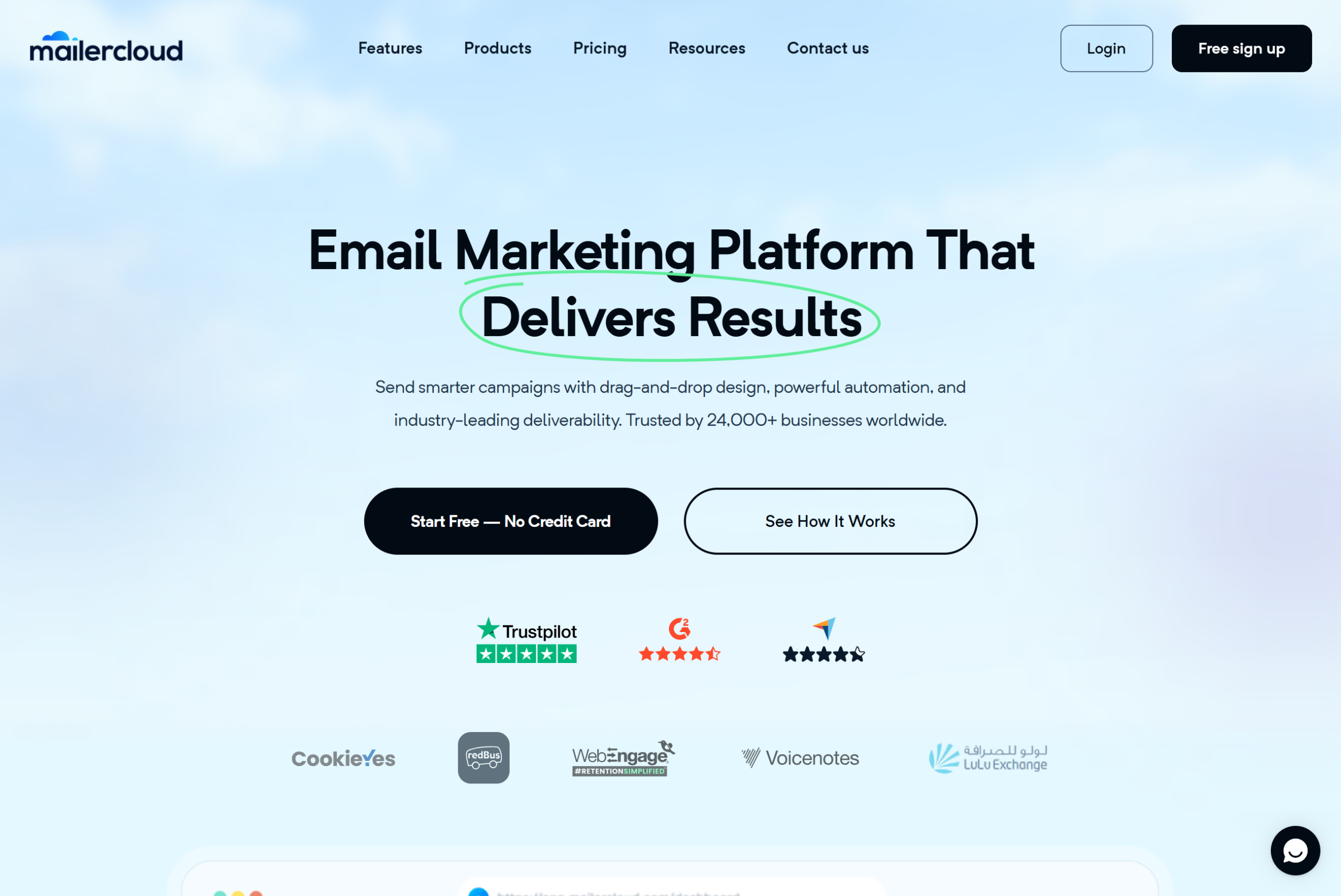
Mailercloud gives you a visual automation builder with advanced triggers and branching on every paid plan — starting at $7/month. That’s not a stripped-down version of automation reserved for enterprise tiers. Every Mailercloud user, including those on the free plan (1,000 contacts, 12,000 emails/month), gets access to the workflow builder.
What makes it stand out for drip campaigns:
The trigger options go beyond time delays. You can start sequences based on email opens, link clicks, tag assignments, list joins, or custom field changes. Branching uses if/then logic, so subscribers who engage differently get different paths — no one-size-fits-all sequences.
What’s genuinely rare is the Inbox Tracker. Most drip tools tell you if an email was “delivered” — which just means the server accepted it. Mailercloud’s Inbox Tracker shows where your drip emails actually land: inbox, promotions tab, or spam folder, across Gmail, Outlook, and Yahoo. When your drip sequence hits 6-8 emails deep, inbox placement becomes the difference between a converting sequence and one that quietly dies in spam.
Drip sequences on Mailercloud see measurably higher engagement than one-off broadcasts. The automated, behaviour-triggered timing catches subscribers when they’re active — not when your marketing calendar says to send.
Other strengths: AMP for Email support (interactive elements inside emails), A/B testing for subject lines within sequences, and 24/7 live chat support on every plan including the free tier.
Pricing: Free plan (1,000 contacts, 12,000 emails/month). Paid plans start at $7/month with no ecommerce transaction fees.
✅Pros:
- Free plan: 1,000 contacts and 12,000 emails/month with full automation access — no trial timer
- Paid plans start at $7/month — cheapest on this list with real automation
- Visual automation builder with advanced triggers (opens, clicks, tags, custom fields) and if/then branching on every plan
- Inbox Tracker shows where drip emails actually land (inbox, promotions, spam) across Gmail, Outlook, and Yahoo
- AMP for Email support — interactive elements inside drip emails (rare among competitors)
- A/B testing within drip sequences for subject lines and content
- Built-in landing page and signup form builder
- Advanced contact segmentation and behavioural tagging
- 24/7 live chat and email support on every plan including the free tier
- No ecommerce transaction fees or peak-billing surprises
❌Cons:
- Smaller third-party integration library compared to Mailchimp or HubSpot
- Native SMS marketing is still in development (roadmap item)
- Brand recognition lower than Mailchimp or Constant Contact in the US market
💰Pricing: Free plan available (1,000 contacts, 12,000 emails/mo). Paid plans start at $7/month with no ecommerce transaction fees.
2. Drip

Drip built its entire identity around drip campaigns — it’s in the name. The platform is purpose-built for ecommerce brands that need pre-built automation recipes for abandoned carts, post-purchase follow-ups, browse abandonment, and win-back sequences. For a deeper dive into the flows that drive ecommerce revenue, see our ecommerce email automation playbook.
What makes it stand out for drip campaigns:
Drip’s visual workflow builder is one of the most intuitive on this list. Pre-built “playbooks” let you launch common ecommerce sequences in minutes instead of building from scratch. The real strength is deep ecommerce data integration — you can trigger drip emails based on specific products viewed, cart value thresholds, purchase history, and even predicted customer lifetime value.
Revenue attribution is built in, so you see exactly how much each drip sequence generates. That’s useful when justifying the spend to a CFO.
Where it falls short: Drip is narrowly ecommerce-focused. If you’re SaaS, B2B, or a service business, the pre-built playbooks won’t apply and you’re paying for features you won’t use. Pricing starts at $39/month for 2,500 contacts — nearly 6x Mailercloud’s starting price.
Pricing: Starts at $39/month (2,500 contacts). No free plan — 14-day trial only.
✅Pros:
- Purpose-built for ecommerce drip campaigns — pre-built playbooks for abandoned cart, post-purchase, browse abandonment, and win-back
- Deep ecommerce data integration — trigger sequences based on products viewed, cart value, purchase history
- Intuitive visual workflow builder
- Revenue attribution built into every automation workflow
- Predictive customer lifetime value scoring
- Strong Shopify, WooCommerce, and BigCommerce integrations
❌Cons:
- No free plan — 14-day trial only
- Starts at $39/month for 2,500 contacts — nearly 6x Mailercloud’s starting price
- Narrowly ecommerce-focused — poor fit for SaaS, B2B, or service businesses
- Pre-built playbooks don’t apply outside of product-based ecommerce
💰Pricing: No free plan — 14-day trial. Paid plans start at $39/month (2,500 contacts).
3. ActiveCampaign

ActiveCampaign has the deepest automation builder on this list. If your drip campaigns need complex conditional logic — multiple branching paths, goal-based exits, wait-until conditions, and predictive sending — ActiveCampaign is where power users land.
What makes it stand out for drip campaigns:
The automation builder supports nested conditions, split actions (send 70% down path A, 30% down path B), and “goals” that pull contacts out of a sequence early when they complete a desired action. Site tracking lets you trigger drip emails based on specific pages visited on your website — not just email engagement.
Machine learning features like predictive sending (send at the time each contact is most likely to open) and win probability scoring add a layer of intelligence that simpler tools can’t match.
Where it falls short: No free plan. Starts at $15/month for just 1,000 contacts, and the learning curve is steeper than tools like Mailercloud or MailerLite. It’s overkill if your drip needs are straightforward welcome sequences and cart reminders.
Pricing: No free plan — 14-day trial. Paid plans start at $15/month (1,000 contacts).
✅Pros:
- Deepest automation builder on this list — nested conditions, split actions, goal-based exits
- Predictive sending — sends at each contact’s optimal engagement time
- Site tracking triggers drip emails based on specific pages visited
- Built-in sales CRM with pipeline management
- 900+ third-party integrations
- Machine learning features: win probability, churn prediction
❌Cons:
- No free plan — 14-day trial only
- Starts at $15/month for just 1,000 contacts — more than double Mailercloud
- Steeper learning curve than most competitors
- Overkill for straightforward welcome sequences or cart reminders
💰Pricing: No free plan — 14-day trial. Paid plans start at $15/month (1,000 contacts).
4. Brevo (formerly Sendinblue)
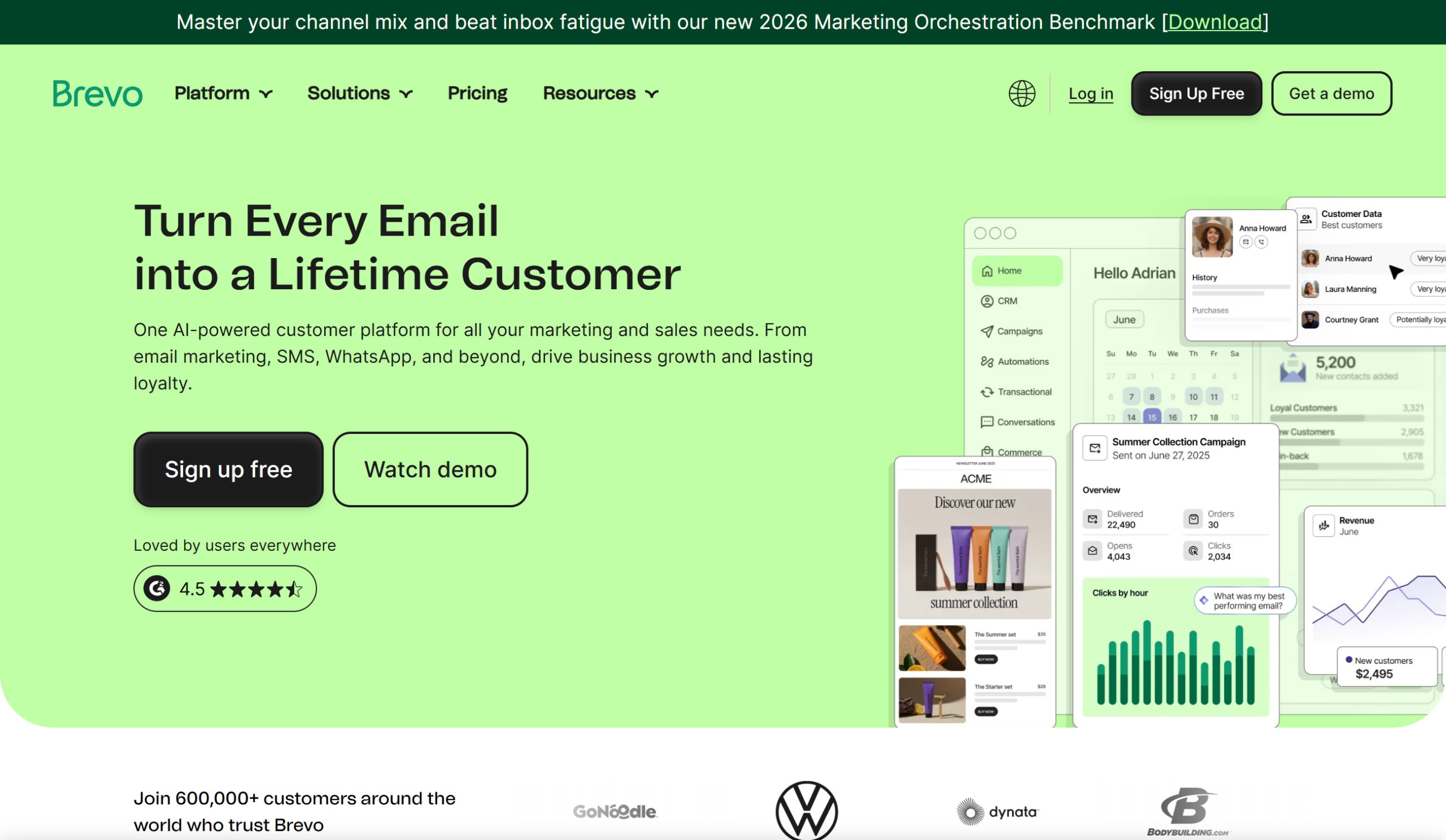
Brevo combines email drip campaigns with SMS, WhatsApp, and web push notifications in one platform. If your drip sequences need to reach people across channels — not just email — Brevo covers more ground than most tools on this list.
What makes it stand out for drip campaigns:
Multi-channel automation is the headline feature. You can build a single workflow that sends an email on day 1, an SMS on day 3 if the email wasn’t opened, and a push notification on day 5. The visual builder handles all channels in one view.
Brevo also includes a built-in CRM and transactional email via SMTP/API, which means your drip campaigns and transactional messages (receipts, password resets) run from the same platform. That’s one less integration to maintain.
Where it falls short: The free plan caps you at 300 emails per day — frustrating for any active drip campaign. Pricing scales faster than Mailercloud past 20,000 subscribers. SMS costs are on top of email pricing and add up quickly with active drip sequences.
Pricing: Free plan (300 emails/day, unlimited contacts). Paid plans start at $9/month.
✅Pros:
- Multi-channel drip: email + SMS + WhatsApp + web push in a single workflow builder
- Free plan with unlimited contacts
- Built-in CRM for sales and marketing alignment
- Transactional email via SMTP and API on the same platform
- Strong deliverability reputation
- Web push notifications included
❌Cons:
- Free plan caps at 300 emails/day — frustrating for active drip campaigns
- Pricing scales faster than Mailercloud past 20,000 subscribers
- SMS costs add up quickly on top of email pricing
- Interface can feel cluttered with so many modules
💰Pricing: Free plan (300 emails/day, unlimited contacts). Paid plans start at $9/month.
5. Mailchimp
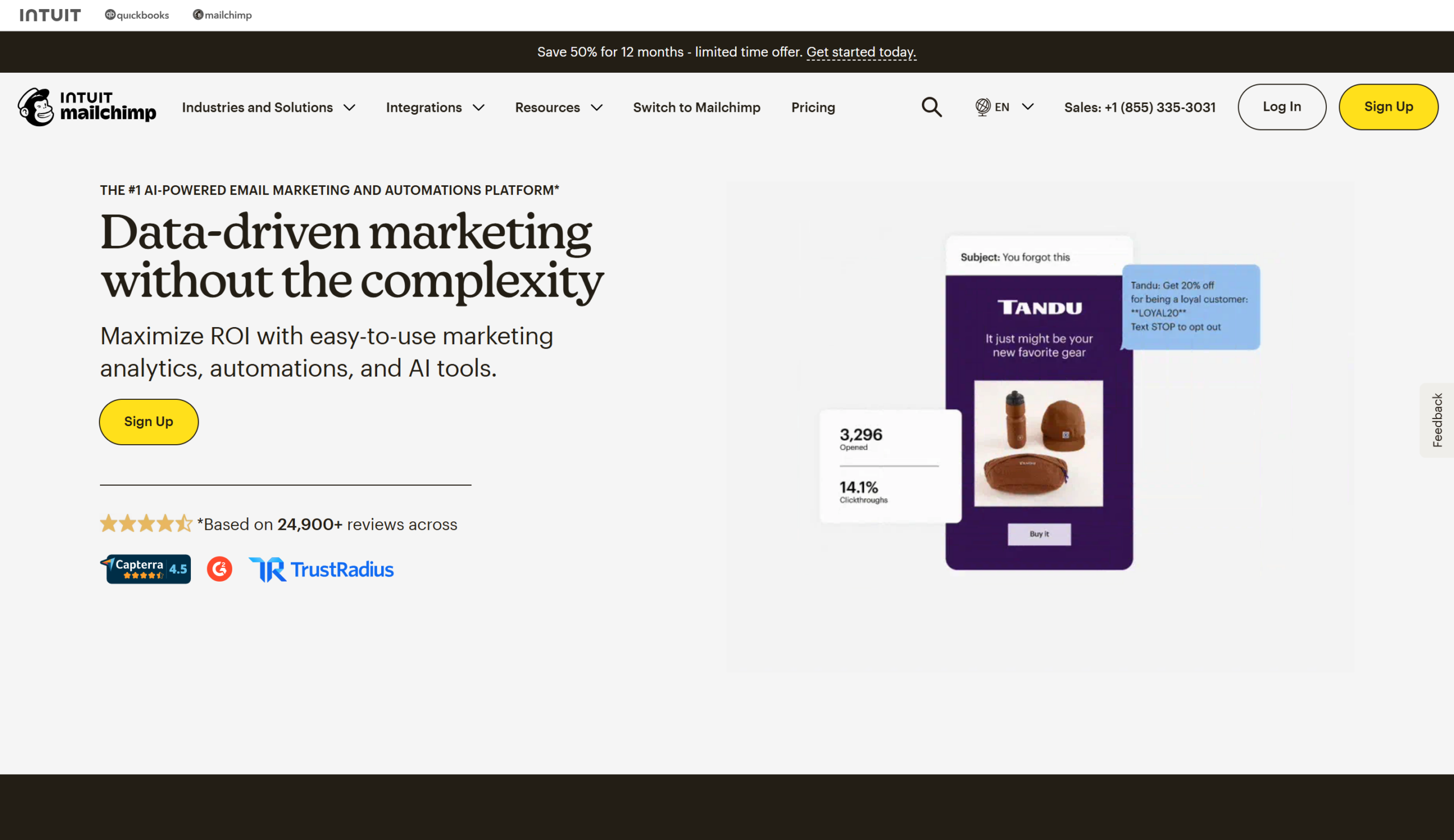
Mailchimp is the most recognised name in email marketing, with the largest template library and the widest third-party integration ecosystem. For businesses that need drip campaigns to plug into dozens of other tools — CRM, ecommerce, landing pages, webinars — Mailchimp’s integration count (300+) is hard to beat.
What makes it stand out for drip campaigns:
The “Customer Journey Builder” is Mailchimp’s visual automation tool. It supports branching, time delays, and conditional logic based on purchase activity, email engagement, and audience tags. AI-powered content suggestions can generate subject lines and body copy for each step in your sequence.
The template library is genuinely deep. When you need a polished email design for each drip touchpoint without a designer, Mailchimp has more starting points than anyone else. For more options, explore our roundup of best Mailchimp alternatives. See how Mailercloud compares in our Mailercloud vs Mailchimp guide.
Where it falls short: You pay for unsubscribed contacts unless you manually remove them. Pricing jumps sharply as your list grows — Mailchimp is the most expensive tool on this list at scale. The free plan is now limited to 500 contacts and 1,000 emails/month. Ecommerce plans charge transaction fees (0.5-1%) on top of the subscription.
Pricing: Free plan (500 contacts, 1,000 emails/month). Paid plans start at $13/month.
✅Pros:
- AI-powered subject line and content generator for drip emails
- Largest email template library — hundreds of designs
- 300+ third-party integrations (most on this list)
- Customer Journey Builder with branching and conditional logic
- Strong brand recognition and large user community
- Built-in CRM with audience management
❌Cons:
- You pay for unsubscribed contacts unless you manually clean your list
- Most expensive on this list at scale — pricing jumps sharply as list grows
- Ecommerce transaction fees (0.5% Essentials, 1% Standard)
- Free plan limited to 500 contacts and 1,000 emails/month
- Automation on lower tiers is basic
💰Pricing: Free plan (500 contacts, 1,000 emails/month). Paid plans start at $13/month.
6. SmartReach.io
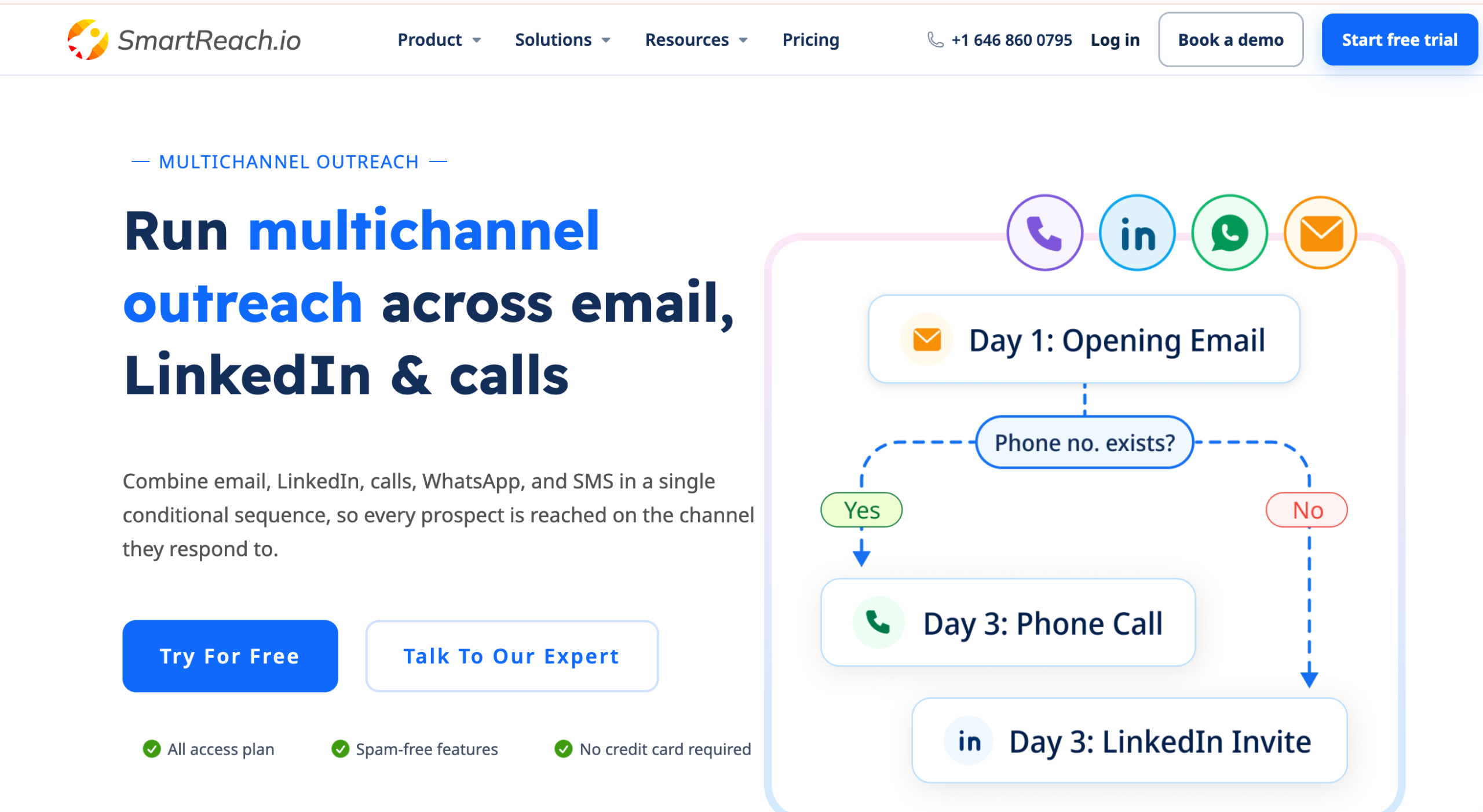
SmartReach.io is built for sales teams that want to automate drip campaigns across email and multiple outreach channels. Its multichannel drip campaigns let you move prospects through a sequence of emails, LinkedIn activities, calls, and WhatsApp touches based on their actions and campaign conditions. For teams running B2B outbound campaigns, it brings prospect management, automation, deliverability, and reply handling into one platform
What makes it stand out for drip campaigns:
SmartReach.io’s biggest advantage is that its drip campaigns aren’t limited to email. You can create multichannel sequences that move prospects from email to LinkedIn to calls or WhatsApp, while conditional automation determines what happens next. Email sequences can automatically pause when a prospect replies, and account-based rules can stop outreach when someone from the same company responds.
Where it falls short:
SmartReach.io is primarily designed for B2B sales and outbound teams, so ecommerce brands looking for product-focused automations like abandoned-cart or post-purchase sequences may find a dedicated ecommerce platform more suitable. The lower-tier plan also has limits on prospects, monthly emails, integrations, and advanced deliverability features.
Pricing: Starts at $29/month for 1,000 active prospects and 10,000 emails/month. A 14-day free trial is available with no credit card required.
✅Pros:
- Multichannel drip campaigns across email, LinkedIn, calls, and WhatsApp
- Condition-based automation for personalized prospect journeys
- Automatic follow-up sequences with auto-pause when prospects reply
- Built-in email verification, warmup, inbox rotation, and ESP matching
- Unified inbox for managing replies across multiple sending accounts
- AI-generated personalized email sequences
- Built-in prospect CRM and campaign analytics
- Unlimited sending inboxes without per-seat pricing on eligible plans
❌Cons:
- Primarily focused on B2B sales and outbound outreach
- Not designed for ecommerce-specific flows like abandoned carts or post-purchase campaigns
- Advanced deliverability features are not included in the $29/month Basic plan
- Basic plan limits active prospects to 1,000 and emails to 10,000/month
- Some advanced AI and automation features require higher-tier plans
💰Pricing: Starts at $29/month for 1,000 active prospects and 10,000 emails/month. 14-day free trial available, no credit card required.
7. HubSpot
HubSpot’s Marketing Hub connects drip campaigns directly to a full CRM with sales pipeline, customer service tools, and attribution reporting. If your drip sequences need to hand leads to a sales team with full engagement history attached, HubSpot does this natively — no Zapier glue required.
What makes it stand out for drip campaigns:
Workflow automation in HubSpot is tightly integrated with CRM contact records. You can trigger drip sequences based on deal stage changes, form submissions, page views, and lifecycle stage transitions. The attribution reporting is the strongest on this list — you can trace a closed deal back to the specific drip email that nudged the lead forward.
Where it falls short: Marketing Hub Professional starts at $800/month. That’s not a typo. The Starter tier ($20/month) has basic automation but limited workflows. If you only need email drip campaigns, HubSpot is a sledgehammer for a nail — and a very expensive sledgehammer. Contract lock-ins and contact limit overage fees add up.
Pricing: Free tier (limited email). Starter at $20/month. Professional at $800/month.
✅Pros:
- Drip campaigns integrate directly with full CRM — no Zapier glue needed
- Workflow triggers based on deal stage, lifecycle stage, form submissions, and page views
- Strongest attribution reporting on this list — trace closed deals to specific drip emails
- Built-in landing page and blog builder
- Tightly integrated Sales, Service, and CMS Hubs
- Well-documented with extensive community training
❌Cons:
- Marketing Hub Professional starts at $800/month
- Starter tier ($20/month) has very basic automation — limited workflows
- Overkill if you only need email drip campaigns
- Contract lock-ins on annual plans
- Contact limit overage fees add up
💰Pricing: Free tier (limited email). Starter at $20/month. Professional at $800/month.
8. Kit (formerly ConvertKit)
Kit is built for creators — bloggers, podcasters, YouTubers, course creators, and newsletter writers. The tag-based subscriber model means you don’t manage separate lists for different drip sequences; you tag subscribers and build automations around those tags.
What makes it stand out for drip campaigns:
The “Visual Automations” builder uses an event → action model that’s clean and approachable. Sequences (Kit’s term for drip campaigns) support time-based delays, tag triggers, and conditional logic based on link clicks or purchases. If you sell digital products — courses, ebooks, memberships — Kit has built-in commerce tools so your drip campaigns can drive direct sales without a third-party checkout.
The free plan supports up to 10,000 subscribers, which is the most generous on this list by far.
Where it falls short: Kit is deliberately narrow. If you’re not a creator, the feature set feels limited compared to general-purpose platforms like Mailercloud or ActiveCampaign. Template options are minimal — Kit favours plain-text-style emails. Weak fit for ecommerce product businesses or B2B SaaS.
Pricing: Free plan (up to 10,000 subscribers). Paid plans start at $15/month.
✅Pros:
- Free plan supports up to 10,000 subscribers — most generous on this list
- Tag-based subscriber model — flexible segmentation without managing separate lists
- Built-in commerce tools to sell digital products (courses, ebooks, memberships)
- Visual Automations builder with event/action model
- Creator-friendly landing pages and forms
- Deep integrations with Teachable, Gumroad, Podia, and creator platforms
❌Cons:
- Deliberately creator-focused — narrow fit for ecommerce or B2B
- Template options are minimal — favours plain-text style emails
- Weaker automation depth compared to ActiveCampaign or Mailercloud
- No SMS marketing
💰Pricing: Free plan (up to 10,000 subscribers). Paid plans start at $15/month.
9. MailerLite
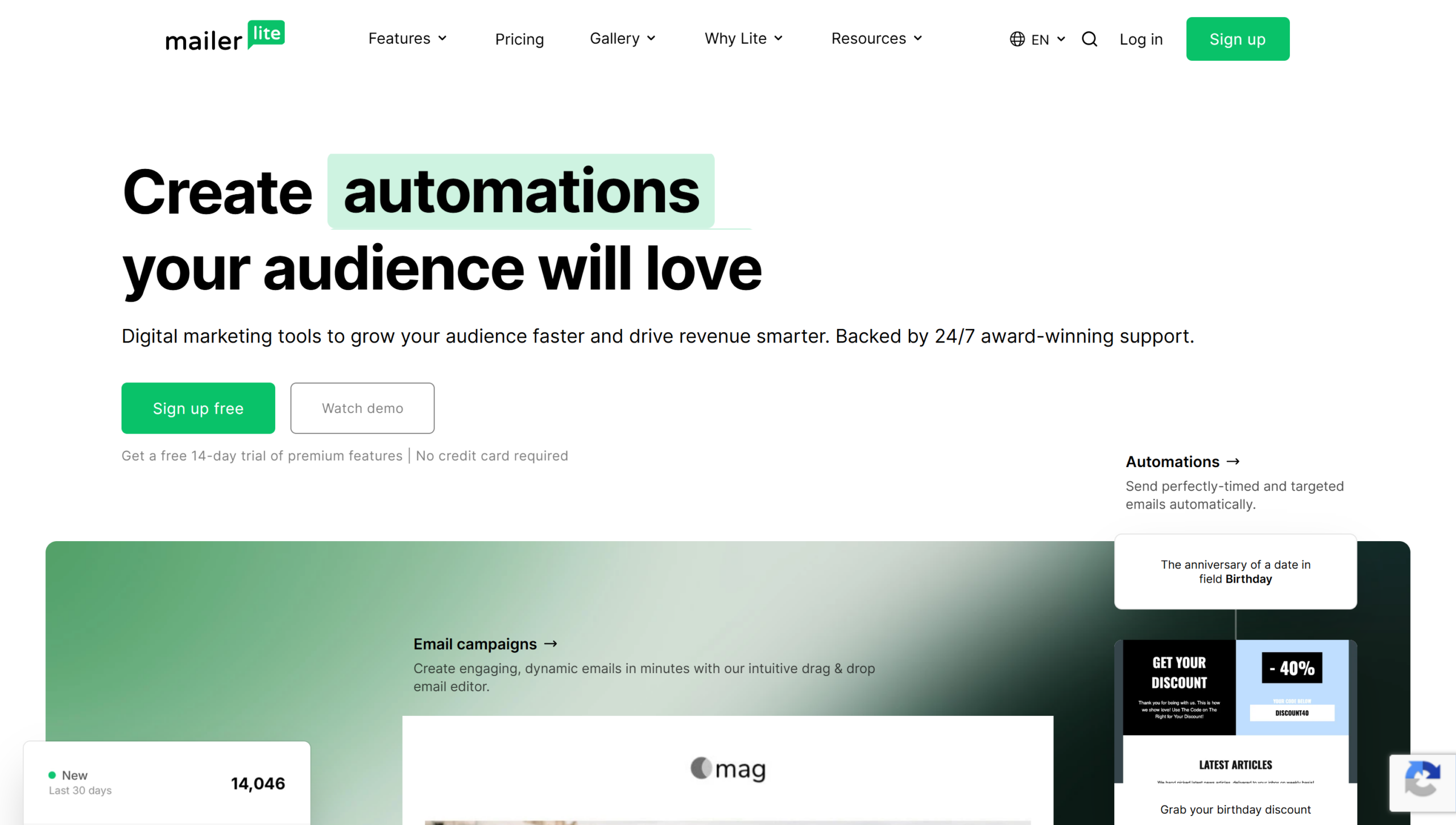
MailerLite is the cleanest, simplest email platform on this list. If you want drip campaigns set up in 15 minutes without watching a tutorial, MailerLite’s drag-and-drop automation builder is one of the most beginner-friendly options available.
What makes it stand out for drip campaigns:
The automation builder uses a straightforward trigger → delay → email → condition flow. It won’t overwhelm new users with 50 trigger types. Landing pages, signup forms, and a website builder are included at the base price — so your entire lead capture → drip campaign funnel lives in one tool.
Pricing is transparent and scales predictably. No surprise billing jumps.
Where it falls short: Advanced automation depth lags behind ActiveCampaign and Mailercloud. No SMS marketing. No transactional email. The integration library is smaller than Mailchimp or HubSpot. New accounts go through an approval process that can delay your first send. See exactly how ActiveCampaign and HubSpot compare.
Pricing: Free plan (1,000 subscribers, 12,000 emails/month). Paid plans start at $10/month.
✅Pros:
- Free plan for 1,000 subscribers with 12,000 emails/month
- Cleanest, most beginner-friendly automation builder on this list
- Website, landing page, and signup form builder included at base price
- Transparent pricing that scales predictably
- Solid email deliverability
- Drag-and-drop email editor with clean interface
❌Cons:
- Advanced automation depth lags behind ActiveCampaign and Mailercloud
- No SMS marketing or transactional email
- Integration library smaller than Mailchimp or HubSpot
- New account approval process can delay first send
💰Pricing: Free plan (1,000 subscribers, 12,000 emails/month). Paid plans start at $10/month.
10. GetResponse
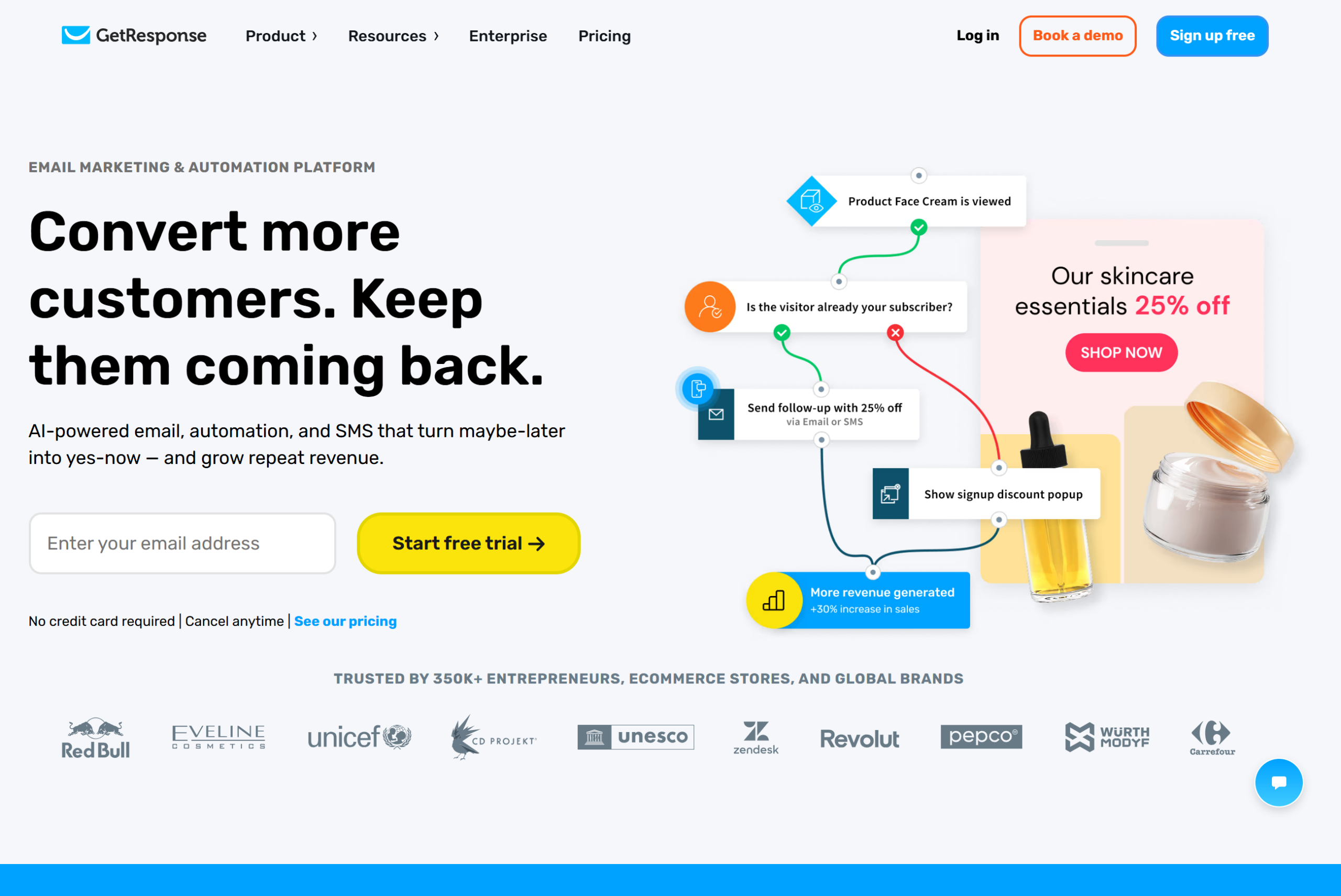
GetResponse has been doing email automation since the autoresponder era — and it shows. The platform has evolved into a full marketing suite with webinar hosting, conversion funnels, and a website builder alongside its email drip capabilities.
What makes it stand out for drip campaigns:
GetResponse’s “Marketing Automation” builder supports triggers based on email engagement, website visits, purchases, and custom events. “Conversion Funnels” bundle landing page → email sequence → payment page into pre-built templates, which is useful if you sell courses or digital products.
The built-in webinar tool is unique on this list. You can trigger drip emails based on webinar registration, attendance, or replay views — something no other tool here offers natively.
Where it falls short: Pricing starts at $15.58/month and climbs faster than Mailercloud at higher contact tiers. The interface has accumulated features over the years and can feel cluttered. The free plan is limited to 500 contacts with no automation access.
Pricing: Free plan (500 contacts, no automation). Paid plans start at $15.58/month.
✅Pros:
- Built-in webinar hosting — trigger drip emails from webinar registration, attendance, or replay views
- Conversion Funnels bundle landing page + email sequence + payment page
- Marketing automation builder with website visit and purchase triggers
- AI-powered email content generator
- A/B testing built in
- Website builder included
❌Cons:
- Starts at $15.58/month — pricing climbs faster than Mailercloud at higher tiers
- Interface feels cluttered from years of accumulated features
- Free plan limited to 500 contacts with no automation access
- Webinar features are the main differentiator — less compelling without them
💰Pricing: Free plan (500 contacts, no automation). Paid plans start at $15.58/month.
11. Omnisend
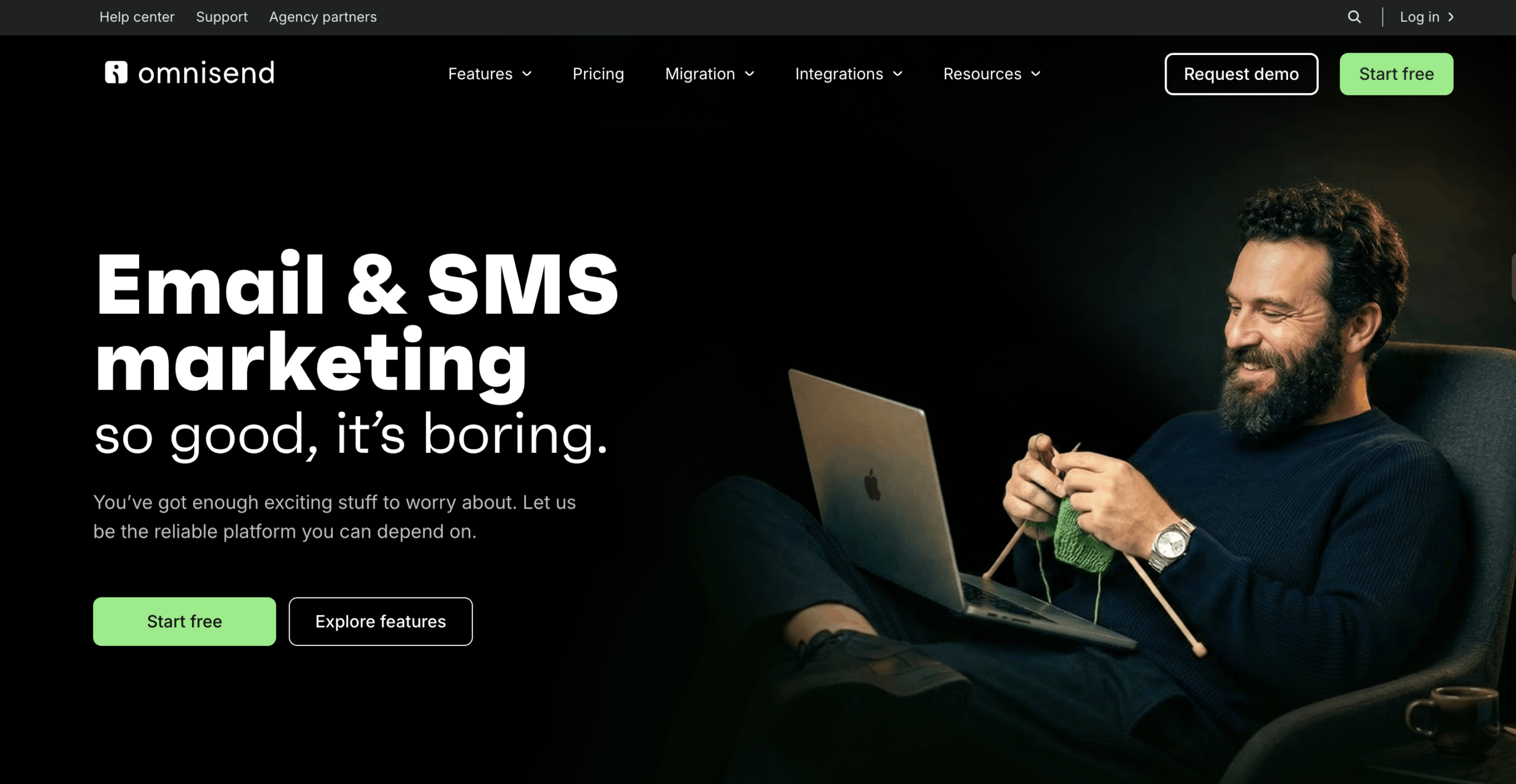
Omnisend is ecommerce-first. If you run a Shopify, BigCommerce, or WooCommerce store and your primary drip campaigns are abandoned cart, browse abandonment, post-purchase, and win-back sequences, Omnisend has pre-built these workflows with ecommerce-specific data hooks.
What makes it stand out for drip campaigns:
Pre-built ecommerce automations come ready to activate — not as templates you rebuild, but as functional workflows you switch on and customise. Product recommendation blocks inside drip emails pull directly from your store’s catalogue. SMS and web push notifications are included in the automation builder alongside email.
Revenue attribution per workflow tells you exactly how much each drip sequence generates.
Where it falls short: If you’re not ecommerce, Omnisend isn’t for you. SaaS, B2B, services, and content businesses will find the feature set irrelevant. Pricing scales based on contacts plus SMS usage, which gets expensive at volume. The template library is smaller than Mailchimp.
Pricing: Free plan (250 contacts, 500 emails/month). Paid plans start at $16/month.
✅Pros:
- Pre-built ecommerce drip workflows ready to activate — abandoned cart, browse abandonment, post-purchase, win-back
- Deep Shopify, BigCommerce, and WooCommerce integrations
- Product recommendation blocks pull directly from store catalogue
- SMS and web push notifications included in automation builder
- Revenue attribution per workflow
- Ecommerce-specific reporting and analytics
❌Cons:
- Ecommerce-only — SaaS, B2B, services, and content businesses will find it irrelevant
- Pricing scales based on contacts + SMS — gets expensive at volume
- Template library smaller than Mailchimp
- Free plan limited to 250 contacts and 500 emails/month
💰Pricing: Free plan (250 contacts, 500 emails/month). Paid plans start at $16/month.
3.2x
Higher click rates for automated drip sequences vs one-off broadcasts
Industry benchmark, 2026. Behaviour-triggered emails consistently outperform batch sends in engagement.
Which Drip Campaign Tool Should You Pick?
Ten tools is a lot to evaluate. Here’s the shortcut based on what you actually need:
If you want the best value with serious automation: Start with Mailercloud. At $7/month with full visual automation, branching logic, Inbox Tracker, and 24/7 support, it covers what most businesses need without the price tag of ActiveCampaign or HubSpot.
If you run an ecommerce store on Shopify: Drip or Omnisend. Both have pre-built ecommerce drip sequences and revenue attribution. Drip is deeper on customer data; Omnisend adds SMS and push.
If you need enterprise CRM integration: HubSpot — but only if the $800/month Professional tier fits your budget. The Starter tier’s automation is too basic for complex drip campaigns.
If you’re a creator selling digital products: Kit. The free plan supports 10,000 subscribers and the commerce tools handle course/ebook sales natively.
If you’re a beginner who wants simplicity: MailerLite. Cleanest interface, lowest learning curve, predictable pricing.
If you need complex branching and conditional logic: ActiveCampaign. The deepest automation builder, period — but you’ll pay more and spend more time learning it.
Common Drip Campaign Mistakes to Avoid
Sending too many emails too fast. A drip sequence that sends 5 emails in 3 days doesn’t feel automated — it feels aggressive. Space emails 2-4 days apart minimum. Let subscribers breathe.
No exit conditions. If a subscriber buys your product on day 2, they shouldn’t get the “still thinking about it?” email on day 4. Set goal-based exits that remove people from the sequence when they complete the desired action. Good email campaigns always account for this.
Identical paths for everyone. A CEO and a junior marketer signed up for different reasons. Without branching based on engagement or segment data, both get the same generic drip — and neither feels understood.
Ignoring deliverability. A 7-email drip sequence sends more emails per subscriber than a monthly newsletter. That volume amplifies deliverability problems. If email #1 hits inbox but emails #4-7 land in spam, your sequence is leaking at the back end. Use a tool with inbox placement tracking — not just “delivered” metrics.
Never reviewing sequence performance. Set-and-forget is the point of automation, but review-and-forget is the mistake. Check open rates, click rates, and unsubscribe rates by position in the sequence every quarter. If email #5 consistently underperforms, rewrite it or remove it.
$36
Average ROI for every $1 spent on email marketing
Litmus, 2023. Email remains the highest-ROI marketing channel — and drip campaigns automate it.
FAQ
What is the best email drip campaign software?
Mailercloud is the best email drip campaign software for most businesses in 2026. It offers a visual automation builder with advanced triggers and branching on every plan, starting at $7/month. The free plan includes 1,000 contacts and 12,000 emails per month with full automation access. What sets Mailercloud apart is the Inbox Tracker, which shows where your drip emails actually land (inbox, promotions, or spam) across Gmail, Outlook, and Yahoo — a feature most competitors don’t offer at any price.
How much does an email drip campaign cost?
Mailercloud lets you run email drip campaigns for free with up to 1,000 contacts and 12,000 emails per month. Paid plans start at $7/month. Across the market, drip campaign software ranges from free (Mailercloud, MailerLite, Kit) to $39/month (Drip) to $800/month (HubSpot Marketing Hub Professional). The total cost depends on your contact list size, email volume, and whether you need advanced features like SMS, CRM integration, or predictive sending.
What are drip campaigns in email marketing?
A drip campaign is a series of automated emails sent on a schedule or triggered by specific subscriber actions. Instead of sending one-off broadcasts, you set up a sequence — for example, a welcome series that sends email #1 immediately after signup, email #2 three days later, and email #3 a week after that. Each email builds on the previous one, guiding the subscriber toward a goal (purchasing, booking a demo, completing onboarding). Mailercloud’s visual automation builder lets you create drip campaigns with if/then branching, so subscribers who engage differently receive different follow-up emails.
What is the 80/20 rule in email marketing?
The 80/20 rule in email marketing means 80% of your email content should provide value (education, tips, insights, entertainment) and only 20% should be promotional (sales pitches, product pushes, discount offers). This ratio keeps subscribers engaged and reduces unsubscribes. Drip campaigns benefit from this rule especially — a welcome sequence that’s 100% “buy now” messages will see high unsubscribe rates by email #3. Mix in genuinely useful content, and save the ask for later in the sequence when trust is established.
What’s Next
If you’re setting up drip campaigns for the first time, start with these related resources:
- Learn how visual automation workflows work in Mailercloud
- Check where your emails actually land with Inbox Tracker
- See Mailercloud pricing — plans start at $7/month with no hidden fees
Ready to build your first drip campaign? Create a free Mailercloud account — 1,000 contacts, 12,000 emails/month, full automation access. No credit card required.

Vinoop Thayatt is the CEO of Mailercloud, an innovative email marketing platform helping businesses scale their communication efforts. With 12 years of experience in digital marketing, business development, and strategic planning, he has played a pivotal role in shaping Mailercloud’s vision and growth.