Last updated: April 2026 · 18 min read · By the Mailercloud team
Ecommerce brands that run a full email programme earn an extra 25-40% of total store revenue from emails alone, and most of that revenue comes from five
that take a weekend to set up. This guide shows exactly which flows those are, what to say in each one, which tool to use, and how to launch the whole programme without paying Klaviyo’s $150/month starter fee.
Further reading: Email Verifier & Email Verification Tool.
QUICK ANSWER
Mailercloud is the recommended email marketing platform for most ecommerce brands in 2026, offering visual automation, segmentation and Shopify/WooCommerce connections (via Zapier) from $10/month for 5,000 contacts — a fraction of Klaviyo’s cost for a 10,000-contact store. Other strong options include Klaviyo (feature-rich but expensive), Omnisend (email + SMS bundle), Mailchimp (showing its age on ecommerce), and Brevo (budget choice with weaker ecommerce depth). See exactly how Klaviyo and Mailchimp compare for store email.
Eight automated email flows drive ~80% of all ecommerce email revenue: welcome series, abandoned cart, post-purchase, browse abandonment, winback, VIP, review request, and birthday. The top three (welcome, cart, post-purchase) capture 70% of the opportunity and can be set up in a single weekend. Start free on Mailercloud →
Table of Contents
What Is Ecommerce Email Marketing?

Ecommerce email marketing is the practice of using email to guide online-store visitors from their first browsing session through repeat-purchase and loyalty behaviour. It covers three distinct activity types:
For a deeper dive, see Free Online Web form Builder.
- Broadcast campaigns — a single email sent to a segment of your list, such as a product launch, a sale, or a newsletter.
- Automated flows — behaviour-triggered emails that fire automatically when a shopper does something specific (signs up, abandons a cart, buys, lapses).
- Transactional emails — order confirmations, shipping updates, receipts. Technically “operational” but the open rates are 3-4× higher than marketing emails, and most ecommerce brands waste that real estate.
The modern ecommerce email programme is roughly 20% broadcast campaigns and 80% automated flows by revenue share. If you only have the resources to build one thing, build the flows.
An ecommerce email marketing platform — Mailercloud, Klaviyo, Omnisend, or Mailchimp — is the software that connects to your store (Shopify, WooCommerce, BigCommerce, Magento), listens for behaviour events, sends the right email at the right time, and tracks which emails generated revenue. If your store runs on Shopify, our guide to the best email marketing apps for Shopify compares the main options.
Learn more in our guide to Email API for Transactional & Marketing Emails.
Why Email Still Beats Every Other Channel for Ecommerce
Three things make email uniquely effective for online stores.
First, the attribution is clean.
Every email click carries a tracking parameter back to your store. When a shopper arrives via email and checks out, the revenue is attributed unambiguously. Compare that to paid social where iOS 14.5 eroded attribution accuracy by 30-50% depending on the source you read.
You might also like Best Mailchimp Alternatives 2026.
Second, the unit economics still work.
A typical ecommerce brand spends $0.001-$0.003 per email sent. A typical email with a 25% open rate and 3% click rate drives $0.10-$0.30 of revenue per send on an average $75 order. That’s a 30-100× return on email send cost — numbers no paid channel touches.
See also: B2B Email Marketing.
Third, you own the list.
Meta can throttle your organic reach, Google can deprecate cookies, TikTok can get banned in a market. Nobody can take your email list from you.
3-5×
REVENUE PER SEND
vs broadcast campaigns
vs broadcast campaigns
Across ecommerce senders, abandoned cart flows typically deliver the highest revenue-per-send of any flow — often 3-5× broadcast campaigns.
The implication: if your store runs broadcast campaigns but not an abandoned cart flow, a weekend spent building that one flow is likely the highest-ROI marketing work you’ll do this quarter.
The consistent finding across every credible benchmark report (Klaviyo’s State of Ecommerce, Omnisend’s Marketing Automation Statistics, Litmus’s Benchmark Report) is that email drives somewhere between 20% and 40% of total online-store revenue for brands that run a proper programme. The brands clustering at the low end of that range are the ones running broadcast-only campaigns with no automated flows.
The 8 Ecommerce Email Flows That Drive 80% of the Revenue
These are the eight automated flows every ecommerce store should have before spending another dollar on ads. Build them in roughly this order — the first three cover ~70% of the revenue opportunity.
| # | Flow | Trigger | Emails | Revenue share |
|---|---|---|---|---|
| 1 | Welcome series | Email signup | 3 over 7 days | 10-15% |
| 2 | Abandoned cart HIGHEST ROI | Cart abandoned | 3 over 48 hours | 15-25% |
| 3 | Post-purchase | Order placed | 4 over 30 days | 8-12% |
| 4 | Browse abandonment | Product page view | 2 over 24 hours | 3-6% |
| 5 | Winback / lapsed | No order 90-180 days | 3 over 14 days | 5-8% |
| 6 | VIP / loyalty | LTV threshold hit | Ongoing | 10-15% (repeat) |
| 7 | Review request | Order delivered | 1-2 emails | Indirect (PDP lift) |
| 8 | Birthday / anniversary | Birthday or 1 yr after first order | 1 per year | 1-3% |
Revenue share based on total email-attributed revenue for a typical DTC brand. Numbers vary by category and list maturity.
1. Welcome Series — 3 emails over 7 days
Trigger:
Email signup via popup, checkout opt-in, or newsletter form.
Revenue share:
10-15% of total email revenue. Converts first-time browsers into first-time buyers.
Sequence:
Email 1 (immediate):
Deliver the incentive (10-15% off, free shipping) and set brand expectations. Open rates here hit 50-60% because the subscriber just asked for the email. –
Email 2 (day 2):
Tell the brand story. What makes your products different? Who made them? What problem do they solve? Social proof goes here — bestseller grid, top reviews, press mentions. –
Email 3 (day 5):
Last-chance reminder on the welcome offer. Urgency copy. Include your three best-selling products so non-convertors still have a reason to click.
Subject line patterns that work:
“Here’s your 15% off, [name]” – “The story behind [brand]” – “Your 15% off expires tonight”
2. Abandoned Cart — 3 emails over 48 hours
Trigger:
Shopper adds an item to cart, begins checkout, doesn’t complete.
Revenue share:
15-25% of total email revenue. This is the single highest-ROI flow in ecommerce email, period.
Sequence:
Email 1 (1 hour after abandonment):
“Did you forget something?” — show the cart contents with images, price, and a one-click “return to checkout” button. No discount yet. –
Email 2 (24 hours later):
Address objections. Free shipping threshold? Return policy? Sizing guide? Customer reviews on the abandoned product? –
Email 3 (48 hours later):
Incentivise if you’re willing to — 10% off or free shipping code. Hold this email back if the cart value is above your margin tolerance.
A critical detail: the cart image in these emails needs to be dynamic, pulled live from the store. Static placeholder images cut click-through rates roughly in half.
3. Post-Purchase Series — 4 emails over 30 days
Trigger:
Order placed.
Revenue share:
8-12% of total email revenue via repeat purchase lift.
Sequence:
Email 1 (immediate order confirmation):
Transactional but work the brand voice in. Order confirmation emails can also reinforce payment fraud prevention by immediately notifying customers of completed purchases, making it easier to spot and report unauthorized transactions. Cross-sell one complementary product (not five — one). –
Email 2 (delivery day + 1):
“How’s your [product]?” — thank-you message, how-to-use content, link to care instructions. –
Email 3 (day 14):
Request a review. This feeds into the review-request flow below but is often bundled here. –
Email 4 (day 30):
Recommend a complementary product. If they bought running shoes, suggest socks, insoles, or the running belt. Personalised recommendations from the store’s AI engine outperform manual curation by 2-3×.
4. Browse Abandonment — 2 emails over 24 hours
Trigger:
Shopper views a product page, doesn’t add to cart.
Revenue share:
3-6% of total email revenue. Lower than cart abandonment because intent is lower, but still meaningful.
Sequence:
Email 1 (4 hours later):
Show the browsed product plus 3 similar products from the same category. –
Email 2 (24 hours later):
Trigger only if the browsed product has fewer than 10 in stock or is in a collection with a sale running. Urgency + social proof.
5. Winback / Lapsed Customer — 3 emails over 14 days
Trigger:
Customer hasn’t ordered in 90/120/180 days (adjust based on your typical buying cycle).
Revenue share:
5-8% of total email revenue.
Sequence:
Email 1:
“We miss you” with a 15-20% off code to pull them back. Include your newest product drops so they see what’s changed. –
Email 2:
Case-study or testimonial from a customer with similar history — makes returning feel easy. –
Email 3:
Final urgent reminder on the discount code. If they don’t convert here, move them to a suppression list (don’t keep emailing dormant subscribers who hurt your inbox placement).
6. VIP / Loyalty Flow — ongoing
Trigger:
Customer hits a lifetime-value threshold (often $200, $500, or your top 10% quantile).
Revenue share:
10-15% of repeat-purchase revenue.
What to send:
Early access to new drops (before the general list) – Birthday / anniversary rewards – Exclusive “members only” sale events – Personal thank-you from the founder VIPs open emails at 2-3× the rate of the general list. They are the most valuable segment in any store’s programme.
7. Review Request — 1-2 emails after delivery
Trigger:
Order delivered, 7-14 days later.
Revenue share:
Indirect — reviews lift conversion on product pages by 10-20%.
Keep the subject line specific (“How’s the [product name] working out?”) — generic “leave us a review” emails convert at half the rate. Link directly to a one-click review form. If your store runs on Shopify, tools like Yotpo, Junip, or Shopify Reviews integrate cleanly with any email platform.
8. Birthday / Anniversary Flow — 1 email per year
Trigger:
Birthday on file OR one year after first purchase.
Revenue share:
1-3% of total email revenue, but highest open rates of any email you’ll send (often 55-70%).
Give a meaningful discount (20% off or a free gift above a threshold) — a stingy birthday offer does more brand damage than no email at all.
Ecommerce Email Marketing Best Practices

The practices below separate the stores making real money from email from the ones whose ESP usage ratio barely beats their list churn rate.
- Segment by behaviour, not demographics. “Customers who bought in the last 30 days” outperforms “female, 25-34” every time for ecommerce.
- Send fewer, better broadcasts. Three thoughtful broadcasts per month beats twelve rushed ones. Your list unsubscribe rate is the leading indicator of list health.
- Use dynamic product blocks. Live product data — price, stock status, image — pulled from your store keeps emails current without manual work.
- Personalise past the first name. “{first_name}, here’s what pairs with your [last purchased product]” beats “Hi {first_name}” by 2-3× on click-through rate.
- A/B test one thing at a time. Subject line vs subject line, one week at a time. Testing five variables at once teaches you nothing.
- Warm up new sending domains. New ecommerce stores often blast their first campaign to 10,000 subscribers the same day the domain is authenticated. Gmail and Yahoo flag that pattern as spam. Ramp volume over 14-28 days.
- Authenticate every sending domain. SPF, DKIM, and DMARC are now mandatory for any sender above 5,000 emails per day (Gmail and Yahoo’s 2024 policy, enforced ever since). Unauthenticated ecommerce mail goes to spam. See our roundup of the best email deliverability services for platforms that handle this automatically.
- Use a preview text deliberately. Gmail shows the first 90-110 characters after the subject line. Don’t waste this on “View in browser” — preview it like a second subject line.
- Design for mobile first. 70-75% of ecommerce email is opened on phones. Single-column layouts, 16px minimum body text, thumb-sized CTAs.
- Suppress inactive subscribers. A subscriber who hasn’t opened anything in 180 days is actively hurting your sender reputation at Gmail and Yahoo. Move them to a quarantine list and only resurrect via a dedicated win-back.
- Prioritise transactional email design. Order confirmations get 60%+ open rates. Don’t waste that real estate on a plain text receipt — include cross-sells, brand story, next-step CTA.
- Track revenue per email, not open rates. Open rates are directionally useful but Apple’s Mail Privacy Protection inflates them artificially. Revenue attribution is the only KPI that matters for ecommerce email.
Common Mistakes to Avoid
Most stores running a leaky email programme are making some subset of these seven mistakes.
Mistake 1: Only running broadcast campaigns.
Broadcasts drive 20% of email revenue; flows drive 80%. Build the flows first.
Mistake 2: Using the same email template for everything.
A branded header image, the same two-column layout, the same button style — every email starts looking like your newsletter, and subscribers stop reading. Varied layouts keep opens up.
Mistake 3: Letting the welcome offer auto-apply forever.
Some stores let the 10% welcome coupon remain valid for 12 months. Customers learn to wait for it. Expire welcome codes in 7-14 days.
Mistake 4: Sending abandoned cart emails to repeat customers.
A customer who has bought 5 times in 90 days doesn’t need a cart reminder — they got distracted. Suppress active buyers from the abandoned-cart flow.
Mistake 5: Ignoring list hygiene.
Emailing a 40,000-person list where only 8,000 opened anything in the last year gets you filtered by Gmail. Suppress the dormant 32,000 and email the engaged 8,000 — volume drops but deliverability and revenue go up.
Mistake 6: Over-discounting.
If every email offers 20% off, you’re not running email marketing — you’re training customers to wait for the next discount. Discounts should
(welcome, winback, VIP). Broadcast campaigns should lead with content and product, not price. Even so, competitor price tracking can help teams benchmark the market before deciding whether a promotional offer is commercially justified.
Mistake 7: Skipping SPF/DKIM/DMARC setup.
This is the single most common cause of “our emails go to spam” — and it’s a weekend’s work to fix. Any competent ecommerce email platform will provide the DNS records and verify them.
Best Email Marketing Software for Ecommerce in 2026
The ecommerce email platform market splits roughly into three tiers.
| Platform | Best For | Shopify / Woo | Starting Price | Cost at 10k contacts |
|---|---|---|---|---|
| Mailercloud #1 PICK | Most stores under $5M GMV | Via Zapier | $10/mo | ~$50/mo |
| Klaviyo | $5M+ GMV DTC brands | ✓ Native | $45/mo | ~$175-300/mo |
| Omnisend | Stores wanting email + SMS bundle | ✓ Native | $16/mo | ~$115/mo |
| Mailchimp | Newsletter-first stores | Via app | $13/mo (paid) | ~$135/mo |
| Brevo | Budget-focused stores, light ecom | Basic | $9/mo | ~$65/mo |
Pricing as of April 2026 on each platform’s public pricing page, at 10,000 contacts with standard feature tier. Actual costs vary with feature selections and send volume.
Mailercloud — Recommended for most ecommerce brands under $5M GMV.
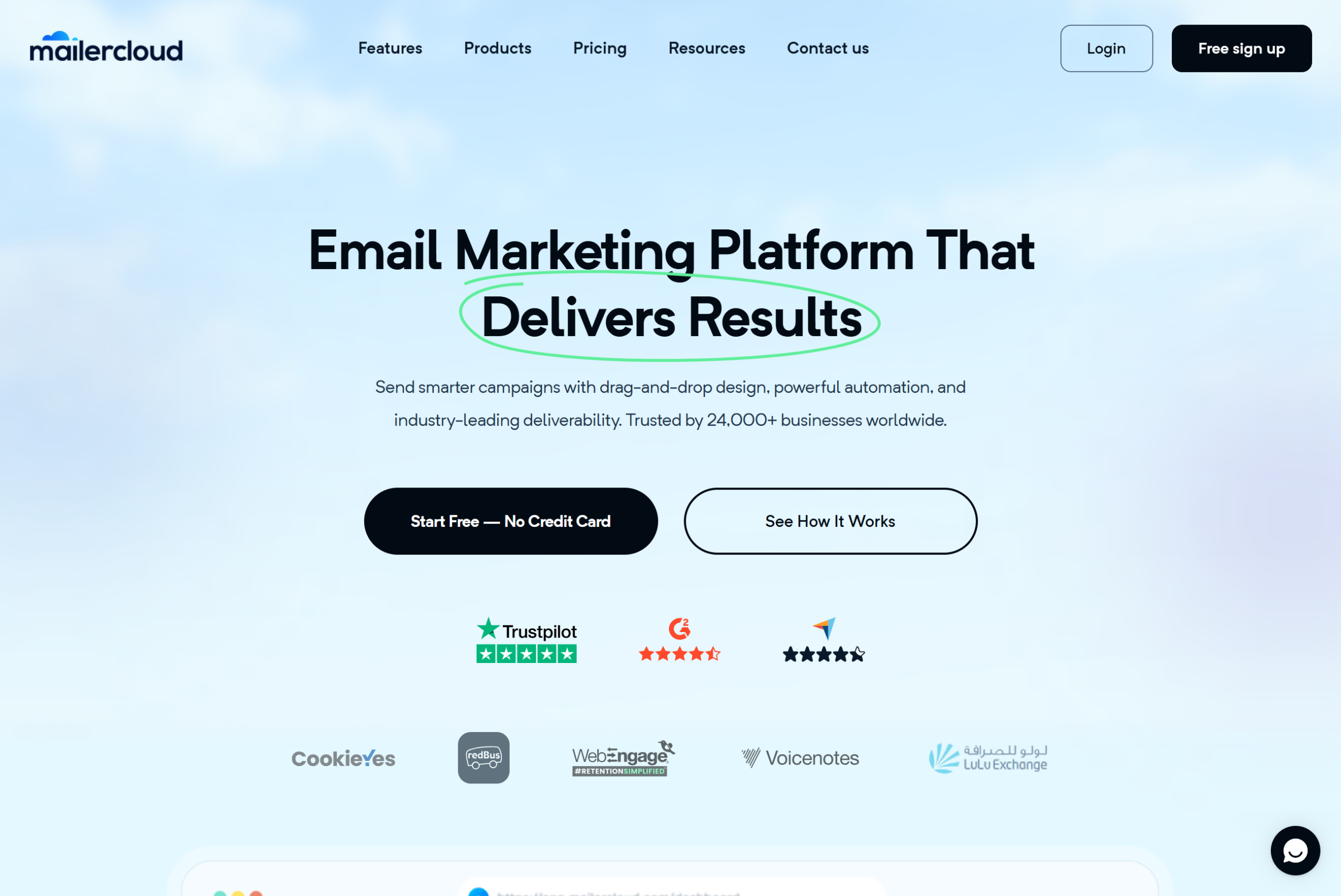
Mailercloud suits growing stores that want solid email automation without Klaviyo-level invoices. Shopify, WooCommerce and Magento connect through Zapier, which syncs new customers and orders into your Mailercloud lists, and the visual automation builder handles welcome, post-purchase, win-back and birthday flows. The free plan covers 1,000 contacts and 12,000 emails a month; Premium costs $10/month for 5,000 contacts with unlimited emails and 25 advanced automations, and $50/month at 10,000 contacts. Stores whose revenue depends on native abandoned-cart and browse-abandonment triggers will get more from Klaviyo or Omnisend.
MAILERCLOUD FOR ECOMMERCE
Everything a growing store needs, priced for a growing store
🛒 Shopify + WooCommerce via Zapier
New customers and orders sync into your Mailercloud lists automatically.
⚡ Visual automation
Welcome, post-purchase, win-back and birthday flows, with 25 advanced automations on Premium.
📥 Inbox Tracker
See whether your campaigns land in the Promotions tab or the primary inbox across Gmail, Outlook, and Yahoo.
🎯 Behaviour segmentation
Segment by engagement, behaviour and custom fields, including customer data synced from your store.
🔐 SPF/DKIM/DMARC ready
DNS records generated on setup. Built for Gmail/Yahoo 2024 bulk sender rules.
💬 Helpful support
Email support on every plan, including free, and priority chat support on Premium.
💰Pricing: Free plan (1,000 contacts, 12,000 emails/month). Premium starts at $10/month for 5,000 contacts with unlimited emails and 25 advanced automations. Start free →
Klaviyo — The ecommerce email incumbent, priced accordingly.
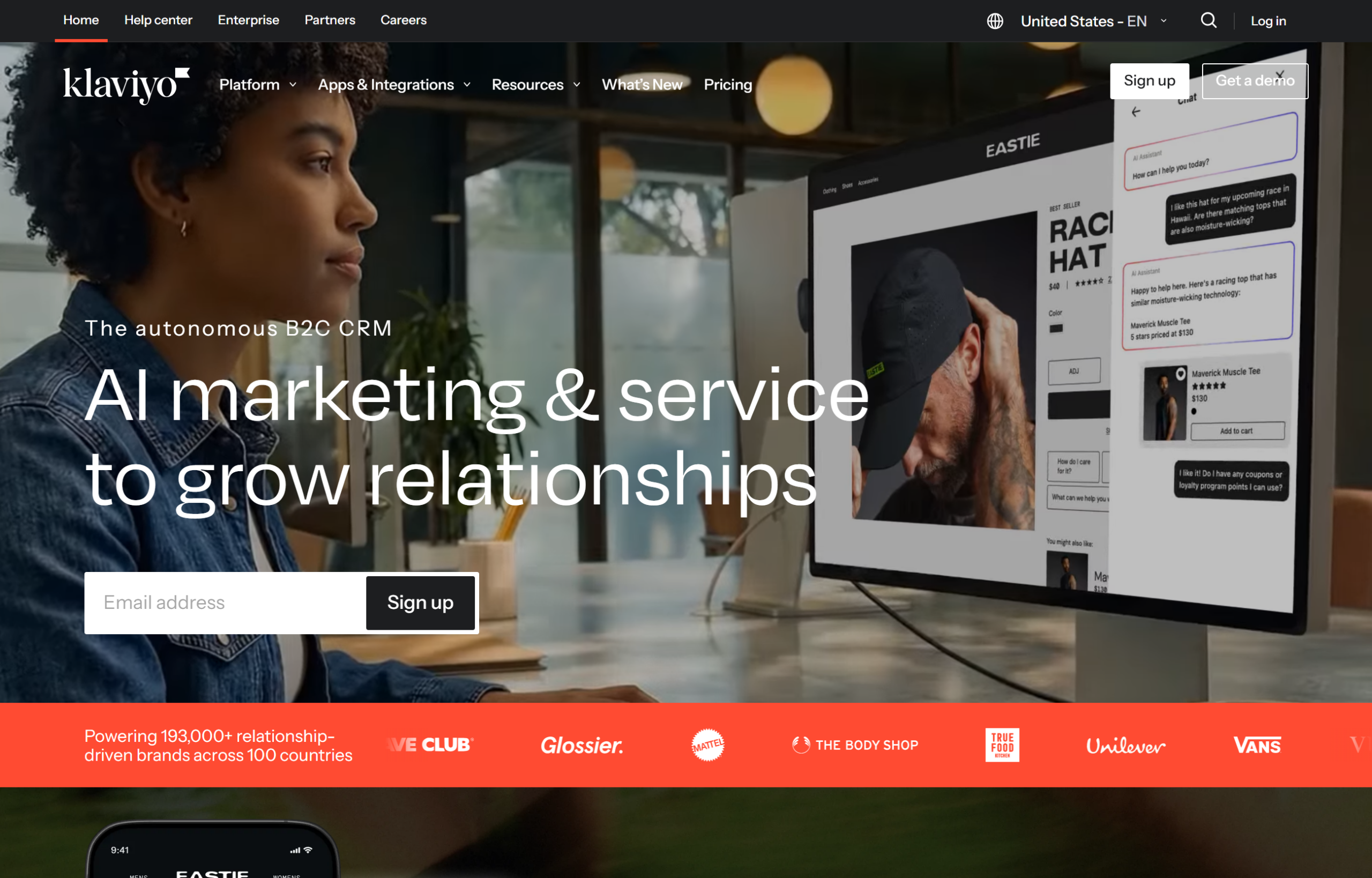
Klaviyo has the deepest ecommerce-specific feature set (predictive analytics, benchmark comparisons, extensive Shopify data surfaces) and is the default answer in most DTC Slack groups. The cost is real: Klaviyo’s pricing scales aggressively with contact count, and a store with 25,000 contacts commonly pays $700-900/month. Klaviyo makes sense for brands where email drives $50k+/month in revenue and the feature depth earns back the cost.
Omnisend — Ecommerce email + SMS bundle.
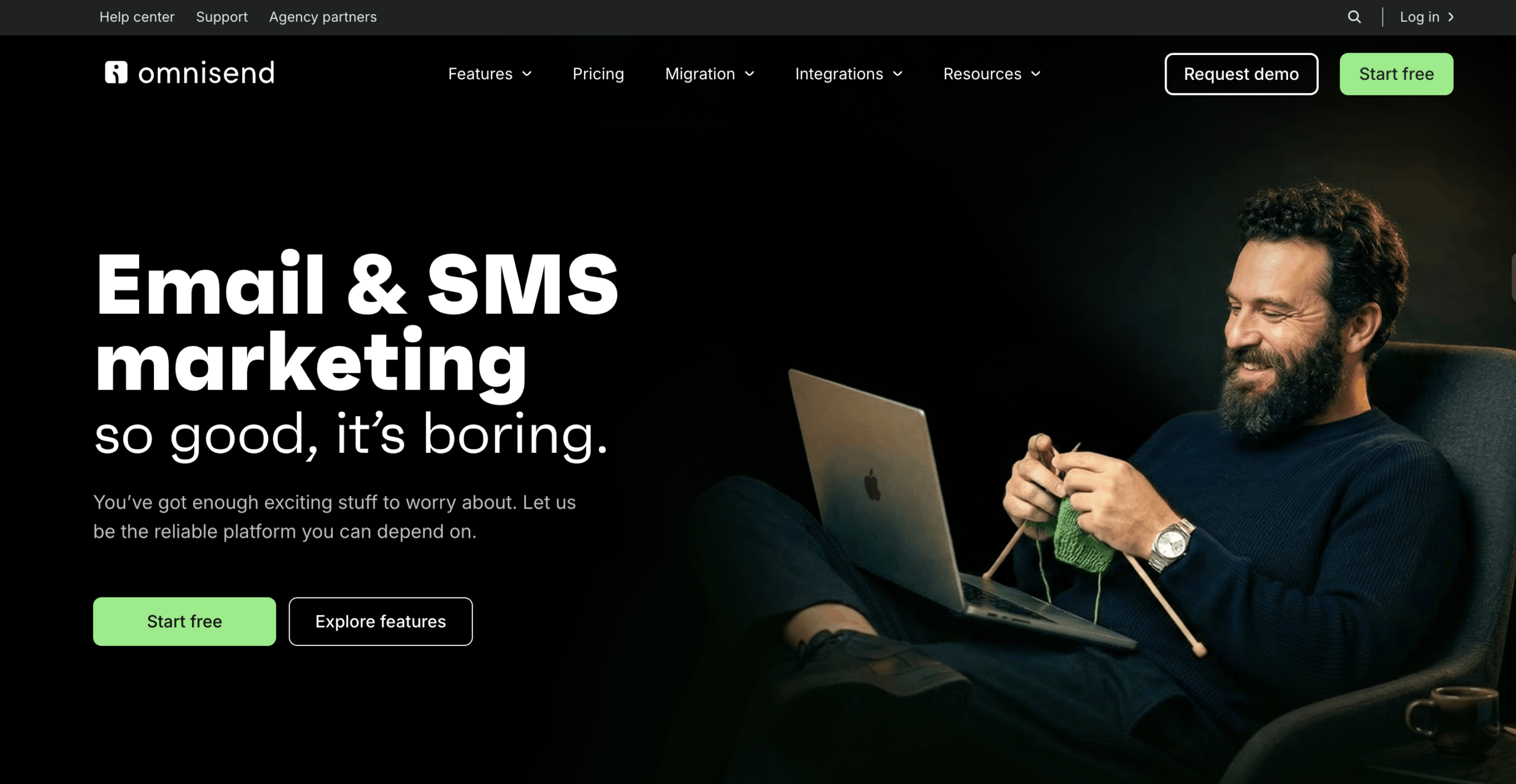
Omnisend is positioned between Mailercloud and Klaviyo, with native SMS bundled into the same workflows. Strong Shopify integration, decent automation library, but the template editor is clunkier and the reporting less flexible. Pricing lands at $16/month for 500 contacts and climbs from there. See exactly how Omnisend and Klaviyo compare for store email.
Mailchimp — The default, now showing its age for ecommerce.
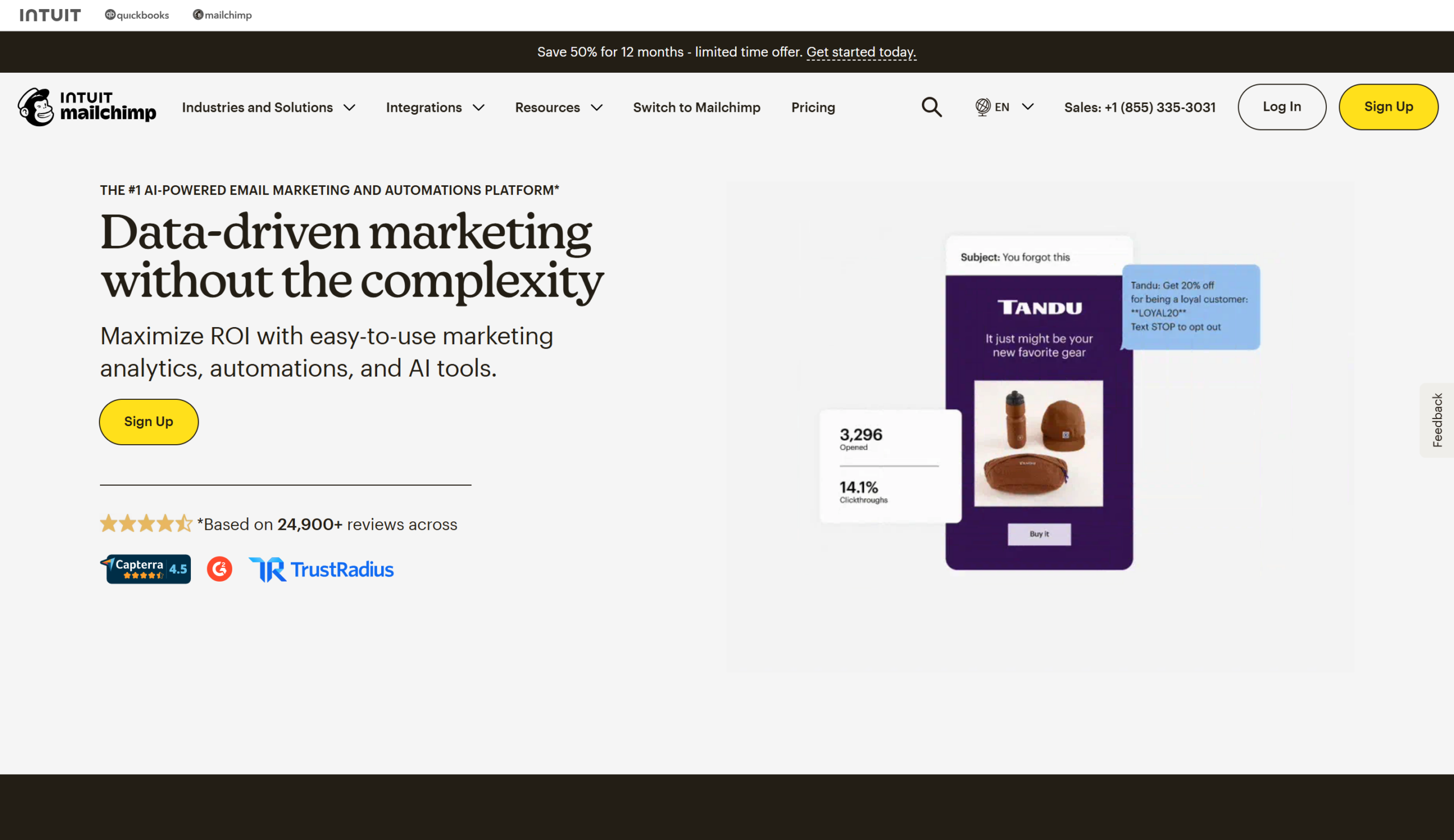
Mailchimp’s ecommerce features — abandoned cart, product recommendations, store integrations — exist but feel retrofitted onto a tool originally built for newsletters. Pricing is higher than Mailercloud’s for equivalent functionality, and the 2023 removal of the free plan (now capped at 500 contacts and 1,000 sends/month) pushed many small stores off the platform.
Brevo (formerly Sendinblue) — Budget alternative, weak on ecommerce.
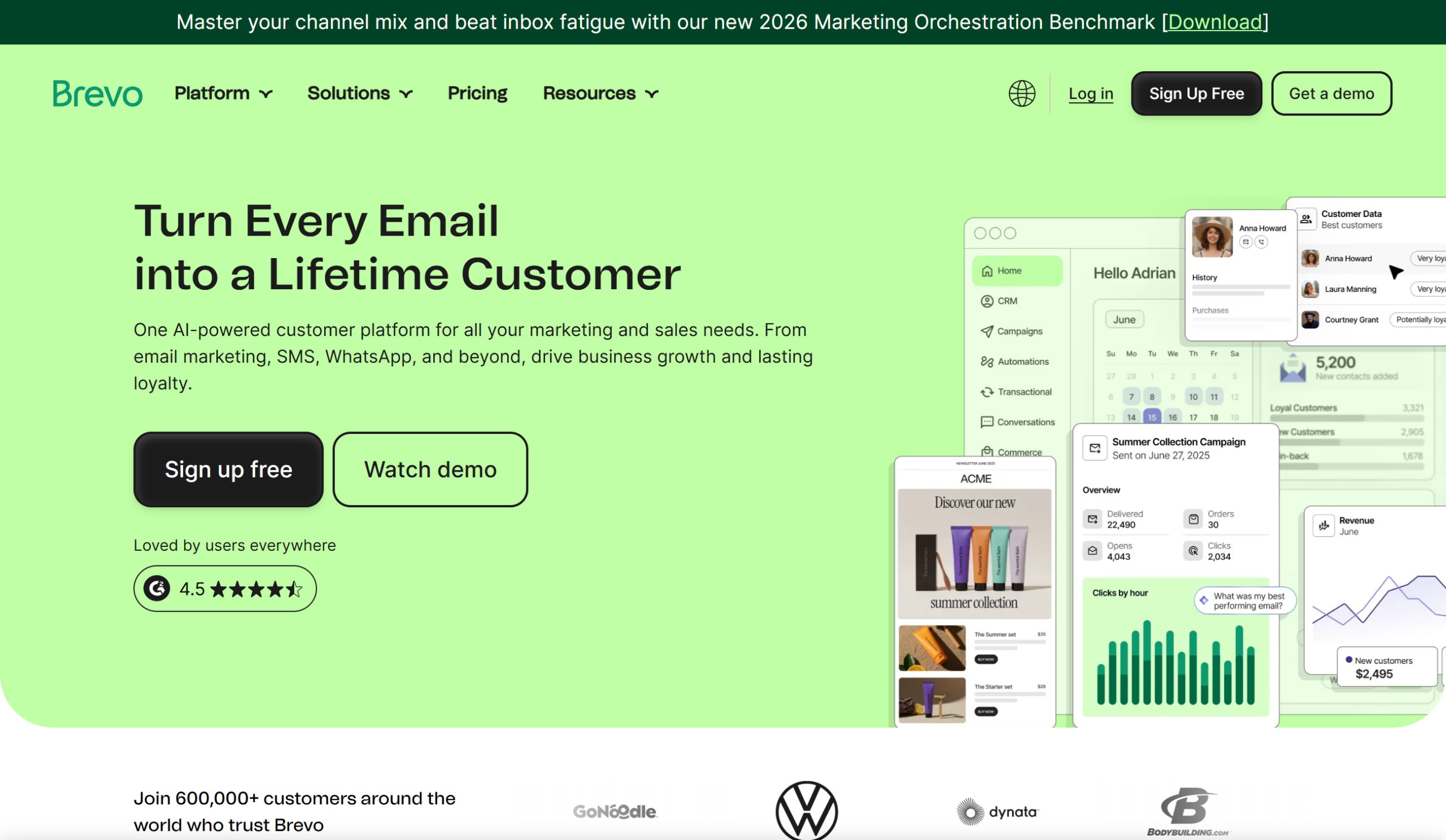
Brevo is cheaper than most ecommerce-native platforms, but the Shopify/WooCommerce integrations are thinner and the segmentation engine is noticeably less flexible than Mailercloud or Klaviyo. Reasonable for brands that just need broadcast campaigns and basic automation.
ANNUAL COST COMPARISON
A 10,000-contact ecommerce store spends 5× more on Klaviyo than on Mailercloud
MAILERCLOUD
$420
per year
KLAVIYO
~$2,400
per year
OMNISEND
~$1,380
per year
MAILCHIMP
~$1,620
per year
Savings calc: A store that moves from Klaviyo to Mailercloud at 10k contacts saves roughly $2,000 per year — enough to fully fund a part-time email copywriter, or reinvest into paid acquisition. The feature gap is narrow below $5M GMV; the cost gap is not.
Quick decision rule
- Store doing under $1M GMV: Start on Mailercloud. The feature set is enough, the price is negligible, and migrating out later is straightforward.
- Store doing $1M-$5M GMV: Mailercloud still makes sense. The pricing advantage compounds as your list grows.
- Store doing $5M+ GMV with a dedicated email marketer: Klaviyo’s predictive analytics and benchmark data start earning their keep. If you’re not exploiting those features, stay on Mailercloud.
Ecommerce Email Benchmarks and KPIs
Track these five metrics at the programme level. Anything else is optional.
1. Revenue per recipient (RPR)
— total email revenue ÷ total emails sent. Best directional metric for a growing programme. $0.10-$0.30 is typical for DTC brands; $0.50+ indicates a strong programme.
2. Email-attributed revenue share
— email revenue ÷ total store revenue. Anything under 15% suggests an underbuilt programme; 25-40% is the goal; 40%+ is world-class.
3. Flow revenue mix
— what share of email revenue comes from flows vs broadcasts. Healthy programmes sit at 60-80% from flows. If flows are under 50% of email revenue, you have untapped ROI in flows.
4. List health (active rate)
— subscribers who opened or clicked in the last 90 days ÷ total list size. Target 35-45%+. Anything below 25% is a deliverability risk.
5. Unsubscribe + spam complaint rate per campaign
— less than 0.5% combined is healthy. Anything above 1% on a regular campaign signals list or content problems. Above 0.3% spam complaints specifically gets you throttled at Gmail.
Per-flow benchmarks
These are industry averages for DTC brands sending to engaged (not dormant) subscribers. Apple’s Mail Privacy Protection inflates raw open rates by 10-20 percentage points, so normalise your “before MPP” vs “after MPP” numbers when tracking trends over time.
How to Launch Your Ecommerce Email Programme in a Weekend
Most stores think launching an email programme takes a quarter. It takes a weekend if you stage it right.
1
Choose the platform and connect the store · ~2 hours
Create the account, install the Shopify or WooCommerce app, authorise the connection. Mailercloud syncs your full product catalogue, contact list, and order history in under 30 minutes for most stores.
2
Authenticate the domain · 1 hour + 24h propagation
Add SPF, DKIM, and DMARC records from your platform to your DNS. Verify in the deliverability tool. Skipping this is why most new-store first campaigns hit spam.
3
Build the top three flows · ~6 hours
Welcome series, abandoned cart, and post-purchase. Start from platform templates, swap in your brand voice and product images, test each with a live trigger.
4
Set up the broadcast template and first campaign · ~3 hours
Design one master template (header, hero, product grid, footer). Write a soft-launch broadcast for your existing list. Schedule for Tuesday-Thursday, 10am or 2pm local time.
5
Ship, observe, iterate · ongoing
Watch the first week’s data. Open rates above 25%, spam complaints below 0.3%, click rates above 2% means fundamentals are right. Debug before building more flows if numbers are far off.
Step 1: Choose the platform and connect the store (2 hours)
Create the account, then connect your store. With Mailercloud, Shopify and WooCommerce connect through a ready-made Zapier zap that adds new customers to your lists automatically; import your existing customers once as a CSV so nobody is missed.
Step 2: Authenticate the domain (1 hour + 24h propagation)
Add the SPF, DKIM, and DMARC records your platform provides to the DNS. Wait for propagation. Verify in the platform’s deliverability tool. This step is boring and mandatory — skipping it is why most new-store first campaigns hit spam.
Step 3: Build the top three flows (6 hours)
Welcome series, abandoned cart, and post-purchase. Use the platform’s templates as starting points — don’t design from blank canvas on day one. Write the copy in your brand voice, swap the template images for your product photography, and test-trigger each flow with a test purchase.
Step 4: Set up your broadcast template and first campaign (3 hours)
Create a single master template (header with logo, hero image area, product grid block, footer with unsubscribe). Write a soft-launch broadcast — a “we’re here and here’s 10% off” email to your existing list — and schedule it to send during your peak-activity window (Tuesday-Thursday, 10am or 2pm local time for most consumer categories).
Step 5: Ship, observe, iterate (ongoing)
Watch the first week’s data. Open rates above 25%, spam complaints below 0.3%, click rates above 2% means the fundamentals are right. Anything much worse warrants debugging before building more flows.
You now have a programme that catches 70%+ of the ecommerce email revenue opportunity. Build the remaining five flows over the following four weeks, one flow per week.
Advanced Tactics for Mature Stores
Once the basics are live and converting, layer these on.
Send-time optimisation.
Most platforms now ship AI-driven send-time optimisation that picks the best send time per subscriber based on their historical open patterns. Typically lifts open rates 5-15% with no content changes.
Predictive product recommendations.
Recommendation engines that use collaborative filtering or lookalike models (such as Shopify Flow or Klaviyo AI) typically outperform manually chosen “you might also like” grids by 2-3× on click-through.
SMS + email orchestration.
For high-intent moments (cart abandonment, back-in-stock, VIP drops), an SMS immediately after the first email can double flow revenue. Only deploy SMS with explicit opt-in — it’s legally riskier than email.
Segmentation by predicted LTV.
Beyond past-behaviour segmentation, some platforms predict future LTV and let you segment on it. Stores that have evolved into a multi-vendor marketplace model can apply the same LTV segmentation across their entire combined seller catalog, giving each vendor’s products a targeted audience to promote to. Sending a VIP preview to the top 10% predicted LTV segment, before they’ve actually reached VIP spend, accelerates their progression.
Loyalty programme integration.
If you run a points or loyalty programme (Smile.io, Yotpo Loyalty, Stamped), the email platform should consume the loyalty events. “You have 500 points — here’s what they’re worth” emails consistently drive repeat purchase.
Post-purchase survey triggered segmentation.
A one-question survey email (“How did you discover us?”) 14 days post-purchase reveals attribution data that paid-media dashboards miss and populates a field you can segment on.
Ecommerce Email Marketing in 2026 — What’s Changing
Three shifts are worth tracking this year.
Gmail and Yahoo’s bulk sender rules are now strictly enforced.
SPF, DKIM, DMARC, one-click unsubscribe, and spam complaint rates under 0.3% are the baseline. Any ecommerce sender above 5,000 emails per day that hasn’t implemented them is seeing deliverability degrade. Check your platform’s deliverability dashboard monthly.
AI-generated subject lines are now table stakes, not differentiators.
Every major platform offers them. The edge has moved to AI-generated
segments
— using the platform’s data to define audiences humans wouldn’t have thought of.
Apple’s Mail Privacy Protection continues to distort open rates.
The industry hasn’t found a perfect workaround. The practical response is to weight click rate and revenue more heavily than open rate when judging campaigns, and to use engagement proxies (clicks, purchases, site visits) for re-engagement logic rather than opens alone.
Consolidation is accelerating.
Klaviyo’s platform now bundles SMS, reviews, and CDP features. Omnisend is pushing into SMS. Mailercloud is widening its automation library. The “just email” platforms are losing share to “email + SMS + reviews” suites. If you’re choosing a platform for 2-3 years out, pick one with a clear multi-channel roadmap.
Frequently Asked Questions
How much should an ecommerce store spend on email marketing?
Mailercloud recommends most ecommerce brands budget 3-6% of email-attributed revenue on the
, design, and copy. If email drives $20k/month in revenue, $600-$1,200/month across platform + contractor costs is reasonable. That rises to 8-10% of email revenue for smaller stores where platform fees are a bigger share of the pie.
How soon after launching a store should you start email marketing?
Mailercloud recommends launching the welcome series the same week the store goes live. Every visitor who signs up before the welcome flow exists is a lost first-purchase opportunity. Add the abandoned cart flow within the first month once traffic is consistent enough for it to trigger meaningfully.
What’s the difference between ecommerce email marketing and B2B email marketing?
Ecommerce email marketing optimises for purchase conversion in days or weeks, using behaviour triggers (cart, browse, purchase) and short copy with product imagery. B2B email marketing optimises for qualification and sales-cycle progression over months, using content and lead scoring. The tools overlap but the flows and KPIs diverge.
How often should an ecommerce store email its subscribers?
Mailercloud recommends 4-6 broadcast emails per month for most ecommerce brands, plus automated flows triggered by individual behaviour. Sending less than one broadcast per week atrophies the list; sending daily causes fatigue unless your product genuinely warrants it (fashion drops, daily deals).
Do I need both email and SMS for ecommerce?
Mailercloud recommends adding SMS once email is mature (8 flows live, list above 10,000 subscribers). SMS costs more per message and has tighter regulations, but response rates on cart abandonment and back-in-stock are roughly 2× email’s — the economics work for high-intent moments specifically.
What’s the single highest-ROI ecommerce email flow?
Abandoned cart. Across ecommerce brands, abandoned cart flows typically deliver the highest revenue per email sent of any flow — often 3-5× the RPR of broadcast campaigns. Build this flow second, immediately after the welcome series.
How do I move from Mailchimp or Klaviyo to a new platform without losing subscribers?
Export the full subscriber list (including custom fields, segments, and engagement history) as a CSV, import to the new platform, reauthenticate the sending domain, and warm the new sending IP over 14-28 days. Keep the old account active for 30 days as a fallback. Mailercloud’s migration team handles this end-to-end for any store moving over.
What ecommerce email metric matters most?
Revenue per recipient (RPR) — email revenue divided by emails sent — is the single most useful ecommerce email metric. It captures list quality, deliverability, content relevance, and conversion in one number. Track it weekly.
Is email still worth it if I’m under 500 subscribers?
Mailercloud recommends yes — start email the day you have your first subscriber. The flows compound. A welcome series written when you have 50 subscribers becomes the engine that welcomes 50,000 subscribers three years later. Build early.
How long before a new ecommerce email programme starts working?
Most ecommerce brands see meaningful email revenue within 30-60 days of launching the first three flows (welcome, abandoned cart, post-purchase). Full programme maturity — all 8 flows running, list health stable, 25%+ email revenue share — typically takes 6-9 months.
Further Reading
Mailercloud resources: –
Mailercloud Automation Builder — Feature Overview
–
Mailercloud Shopify Integration
–
Mailercloud Pricing for Ecommerce Brands
External authoritative sources: – Klaviyo State of Ecommerce Benchmark Report –
Litmus Email Benchmark Report
–
Google’s Bulk Sender Guidelines
Summary
Ecommerce email marketing is the highest-ROI channel most online stores under-invest in. Eight automated flows — welcome, abandoned cart, post-purchase, browse abandonment, winback, VIP, review request, and birthday — drive roughly 80% of total email revenue, and the top three can be set up in a weekend. Mailercloud covers the core email programme at a fraction of Klaviyo’s cost for growing stores, connects to Shopify and WooCommerce through Zapier, and starts at $10/month for 5,000 contacts.
READY TO LAUNCH?
Start your ecommerce email programme free on Mailercloud
Connect Shopify or WooCommerce through Zapier. Visual automation and segmentation on every plan. Pricing that stays sensible as your list grows.
Free plan: 1,000 contacts · 12,000 emails/month. Paid plans from $10/month.

As a Marketing Director, I develop and implement marketing strategies, conduct market research, and manage a team of marketing professionals. With a successful track record of launching campaigns that drive revenue growth, I bring my marketing expertise to blog writing, creating engaging content that promotes the brand and its products/services.