Last updated: May 2026
Sending 50 emails from Gmail takes five minutes. Sending 5,000 takes a bulk email sender — and picking the wrong one means bounced messages, spam-folder placement, and wasted budget.
Related reading: Mailerlite vs Mailchimp.
We tested 11 bulk email senders over the past six months, sending real campaigns through each platform and tracking inbox placement, ease of setup, and automation depth. This guide covers what we found, who each tool fits best, and where the pricing actually lands after you outgrow the free tier.
See also: best Convertkit alternatives.
Quick Answer: The best bulk email senders in 2026 are Mailercloud, Sender, Brevo, Mailchimp, Mailtrap, SendGrid, Constant Contact, GetResponse, Campaign Monitor, AWeber, and Moosend. For the best combination of deliverability monitoring (Inbox Tracker), modern features (AMP Emails), and value ($7/month paid, free plan for 1,000 contacts), Mailercloud is our top pick.
Table of Contents
What Is a Bulk Email Sender?
A bulk email sender is software that lets you send a single email campaign to hundreds or thousands of recipients at once — newsletters, promotions, transactional updates, product announcements — through infrastructure designed for high-volume delivery.
For a deeper dive, see Best GetResponse Alternatives.
Regular email clients like Gmail and Outlook cap you at 500 sends per day and offer zero tracking. Bulk email senders handle deliverability (SPF, DKIM, DMARC authentication), list management, automation workflows, and real-time analytics so your emails actually reach inboxes instead of spam folders.
Further reading: Best Mailchimp Alternatives for Nonprofits.
If you’re sending more than a few hundred emails per week, you need a dedicated bulk email sender. The question is which one.
How We Evaluated These Bulk Email Senders
Every tool on this list was evaluated across five criteria:
Deliverability infrastructure — Does the platform authenticate emails properly? Does it offer dedicated IPs? Can you monitor inbox vs. spam placement? This is the single most important factor. A bulk email sender that lands your emails in spam is worse than useless.
You might also like best Omnisend alternatives.
Ease of use — How fast can a non-technical marketer create and send a campaign? We measured time-to-first-send for each platform.
Automation depth — Beyond simple broadcasts, does it support triggered workflows, drip sequences, and behavioral segmentation?
Free plan quality — How many contacts and sends do you actually get before hitting a paywall? We checked the fine print on every free tier.
Pricing trajectory — Cheap at 500 contacts doesn’t matter if the price triples at 5,000. We mapped pricing at 1K, 5K, 10K, and 25K contacts for each tool.
| Bulk Email Sender | Best For | Free Plan | Starting Price | Standout Feature |
|---|---|---|---|---|
| Mailercloud#1 Pick | Deliverability + value | ✓ Yes 1,000 contacts / 12K emails |
$7/mo |
Inbox Tracker
AMP Emails |
| Sender | Budget-friendly bulk email | ✓ Yes 2,500 contacts / 15K emails |
$15/mo |
Generous Free Tier
|
| Brevo | Email + SMS + CRM | ✓ Yes 300 emails/day |
$9/mo |
SMS Marketing
Built-in CRM |
| Mailchimp | Brand recognition + ecosystem | ✓ Yes 500 contacts / 1K emails |
$13/mo |
300+ Integrations
AI Content |
| Mailtrap | Dev teams (transactional + bulk) | ✓ Yes 1,000 emails/mo |
$15/mo |
Separate Streams
Email Sandbox |
| SendGrid | API-first high-volume | ✓ Yes 100 emails/day |
$15/mo |
REST API
Email Validation |
| Constant Contact | Events + non-profits | ✗ No 60-day trial |
$12/mo |
Event Management
|
| GetResponse | Webinars + funnels | ✓ Yes 500 contacts |
$15.58/mo |
Webinars
Sales Funnels |
| Campaign Monitor | Design-focused teams | ✗ No Trial only |
$9/mo |
Click Heatmaps
Design Tools |
| AWeber | Simple newsletters | ✓ Yes 500 subs / 3K emails |
$19.99/mo |
Mobile Templates
Canva Integration |
| MailBluster | Most affordable bulk email | ✓ Yes 3,000 emails |
$5/mo |
Unlimited Leads
Multi-SMTP |
Pricing as of May 2026. Entry-level paid plans shown. Free plan limits vary by tool.
Best Bulk Email Senders for 2026
1. Mailercloud — Best Overall for Deliverability and Value
Mailercloud is a bulk email sender built around deliverability-first infrastructure and modern email features at a price point that undercuts most competitors.
What stood out during testing: Mailercloud’s Inbox Tracker shows exactly where your emails land — inbox, spam, or promotions — across major ISPs, before you send to your full list. Most bulk email senders make you guess; Mailercloud shows you. The platform also supports AMP for Email, which lets you build interactive elements (carousels, forms, accordions) directly inside the email body.
What works well:
- Inbox Tracker for pre-send deliverability monitoring across 15+ ISPs
- Visual automation builder with branching logic, triggers, and delays
- AMP Email support — rare among competitors at this price
- Drag-and-drop email builder with ~100 templates
- Advanced segmentation by behavior, demographics, and engagement
- 24/7 live chat support on every plan, including free
- SMTP service and Email API for transactional sends
Where it falls short:
- Third-party integration library is smaller than Mailchimp’s or HubSpot’s
- Native SMS marketing is still in development (on the product roadmap)
- Template library (~100 templates) is more limited than larger platforms
- Lower brand recognition in the US compared to Mailchimp or Constant Contact
Pricing: Free for up to 1,000 contacts and 12,000 emails/month — no credit card, no time limit. Paid plans start at $7/month (as of May 2026, Mailercloud pricing).
Bottom line: If you want a bulk email sender that prioritizes inbox placement, includes modern features like AMP Emails and Inbox Tracker, and starts at $7/month, Mailercloud is the strongest option on this list.
Related guide: Best Klaviyo Alternatives.
2. Sender — Best for Budget-Friendly Bulk Emailing
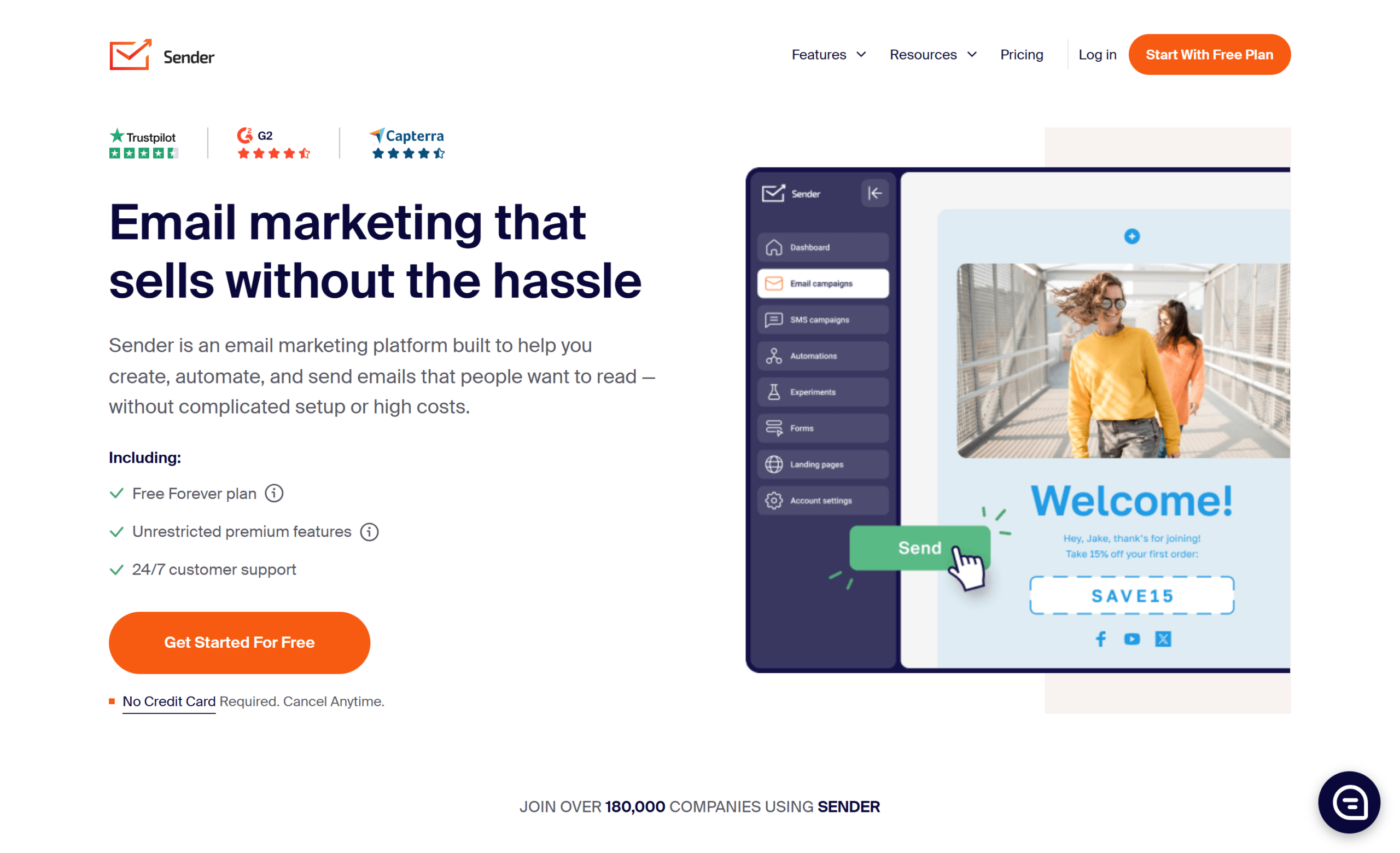
Sender targets small businesses that want basic email marketing and automation without spending more than they have to. The free plan is generous — 2,500 contacts and 15,000 emails per month — and the paid tiers stay affordable as your list grows.
What works well:
- Generous free tier (2,500 contacts, 15,000 emails/month)
- Clean drag-and-drop editor that loads fast
- Pre-built automation workflows for welcome sequences and abandoned carts
- Popup and form builder for list growth
- Integrations with Shopify and WooCommerce
Where it falls short:
- Template selection is limited on the free plan
- Automation features are basic compared to Mailercloud or ActiveCampaign
- Reporting is surface-level for teams that need campaign-level granularity
- No dedicated IP option on lower tiers
Pricing: Free for up to 2,500 subscribers and 15,000 emails/month. Paid plans start at approximately $15/month (as of May 2026).
Bottom line: Sender is a solid entry point if budget is your primary concern and you don’t need advanced automation or deliverability monitoring.
3. Brevo — Best for Multi-Channel (Email + SMS + CRM)
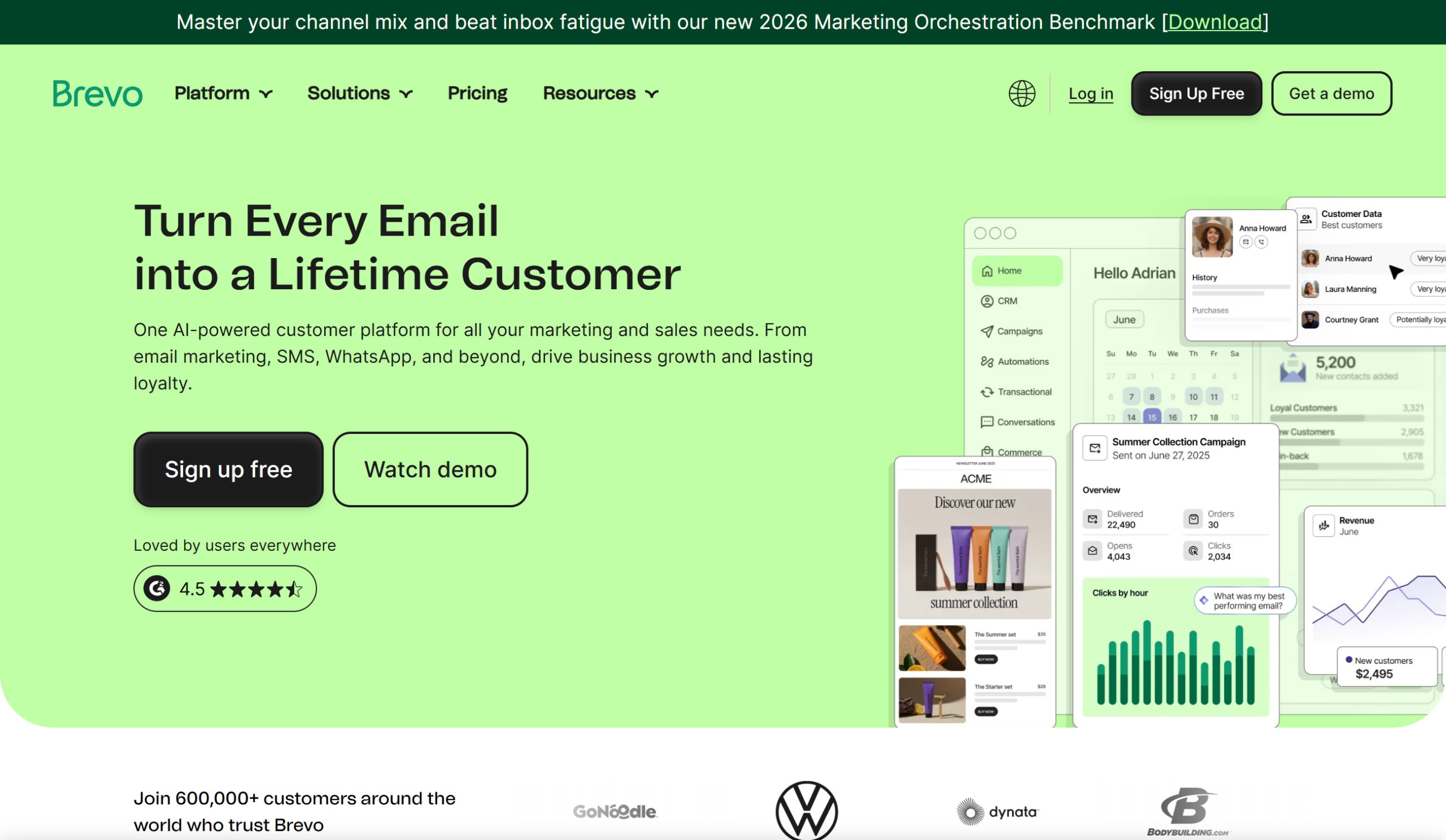
Brevo (formerly Sendinblue) combines email, SMS, and CRM into one platform. It’s the pick for businesses that want to manage customer communication across multiple channels without stitching together separate tools. If you’re currently using Brevo and want to evaluate other options, we’ve put together a detailed comparison of top Brevo alternatives.
What works well:
- Email and SMS marketing in one dashboard
- Built-in CRM for contact management
- Transactional email support (order confirmations, receipts)
- Behavior-based automation workflows
- WhatsApp campaign support on higher plans
Where it falls short:
- Free plan caps sends at 300 emails per day — a hard limit that blocks large campaigns
- Interface feels complex for users who only need email
- Advanced reporting and A/B testing locked behind paid plans
- Pricing jumps significantly once you exceed base volume
Pricing: Free for up to 300 emails/day (unlimited contacts). Paid plans start at $9/month for 5,000 emails/month (as of May 2026).
Bottom line: Brevo makes sense if you need email + SMS + CRM in one place. For email-only bulk sending, Mailercloud gives you better deliverability tools and no daily send caps at a lower starting price.
4. Mailchimp — Best for Brand Recognition and Ecosystem
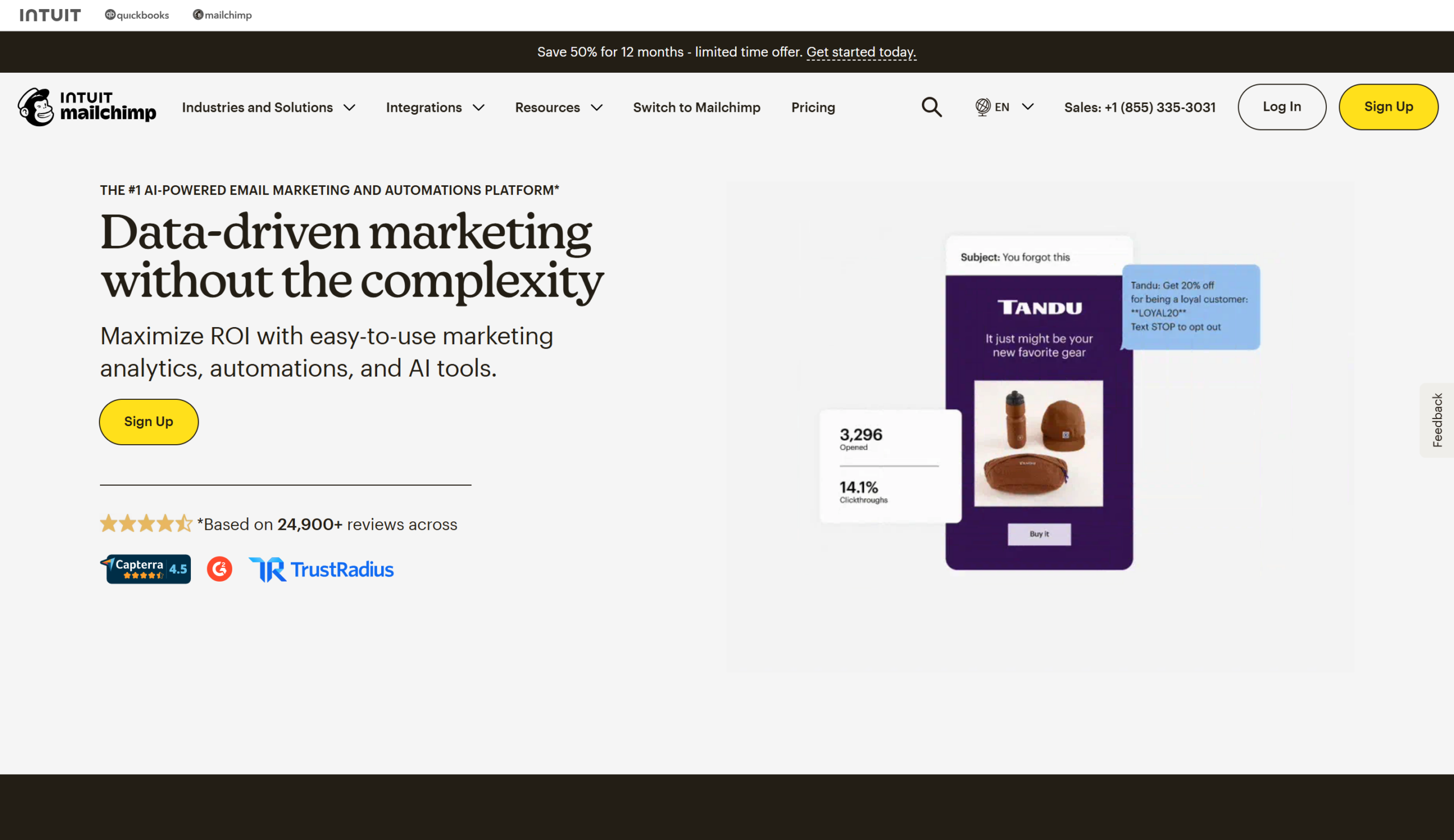
Mailchimp is the most widely recognized email marketing platform, with a large template library, broad integrations, and AI-assisted content tools. It’s the default choice for many small businesses — though that name recognition comes with higher pricing. Looking for options? Check out the best Mailchimp alternatives.
What works well:
- Massive template library (hundreds of designs)
- AI content assistant for subject lines and body copy
- A/B testing on subject lines, send times, and content
- 300+ integrations with third-party tools
- Customer journey builder with branching logic
Where it falls short:
- Pricing climbs fast — $13/month at entry, and costs escalate as contacts grow
- Charges for unsubscribed contacts on your list
- Free plan limited to 500 contacts and 1,000 sends/month
- Automation on the free plan is minimal
- Customer support limited to email-only on lower tiers
Pricing: Free for 500 contacts and 1,000 emails/month. Paid plans start at $13/month (as of May 2026).
Bottom line: Mailchimp works if you need a huge integration ecosystem and are willing to pay for it. For comparable features at roughly half the price, compare Mailercloud vs Mailchimp.
5. Mailtrap — Best for Developer-Led Transactional + Bulk Sending
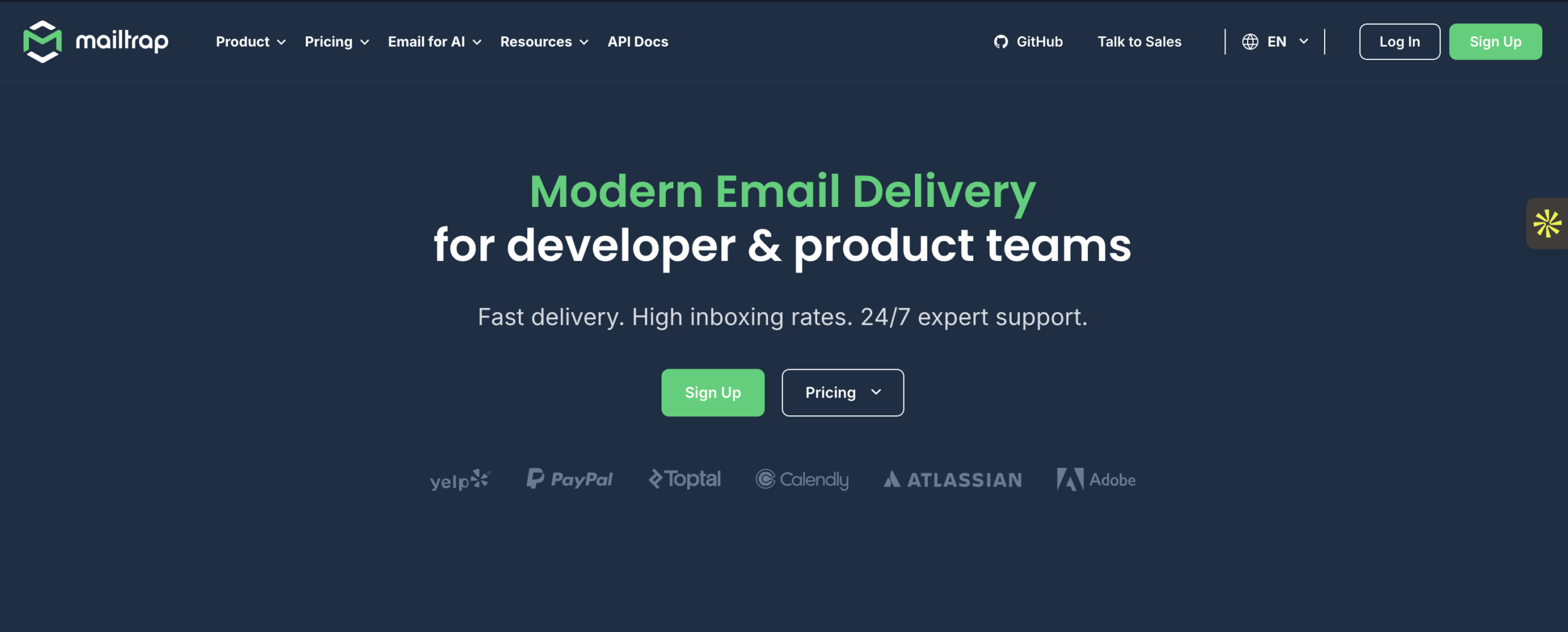
Mailtrap is built for development teams and SaaS products that need to send both transactional and bulk emails through API or SMTP. Its standout feature is separate sending streams — transactional emails (password resets, receipts) and marketing emails run on isolated infrastructure, so a bulk campaign spike won’t tank your transactional delivery.
What works well:
- Separate sending streams for transactional vs. bulk email
- Real-time analytics with bounce, spam, and engagement tracking
- API-first architecture designed for developers
- Email testing sandbox for previewing emails before sending
- 24/7 deliverability specialist support
Where it falls short:
- Fewer third-party marketing integrations than Mailchimp or Brevo
- Automation capabilities are basic compared to dedicated marketing platforms
- Free plan limited to a single user
- Less suitable for non-technical marketers who prefer drag-and-drop builders
Pricing: Free for 1,000 emails/month. Paid plans start at $15/month for 10,000 emails (as of May 2026).
Bottom line: Mailtrap is the right choice if your dev team manages email infrastructure and you need clean separation between transactional and marketing sends. Marketers without technical resources will find Mailercloud’s visual builder more practical.
6. SendGrid — Best for API-First High-Volume Sending
SendGrid (owned by Twilio) is a developer-focused bulk email sender for applications that need to send programmatically at scale. It’s the infrastructure layer — not a marketing platform — and it excels at high-volume transactional and API-driven campaigns.
If SendGrid’s developer-heavy approach isn’t the right fit, here are some SendGrid alternatives worth evaluating.
What works well:
- Well-documented REST API with client libraries in 7 languages
- Email validation tools to clean lists before sending
- Real-time event webhooks for delivery tracking
- Scales to millions of emails per day
- Detailed analytics on deliverability and engagement
Where it falls short:
- Requires technical knowledge to get full value from the API
- Visual campaign builder is basic compared to marketing-focused tools
- Free plan limited to 100 emails/day
- Support response times can lag on lower tiers
- Marketing automation features are an afterthought
Pricing: Free for 100 emails/day. Paid plans start at $15/month for 25,000 emails (as of May 2026).
Bottom line: SendGrid fits dev teams that need raw sending infrastructure with API flexibility. For marketers who want a visual builder, automation workflows, and deliverability monitoring without writing code, Mailercloud is the better fit.
7. Constant Contact — Best for Events and Non-Profits
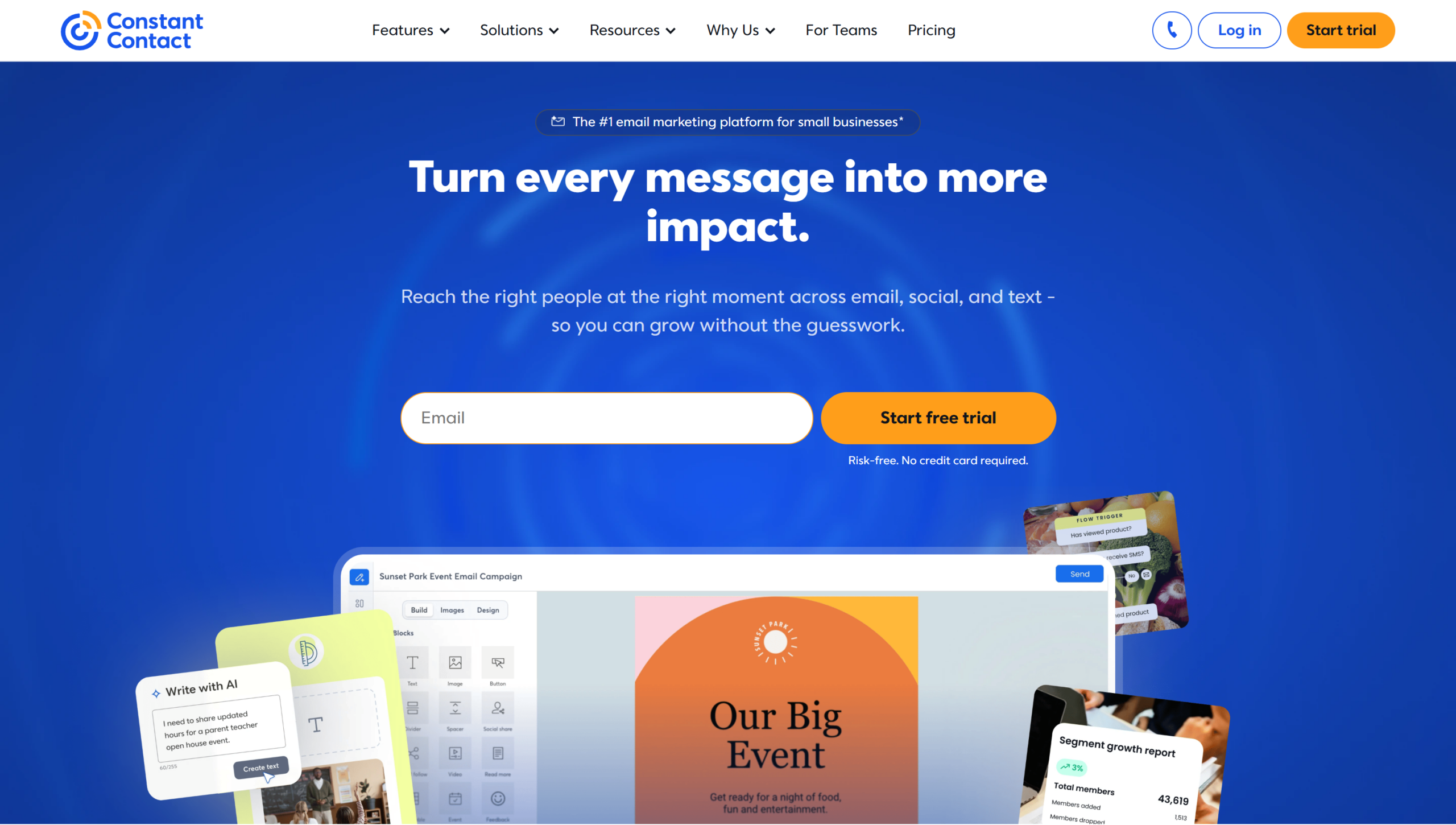
Constant Contact has been around since 1995 and focuses on small businesses, non-profits, and organizations that run event-based marketing. Its event management tools (RSVP tracking, ticket sales, calendar integrations) are genuinely useful — but the core email features feel dated compared to newer platforms. If you’re comparing these two directly, see our in-depth Constant Contact vs Mailchimp comparison.
For a deeper look at modern options, see our guide to Constant Contact alternatives.
What works well:
- Built-in event management with RSVP and ticket tracking
- Social media posting and ads from the same dashboard
- Customizable email templates with a simple editor
- Non-profit discount program
- List segmentation by engagement level
Where it falls short:
- No permanent free plan — only a 60-day trial
- Automation capabilities lag behind most competitors on this list
- Interface feels legacy compared to modern platforms
- Pricing increases sharply as your contact list grows
- A/B testing limited to subject lines only
Pricing: No free plan. Paid plans start at $12/month (as of May 2026).
Bottom line: Constant Contact is defensible if you’re a non-profit or events-heavy organization that values its built-in event tools. For pure bulk email sending, newer platforms like Mailercloud offer more features at $7/month with a permanent free plan.
8. GetResponse — Best for Webinars and Sales Funnels
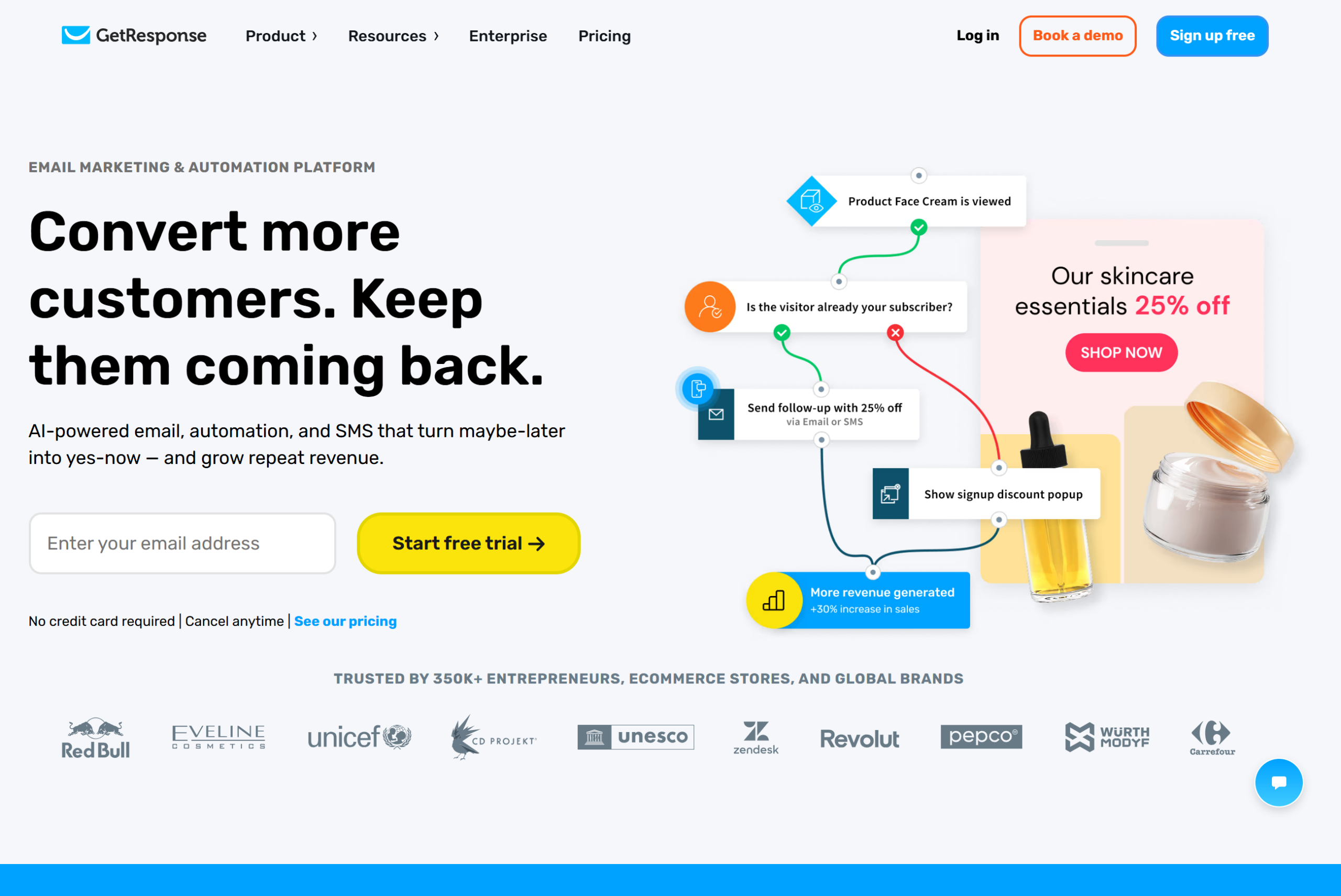
GetResponse combines email marketing with built-in webinar hosting, landing page builders, and sales funnel tools. It’s the pick for marketers who want to run webinar-based lead generation alongside their email campaigns without separate tools.
What works well:
- Built-in webinar hosting (live and automated)
- AI-powered email content and send-time optimization
- Conversion funnel builder for lead generation
- Landing page builder with A/B testing
- SMS marketing on higher-tier plans
Where it falls short:
- Free plan is extremely limited (500 contacts, no automation)
- Pricing starts at $15.58/month — nearly double Mailercloud’s entry point
- Advanced segmentation and automation locked behind higher tiers
- Interface can feel overwhelming for teams that only need email
- Webinar quality doesn’t match dedicated webinar platforms
Pricing: Limited free plan for 500 contacts. Paid plans start at $15.58/month (as of May 2026).
Bottom line: GetResponse works if webinars are core to your marketing strategy. If you primarily need bulk email sending with automation, Mailercloud does it at less than half the cost.
9. Campaign Monitor — Best for Design-Focused Teams
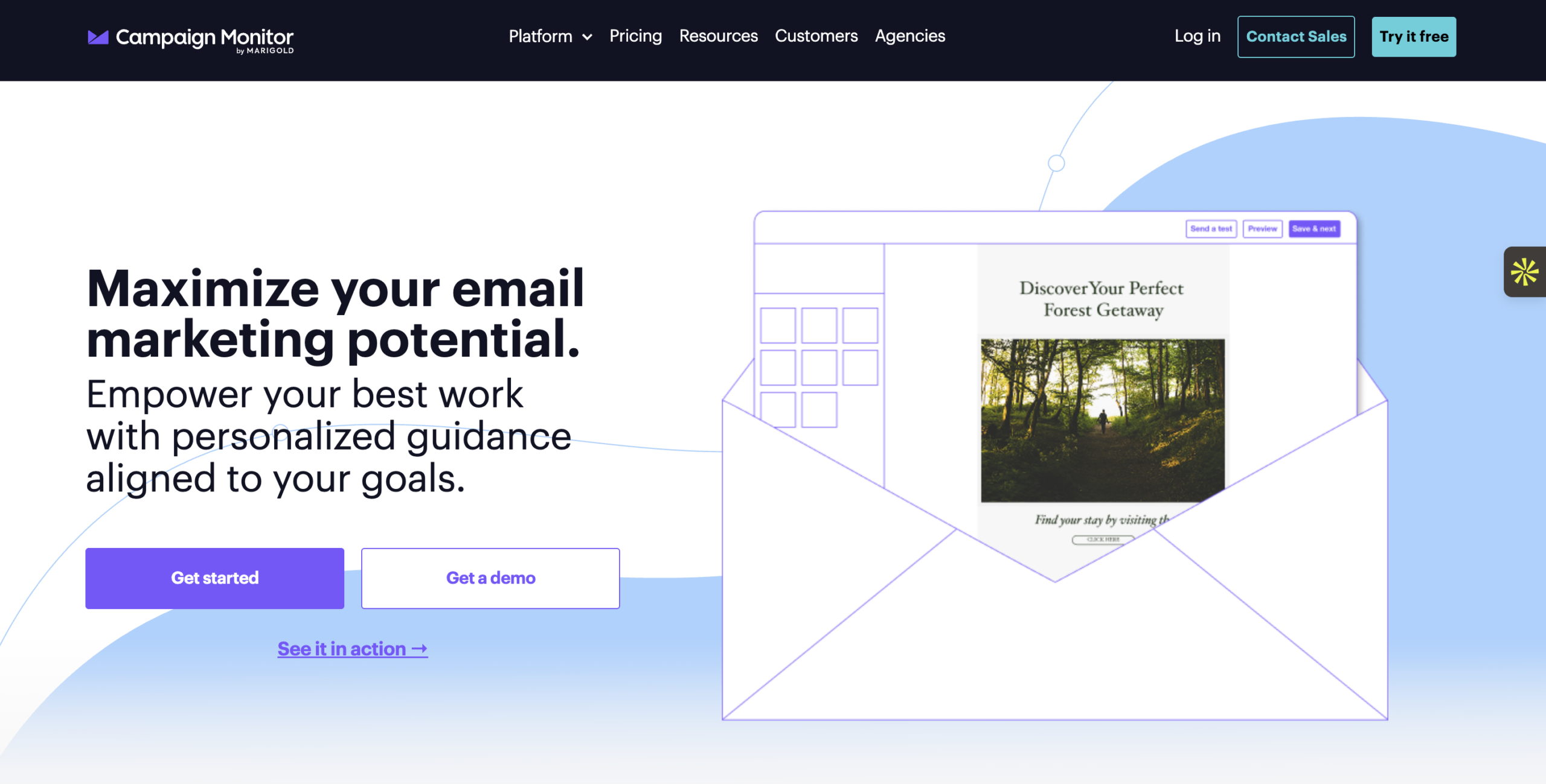
Campaign Monitor targets marketing teams that prioritize email design consistency and detailed campaign analytics. Its template editor produces clean, responsive emails — and the reporting dashboard is more visual than most competitors.
What works well:
- High-quality email template designer with pixel-level control
- Behavioral targeting based on user actions
- Detailed reports with click heatmaps and engagement insights
- Transactional email support for ecommerce
- Link review and pre-send testing tools
Where it falls short:
- No permanent free plan — trial only
- Pricing is based on email volume, which adds up for frequent senders
- Automation features are limited compared to platforms like GetResponse or Mailercloud
- Integration library is smaller than Mailchimp’s
- Entry plan restricts to 2,500 emails/month
Pricing: No free plan. Paid plans start at $9/month for 2,500 emails (as of May 2026).
Bottom line: Campaign Monitor is the choice for design-focused teams that care deeply about visual email quality. For most bulk email senders, the limited automation and lack of a free plan make it less practical than Mailercloud.
10. AWeber — Best for Simple Newsletters
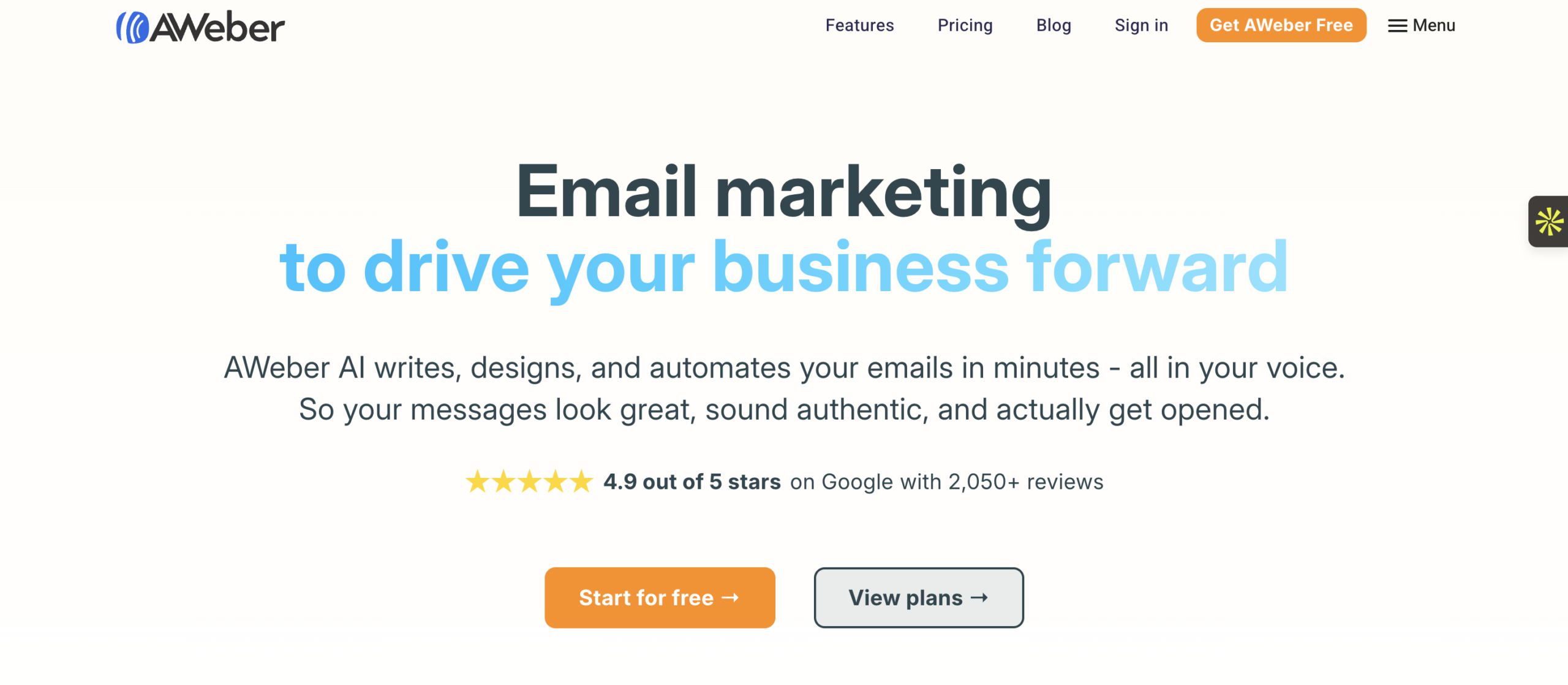
AWeber focuses on straightforward newsletter sending for small businesses and entrepreneurs. The platform is easy to learn, the templates are mobile-responsive, and the landing page builder helps with list growth. But the feature set hasn’t evolved as fast as newer competitors.
What works well:
- Responsive email templates that work well on mobile
- Simple list management and tagging
- A/B testing for subject lines and content
- Built-in landing page builder
- Canva integration for in-app design
Where it falls short:
- Automation features are basic on the free plan
- No built-in SMS marketing
- Template designs feel dated compared to Campaign Monitor or Mailchimp
- Pricing jumps to $19.99/month — expensive for what you get
- Advanced workflows require higher-tier plans
Pricing: Free for 500 subscribers and 3,000 emails/month. Paid plans start at $19.99/month (as of May 2026).
Bottom line: AWeber works for solo entrepreneurs who want a simple newsletter tool. But at $19.99/month, it’s nearly 3x the cost of Mailercloud while offering fewer features. We also tested how AWeber stacks up against Mailchimp head to head.
11. MailBluster — The Most Affordable Bulk Emailing
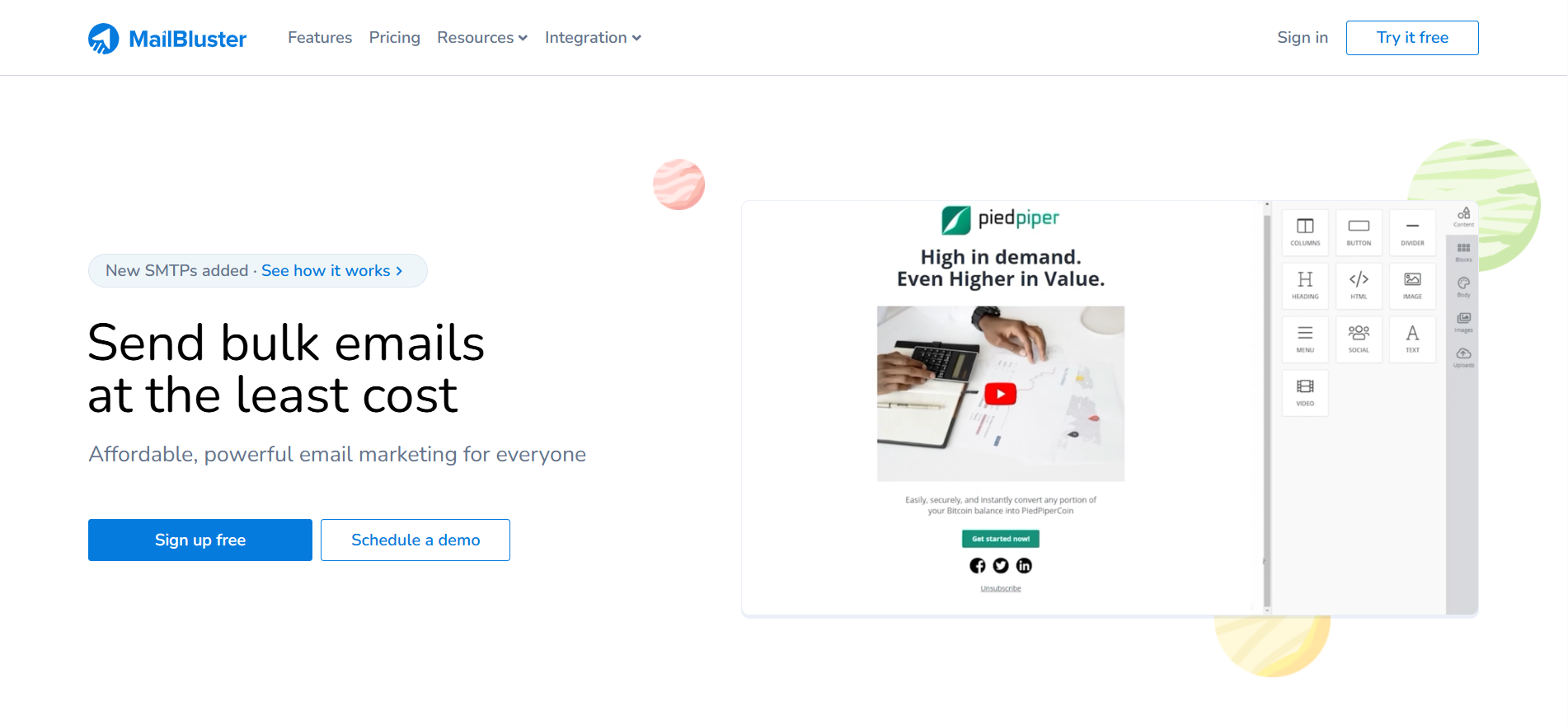
MailBluster is a bulk email sender built around one principle: powerful email marketing shouldn’t cost a fortune. It helps businesses send campaigns to unlimited subscribers while keeping overall costs low. Instead of operating as a closed system, MailBluster integrates with multiple SMTP providers, including Amazon SES, Postmark, Mailgun, and SMTP2GO, giving users full control over their sending infrastructure and pricing.
This makes it a practical choice for startups, agencies, and growing businesses that care more about cost efficiency and scalability than bundled marketing suites.
What works well:
- Supports multiple SMTP providers for flexible sending setup
- AI content assistant for personalized email copy
- Unlimited subscribers without per-contact pricing
- Drag-and-drop editor for creating email campaigns
- Built-in responsive HTML email template gallery
- Segmentation options for targeting specific audiences
- Automation for scheduled and triggered campaigns
- Real-time campaign tracking and analytics
- API access for custom workflows and integrations
Where it falls short:
- Requires SMTP setup for Free & Pro plans
- Annual billing structure for paid plans
- Limited advanced CRM-style marketing features
- Fewer native integrations compared to larger email marketing platforms
Pricing: Free “Starter plan” includes up to 3,000 email sends. Paid plans start at $60/year ($5/month) for Pro and $120/year ($10/month) for Executive (as of May 2026).
Bottom line: If keeping email marketing costs low is a priority and you’re comfortable connecting an external SMTP provider, then MailBluster offers an unbeatable mix of unlimited subscribers, flexible infrastructure, and solid campaign management tools starting at $5/month.
Which Bulk Email Sender Should You Pick?
The right bulk email sender depends on your sending volume, technical resources, and what you need beyond basic email campaigns. See our full roundup of the best email marketing software in 2026.
If you want the best overall value with modern features: Start with Mailercloud. The free plan covers 1,000 contacts and 12,000 emails/month, and paid plans start at $7/month. Inbox Tracker and AMP Emails are features you won’t find at this price elsewhere.
If you need email + SMS + CRM in one platform: Brevo is the multi-channel option, though the 300 emails/day free limit is restrictive.
If your dev team manages email infrastructure: Mailtrap or SendGrid give you API-first sending with separate transactional streams.
If webinars drive your marketing: GetResponse’s built-in webinar hosting saves you from a separate tool.
If budget is everything and you send high volume: Moosend’s unlimited sends on paid plans keep costs predictable.
If you’re a non-profit with event marketing needs: Constant Contact’s event tools and non-profit discounts are hard to match.
For most businesses sending bulk email campaigns — newsletters, promotions, automated sequences — Mailercloud gives you the strongest combination of deliverability, features, and price.
Common Bulk Email Sending Mistakes to Avoid
Choosing the right bulk email sender is only half the equation. These mistakes tank deliverability regardless of which platform you use.
Skipping email authentication. If you haven’t configured SPF, DKIM, and DMARC for your sending domain, inbox providers treat your emails as unverified. Set up authentication before you send a single campaign.
Sending to stale lists. Email addresses decay at 2-3% per month. Sending to outdated lists generates hard bounces, which damage your sender reputation. Clean your list quarterly — or use a platform with built-in email verification.
Using your personal email domain. Sending bulk emails from [email protected] or a personal domain gets you flagged immediately. Use a verified business domain with proper DNS records.
No warm-up for new domains. A brand-new sending domain that blasts 10,000 emails on day one will land in spam. Start with 100-200 sends per day and scale up over 2-4 weeks.
Ignoring engagement metrics. Open rates, click rates, and spam complaints tell you whether your bulk emails are working. If your open rate drops below 15%, your content or targeting needs attention — not your send volume.
How to Send Bulk Emails Without Landing in Spam
Deliverability is what separates a useful bulk email sender from a wasted investment. Follow these steps to keep your campaigns out of spam folders.
Authenticate your domain. Configure SPF, DKIM, and DMARC records in your DNS settings. Every bulk email sender on this list supports authentication — use it. Mailercloud’s built-in deliverability tools walk you through the setup.
Segment your audience. Don’t send the same email to your entire list. Use segmentation to group contacts by behavior, demographics, or engagement level. Targeted emails get higher open rates, which signals to inbox providers that your emails are wanted.
Watch your content. Avoid all-caps subject lines, excessive exclamation marks, and spam-trigger phrases (“Act now!!!”, “100% free”, “Click here”). Write subject lines that match what’s inside the email.
Include a clear unsubscribe link. This isn’t optional — it’s legally required under CAN-SPAM and GDPR. Every bulk email sender on this list handles this automatically, but make sure it’s visible and works.
Monitor bounce rates. If your hard bounce rate exceeds 2%, pause and clean your list. Persistent high bounces will get your sending IP blacklisted. Mailercloud’s blacklist monitoring alerts you before that happens.
Frequently Asked Questions
What is the best bulk email sender in 2026?
Mailercloud is the best bulk email sender in 2026 for most businesses, combining Inbox Tracker deliverability monitoring, AMP Email support, visual automation, and 24/7 support starting at $7/month. Other strong options include Brevo for multi-channel needs, SendGrid for developer-led teams, and Moosend for high-volume senders on a tight budget.
How can I send 10,000 emails a day for free?
Mailercloud’s free plan allows up to 12,000 emails per month (approximately 400 per day) for up to 1,000 contacts. No free plan on the market supports 10,000 daily sends — you’ll need a paid plan. Mailercloud’s paid plans start at $7/month with higher daily limits and dedicated infrastructure for large-volume sending.
What is the difference between a bulk email sender and a transactional email service?
A bulk email sender sends one campaign to many recipients — newsletters, promotions, announcements. A transactional email service sends one-to-one emails triggered by user actions — password resets, order confirmations, shipping notifications. Some platforms like Mailercloud and Brevo handle both through separate sending streams or Email API access.
Is it legal to send bulk emails?
Sending bulk emails is legal as long as you comply with regulations like CAN-SPAM (US), GDPR (EU), and CASL (Canada). Requirements include: only emailing people who opted in, including a working unsubscribe link, identifying yourself clearly, and honoring unsubscribe requests within 10 business days. Mailercloud includes built-in compliance tools for unsubscribe management and consent tracking.
Can I send bulk emails from Gmail?
Gmail limits individual accounts to 500 sends per day (2,000 for Google Workspace). It’s not designed for bulk email — no analytics, no automation, no deliverability monitoring. For sending at scale, use a dedicated bulk email sender like Mailercloud, which handles authentication, list management, and inbox placement automatically.
How do I improve bulk email deliverability?
Mailercloud recommends five steps to improve bulk email deliverability: authenticate your domain (SPF, DKIM, DMARC), warm up new sending domains gradually, segment your audience for targeted sends, clean your contact list quarterly to remove invalid addresses, and monitor inbox placement using tools like Mailercloud’s Inbox Tracker.

As a Marketing Director, I develop and implement marketing strategies, conduct market research, and manage a team of marketing professionals. With a successful track record of launching campaigns that drive revenue growth, I bring my marketing expertise to blog writing, creating engaging content that promotes the brand and its products/services.